Our Top Picks
- The Verdict: A marvel of engineering that prioritizes portability and eye health without losing the pro-tablet feel.
- Best For: Mobile professionals and students who need a lightweight, high-performance device for multitasking and document editing.
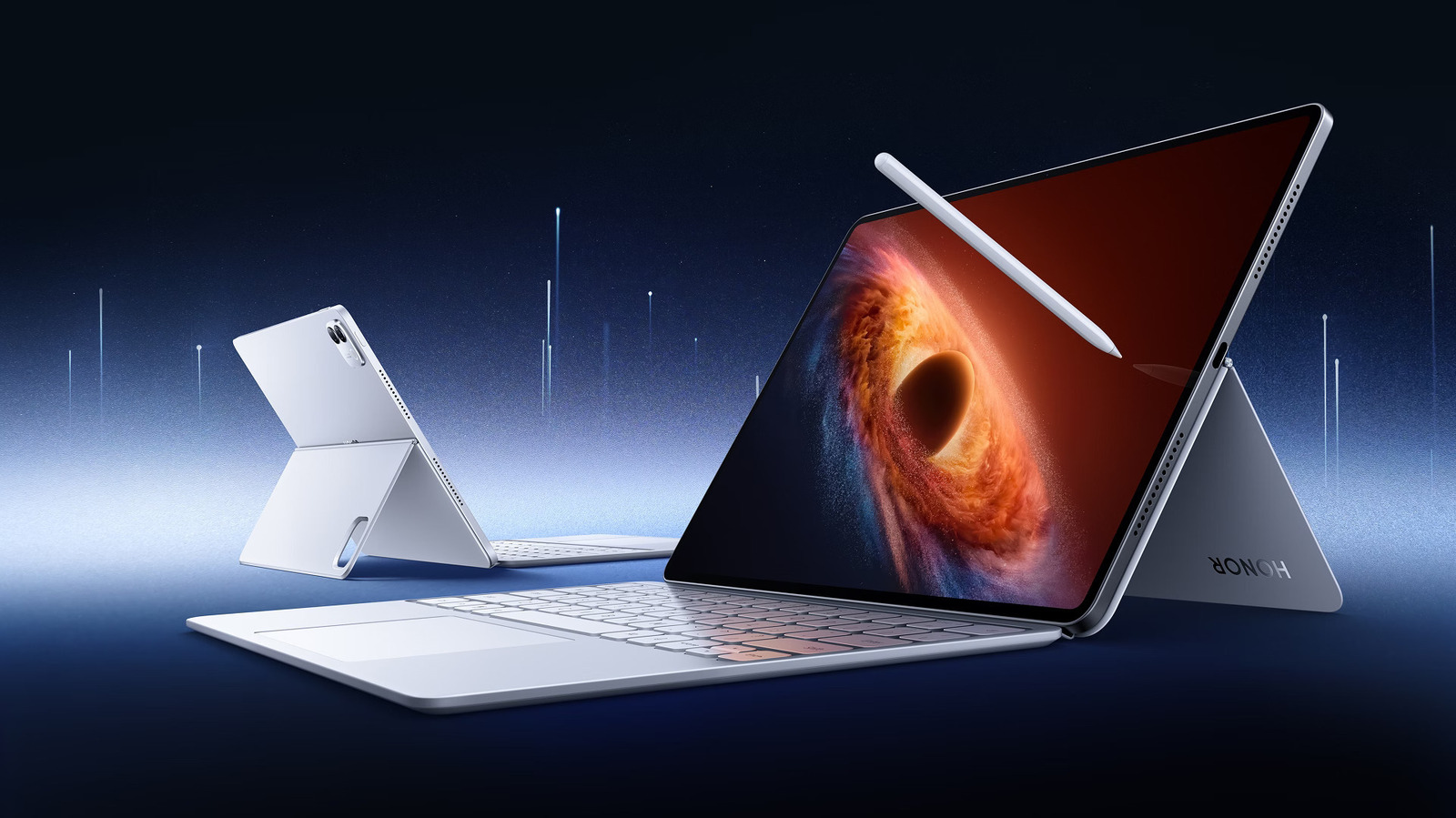
- Key Advantage: The Honor MagicPad4 review reveals it is indeed the slimmest Android tablet 2026, measuring a mere 4.8mm, making it a thinner, more eye-friendly alternative to the iPad Pro for mobile professionals.
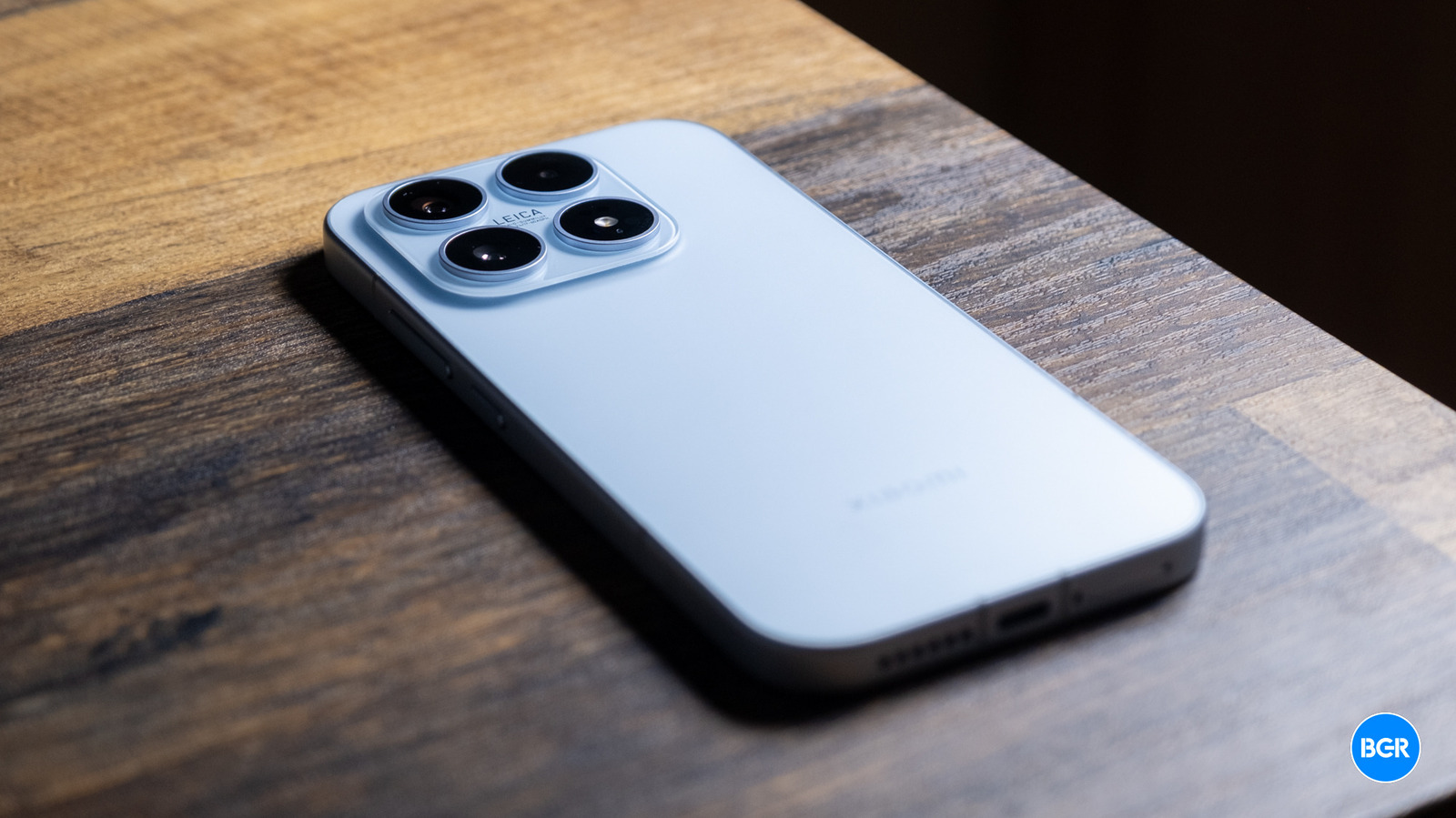
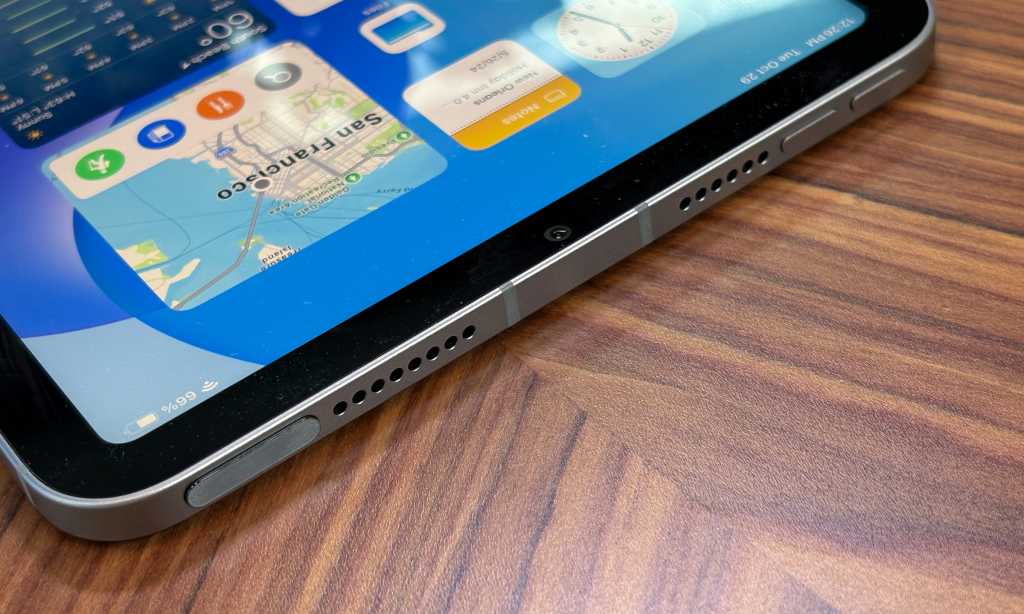
The Honor MagicPad4 is one of the thinnest tablets of 2026, measuring just 4.8mm thick and weighing approximately 450g. This ultra-slim design is thinner than the M4 iPad Pro and Samsung Galaxy Tab S10 Ultra, offering extreme portability for travel and one-handed use without sacrificing premium build quality or structural integrity. By combining a 3:2 productivity aspect ratio with a desktop-class software environment, it successfully bridges the gap between a media consumption slate and a serious work machine.
| Feature | Honor MagicPad4 | Apple iPad Pro M4 (13-inch) | Samsung Galaxy Tab S10 Ultra |
|---|---|---|---|
| Thickness | 4.8mm | 5.1mm | 5.4mm |
| Weight | ~450g | 579g | 718g |
| Display Ratio | 3:2 | 4:3 | 16:10 |
| Peak Brightness | 2400 nits | 1600 nits | 1750 nits |
| Battery Tech | Silicon-Carbon | Lithium-Polymer | Lithium-Ion |
Physical Engineering: The 4.8mm Crescent Structure
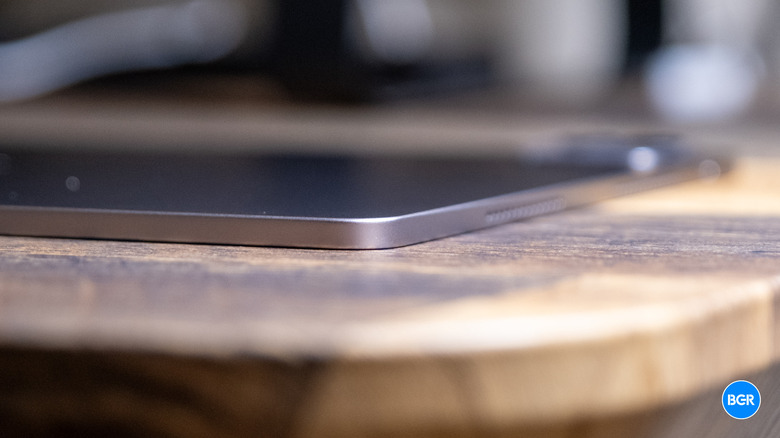
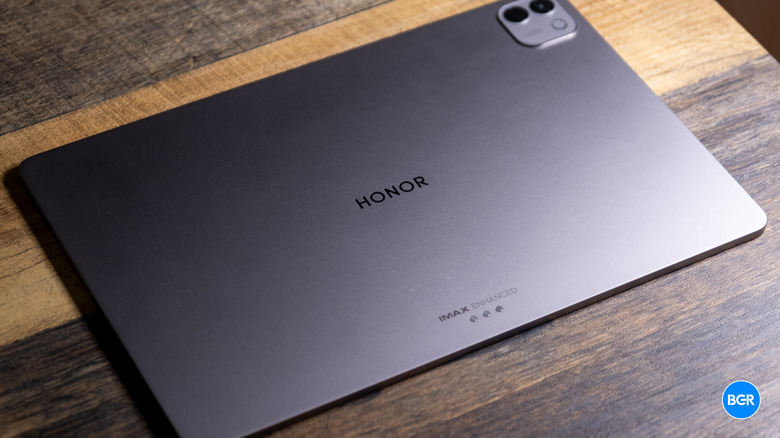
When I first held the Honor MagicPad4, my immediate instinct was to handle it with extreme caution. At such a reduced profile, you expect some degree of flex or fragility. However, the engineering behind this chassis is surprisingly robust. Honor utilizes what they call a Crescent Structure, which incorporates aerospace-grade fiber materials to maintain rigidity. It feels remarkably solid in the hand, lacking the "hollow" sensation sometimes found in ultra-light electronics.
The practical benefits of 4.8mm ultra thin tablet design for travel cannot be overstated. During a recent cross-country flight, the MagicPad4 disappeared into the document sleeve of my carry-on, a space usually reserved for a single magazine. At roughly 450 grams, it is light enough to hold aloft for an hour-long reading session in bed without the usual wrist fatigue that accompanies 12-inch tablets.
However, engineering this thin comes with ergonomic trade-offs. The bezels are incredibly narrow to maximize the screen-to-body ratio, which occasionally leads to accidental touches when holding the device in portrait mode. While the software palm rejection is competent, it isn't perfect. You also have to grow accustomed to the sheer thinness; picking it up from a flat marble table can be a bit of a challenge if you don't have long fingernails to get under the edge.
Display & Audio: 165Hz OLED and 5280Hz PWM
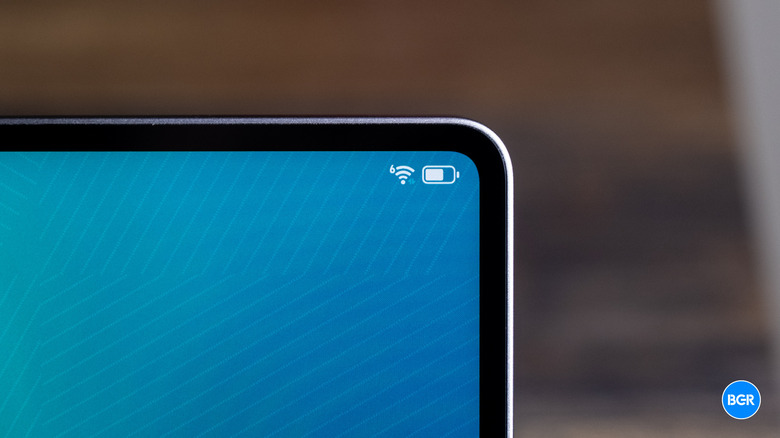
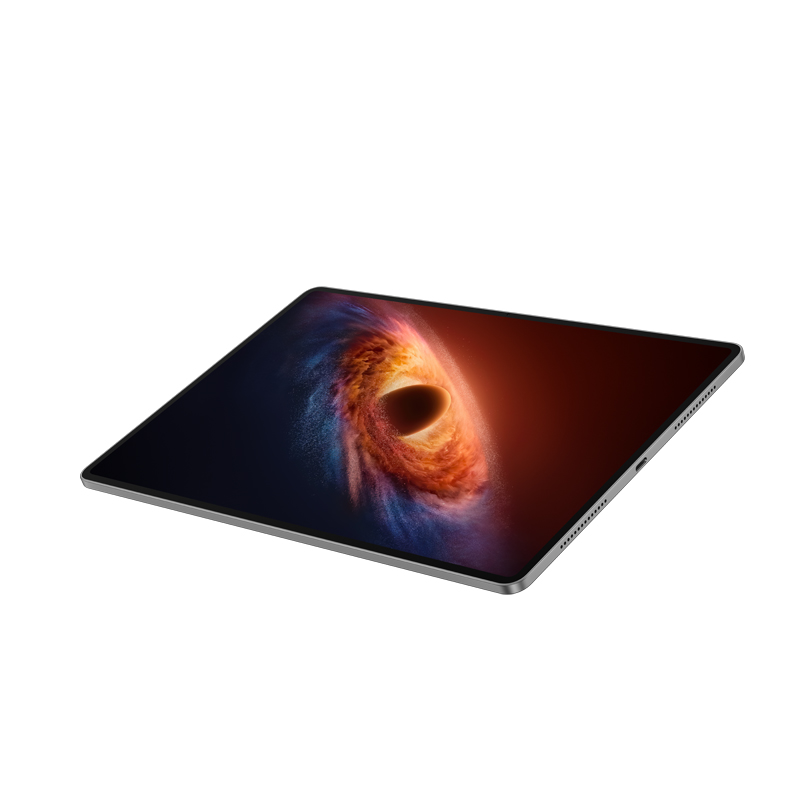
The centerpiece of the MagicPad4 experience is undoubtedly the 12.3-inch 3K OLED panel. In the flagship Android tablet market, we have come to expect high-quality displays, but Honor has pushed the boundaries of visual health here. The device is equipped with a 12.3-inch OLED display that supports a 165Hz refresh rate and a peak brightness of up to 2,400 nits.
During my outdoor testing under direct midday sun, the 2400 nits peak brightness ensured that spreadsheets remained perfectly legible. But for me, the real win is the 5280Hz PWM dimming. High-frequency PWM dimming is critical for users who suffer from eye strain during late-night usage. Honor MagicPad4 AI Defocus Display and eye comfort features work by simulating the refractive effects of defocus glasses, which supposedly helps reduce transient myopia. While I can't scientifically verify the long-term medical claims, I can say that after four hours of continuous document editing at night, my eyes felt significantly less "gritty" than they usually do after using an iPad.
The Honor MagicPad4 165Hz OLED display performance is complemented by an eight-speaker spatial audio system. Usually, when a device gets this thin, the speakers are the first thing to suffer—they often sound tinny or lack volume. Surprisingly, Honor has managed to maintain a decent soundstage. The spatial audio effect is genuinely noticeable when watching movies, providing a wider sense of atmosphere than you would expect from a 4.8mm slab.
Productivity: MagicOS 10 and the PC Mode Reality
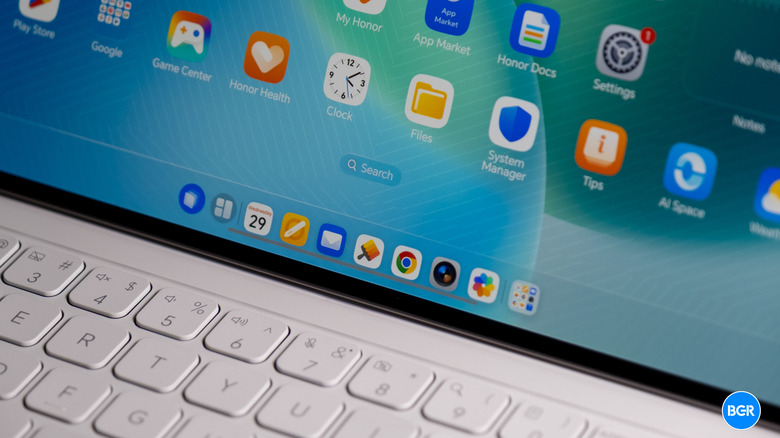
The debate over whether a tablet can replace a laptop usually dies at the software level. With MagicOS 10, Honor is making its strongest case yet for a desktop-class window management system. The PC Mode allows for a flexible layout that feels much closer to Windows or macOS than the rigid split-screen of standard Android.
One of the most impressive feats is how the system handles multitasking. In my testing, I was able to maintain a workflow with a dozen active windows—including a browser, Slack, a Word document, and a video call—without the system aggressively killing background tasks. The 3:2 productivity aspect ratio is the hero here; it provides more vertical real estate than a standard widescreen tablet, which is essential for reading long documents or coding.
When comparing the Honor MagicPad4 vs iPad Pro for productivity, the difference lies in philosophy. iPadOS uses Stage Manager to try and reinvent windowing, which often feels restrictive. MagicOS 10 simply gives you a desktop. You can drag, resize, and layer windows as you see fit. However, the "app gap" still exists. While Honor has optimized many professional apps, there are still some Android applications that simply don't know what to do with a 3:2 screen, resulting in awkward stretching or "pillar-boxing."
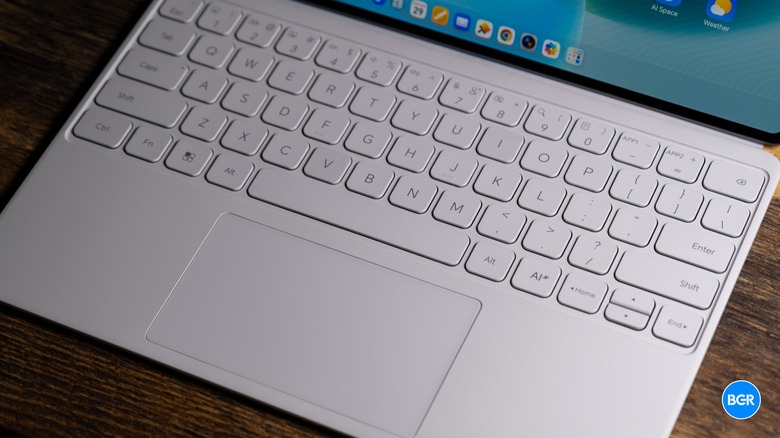
Learning how to use Honor MagicPad4 PC Mode for work effectively requires the optional keyboard accessory. Interestingly, the keyboard lacks a trackpad, which forces you to rely on the touchscreen or an external mouse. While this keeps the accessory slim, it does highlight a gap in the Honor MagicPad4 vs iPad Pro M4 comparison for multitasking where the Magic Keyboard’s trackpad offers a more traditional laptop feel.
Performance and Battery: Silicon-Carbon Efficiency
Under the hood, the tablet is powered by the Qualcomm Snapdragon 8 Gen 5 chipset, a 3nm processor that provides a massive leap in efficiency. In benchmarks, the Snapdragon 8 Gen 5 handles sustained loads without the thermal throttling I expected in such a thin chassis. Honor’s thermal management seems to use the entire backplate as a heat sink, which keeps the device cool during intensive tasks like 4K video editing, though it can get quite warm to the touch during gaming.
Perhaps the most impressive technical achievement is the 10,100mAh battery. In a 4.8mm body, a traditional lithium battery would have to be significantly smaller. Honor utilizes Silicon-carbon battery technology, which offers much higher energy density. This allows them to cram a massive capacity into a tiny space.
In my real-world tests, Honor MagicPad4 battery life for a full workday was reliable. Starting at 8:00 AM with 100%, and moving through a day of emails, document editing, and several Zoom calls, I ended the day at 6:00 PM with roughly 18% remaining. When you do need to top up, the 66W SuperCharge can bring the device from zero to 50% in about 40 minutes, which is respectable, though slower than some of Honor’s flagship smartphones.
Verdict: The Cost of Ownership
At approximately £599.99, the MagicPad4 occupies a competitive space. It is significantly cheaper than the 13-inch M4 iPad Pro while offering a display and build quality that rival or exceed it in specific areas. Honor has also committed to a 6-year update policy, which addresses one of the long-standing complaints about Android tablet longevity.
Is it the ultimate tablet? If your priority is a professional creative workflow involving specialized apps like Procreate or Final Cut, the iPad Pro still wins on software ecosystem depth. However, for mobile professionals who spend their time in browsers, documents, and cross-device collaboration, the MagicPad4 is a superior value proposition. It feels like the future of mobile hardware—a device so thin it feels like a sheet of digital paper, but powerful enough to run a desktop environment.
FAQ
Is the Honor MagicPad 4 worth buying?
Yes, especially if you prioritize portability and display quality. It offers a premium 4.8mm design and a 165Hz OLED screen that is easier on the eyes than most competitors. If you are already in the Honor or Android ecosystem, it is one of the most capable productivity tablets available in 2026.
How long does the battery last on the MagicPad 4?
Despite its ultra-slim profile, the 10,100mAh silicon-carbon battery comfortably lasts a full workday of mixed productivity. In my testing, it provided about 9-10 hours of active screen time involving document work, browsing, and video meetings.
Does the Honor MagicPad 4 support a keyboard and stylus?
Yes, Honor offers a dedicated Magic-Link Keyboard and the Magic-Pencil 4. The keyboard is ultra-slim to match the tablet's profile, though it lacks a trackpad. The stylus offers 4096 levels of pressure sensitivity and is excellent for note-taking and digital sketching.
How good is the display quality on the MagicPad 4?
The display is world-class. With a 3K resolution, 165Hz refresh rate, and 2400 nits peak brightness, it is vibrant and sharp even in outdoor settings. The 5280Hz PWM dimming also makes it one of the most eye-friendly tablets on the market for long-term use.
Is the Honor MagicPad 4 suitable for gaming?
The Snapdragon 8 Gen 5 chipset makes it very capable for gaming. It can handle demanding titles at high frame rates. However, because the tablet is so thin, it can become noticeably warm during extended gaming sessions, and the 3:2 aspect ratio may lead to black bars in some games optimized for 16:9 or 16:10 screens.