Quick Facts
- Average Laptop Lifespan: Most consumer models last between 3 and 5 years before performance or hardware issues arise.
- Average Desktop Lifespan: Stationary PCs typically provide 5 to 8 years of reliable service due to superior cooling and space.
- The Reliability Gap: Premium business-grade hardware can reach a 7-year lifespan, nearly double that of entry-level consumer models.
- Performance-per-Dollar: Desktops offer 30-50% more value over their lifetime because parts can be upgraded individually rather than replacing the whole unit.
- Maintenance Impact: Simple acts like cleaning out dust from vents can reduce internal temperatures by 20°C and prevent premature component death.
- Sustainability: Roughly 95% of a computer's carbon footprint comes from the manufacturing process, making laptop longevity a critical environmental factor.
Laptop longevity is primarily limited by thermal management and hardware constraints. While desktops typically last 5 to 8 years because their larger cases allow for superior airflow and cooling solutions, laptops often face thermal throttling and heat stress within 3 to 5 years. This heat buildup accelerates component degradation, while the compact form factor makes physical repairs and maintenance more difficult for the average user.
The Physics of Failure: Why Heat Kills Laptops
As a hardware editor, I often talk about the portability tax. This isn't just a higher price tag at the checkout; it is a tax paid in the currency of hardware endurance. When you shrink a powerful machine into a chassis less than an inch thick, you encounter severe form factor constraints. In a desktop, components like the CPU and GPU are cooled by massive heatsinks and multiple 120mm fans. In a laptop, these same components share a cramped space and a limited heat pipe system.
This design leads to laptop thermal management issues that simply don't exist in the desktop world. When a laptop runs hot, it engages in thermal throttling, which is the system intentionally slowing itself down to prevent a meltdown. While this saves the chip in the short term, the constant cycle of heating and cooling creates mechanical stress on the integrated circuitry and the solder joints that hold everything together. This heat dissipation efficiency—or lack thereof—is the primary reason why laptops fail sooner than their desktop counterparts.
Over time, this heat stress leads to the degradation of the motherboard and the battery. Most users notice their fans getting louder and their system getting slower after just two years. This is usually the result of dust accumulation in the tiny cooling fins, which further chokes the system. Unlike a desktop where you can pop the side panel and use some compressed air, many modern laptops are sealed with adhesive or proprietary screws, making basic cleaning a chore for the average professional.
The Modularity Trap: Why Repairing Laptops is Harder in 2026
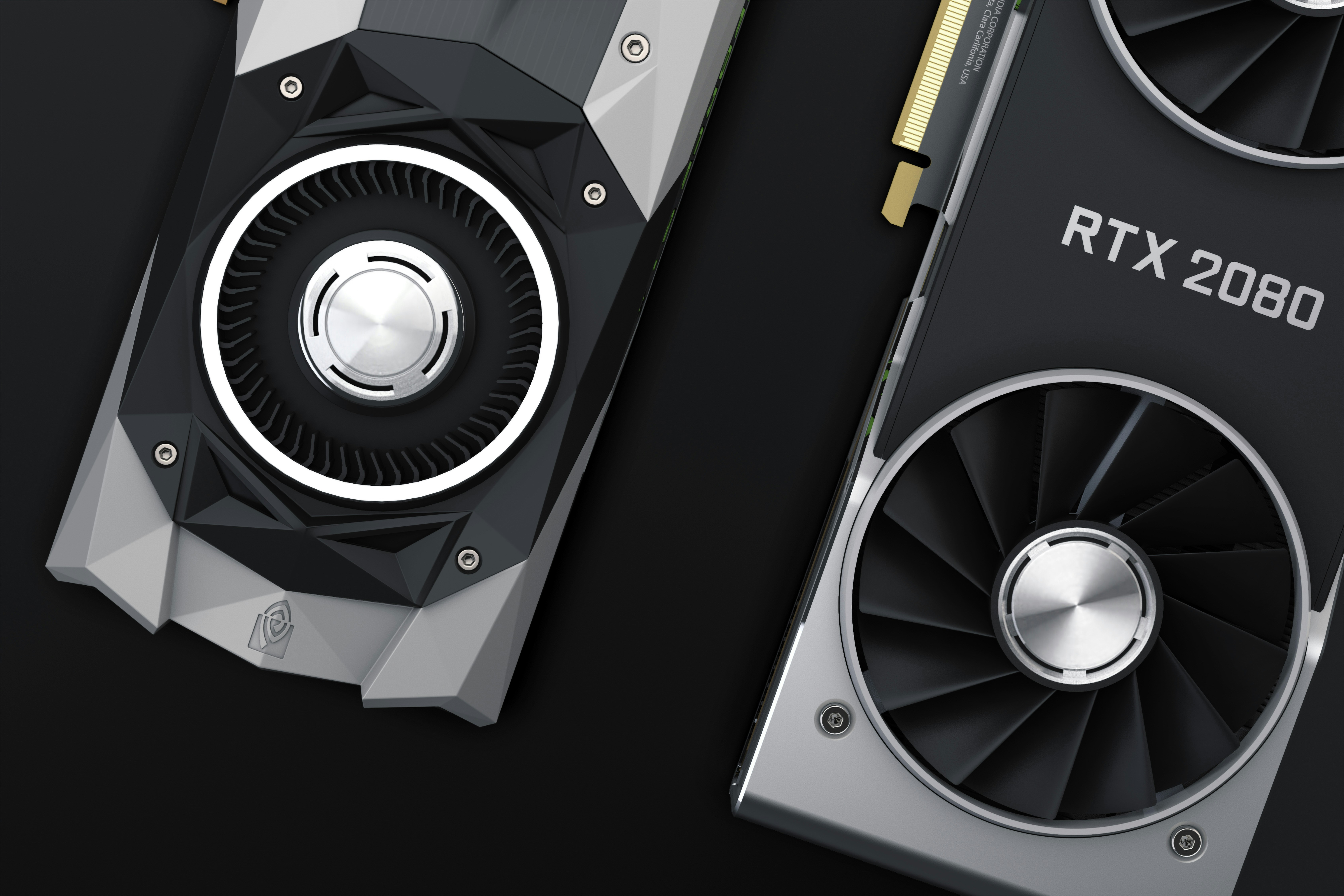
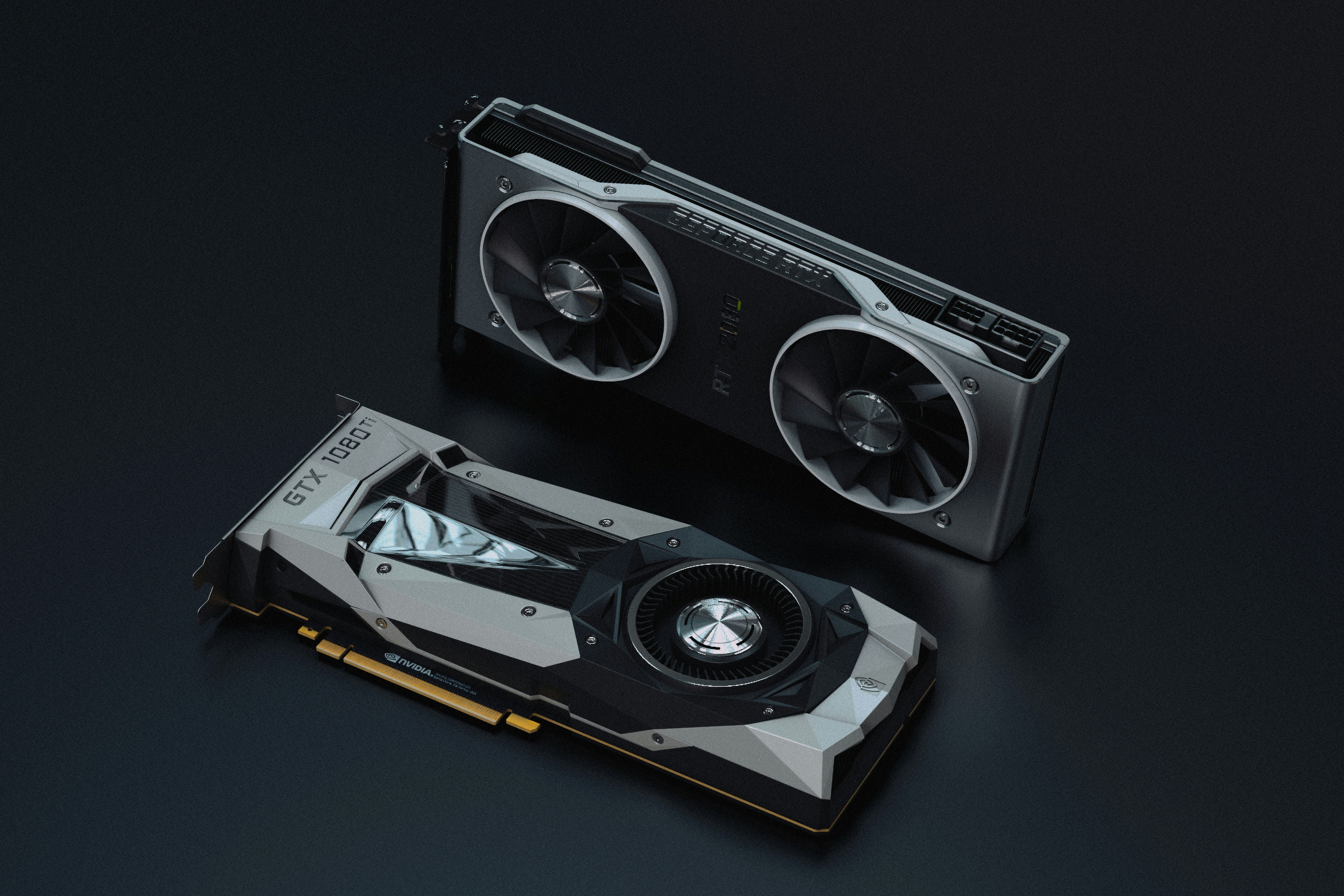
The second major pillar of the longevity gap is modularity. In the desktop world, if your graphics card dies or becomes obsolete, you unplug it and buy a new one. In 2026, the laptop market has moved almost entirely toward a non-modular philosophy. Most consumer laptops now feature soldered RAM and integrated processors. If a single memory chip fails on your motherboard, the entire machine is effectively e-waste because the repair requires specialized micro-soldering equipment that most shops don't have.
This lack of modular components means that a laptop repairability guide for long term maintenance is often quite short: keep it clean and hope nothing breaks. When we look at the cost effectiveness of desktops vs laptops over 5 years, the desktop wins because it allows for incremental upgrades. A desktop user can spend $300 on a new GPU in year four to stay current, while a laptop user is often forced to spend $1,200 on a completely new machine.
Furthermore, the physical chassis integrity of many consumer laptops is a ticking time bomb. Plastic hinges anchored into thin plastic frames are prone to snapping after thousands of lid cycles. Desktops, being stationary, avoid this mechanical wear entirely. For those who must use a laptop, choosing a laptop for future proofing and upgrades requires looking specifically for models that still offer at least one replaceable M.2 storage slot or a SODIMM memory slot, though these are becoming increasingly rare outside of thick gaming rigs or mobile workstations.
| Component | Laptop Repair/Upgrade Cost | Desktop Repair/Upgrade Cost |
|---|---|---|
| RAM (Memory) | $150 - $400 (if soldered/prop.) | $40 - $100 (standard DIMM) |
| Storage (SSD) | $100 - $250 | $60 - $150 |
| Battery Replacement | $80 - $150 | N/A |
| Screen/Monitor | $200 - $500 | $100 - $300 (external) |
| Cooling System | $50 - $150 (labor intensive) | $20 - $80 (easy DIY) |
Business-Grade vs. Consumer Laptops: Choosing for the Long Term
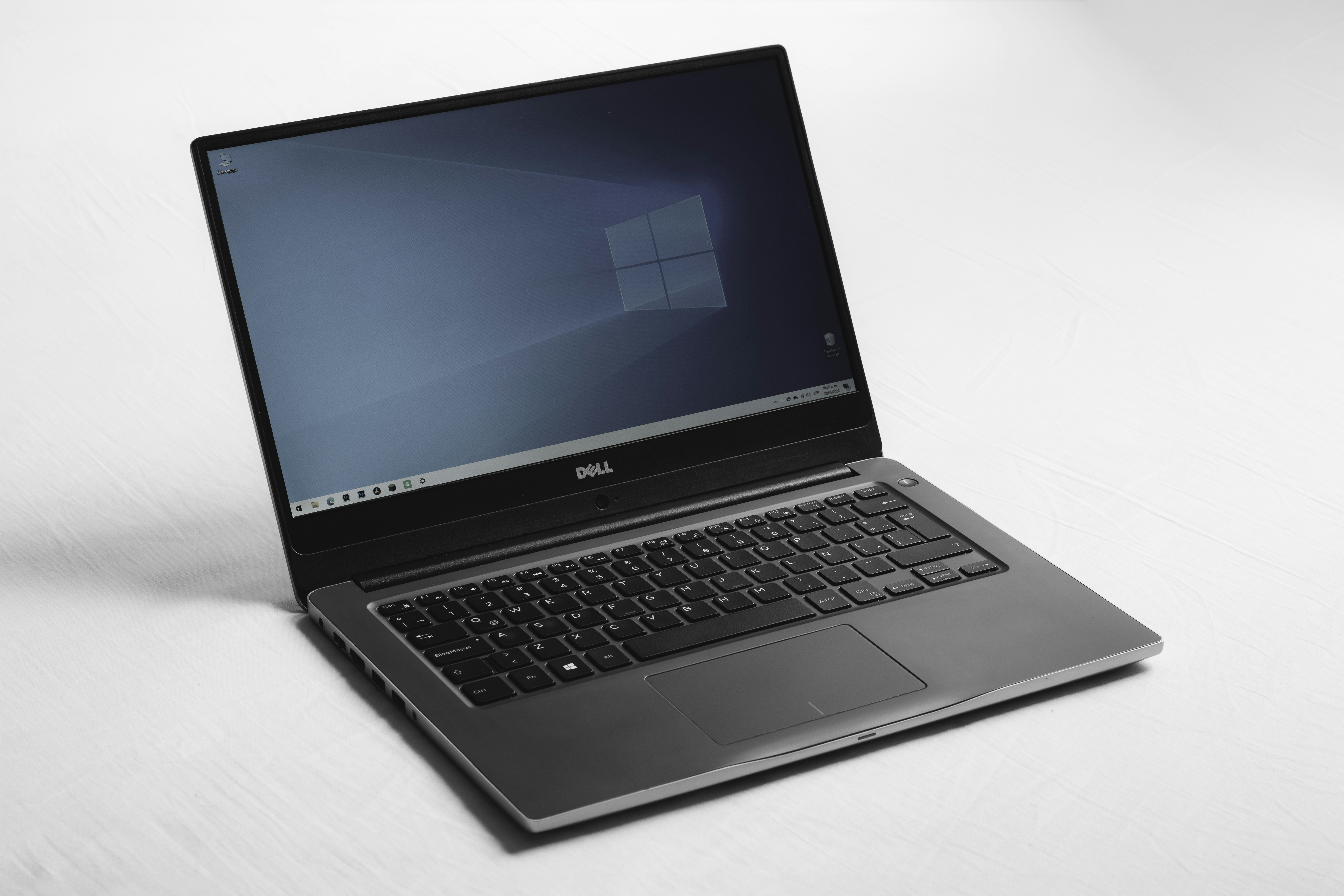
If you are set on the laptop form factor, the data suggests you should avoid the bargain bin at all costs. A 2023 reliability study found that business-class laptops fail at approximately half the rate of entry-level consumer models within the first three years of ownership. This is because enterprise lines are designed with reinforced frames, better hinge mechanics, and more robust internal power delivery systems.
Gartner research estimates the average enterprise laptop lifespan at 3.7 years, but this is often based on corporate refresh cycles rather than hardware death. In practice, these machines frequently reach 5 to 7 years in a second-life scenario. Interestingly, premium brands like Apple have carved out a significant lead in this area. Data from 2024 indicates that premium laptop brands like Apple reach an average measured lifespan of 7 years and 7 months, significantly exceeding the 3-to-5-year average for standard consumer devices.
The secret to this longevity often lies in the chassis integrity. Aluminum unibody designs dissipate heat more effectively than plastic and are far more resistant to the flex that can crack internal circuitry. When you are choosing a laptop for future proofing and upgrades, look at the build materials. A magnesium or aluminum frame is almost always worth the extra investment if you plan to keep the machine for more than three years.
Maintenance Strategies to Beat the Average
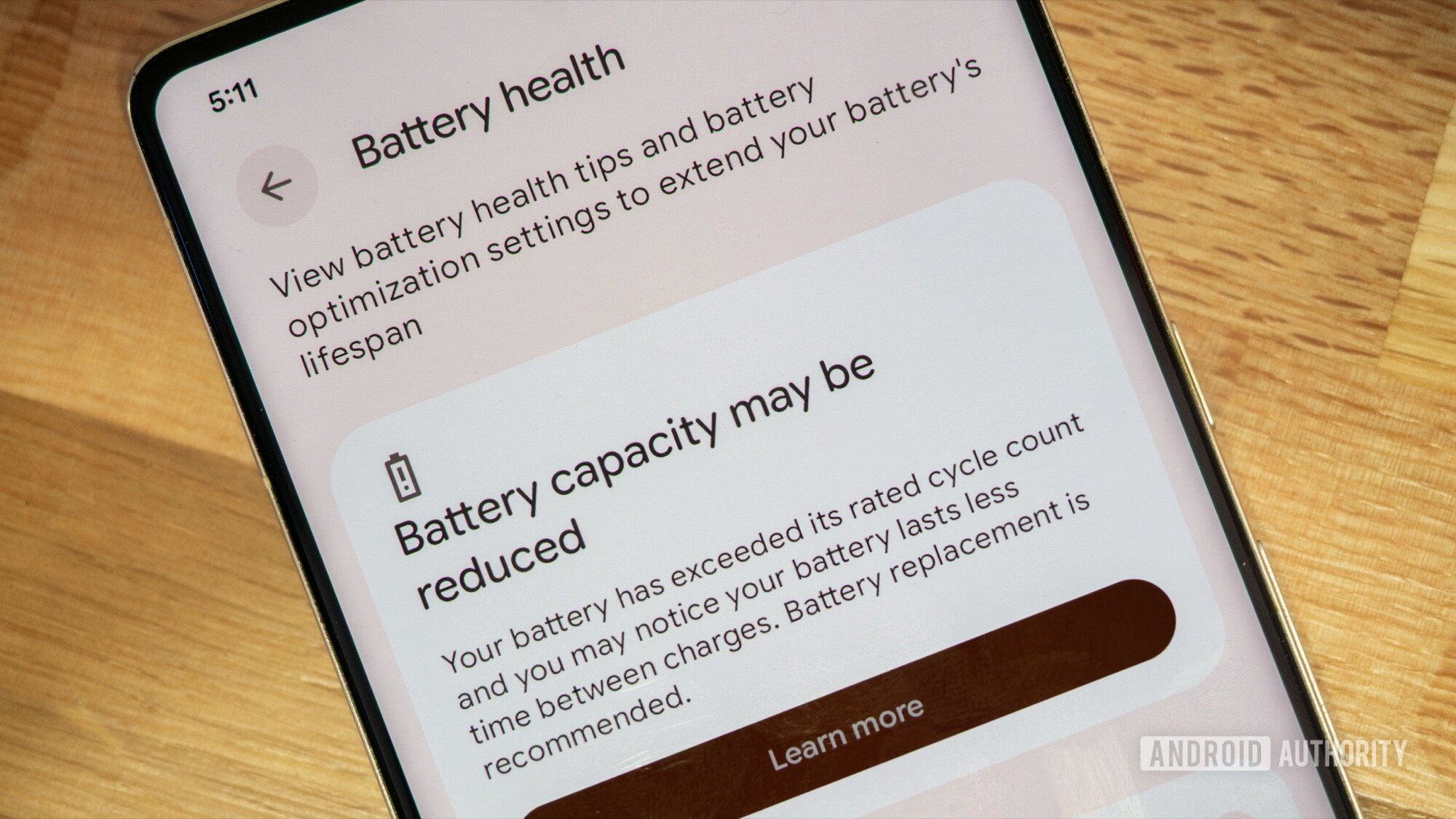
While the hardware constraints are real, your habits play a massive role in where your machine falls on the laptop vs desktop lifespan comparison 2026. The most common point of failure for a 4-year-old laptop isn't the CPU; it’s the battery. Lithium-ion batteries have a finite battery cycle count—usually around 500 to 1,000 full charges—before their capacity drops significantly.
To combat this, I recommend the 40-80 rule: try to keep your battery charge between 40% and 80%. Constantly leaving your laptop plugged in at 100% while it generates heat is a recipe for chemical degradation. Many modern laptops now include software to cap the charge at 80% specifically for this reason. This is one of the most effective strategies to prevent laptop battery degradation and ensure your machine remains truly portable for years to come.
Beyond the battery, you need to manage the environment. Practical ways to improve laptop thermal management include using your laptop on hard, flat surfaces rather than beds or couches, which can block the intake vents. If you use your laptop as a desktop replacement, an external cooling pad can provide that extra bit of airflow needed to keep internal temperatures out of the danger zone. Regular maintenance, such as using a soft brush or compressed air to clear the side vents every six months, can prevent the buildup that leads to hardware obsolescence.
Pro-Tip: If your laptop is over three years old and running hot, consider having a professional replace the thermal paste on the CPU. Thermal compound can dry out and crack over time, losing its ability to transfer heat effectively. This $50 service can often extend the life of a machine by another two years.
FAQ
How many years should a laptop typically last?
Most consumer laptops are designed to last between 3 and 5 years. However, with proper maintenance and by choosing high-quality business-grade models, you can often push this to 6 or 7 years. After this point, the hardware often becomes too slow for modern software updates.
What components of a laptop fail first?
The battery is almost always the first component to degrade, followed by the cooling fans and mechanical hinges. In terms of internal electronics, the SSD (storage) or the power delivery circuits on the motherboard are the most common points of failure due to heat and electrical stress.
How can I extend the lifespan of my laptop?
To maximize longevity, keep the vents clear of dust, avoid using the device on soft surfaces that block airflow, and follow the 40-80 battery charging rule. Additionally, keeping your software updated and occasionally performing a "clean install" of your operating system can prevent the performance slowdowns often mistaken for hardware failure.
Does gaming shorten the lifespan of a laptop?
Gaming itself doesn't kill a laptop, but the sustained high heat associated with gaming does. Because gaming laptops push their components to the limit, they are more susceptible to thermal throttling and component wear. If you use a laptop for gaming, using a cooling pad and ensuring maximum airflow is essential for long-term survival.
Is it worth repairing a 5-year-old laptop?
Generally, if the repair cost exceeds 30% of the price of a new, equivalent laptop, it is better to replace it. For a 5-year-old machine, expensive repairs like motherboard or screen replacements are rarely worth it, but small fixes like a new battery or a storage upgrade can be a cost-effective way to get two more years of use.