Quick Facts
- Price Value: MacBook Neo starts at $599, whereas an iPad 11 with a Magic Keyboard Folio costs roughly $677 total.
- Core Hardware: MacBook Neo features the A18 Pro chip and 8GB of RAM, doubling the 128GB storage of the base iPad to 256GB.
- Productivity OS: macOS Tahoe offers an unrestricted Finder file system and desktop-class multitasking compared to the sandboxed iPadOS 19.
- Connectivity: The Neo includes two USB-C ports with USB 3.0 speeds and a 3.5mm jack; the iPad 11 has a single USB-C port limited to USB 2.0.
- Battery Performance: MacBook Neo provides up to 16 hours of battery life, significantly outlasting the iPad's 10-hour rating.
- Weight Dynamics: At 1.23kg, the MacBook Neo is lighter and more stable for lap use than the 1.36kg combined weight of an iPad plus keyboard.
- Intelligence Support: MacBook Neo meets all hardware requirements for Apple Intelligence, which are currently absent on the base iPad 11.
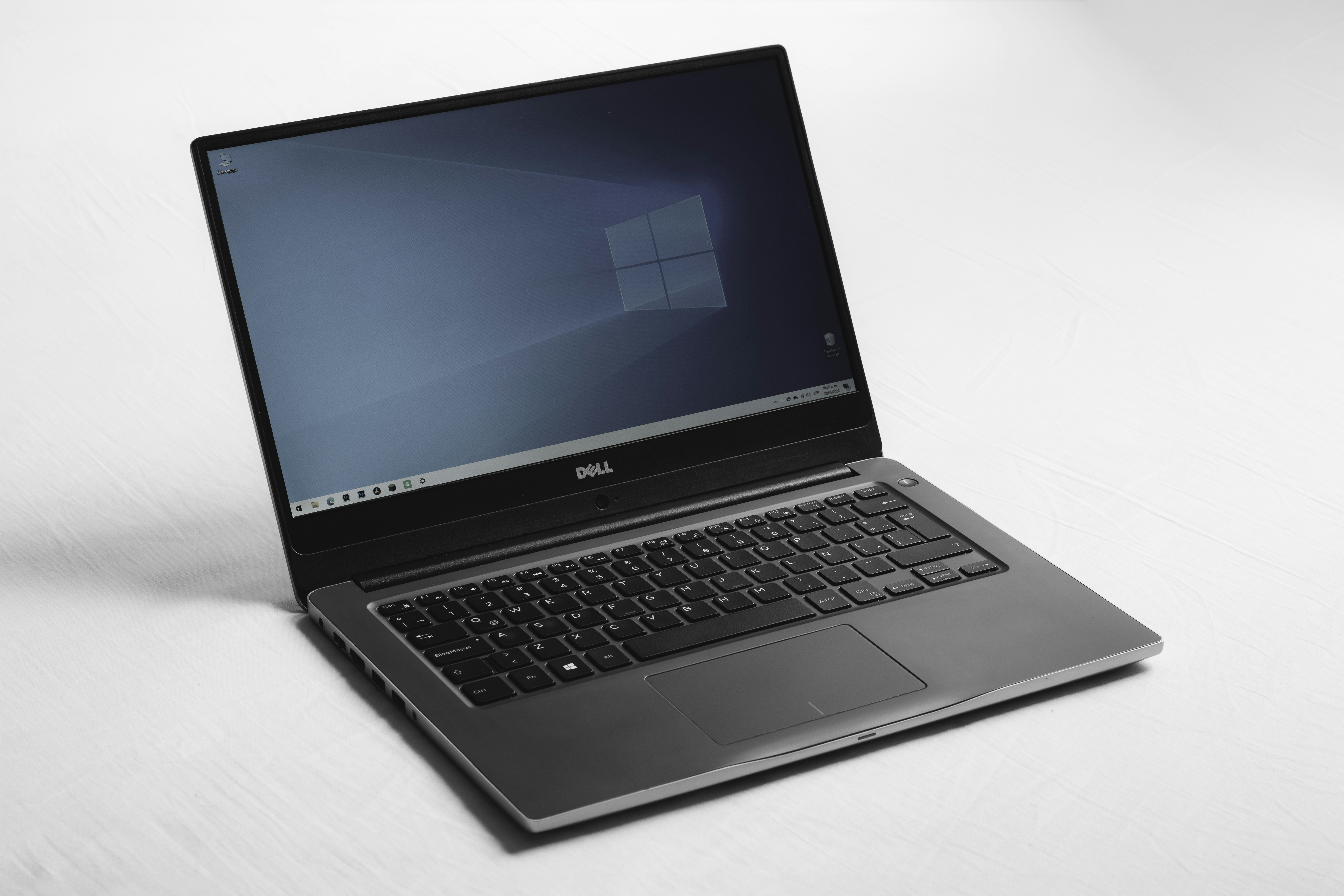
The MacBook Neo outperforms the iPad for professional productivity due to macOS Tahoe's unrestricted file system and superior multitasking. This $600 laptop delivers a complete desktop environment that handles intensive workflows like coding and complex video editing more effectively than the mobile-first iPad experience.
For years, the recommendation for anyone with a $600 budget was simple: buy an iPad and a keyboard. It was the "good enough" solution for students and casual users. But with the launch of the MacBook Neo, the goalposts have shifted. As someone who spends all day dissecting hardware value and performance benchmarks, I can tell you that the MacBook Neo vs iPad debate is no longer a contest of preference—it is a contest of capability.
The MacBook Neo represents a fundamental shift in Apple's entry-level strategy. It provides a proper desktop operating system and professional-grade internals at a price point that used to be reserved for tablets. If you are trying to decide where to put your hard-earned money, here are the five reasons why the laptop is now the superior choice.
1. Debunking the Price Myth: The Hidden Accessory Tax
When you look at the Apple Store, the iPad 11 looks like a steal at $349. However, for a student or professional, a tablet without a keyboard is just a glass slate for Netflix. To make it a productivity machine, you have to pay the Accessory Tax. Once you add the $249 Magic Keyboard Folio and perhaps an Apple Pencil, the total cost of ownership jumps significantly.
Statistics show that the MacBook Neo starting price of $599 is actually lower than the approximately $677 total cost for a base-model iPad when bundled with essential work accessories. You aren't just paying for the plastic and keys; you are paying to make a mobile device act like a computer.
Furthermore, value is defined by what is inside the chassis. The base-model MacBook Neo includes 256GB of storage and 8GB of RAM, which is double the 128GB of storage found on the standard $349 iPad. In the world of modern computing, 128GB disappears the moment you download a few 4K video files or a large IDE for software development. The Neo gives you the breathing room you need without the constant cloud-storage upsell.

2. Hardware Superiority: I/O Speeds and Future-Proofing
From a technical standpoint, the MacBook Neo vs iPad 11 specs comparison reveals a massive gulf in raw power and connectivity. The Neo is powered by the A18 Pro chip, the same silicon found in flagship iPhones, but with a thermal envelope that allows for much higher sustained performance. While the iPad 11 relies on the aging A16 chip and 6GB of RAM, the Neo utilizes 8GB of RAM to power through heavy multitasking.
Then there is the issue of physical connectivity. One of the most frustrating aspects of using an iPad for work is the single port. If you are charging, you can't easily plug in a thumb drive without a dongle. The MacBook Neo features two USB-C ports and a 3.5mm headphone jack, offering more physical connectivity than the single USB-C port found on the standard iPad.
Crucially, these ports aren't created equal. The Neo supports USB 3.0 data transfer speeds, whereas the iPad 11 is often throttled to USB 2.0 speeds on its base model. For anyone connecting external monitors to MacBook Neo vs iPad 11 dual ports, the difference is night and day. The Neo can drive a high-resolution external display while simultaneously charging and transferring data from an external SSD. It is a desktop environment in a thin-and-light form factor, designed for longevity and hardware future-proofing.

3. Productivity Unleashed: macOS Tahoe vs iPadOS 19
The real reason the $600 laptop wins is the software. We have been waiting for years for iPadOS to "grow up," but it remains hindered by App Sandboxing and a simplified file structure. On the other hand, macOS Tahoe brings the full power of the Finder to a budget machine. If you have ever tried to manage a complex folder hierarchy or batch-rename fifty files on an iPad, you know it is an exercise in frustration. On the MacBook Neo, it takes seconds.
The macOS vs iPadOS productivity gap is most evident in window management. macOS Tahoe utilizes Mission Control and Stage Manager in a way that feels natural on a 13-inch screen. You can have three windows visible at once without them feeling cramped or "snapping" into pre-defined tablet grids.
Consider these software advantages of the MacBook Neo:
- Full desktop browser extensions: Use the same Chrome or Safari extensions you use on your iMac, including robust ad-blockers and developer tools.
- Unrestricted File System: Drag and drop files between apps, external drives, and network servers without the limitations of the Files app.
- Legacy Software Support: Run specialized applications for engineering, data analysis, or local coding environments that simply do not exist on the App Store.
For users interested in macOS Tahoe vs iPadOS 19 multitasking features for work, the Neo is the clear victor. It allows for a level of flow and rapid context switching that the iPad’s mobile-first architecture still can't match. This makes the MacBook Neo vs iPad 11 for coding and software development a lopsided comparison; the Neo is a real development machine, while the iPad is a peripheral.
4. The Portability Paradox: Weight and Ergonomics
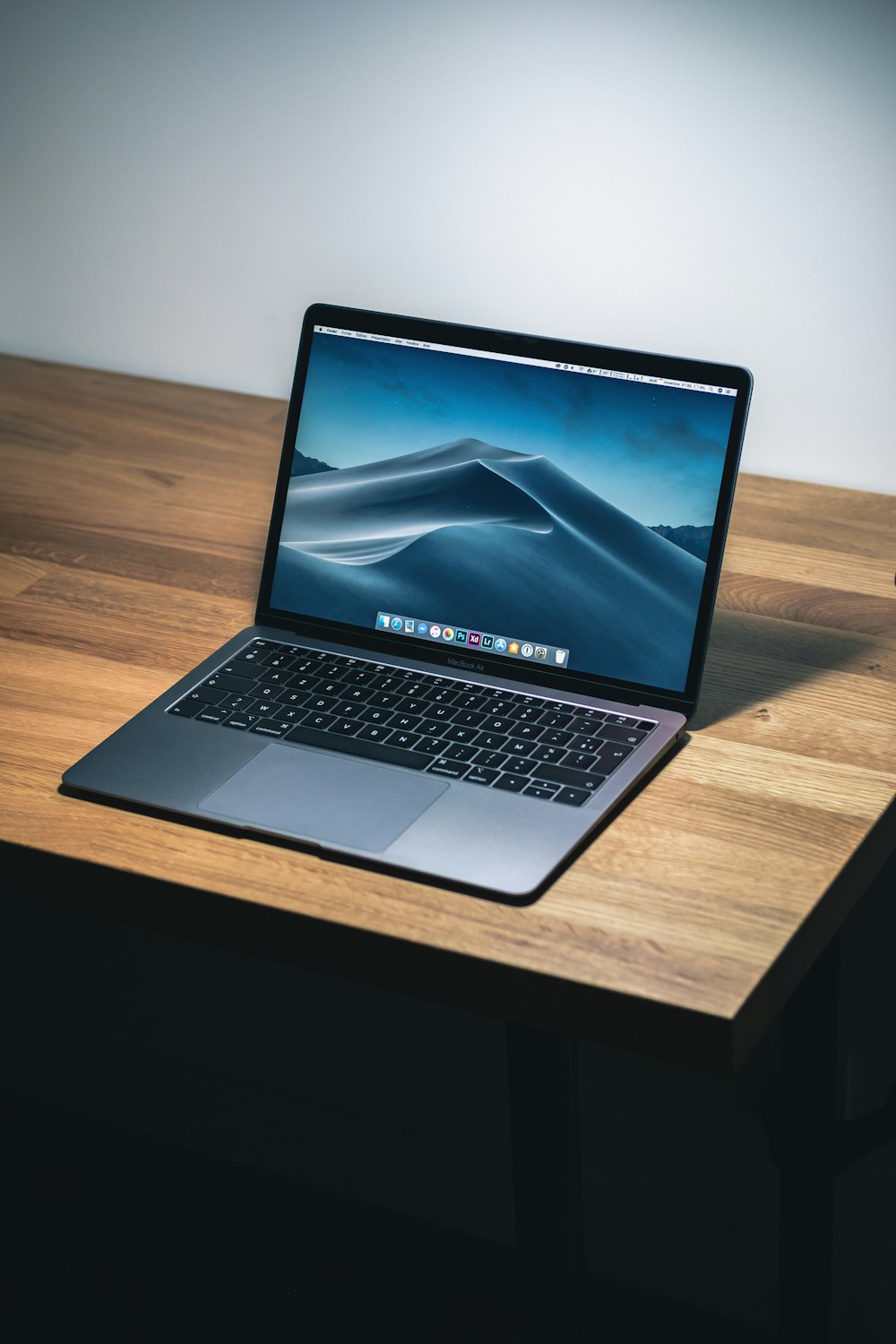
There is a common misconception that a tablet is inherently more portable than a laptop. I call this the Portability Paradox. When you look at the raw numbers, the MacBook Neo weighs in at 1.23kg. An iPad 11, once paired with the Magic Keyboard Folio required for real work, balloons to 1.36kg. By trying to make the tablet a laptop, you've actually made it heavier than the actual laptop.
Beyond the weight, there is the issue of "lap-ability." The MacBook Neo uses a classic laptop hinge that is perfectly balanced. You can use it on a plane tray table, on a couch, or while sitting on a park bench. The iPad setup often relies on a kickstand or a top-heavy magnetic cantilever that is prone to tipping over if the surface isn't perfectly flat.
The input experience is another technical win for the Neo. It features a Precision Trackpad with roughly 8ms of latency, providing a tactile, responsive feel that far exceeds the smaller, more cramped trackpads found on iPad keyboard accessories. For anyone looking at MacBook Neo battery life vs iPad 11 for long-distance travel, the Neo offers 16 hours of real-world use. You can fly from New York to Singapore and still have juice left to check your emails upon landing, whereas the iPad usually taps out around the 10-hour mark.
5. The Ideal Student Device: MacBook Neo vs iPad 11
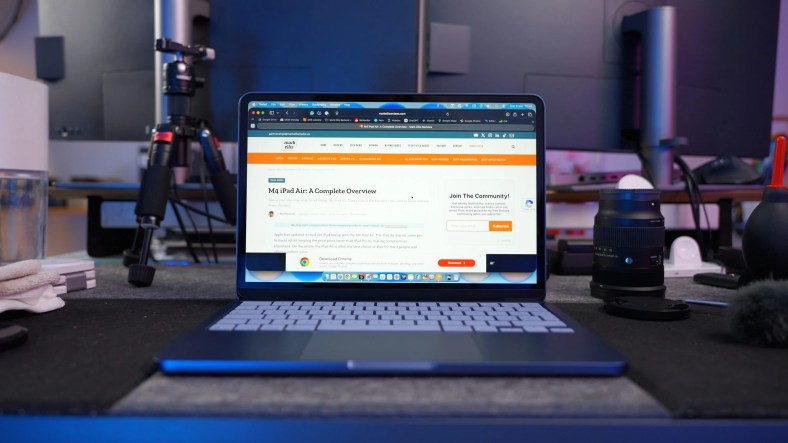
When I'm asked is the $600 MacBook Neo better for college students than an iPad, my answer depends on the major, but leans heavily toward the Neo. If your day consists of writing essays, researching with twenty browser tabs open, and using full desktop browser extensions on MacBook Neo vs iPad, the laptop is your best friend. It is a reliable tool that doesn't require you to find "workarounds" for basic computing tasks.
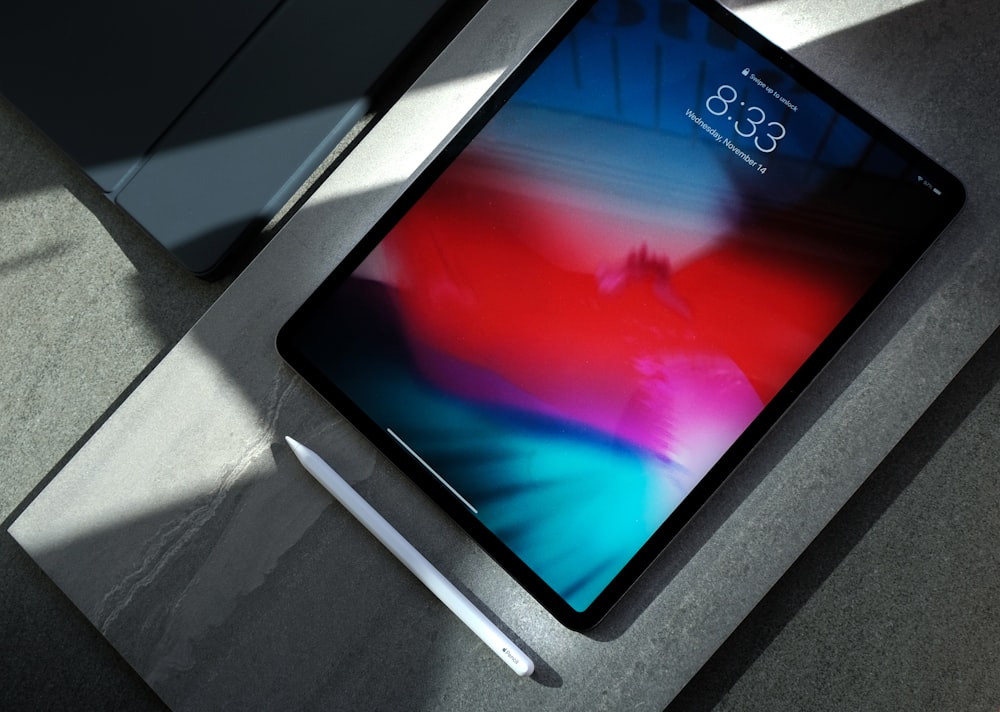
However, we have to acknowledge the one area where the iPad still reigns supreme: Digital Artistry. For the student who needs to sketch, annotate PDFs by hand, or engage in digital painting, the iPad with an Apple Pencil is an unbeatable canvas. The MacBook Neo lacks a touch screen and stylus support, which is a dealbreaker for some creative workflows.
But for the 90% of students and professionals whose work is text and data-based, the MacBook Neo is the smarter investment. It offers better hardware, a more capable OS, and a lower total price when you factor in the "must-have" accessories. It represents the return of the truly affordable, no-compromise Mac.
| Feature | MacBook Neo | iPad 11 (with Keyboard) |
|---|---|---|
| Price | $599 | ~$677 |
| Processor | A18 Pro | A16 |
| RAM | 8GB | 6GB |
| Storage | 256GB | 128GB |
| Battery Life | 16 Hours | 10 Hours |
| Weight | 1.23kg | 1.36kg |
| Ports | 2x USB-C (USB 3.0) | 1x USB-C (USB 2.0) |
FAQ
Is a MacBook better than an iPad for students?
For most students, yes. The MacBook Neo provides a built-in keyboard, a larger 13-inch screen for multitasking, and a full desktop operating system. It is ideal for writing papers, taking online exams that require specific browser locks, and managing large numbers of research files. The iPad is only better if your coursework specifically requires handwriting or drawing.
Can an iPad Pro replace a MacBook for daily work?
While the iPad Pro is incredibly powerful, it is still limited by iPadOS. Even with the M-series chips, you cannot run full desktop versions of software like VS Code or advanced Excel with macros. For daily professional work that involves heavy file management and multi-window workflows, the MacBook Neo remains more efficient.
What are the main differences between macOS and iPadOS?
The primary difference is the file system and multitasking. macOS Tahoe allows you to manage files freely through the Finder and run multiple overlapping windows. iPadOS uses a sandboxed approach where apps are more isolated, and multitasking is limited to split-views or Stage Manager, which still feels more restrictive than a traditional desktop environment.
Which device is better for video editing, MacBook or iPad?
The MacBook Neo is generally better for video editing because of its 8GB of RAM and macOS software support. While apps like LumaFusion are great on iPad, the Neo allows you to use the full desktop versions of Final Cut Pro and DaVinci Resolve, which offer more advanced color grading and timeline management tools.
Is it cheaper to buy a MacBook or an iPad with accessories?
Surprisingly, the MacBook Neo is often cheaper. With a starting price of $599, it includes the keyboard and trackpad. A base iPad plus a Magic Keyboard Folio and an Apple Pencil will typically cost over $670, making the laptop the better value for those on a strict $600 budget.