Quick Facts
- Entry Level: iPad 11 (Best for media)
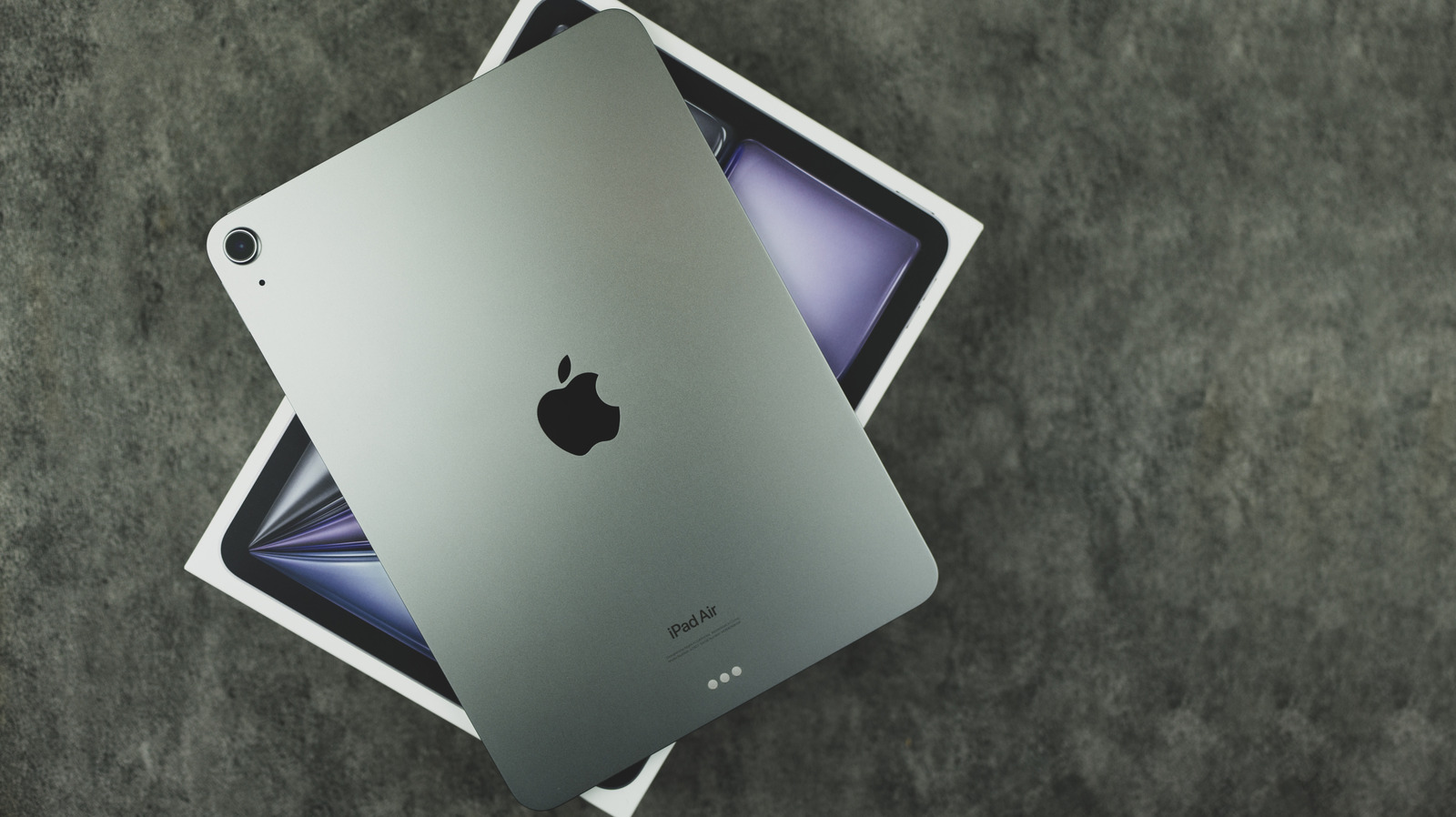
- Middle Ground: iPad Air M3 (Best for students)
- High End: iPad Pro M5 (Best for creatives)
- Portability: iPad Mini 7 (Best for travel)
- Longevity: Expected software support of 6-8 years for M-series models
- Value: Certified Refurbished store offers up to 15-20% savings with full warranty
Choosing the right iPad depends on your specific workflow and budget. The base iPad 11 is the most affordable option for general tasks, while the iPad Mini 7 offers maximum portability. For students and creatives, the M3 iPad Air provides a balance of power and value. Professional users requiring high-end performance for video editing or design should opt for the M5 iPad Pro, which features an OLED display and advanced M-series processing capabilities. This iPad buying guide helps you navigate the 2026 lineup by matching your personal needs to the right hardware.
Factor 1: AI Readiness and Processing Power
As we move through 2026, the benchmark for any mobile device is its ability to handle on-device artificial intelligence. When you look at an Apple iPad model comparison today, the biggest divide is no longer just screen size—it is the silicon under the hood. The transition to M-series Apple Silicon has changed the game, moving the iPad from a media consumption device to a legitimate workstation.
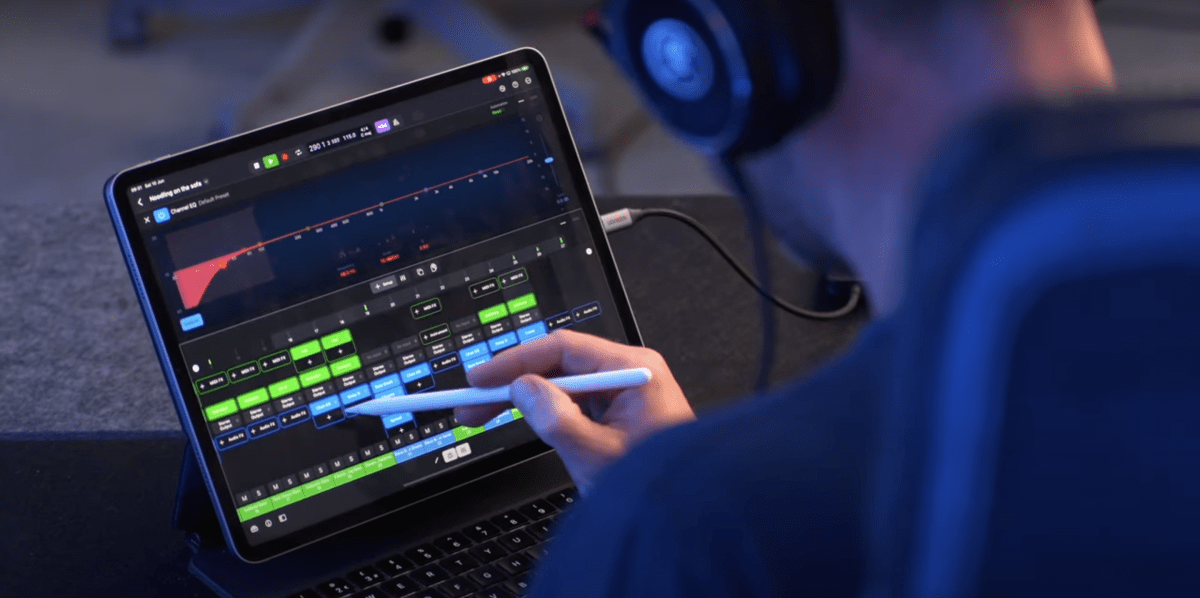
The newest M5 chip represents the pinnacle of mobile processing. For users focused on video editing performance, this chip allows for multiple streams of 4K video and complex 3D rendering that would have been impossible on tablets just a few years ago. More importantly, M-series chips are the baseline requirement for Apple Intelligence features, which handle everything from automated writing tools to advanced image manipulation. While the A-series chips in the base models are perfectly capable of browsing the web, they lack the unified memory architecture needed for the most advanced Stage Manager features, which allow you to run multiple overlapping windows just like a Mac.
Factor 2: The Display Divide (OLED vs. Liquid Retina)
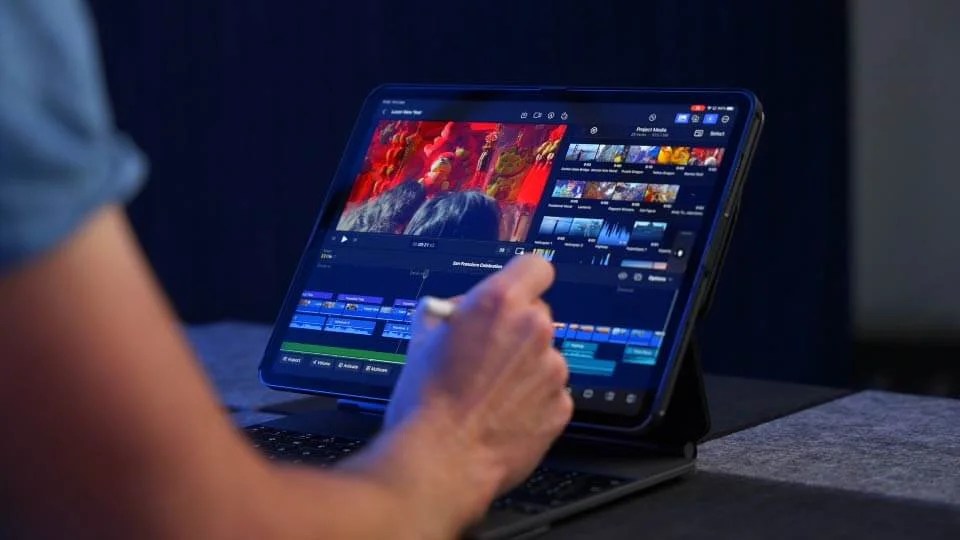
Your interaction with an iPad is defined by its screen, and in 2026, the technology behind that glass has split into two distinct tiers. If you are a professional in digital illustration or a cinephile who demands the best visual experience, the choice of display technology is paramount. The high-end Pro models now feature OLED panels, which provide perfect black levels and an incredible contrast ratio by allowing each pixel to turn off individually.
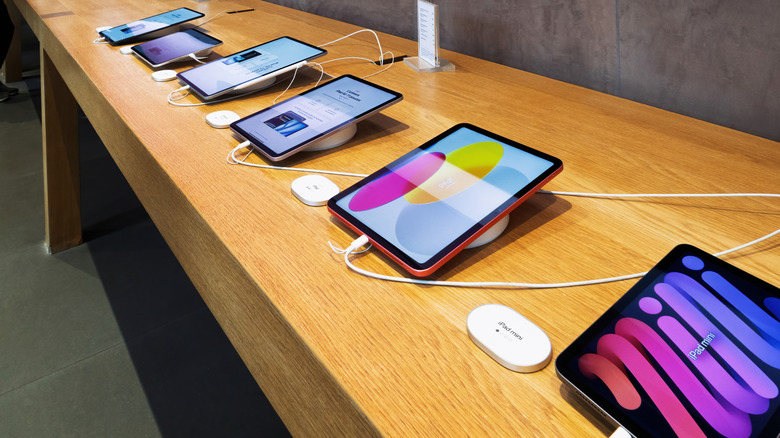
On the other side, we have the Liquid Retina display found in the Air and base models. While still excellent, these use traditional backlighting. The most noticeable difference for the average user is the refresh rate. The Pro series offers ProMotion technology, a 120Hz refresh rate that makes scrolling and drawing feel incredibly fluid. The Air and base iPad 11 remain at 60Hz. If you have used a high-refresh-rate phone, going back to a standard screen can feel slightly "choppy," so I always recommend testing these side-by-side at a store before making your final decision in this iPad buying guide.
Factor 3: Storage Capacity and Connectivity Dead-Ends
One of the most common mistakes I see buyers make is underestimating their storage capacity needs. Unlike many Android tablets, iPads do not have a microSD card slot for expansion. What you buy on day one is what you are stuck with for the life of the device. In 2026, I strongly advise against the base storage tiers if you plan on doing more than just streaming movies.
While iCloud integration helps offload photos and documents to the cloud, apps and system files continue to grow in size. For most users, 128GB or 256GB is the sweet spot. If you are a creative professional, you should look toward 512GB or even 1TB to avoid the constant "Storage Full" dance. Connectivity is another fork in the road. Wi-Fi models are standard, but if you are a frequent traveler or a student who works in parks or transit, the extra cost for a Cellular model—and the subsequent monthly data plan—might be a worthy investment for true "work from anywhere" freedom.
Factor 4: Portability and Size Constraints
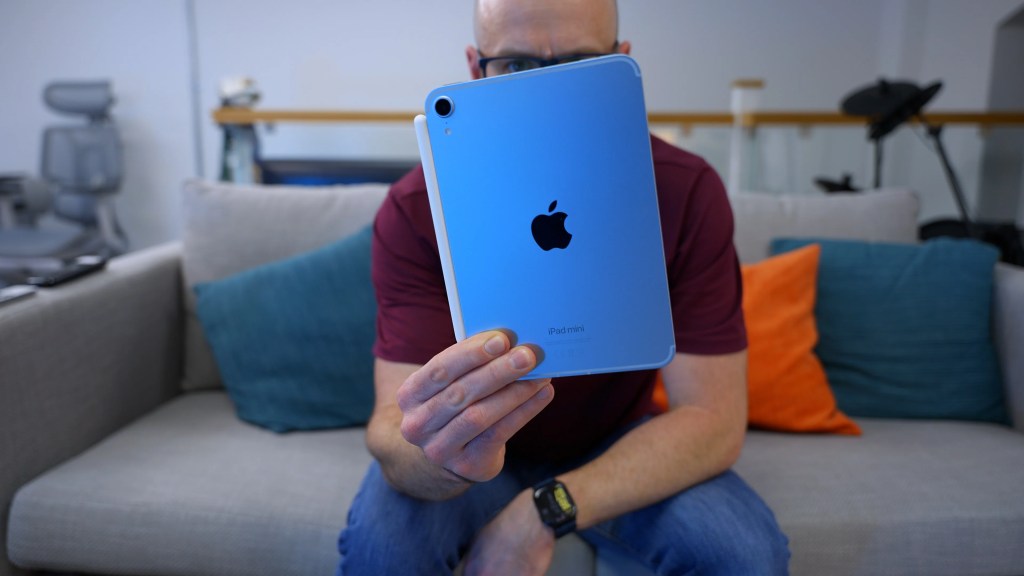
The best iPad is the one you actually take with you. Apple currently offers four distinct sizes: the ultra-portable 8.3-inch, the standard 11-inch, and the expansive 13-inch. When conducting an iPad Mini 7 vs base iPad 11 comparison for portability, the Mini wins every time for those who want a device that fits in a jacket pocket or a small purse. It is the ultimate digital notebook and e-reader.
However, if you intend to use your iPad as a laptop replacement, the 13-inch Air or Pro models provide the necessary screen real estate for multitasking. Large screens are better for side-by-side app usage but come with a weight penalty. If your primary use case is media consumption on the couch or a tray table, the 11-inch form factor remains the most popular balance of weight and visibility.
Factor 5: Accessory Ecosystem Synergy
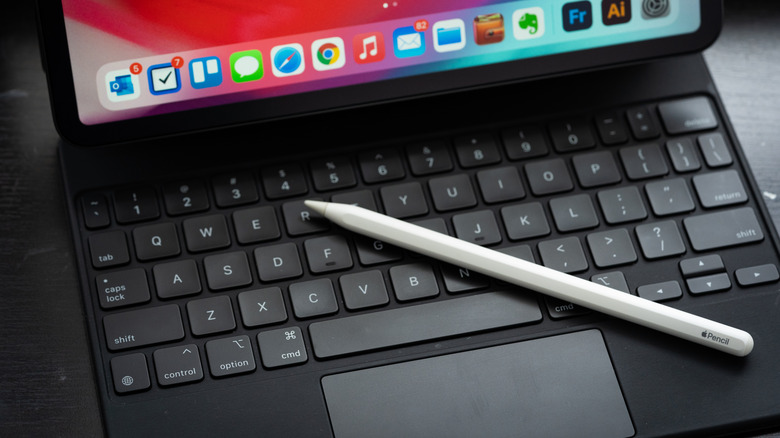
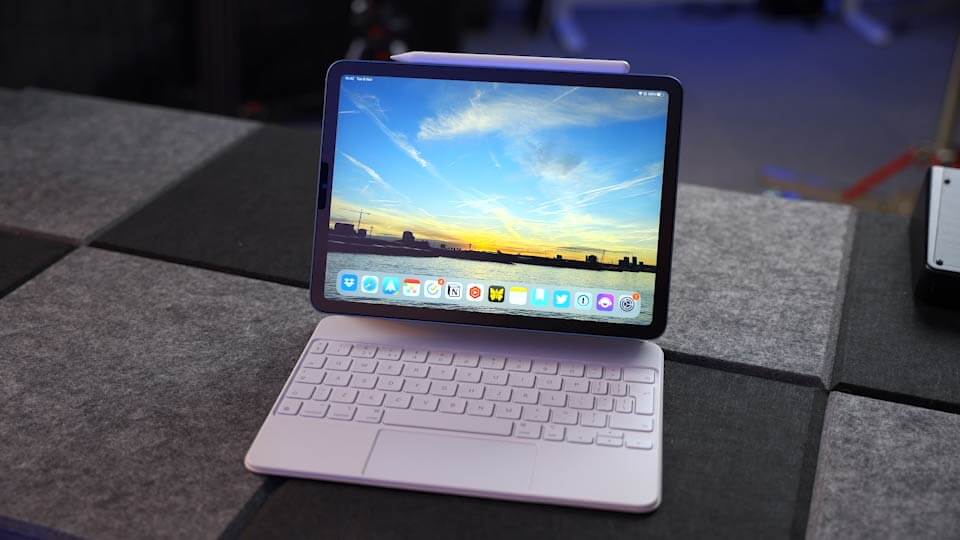
An iPad alone is a tablet; an iPad with accessories is a tool. When calculating your budget, you must account for the total cost of ownership, which often includes the Apple Pencil and a keyboard. Compatibility has become complicated over the years, with different Pencils working with different models via the Smart Connector or USB-C.
If you already own a Mac, you should consider the benefits of iPad and Mac integration features like Sidecar, which allows your iPad to act as a second wireless display for your computer. This synergy is further enhanced by Universal Control, allowing you to use a single mouse and keyboard across both devices seamlessly. These features turn the iPad into a productivity force multiplier rather than just a secondary screen.
Factor 6: Expected Lifespan and Software Support
Buying a new device is an investment, and you want to know how long that investment will last. One of the most frequent questions I get is: how long do iPads stay supported with iPadOS updates? Traditionally, Apple provides major software updates for six to eight years. However, the hardware itself is built for the long haul.
Battery health is the primary physical bottleneck. Apple specifies that iPad batteries are engineered to retain 80 percent of their original capacity through 1,000 complete charge cycles. To put that in perspective, if you charge your iPad from zero to 100% every single day, it will take nearly three years to reach that 80% mark. Most users will find their battery remains healthy for five years or more. Choosing a model with M-series Apple Silicon ensures that you won't just get security patches, but you will also be able to run the new, more demanding features Apple introduces in future versions of iPadOS.
Factor 7: Buying Timing and Sales Cycles
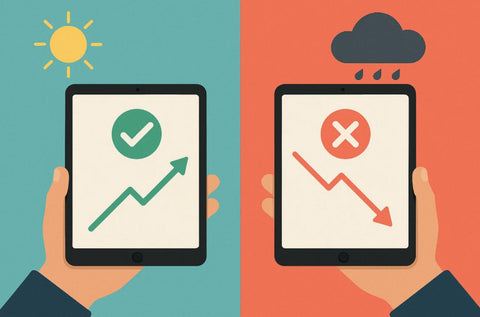
Timing your purchase is just as important as choosing the right model. Apple typically follows a predictable release cadence, though the entry-level and Mini models can be wildcards. If a model was just released in the last three months, it is a "Safe Buy." If it has been over a year, you are in the "Caution Zone."
To get the best value, you should target the best months to find iPad discounts and sales in 2026. Typically, late summer (July-August) offers excellent Student discounts during the Back-to-School season. Black Friday in November remains the best time for straight cash discounts at big-box retailers. Avoid buying a new Pro or Air model in March or September if rumors of an event are swirling, as you may end up with last year's tech for full price.
| Season | Market Status | Recommendation |
|---|---|---|
| Jan - April | Stable | Good time for base models |
| May - June | Speculative | Wait for WWDC announcements |
| July - Sept | Peak Promo | Best for Students/Education |
| Oct - Dec | Holiday Sales | Best for Pro and Air discounts |
Factor 8: The Refurbished Value Strategy
If the price of a brand-new M5 Pro makes you wince, there is a smarter way to shop. I often point readers toward a guide to buying certified refurbished iPads from Apple. Unlike "used" items from third-party marketplaces, Apple’s certified refurbished products come with a brand-new outer shell, a new battery, and the same one-year warranty as a new device.
This is an excellent way to jump up a tier—for example, getting an older Pro model for the price of a new Air. Furthermore, keep an eye on your current device’s Trade-in value. Apple and various retailers offer credit for your old tablet, which can significantly offset the cost of the upgrade. This refurbished iPad buying tips strategy is the best way to get premium hardware on a mid-range budget without the risks associated with private sellers.
Factor 9: Pricing and Persona Matching
To wrap up this iPad buying guide, it is helpful to see where you fit into the current lineup. Prices in 2026 range from $349 for the base model to well over $2,000 for a fully specced Pro. Finding your "persona" is the fastest way to narrow down the field.
| Persona | Recommended Model | Why? |
|---|---|---|
| The Student | iPad Air M3 | Perfect balance of power for note-taking and longevity. |
| The Artist | iPad Pro M5 | OLED color accuracy and ProMotion are essential for drawing. |
| The Traveler | iPad Mini 7 | Lightweight, fits in small bags, great for reading and maps. |
| The Home User | iPad 11 | Best value for Netflix, emails, and light gaming. |
For most people, the iPad Air serves as the "Goldilocks" model—offering Pro-level power at a more accessible price point. It handles everything from casual browsing to intensive academic work without the four-figure price tag of the Pro series.
FAQ
Which iPad model is best for beginners?
The base iPad 11 is the ideal choice for beginners. It features a straightforward design, a beautiful screen for media consumption, and enough power to handle everyday tasks like web browsing, emails, and video calls. It is the most user-friendly entry point into the ecosystem without a significant financial commitment.
What is the difference between iPad Air and iPad Pro?
The main differences lie in the display technology and processing power. The iPad Pro features an OLED screen with 120Hz ProMotion and the top-tier M5 chip, making it suitable for professional creative work. The iPad Air uses a Liquid Retina display at 60Hz and the M3 chip, providing plenty of power for most users at a much lower price.
How much storage do I really need on an iPad?
For casual users who mostly stream content, 64GB or 128GB may suffice. However, for students and professionals who download apps, save large documents, or edit photos, 256GB is the recommended minimum to ensure the device remains useful for several years without needing to manage storage constantly.
Is it worth buying a refurbished iPad?
Yes, provided you buy through a reputable source like the Apple Certified Refurbished store. These devices are tested, cleaned, and come with a new battery and the same warranty as a new product, offering a way to get higher-end features for a fraction of the original cost.
When is the best time of year to buy an iPad?
The best time to buy is usually during the Back-to-School season in the summer for education discounts, or during the Black Friday and holiday sales in November and December. You should generally avoid buying right before Apple's typical spring and autumn launch events to ensure you don't purchase a model that is about to be updated.