Our Top Picks
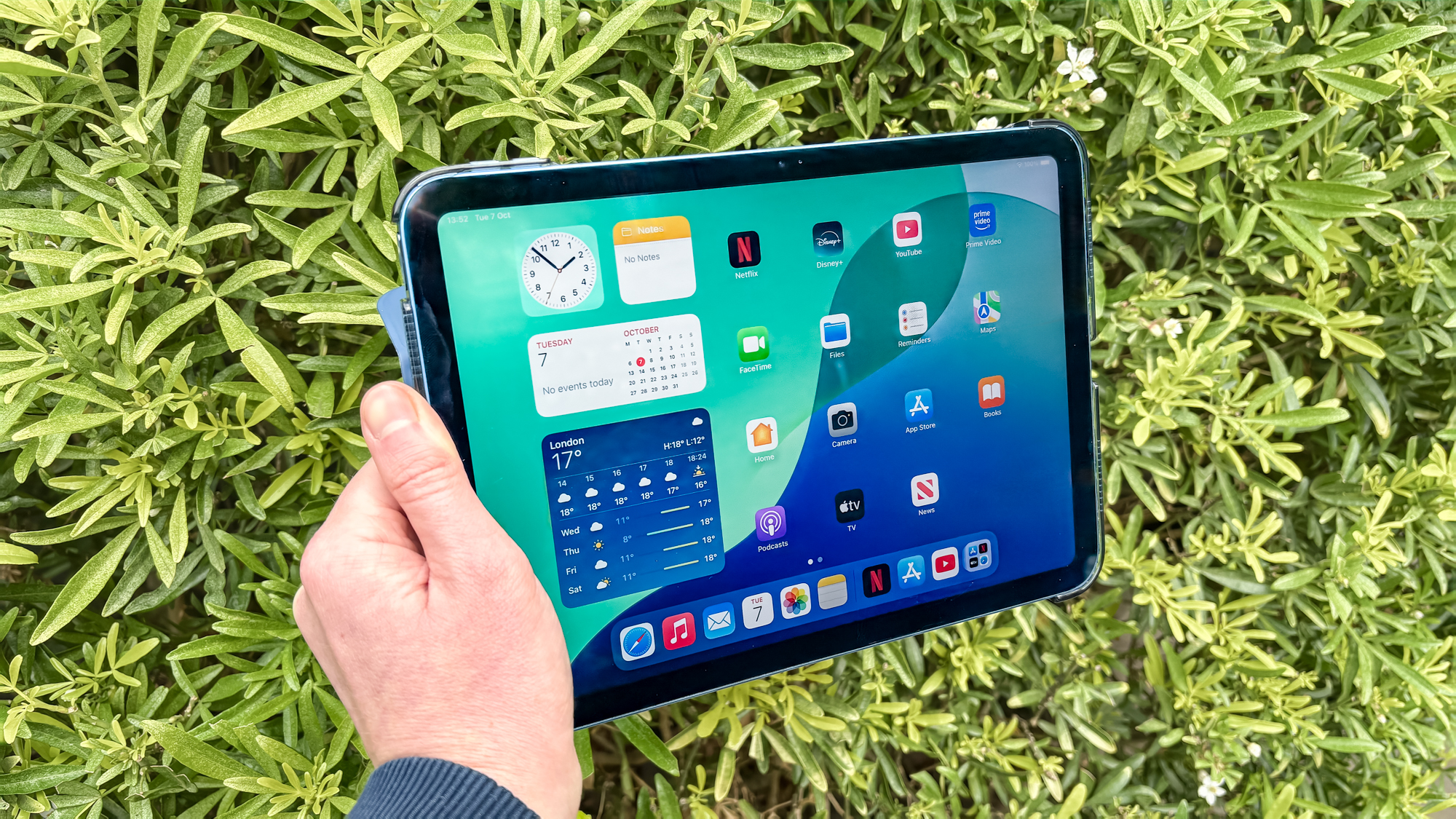
- iPad 11 (Best Overall): The definitive choice for most users, featuring the A16 chip, 128GB base storage, and unparalleled software longevity for around $350.
- Samsung Galaxy Tab S10 Lite (Best Android): Exceptional value for productivity thanks to the included S Pen and a market-leading commitment to seven years of security updates.
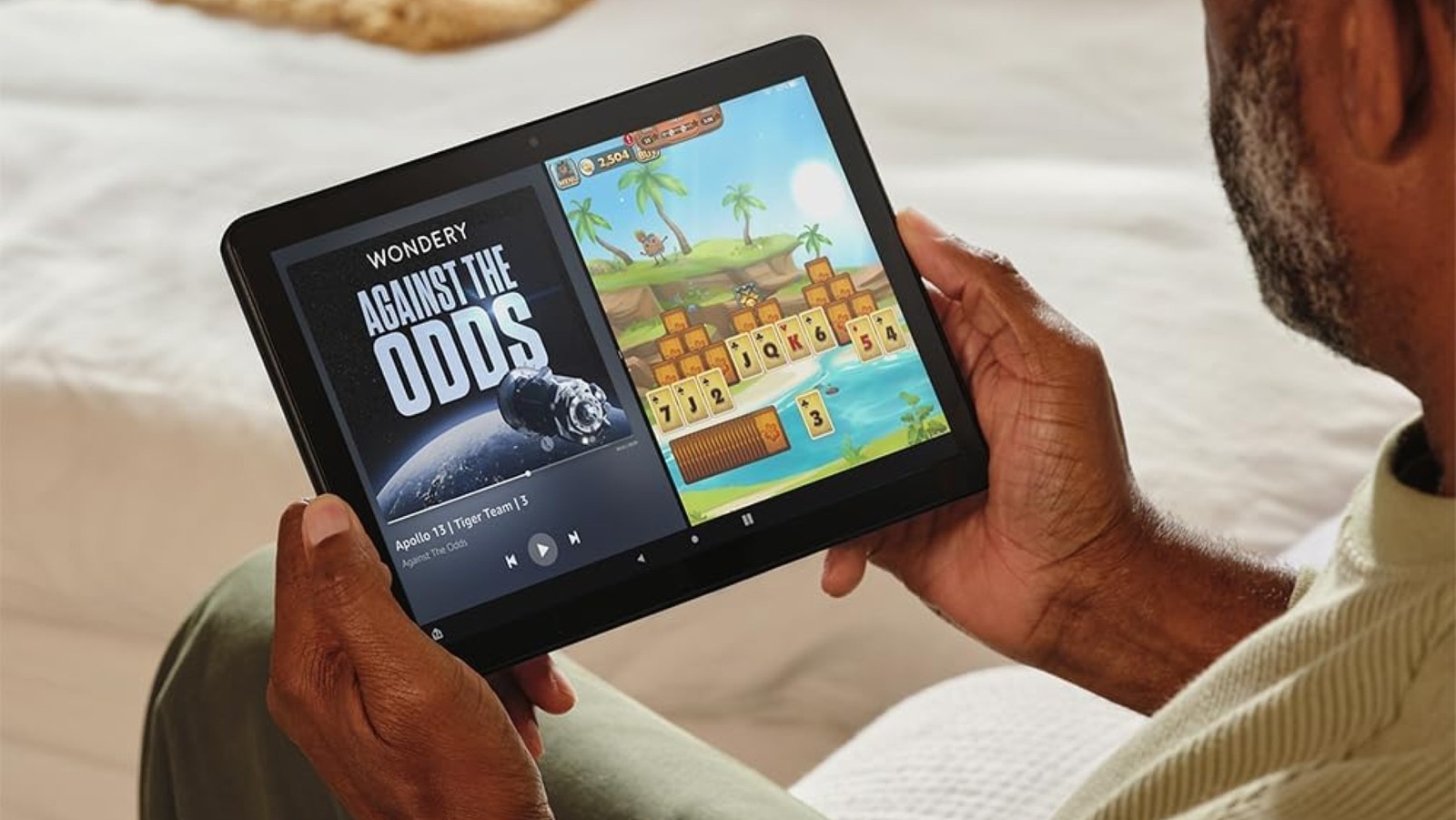
- Amazon Fire HD 10 (Best Ultra-Budget): An unbeatable media consumption device that frequently hits $70 during sales, though it lacks native Google Play access.
- Lenovo Legion Tab Gen 3 (Best for Gaming): A powerhouse with a Snapdragon 8 Gen 3 processor and a 165Hz display that rivals flagship performance at a mid-range price.
- TCL NXTPAPER 14 (Best for Eye Comfort): A unique paper-like display perfect for students and avid readers who want to minimize digital eye strain.
The best budget tablets of 2025 prioritize longevity and software support over raw, unnecessary power, with 8GB RAM becoming the new essential baseline for a fluid experience. When searching for the best budget tablets, focus on models like the iPad 11 and Samsung Galaxy Tab S10 Lite that balance hardware durability with a guaranteed software support lifecycle.
Quick Facts
- Longevity Standard: Look for a minimum of 8GB RAM to ensure the OS remains responsive through 2027.
- Software Updates: Samsung now matches Apple with up to seven years of support on select affordable android tablets.
- The Battery Reality: Most tablet batteries lose 20% of their original capacity after 300 to 500 charge cycles, meaning a cheap tablet with a poor battery may only last 18 months of heavy use.
- Hidden Costs: Budget models often exclude the stylus or keyboard, which can add $100+ to the initial "cheap" price.
- Display Tech: High refresh rates (90Hz or 120Hz) are finally appearing in tablets under 500, significantly improving the feeling of speed.
- Ecosystem Limits: Amazon Fire tablets are affordable but require "sideloading" for standard Google apps, a hurdle for non-technical users.
The Hidden Truth: Why Most Cheap Tablets Fail After Year One
Every year, I see readers fall into the same trap: they buy a $150 tablet from a brand they have never heard of, only to find it stuttering and unusable by the following Christmas. As we move into 2025, the definition of value has shifted. We are no longer just looking at the sticker price; we are looking at the cost-per-year. This shift in perspective reveals the hidden costs of buying cheap tablets 2025 that many manufacturers hope you will ignore.
The most common point of failure is not the screen or the casing, but the internal memory and battery health. For a device to remain functional for daily tasks in 2025, an 8GB RAM floor is essential. Many ultra-cheap tablets still ship with 4GB or 6GB, which causes the system to "swap" data to the slower storage drive, leading to the dreaded lag. Furthermore, physical longevity is tied to the battery. Industry data shows that most tablet batteries lose 20% capacity after 300 to 500 charge cycles. On a premium device, a 20% drop still leaves you with a full day of use. On a budget device with a smaller, less efficient battery, that 20% loss often means the device cannot even survive a cross-country flight without a charger.
When you look for best affordable android tablets with long software support, you are essentially buying time. A tablet that costs $300 but receives updates for six years costs you $50 per year. A "bargain" $150 tablet that stops receiving security patches after 12 months costs you $150 per year when you inevitably have to replace it for safety or app compatibility. This is the manufacturer trade-offs reality: they save money on long-term engineering, and you pay for it in early obsolescence.
| Feature | New Budget Tablet (2025) | Refurbished Flagship (2022/23) |
|---|---|---|
| Processor | Mid-range (Efficient) | High-end (Powerful) |
| Battery Life | 10-12 Hours (New) | 7-9 Hours (Used) |
| Software Support | 4-7 Years Remaining | 2-3 Years Remaining |
| Display | Standard LCD | OLED or High-Brightness |
| Warranty | Full 1 Year | Often 90 Days |
Best Overall and Students: Apple iPad 11 and Samsung Galaxy Tab S10 Lite
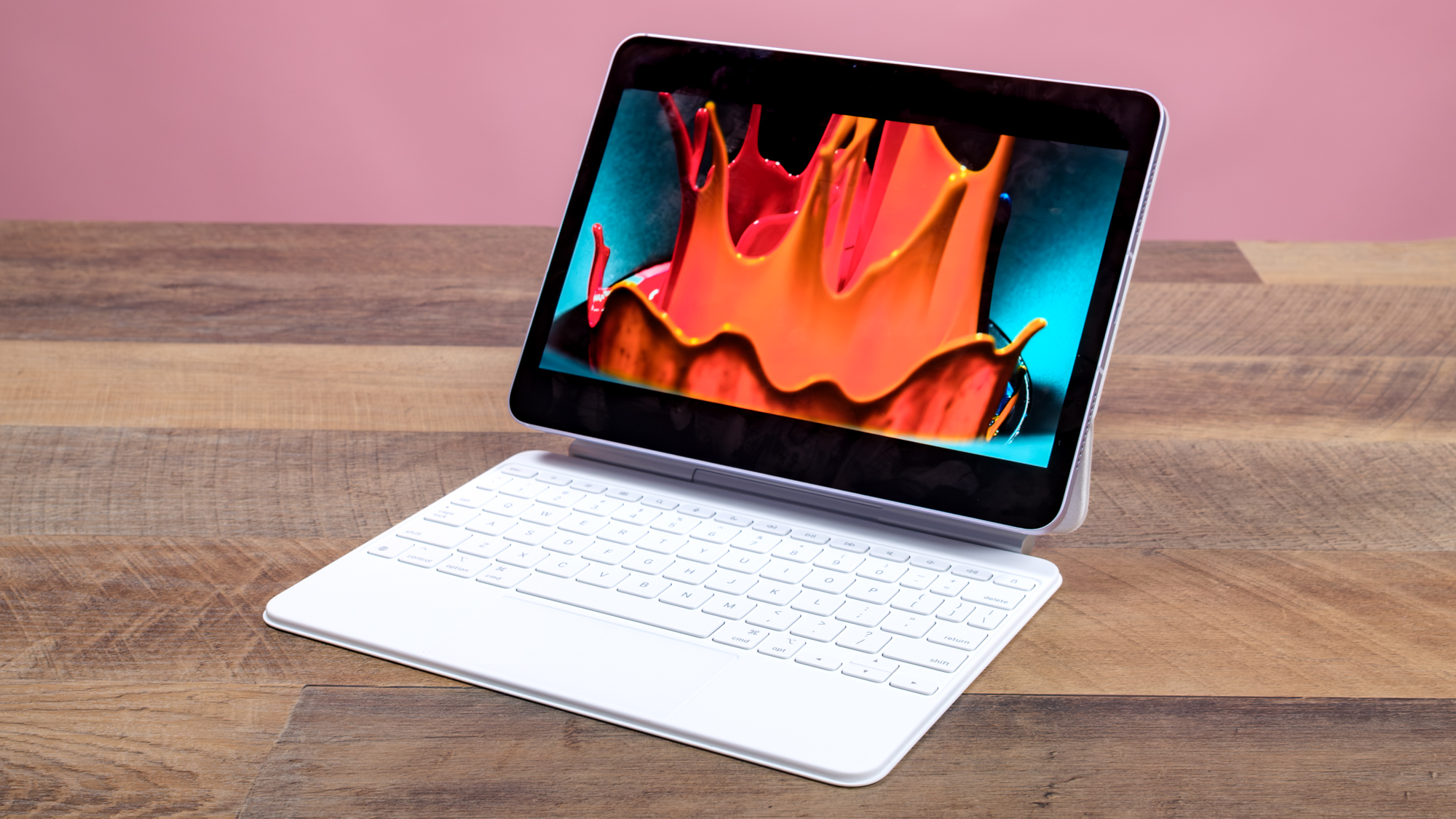
For the vast majority of people, the competition for the best tablets under 500 comes down to two titans. The 11th-generation iPad is the ultimate safe bet. By upgrading the base model to include the A16 chip and 128GB of storage, Apple has finally addressed the storage anxiety that plagued previous budget models. It handles multitasking with ease, and the build quality feels significantly more premium than its price tag suggests.
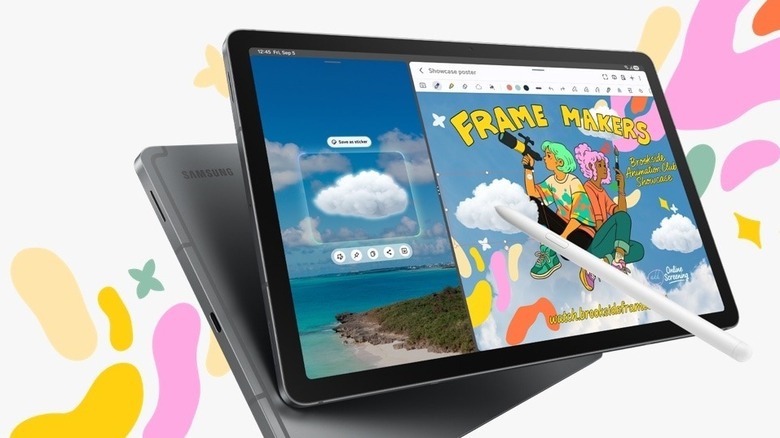
However, the Samsung Galaxy Tab S10 Lite is the smarter choice for those who need budget tablets with stylus support for note taking. While Apple makes you pay an extra $79 to $129 for a Pencil, Samsung includes the S Pen in the box. For a student or a digital artist on a budget, that is an immediate $100 saving. Samsung has also revolutionized the software support lifecycle for their mid-range line, promising seven years of updates, which is a massive leap in future-proofing for the Android world.
Who this is for:
- Students who need to digitize handwritten notes.
- Users who want a device that will still be secure in 2030.
- People already deep into the Apple or Samsung Ecosystem lock-in.
Who should look elsewhere:
- Hardcore mobile gamers who need the absolute highest frame rates.
- Users who primarily want to watch movies and want an OLED screen.
Best for Media & Kids: Amazon Fire HD 10 vs. Durable Alternatives
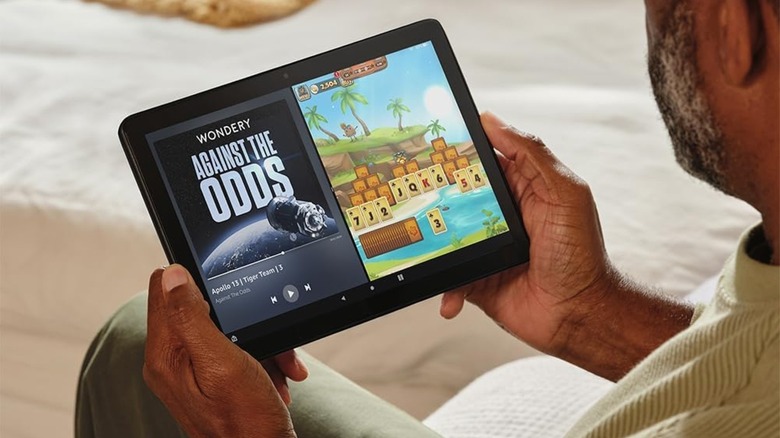
If your primary goal is media consumption—Netflix in bed, YouTube in the kitchen, or keeping a toddler entertained in the back seat—spending $400 is overkill. This is where the best value tablets under 200 dollars 2025 come into play. The Amazon Fire HD 10 remains the king of this niche, especially when it goes on sale. For around $75 to $100, you get a solid 10.1-inch 1080p screen and a chassis that is surprisingly resilient to drops.
The main hardware compromises here are the cameras (which are terrible) and the lack of the Google Play Store. You are locked into the Amazon Appstore unless you are willing to use third-party tools to install Google services. For kids, this ecosystem lock-in is actually a benefit, as Amazon’s parental controls are the best in the industry. If you want something a bit more "open," look at the TCL NXTPAPER series. Their latest 4.0 display technology uses a matte, textured finish that looks like paper and drastically reduces blue light, making it one of the most durable cheap tablets for kids as ipad alternatives because it protects their eyes during long car rides.
Who this is for:
- Frequent travelers who want a dedicated movie machine.
- Parents looking for a "disposable" tablet for young children.
- Readers who find standard tablet screens too glossy and reflective.
Who should look elsewhere:
- Anyone who needs Google Docs, Gmail, or specialized Android apps.
- Users who want a fast, snappy interface for multitasking.
Best for Performance & Gaming: Lenovo Legion Tab Gen 3
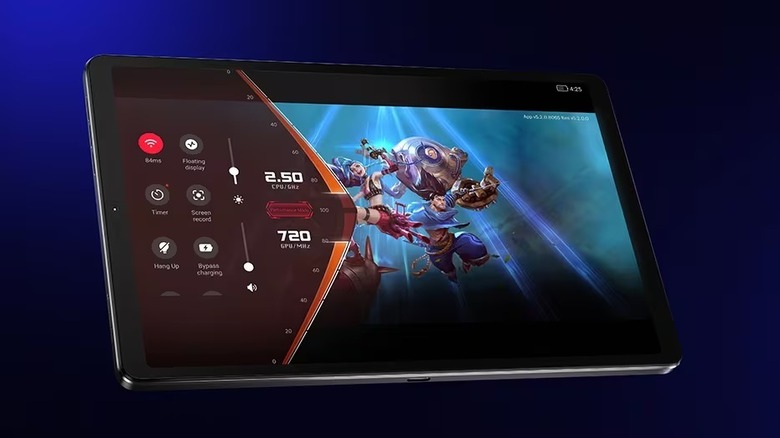
There was a time when cheap gaming tablets were a myth. You either bought a flagship iPad Pro or you suffered through low-resolution textures and lag. Lenovo changed that with the Legion Tab Gen 3. By focusing purely on processing power and display quality, they’ve created a device that hits way above its weight class.
The standout feature is the 165Hz refresh rate display. High refresh rates are standard on $1,000 phones, but seeing them on a $400 tablet is a game-changer. It makes every swipe, scroll, and animation feel buttery smooth. Paired with the Snapdragon 8 Gen 3, this tablet handles demanding titles like Genshin Impact or Zenless Zone Zero without breaking a sweat. It also includes expandable storage, which is vital for gamers who have massive libraries of titles. While it’s marketed for gaming, it also happens to be one of the best budget tablets for light office work and email because the high-speed screen makes staring at spreadsheets and long documents much less fatiguing.
Who this is for:
- Mobile gamers who want flagship performance for under $500.
- Users who prioritize a smooth, high-speed interface.
- People who need cloud gaming performance with low latency.
Who should look elsewhere:
- Users who need a large screen (this is a compact 8.8-inch device).
- People who want the simplicity of iPadOS.
Price-to-Performance: Making the Final Decision
Choosing between these devices comes down to identifying your "deal-breakers." If you cannot live without the Google ecosystem, the iPad and Fire tablets are out. If you need a stylus for work, the Samsung is the clear winner. However, I always tell my readers to consider the price-to-performance ratio over the long term.
A tablet is rarely a one-year purchase. In 2025, we are seeing a stabilization of tablet technology where even the budget tier is "good enough" for 90% of tasks. The real value is found in the software support and the quality of the screen. Don't be seduced by a $50 price tag on a generic brand; those devices often lack the necessary hardware compromises to stay relevant for more than a few months. Stick to the established players—Apple, Samsung, Lenovo, and Amazon—who have the scale to provide the future-proofing you deserve.
FAQ
Are cheap tablets worth buying for daily use?
Yes, but only if you stick to reputable brands. In 2025, a budget tablet from a major manufacturer can handle web browsing, social media, and streaming just as well as a flagship. The difference only becomes apparent in heavy video editing or professional 3D design. If your daily use involves emails, video calls, and light productivity, a sub-$400 tablet is more than sufficient.
What features should I look for in a budget tablet?
Your priority list should start with 8GB of RAM and at least 128GB of internal storage. After that, look for a screen brightness of at least 400 nits if you plan to use it near windows, and check the manufacturer's update policy. Avoid any tablet that does not promise at least three years of security updates.
Which budget tablet has the longest battery life?
The iPad 11 and the Samsung Galaxy Tab S10 Lite are the current leaders, consistently providing 10 to 12 hours of continuous web use or video playback. The Amazon Fire HD 10 also performs well in this category because its lower-resolution screen and less powerful processor draw significantly less power.
How much storage do I need on a budget tablet?
128GB is the new "safe" minimum for 2025. While 64GB might seem like enough, the operating system and basic apps can easily take up 20GB to 30GB before you even download your first movie or game. If you choose a tablet with expandable storage, like the Lenovo or Samsung models, you can start with a lower internal capacity and add a cheap microSD card later.
Are budget tablets durable enough for kids?
Standard budget tablets like the iPad require a rugged third-party case to survive a child's usage. However, specialized models like the Amazon Fire Kids Pro are built with reinforced frames and come with a "worry-free" replacement guarantee, making them a much safer investment for younger users who are prone to dropping their devices.