Quick Facts
- Weight Lead: Samsung S26 (167g) vs Pixel 10 (204g)
- Charging Speed: Galaxy 60W vs Pixel 45W
- Performance: Snapdragon 8 Elite (11,283) vs Tensor G5 (6,333)
- Display: 2,600 nits peak brightness
- Base Storage: 256GB standard on S26
- Desktop Mode: Samsung DeX (Native) vs Pixel (Beta/Experimental)
Choosing between the Samsung Galaxy S26 and Pixel 10? While Google excels in AI simplicity, Samsung Galaxy features offer a level of productivity and hardware innovation that Pixels simply can't match. Samsung Galaxy devices provide unique productivity tools like Samsung DeX and the S Pen with Wacom EMR technology, offering a desktop-like environment and professional illustration capabilities missing from the Pixel lineup.
1. Samsung DeX: The Desktop in Your Pocket
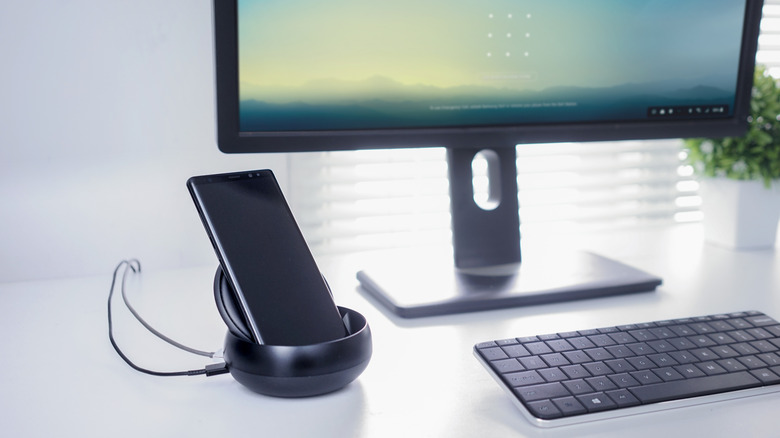
When we talk about mobile productivity, there is a massive divide between a phone that acts like a phone and one that acts like a workstation. For years, Samsung DeX capabilities have set the standard for what a mobile device can do when plugged into an external monitor. While Google has slowly toyed with an experimental desktop mode in Android 14 and 15, Samsung DeX has provided a native desktop experience platform for Galaxy devices since 2017.
Using Samsung DeX for desktop productivity allows you to connect your phone to a monitor, keyboard, and mouse to create a 3-monitor virtual workspace. This is not just screen mirroring. It is a full desktop interface with a taskbar, windowed applications, and right-click functionality. For pro-grade workflows, this means you can write an article in a windowed browser while keeping a research PDF open to the side and a Slack conversation pinned to the bottom.
The multi-window management within DeX is remarkably fluid. You can drag and drop files between apps, much like you would on a Windows PC or Mac. This is a game-changer for digital nomads or business travelers who want to leave their laptop at the hotel. While the Pixel ecosystem relies heavily on cloud-based handoffs, the Galaxy allows the device itself to become the computer. For anyone looking for the best Samsung One UI productivity tools for work, DeX remains the undisputed king of mobile convergence.
2. The S Pen & Wacom EMR: Precision Beyond Touch
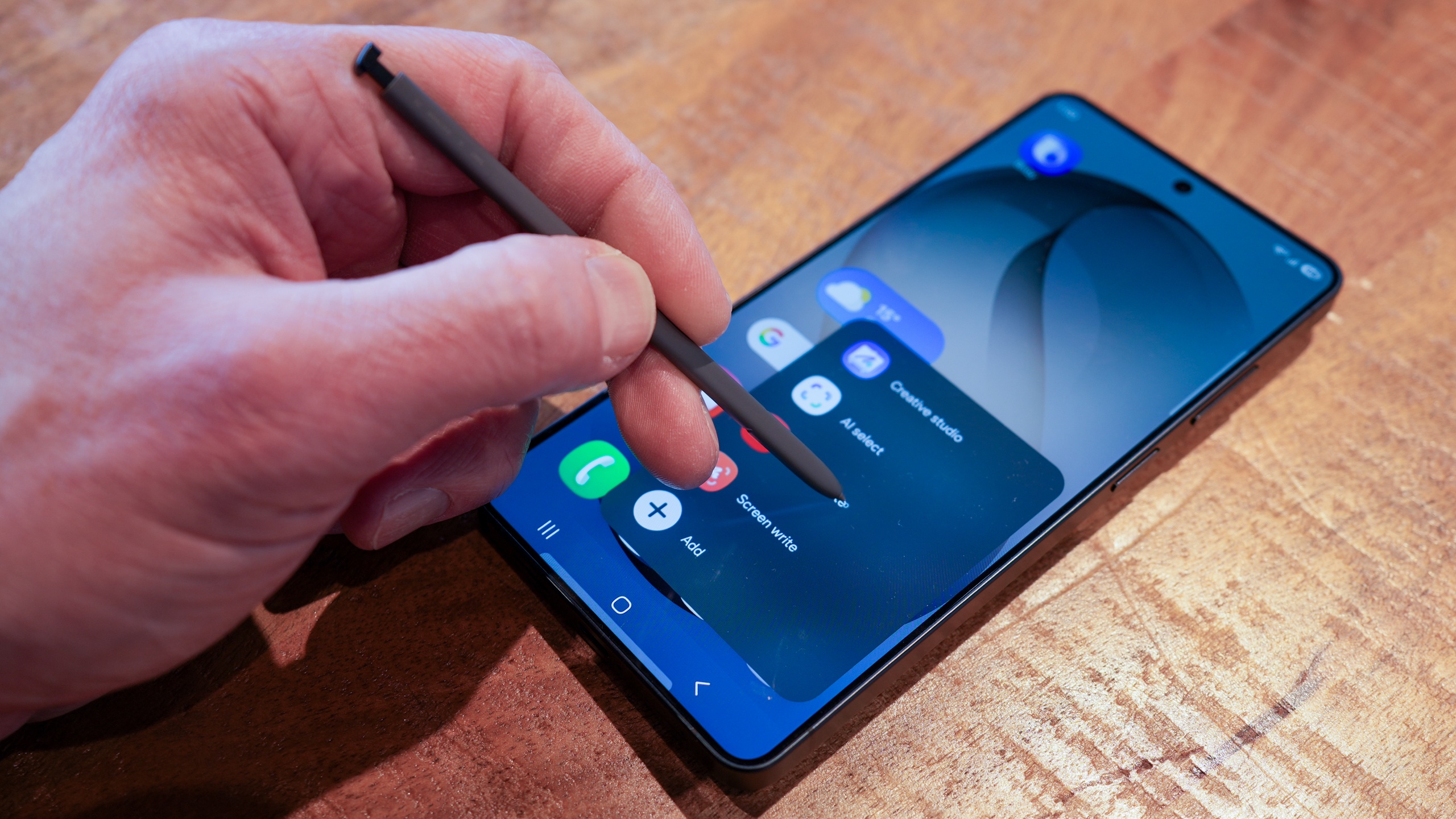
Google has built a fantastic touch-first interface, but for many professionals, a finger is a blunt instrument. The Galaxy S Ultra series separates itself through its integration of the S Pen, a tool that offers far more than just a way to tap icons. The secret sauce is the Wacom EMR technology integrated into the display. This allows the S Pen to function without a battery for its primary writing and drawing functions, relying on an electromagnetic field from the screen.
When exploring Samsung Galaxy S Pen features for note taking, the technical advantages become clear. The pen supports 4,096 levels of pressure sensitivity, making it a legitimate tool for digital illustration and professional markup. On a Pixel, you are limited to capacitive styluses that mimic a finger touch, lacking the precision and palm rejection necessary for real work.
Beyond simple drawing, the S Pen serves as a remote control for your device. Through Bluetooth Low Energy, you can use the button on the pen to snap photos, advance presentation slides, or control media playback from across the room. This hardware-software synergy turns the phone into a creative hub that the Pixel series, despite its impressive AI photo editing, simply cannot replicate in terms of raw input precision.
3. Privacy Display: Blocking the Shoulder-Surfers
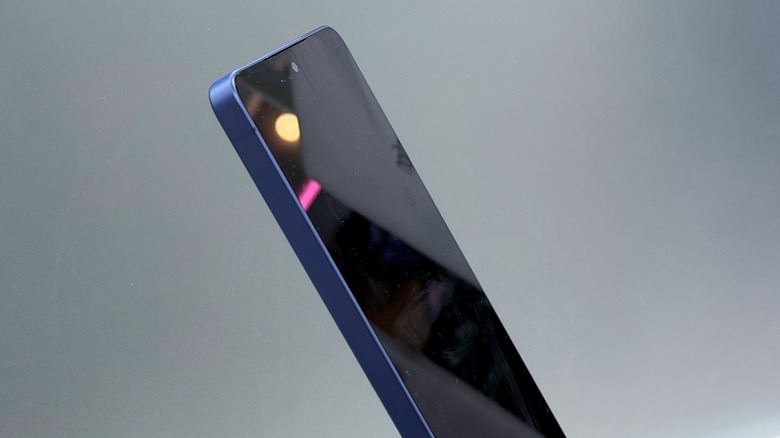
We have all been there—sitting on a crowded train or in a busy coffee shop, trying to check sensitive emails or bank balances while feeling the eyes of a neighbor drifting toward our screen. This is where the Galaxy S26 Ultra introduces a massive hardware advantage over the Pixel 10: Privacy Display technology.
Learning how to use Samsung Privacy Display on Galaxy S26 Ultra is incredibly intuitive. Unlike traditional physical screen protectors that make your display look dark or grainy, this system uses dynamic pixel shifting and specialized light-directing layers. When activated, the screen maintains full clarity and peak brightness for the person looking directly at it. However, from a side-angle visibility perspective, the screen appears completely dim or illegible to onlookers.
This feature is tied deeply into the Knox security framework, ensuring that your privacy is protected at a hardware level. While Pixel users have to rely on software-based "privacy shades" that merely dim the entire screen or physical stickers that ruin the aesthetic of the device, Samsung owners can toggle this protection on and off as needed. It is a sophisticated solution for the modern professional who handles sensitive data in public spaces.
4. Advanced One UI Multitasking & Good Lock
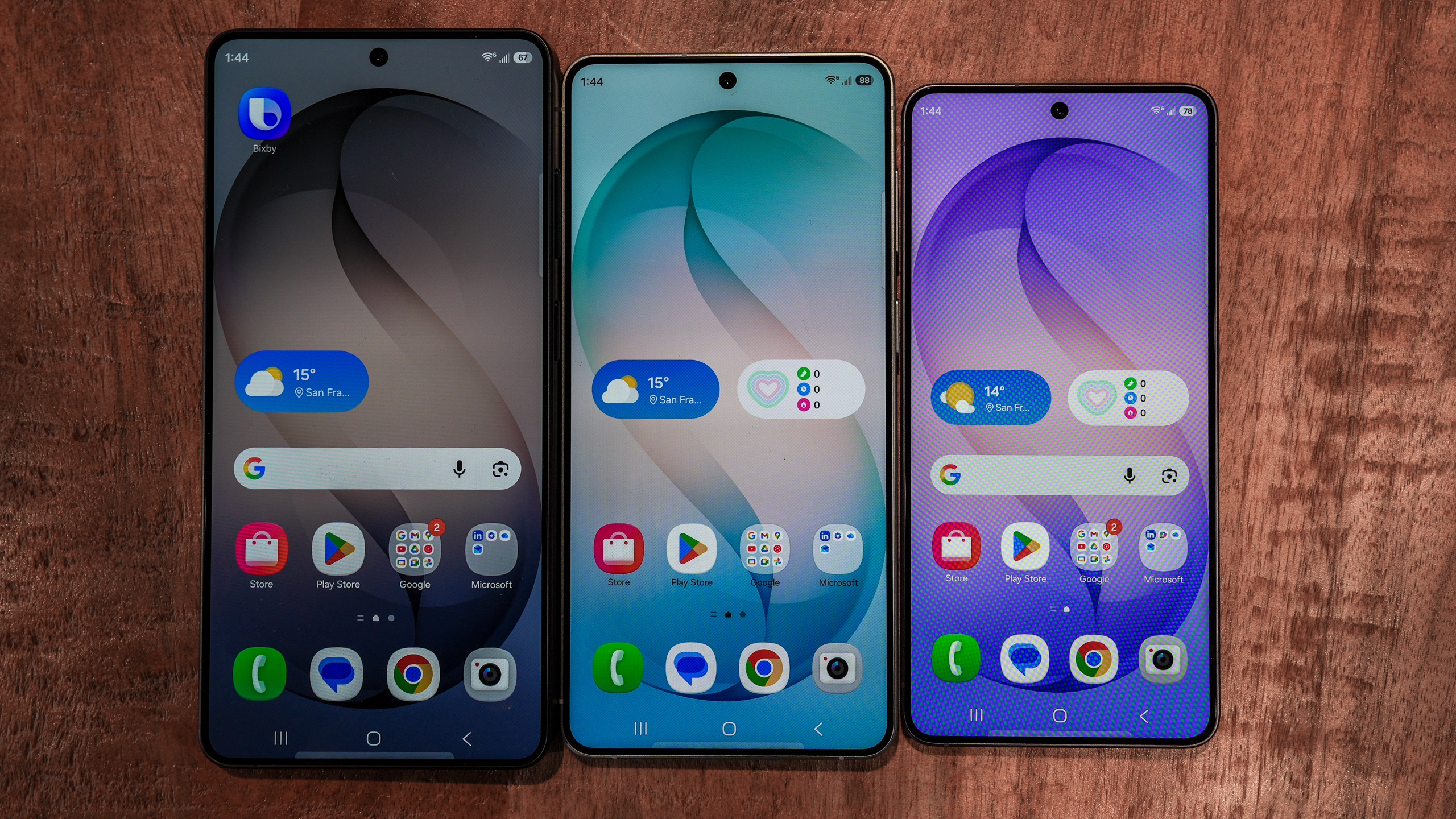
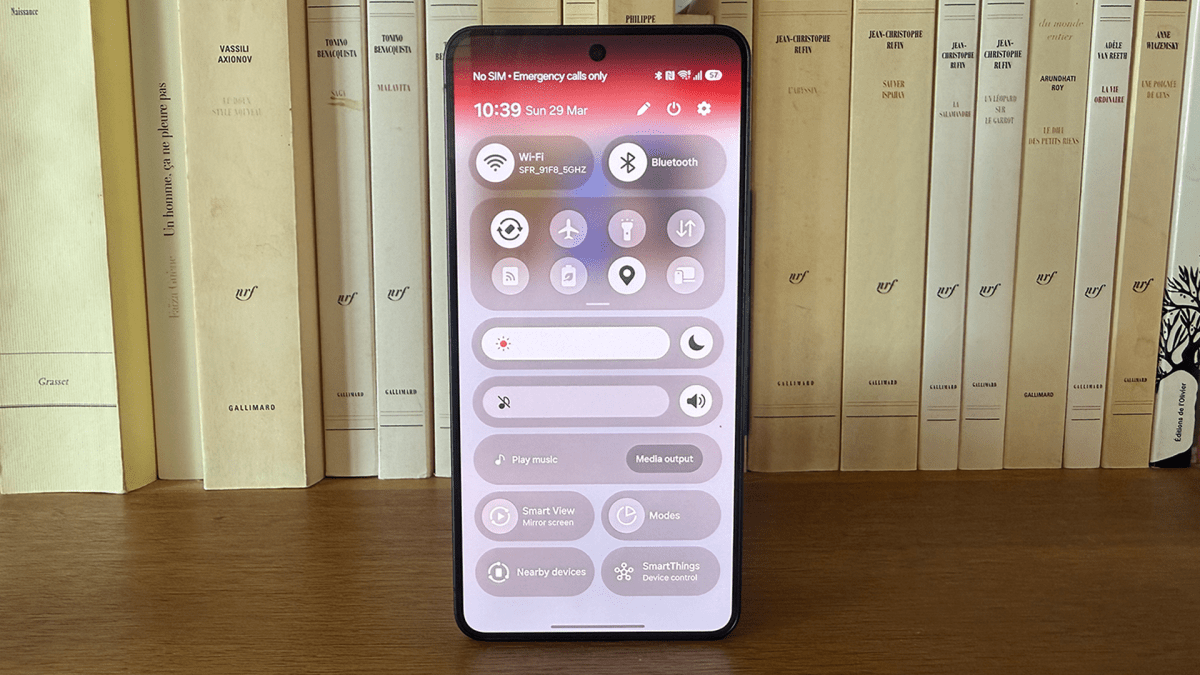
The "Stock Android" experience on Pixels is often praised for its simplicity, but for power users, simplicity can be a cage. Samsung One UI vs Google Pixel UI for power users is a lopsided battle because of the depth of customization Samsung allows. The most prominent example is the Good Lock suite, a collection of modules that allow you to redesign almost every aspect of the OS.
The scale of this ecosystem is immense. Samsung's Sound Assistant and Theme Park modules have surpassed 21 million and 17 million cumulative downloads, respectively. This isn't just about aesthetics; it is about functionality. For instance, customizing Samsung Edge Panel for faster app access allows you to keep your most-used tools just a swipe away, regardless of what app you are currently in.
Multitasking is where Samsung truly pulls ahead. While Pixel offers a basic split-screen mode, One UI supports up to five concurrent floating windows and persistent overlay UI elements. You can even set up Dual Messenger on Samsung Galaxy for business, allowing you to run two separate instances of WhatsApp or Messenger with different accounts—a feature still notoriously difficult to manage on a standard Pixel.
Furthermore, Samsung's Modes and Routines automation system provides 46 trigger categories and 35 action categories, whereas the comparable 'Rules' feature on Google Pixel devices is limited to just 2 triggers and 4 actions. For those switching from Pixel to Samsung for better multitasking, the difference in automation and app parallelization is immediately apparent.
5. Snapdragon 8 Elite: The Performance & Efficiency Gap
Underpinning all these features is the raw power of the silicon. Google’s Tensor G5 is a capable chip for AI tasks, but it consistently lags behind the industry leaders in sustained performance and efficiency. The Samsung Galaxy S26 features the Snapdragon 8 Elite, which represents a massive leap over the competition.
In standard benchmarks, the Galaxy S26 Snapdragon 8 Elite vs Pixel 10 gaming performance shows a clear winner. The Snapdragon 8 Elite scores roughly 11,283 in multi-core tests, nearly double the Tensor G5's score of 6,333. This isn't just about bragging rights; it affects how the phone handles high-end gaming, video rendering, and heavy multitasking.
Efficiency is equally important. The S26 manages to deliver up to 15 hours and 10 minutes of battery life in standardized testing, outlasting the Pixel 10's 12 hours and 40 minutes. When you do need to top up, Samsung’s 60W wired charging speed gets you back to full significantly faster than the 45W limit found on Google's flagship. For those invested in the Android 16 ecosystem, having this extra headroom ensures the device stays fast for years to come, especially when using intensive features like Horizontal Lock for gimbal-like stabilization during 4K video recording.
Value Analysis: The 128GB Storage Trap
One of the most overlooked aspects of the Samsung vs. Pixel debate is the "entry-level" value. While the Pixel 10 often carries a lower starting price of $799, it frequently ships with only 128GB of internal storage. In an era where 4K video, high-resolution photos, and massive app sizes are the norm, 128GB is increasingly becoming a bottleneck.
Samsung has moved the goalposts by making 256GB the base standard for the S26 series. While the sticker price might be $899, you are getting double the storage of the base Pixel. For anyone engaged in pro-grade workflows, that extra storage is essential. When you factor in the hardware-software synergy of the Snapdragon 8 Elite and the specialized features like the S Pen, the extra $100 for the Samsung device often represents a better long-term investment.
FAQ
What makes Samsung Galaxy different from other Android phones?
Samsung Galaxy devices differ through a combination of proprietary hardware and deep software customization. Features like the S Pen with its Wacom EMR technology and the Samsung DeX desktop environment are not found on other Android devices. Additionally, Samsung provides the Knox security framework, which offers military-grade protection at the hardware level, and One UI, which offers significantly more multitasking tools than stock Android.
What are some hidden features on Samsung Galaxy devices?
Many users are unaware of the Good Lock customization suite, which allows for deep system-level changes to the interface and sound. Other hidden gems include the Edge Panel for quick app access, the ability to create separate app sound outputs, and the Dual Messenger feature that lets you run two accounts on a single messaging app. The Secure Folder is another vital feature, providing an encrypted space for sensitive files and apps.
What are the most useful multitasking features on Samsung Galaxy?
The most useful multitasking features include the pop-up view, which allows apps to run in floating windows, and the split-screen view for using two apps simultaneously. The Edge Panel provides a persistent shortcut to app pairs, while Modes and Routines can automate complex tasks based on your location or time of day. For a full desktop experience, Samsung DeX remains the most powerful multitasking tool available on any smartphone.
What are the security features on Samsung Galaxy phones?
Security is anchored by Samsung Knox, a multi-layered platform integrated into both the hardware and software. Key features include the Secure Folder for private data, the new Privacy Display on the S26 Ultra to block side-angle visibility, and regular security patches that often arrive faster than on other brands. Samsung also includes a Private Share feature that uses blockchain technology to control how long a recipient can view a shared file.
How do I use the latest AI features on my Samsung Galaxy?
Latest AI features, collectively known as Galaxy AI, are integrated throughout the system. You can use Circle to Search to identify anything on your screen, Live Translate for real-time phone call translations, and Note Assist to summarize long documents in the Samsung Notes app. These features are usually accessible through the settings menu under "Advanced Features" or directly within the relevant apps like the Camera, Gallery, and Phone dialer.