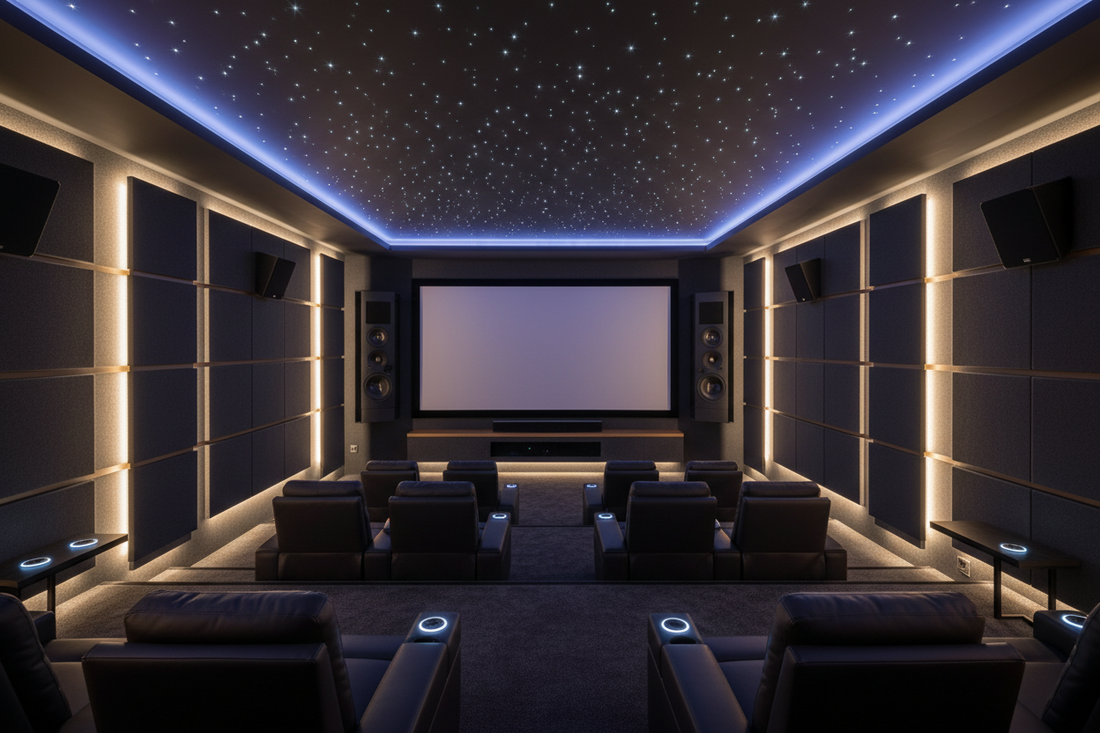
Our Top Picks
- Samsung Q-Series AI Soundbar: The best all-in-one audio solution, offering 7.1.4 immersive sound with zero cable clutter.
- UST Laser Projector & ALR Screen: Replaces traditional TVs with massive 8K visuals even in brightly lit living rooms.
- Smart Lighting Sync: Philips Hue or Govee systems that expand the on-screen action into the physical room.
- Motorized Blackout Blinds: Essential for light management to ensure perfect contrast at any time of day.
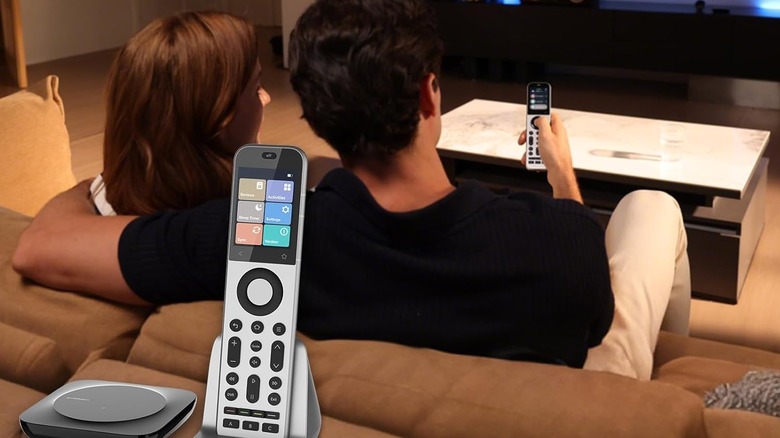
- AI-Powered Universal Remote: Consolidates control into a single voice-activated interface for effortless management.
- 8K HDMI 2.1 Hub: The necessary infrastructure to connect modern consoles and media players without signal loss.
Creating the ultimate home theater setup in 2026 requires more than just a big screen; it’s about tactical gadget integration. Whether you are looking for home theater setup ideas for a cozy living room or a dedicated cinema, these 6 gadgets will transform your experience.
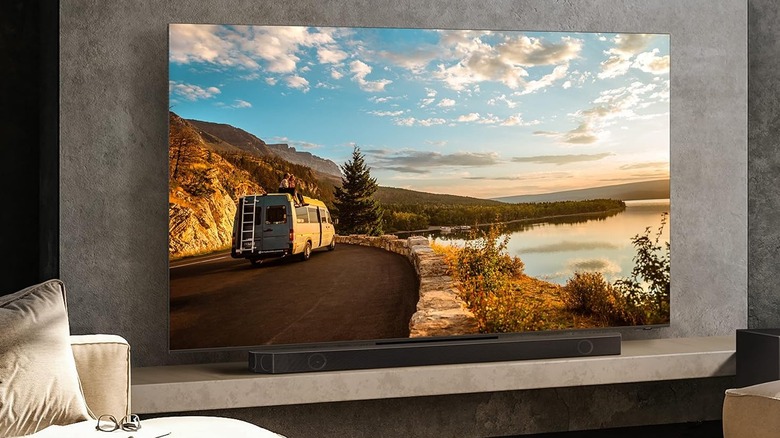
1. The Audio Anchor: Samsung Q-Series AI Soundbar
Finding the perfect home theater sound system setup used to mean drilling holes for wires and mounting half a dozen bulky boxes. In 2026, the shift is definitively toward high-end, AI-driven soundbars. The Samsung Q-Series leads this charge by utilizing advanced space-time calibration. This technology scans your room acoustics in real-time to adjust the dolby atmos home theater setup automatically, ensuring that sound bounces off your walls at the most precise angles for a true three-dimensional experience.
The industry is moving rapidly in this direction. The global home theater market is estimated to be valued at USD 15.06 billion in 2026, and within that, the soundbar segment is expected to hold a 40.7% market share. This dominance is due to the massive leaps in immersive audio quality that no longer require a rack of amplifiers.
Pro Tip: To get the most out of your 7.1.4 configuration, place your rear speakers exactly at ear height when seated. If your sofa is against a wall, angle them slightly inward toward the center of the seating area to maximize the cinematic atmosphere.
Pros
- Wireless 7.1.4 dolby atmos experience
- AI-powered room calibration
- Sleek, space-saving design
Cons
- Higher price point than entry-level setups
- Optimized specifically for Samsung TVs
2. The Visual Game-Changer: UST Laser Projectors & ALR Screens
We are seeing a revolution in how people approach a setup home theater with projector technology. In 2026, Ultra-Short Throw (UST) laser projectors have officially gone mainstream. Unlike traditional projectors that require a long dark room, a UST sits just inches from the wall. When paired with an Ambient Light Rejection (ALR) screen with a 1.3 gain, you can achieve incredible ultra HD resolution even during the day with the curtains open.
This is the perfect home theater setup in living room environments where a giant black TV screen might ruin the decor. When turned off, the screen is thin and unobtrusive; when turned on, it provides a 120-inch window into another world. The 2026 models offer a 20% increase in peak brightness over older versions, finally solving the ambient glare reduction problem that plagued early home cinemas.
Visual Specs at a Glance
| Feature | Performance |
|---|---|
| Max Resolution | 8K Ultra HD |
| Light Source | Triple Laser (RGB) |
| Screen Compatibility | 1.3 Gain ALR |
| Space Required | 8-12 inches from wall |
3. Atmospheric Immersion: Smart Lighting Sync Systems
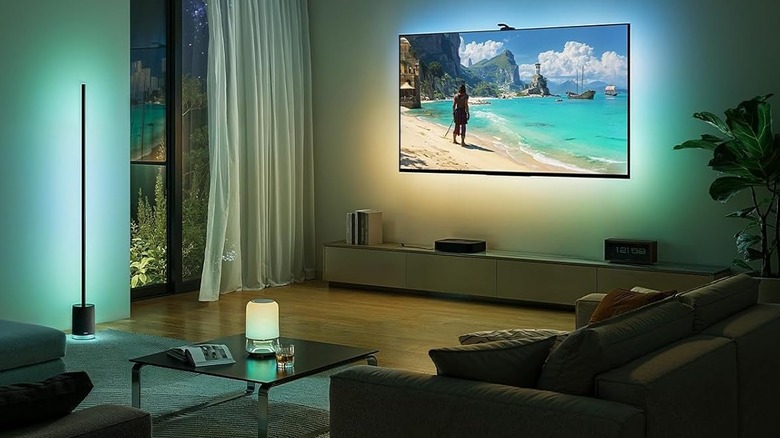
Visuals shouldn't stop at the edge of the screen. Incorporating home theater lighting setup ideas like AI-synced backlighting can drastically improve perceived contrast and reduce eye strain. Using systems like Philips Hue or Govee, your room lighting reacts to the colors on your screen in millisecond intervals. This makes the cinematic atmosphere feel much larger than your actual screen size.
When you think about smart home automation for home theater, lighting is often the most impactful element you can add for the lowest cost. These systems use a camera or an HDMI sync box to analyze the video signal and project matching hues onto the wall behind your display, creating a seamless smart lighting sync that pulls the audience into the movie.
Pro Tip: Set your base "movie mode" brightness to about 10% to 15%. This provides enough light to move around safely without washing out the deep blacks of your display.
Pros
- Greatly enhances immersion
- Lowers eye fatigue during long sessions
- Easy to integrate into home theater setup ideas
Cons
- Can be distracting if the "sensitivity" is set too high
- Requires a sync box for maximum accuracy
4. Total Environmental Control: Motorized Blackout Blinds
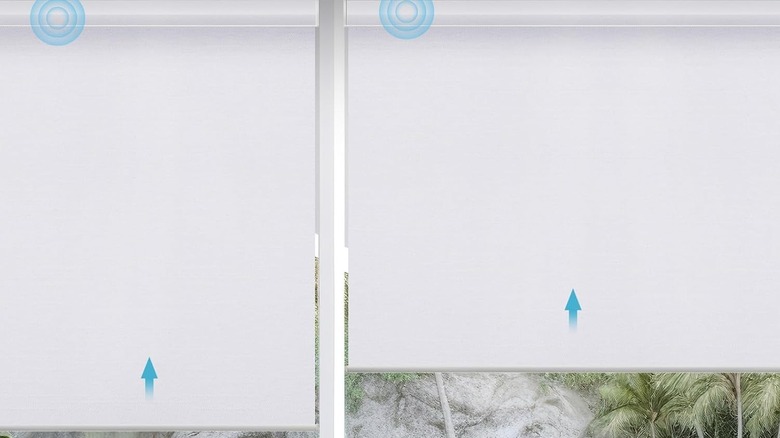
Lighting management isn't just about adding LEDs; it’s about taking away the light you don't want. To maintain home cinema aesthetics and preserve the high-contrast ratios of 8K projectors, you must eliminate screen glare. Motorized blackout blinds are the gold standard for environment control in 2026.
Modern blinds now feature voice-activated automation that integrates with your streaming activity. Imagine saying "Alexa, it's movie time," and having your blinds lower, your lights dim, and your projector power on simultaneously. This level of light management ensures that your OLED or laser projector remains vivid and punchy, regardless of the sun's position outside.
Pros
- Preserves deep black levels
- Protects furniture from UV damage
- Seamless voice-activated automation
Cons
- Usually requires professional installation
- Relatively high upfront cost for high-quality fabrics
5. The Command Center: AI-Powered Universal Remotes
As we add more gadgets, we add more controllers. The best home theater setup shouldn't require five different remotes to play a movie. We are now seeing approximately 42% of home theater buyers seeking voice-controlled systems compatible with major smart assistants to streamline this exact problem.
The latest AI-powered universal remotes, like the SofaBaton X2, consolidate your entire home theater setup & accessories into one sleek device. These remotes do more than just change channels; they execute macro routines. One button press can switch your multi-port HDMI hub to the correct input, wake up your soundbar, and launch your preferred streaming app.
Pro Tip: Use a remote that supports both IR (for older devices) and Bluetooth/Wi-Fi. This ensures your remote control remains future-proof as you update your hardware over the next few years.
6. The 8K Bridge: Multi-Port HDMI 2.1 Hubs
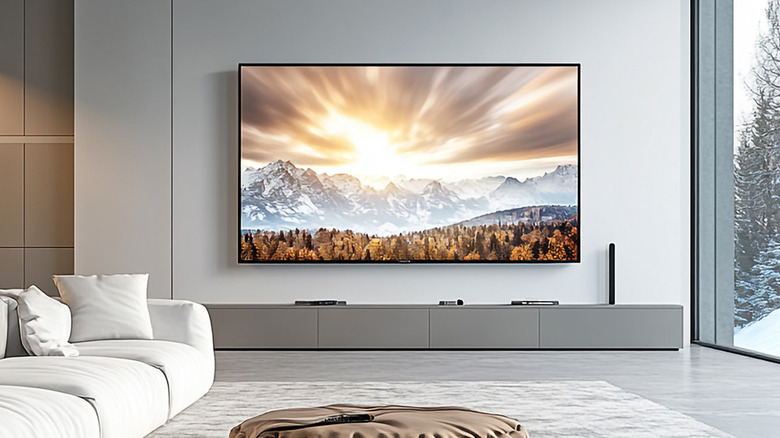
A common bottleneck in a modern home theater setup is the infrastructure behind the screen. Many built-in TV ports still lack the 48Gbps bandwidth required for true 8K video or 4K/120Hz gaming. A dedicated 8K HDMI 2.1 hub acts as the nervous system for your theater, managing signal traffic between your PS5, Xbox, and high-end streaming sticks.
Effective cable management is also a major benefit of using a central hub. Instead of five cables dangling from your display, you run one high-performance cable to the hub and hide the rest of your home theater setup & accessories in a media cabinet. This preserves your clean ultra HD resolution without the visual clutter of "cable spaghetti."
Pros
- Supports full 48Gbps bandwidth for 8K
- Simplifies cable management
- Adds extra ports for more devices
Cons
- Adds another powered device to your rack
- Cheap models may cause signal flickering
FAQ
What is the best setup for home theater?
The best setup balances high-end audio with a controlled viewing environment. In 2026, this typically means a 7.1.4 AI soundbar system paired with an Ultra-Short Throw projector and an ALR screen. Prioritizing audio immersion and light control is just as important as the screen size itself.
What do I need for a home theatre setup?
At a minimum, you need a high-resolution display, a surround sound system (either a soundbar or discrete speakers), a media source (like a streaming stick or console), and high-speed HDMI 2.1 cables. To elevate the experience, add motorized blackout blinds and smart lighting sync.
Is 5.1 or 7.1 better for home theater?
A 7.1 system is generally better because it provides two additional side speakers that create a more seamless wrap-around sound field. However, in 2026, many experts recommend moving straight to a 7.1.4 setup, which adds four overhead channels for height effects like helicopters or rain, truly mastering the dolby atmos experience.
What is the ideal home theater layout?
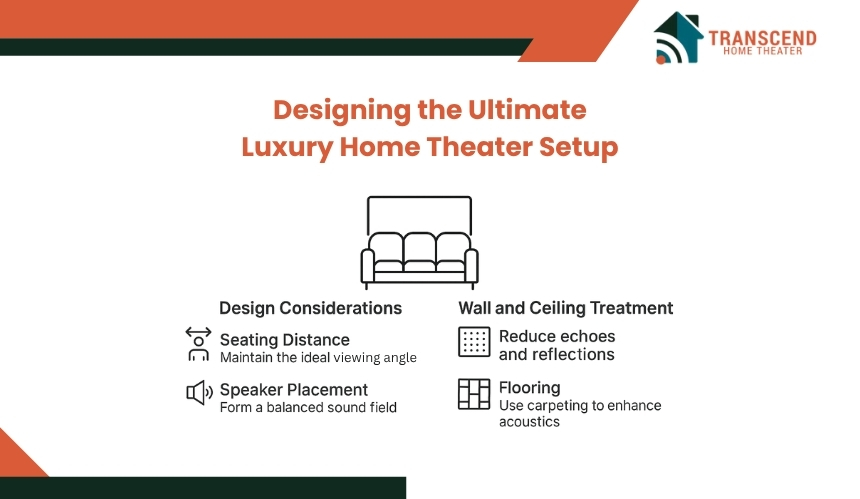
The ideal layout places the primary seating at a distance roughly 1.5x to 2.5x the diagonal width of the screen. Speakers should be positioned so that the tweeters are at ear level, with the center channel placed directly above or below the screen. Ensure that there is adequate air circulation around your electronics hub to prevent overheating.
What is the 83% rule for speakers?
The 83% rule typically refers to the speaker distance ratio in specialized setups, but it is most commonly applied as a guide for speaker height. It suggests that the height of your speakers should be roughly 83% of the height of your display’s center point to ensure the audio feels like it is coming directly from the characters on screen rather than from the floor or ceiling.