Our Top Picks
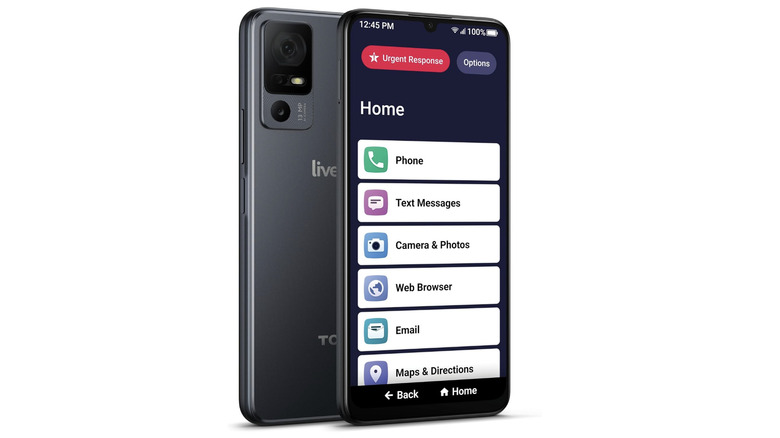
- Best Overall for Simplicity: Jitterbug Smart4 – Featuring a list-based menu and a dedicated urgent response button, it is the gold standard for ease of use.
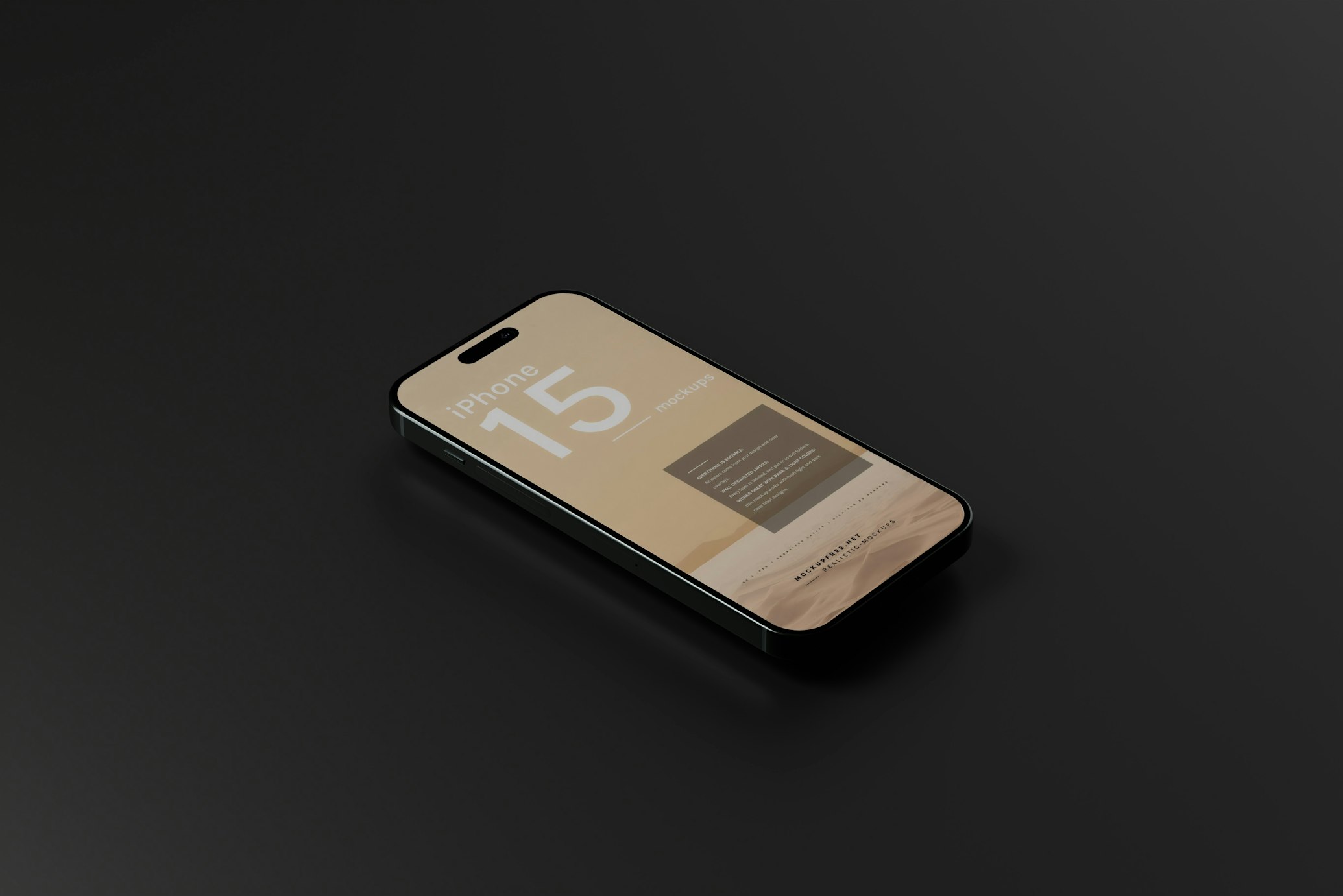
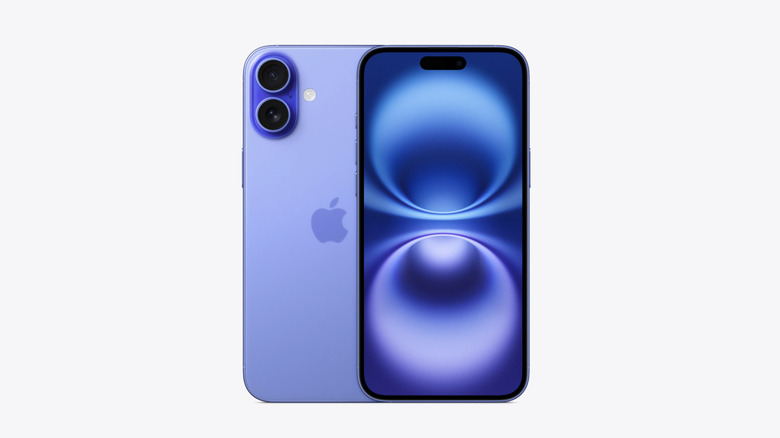
- Best Premium Safety Choice: iPhone 16 Plus – Offers unmatched emergency features like satellite connectivity and advanced fall detection for active seniors.
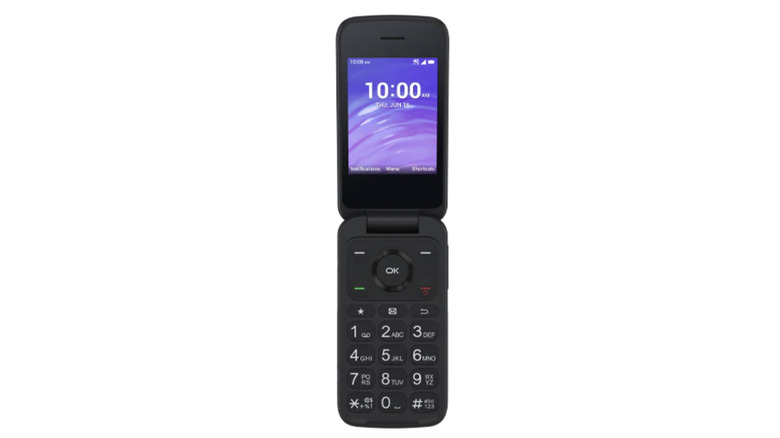
- Best Budget Option: TCL Flip Go – A durable, loud, and straightforward device that provides essential connectivity for under $100.
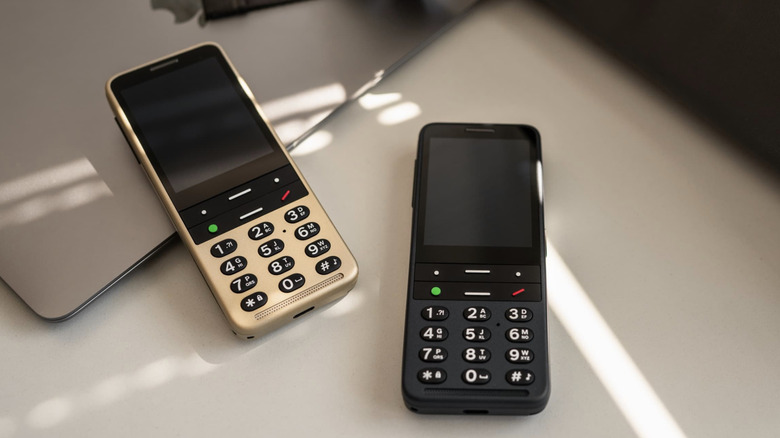
- Best for Vision Impairment: BlindShell Classic 3 – A specialized device with a full physical keyboard and integrated voice control designed specifically for those with limited sight.
Choosing the best senior phones in 2026 requires balancing simplicity with life-saving safety features like SOS buttons and fall detection. Whether you need a budget-friendly flip phone or a premium smartphone, our guide covers the top-rated options that prioritize high-contrast displays, simplified user interfaces, and hearing aid compatibility to help overcome common age-related challenges with vision and hearing.
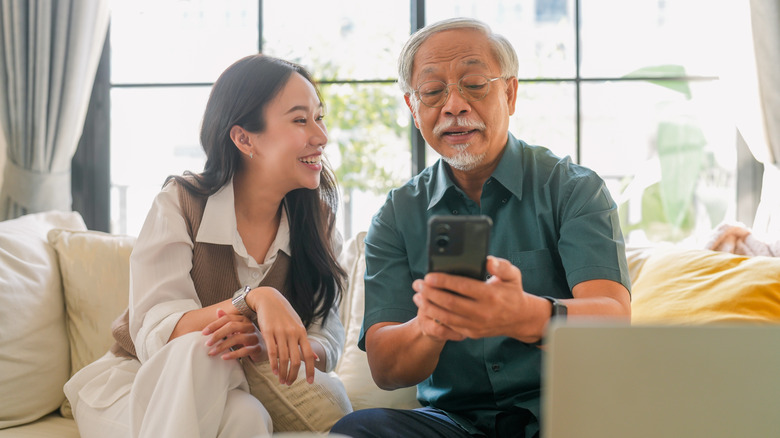
In my years of testing mobile hardware, I have seen a beautiful shift in how manufacturers approach the "senior" market. It is no longer just about big buttons; it is about empowerment. According to 2024 Pew Research Center data, 76% of adults aged 65 and older in the United States own a smartphone, reflecting a significant increase in digital adoption among seniors. As we look toward 2026, the global market for senior-specific cell phones is projected to reach $14.2 billion in 2025, with the smartphone segment accounting for 61.4% of total revenue.
Choosing Your Device: Smartphones vs. Flip Phones
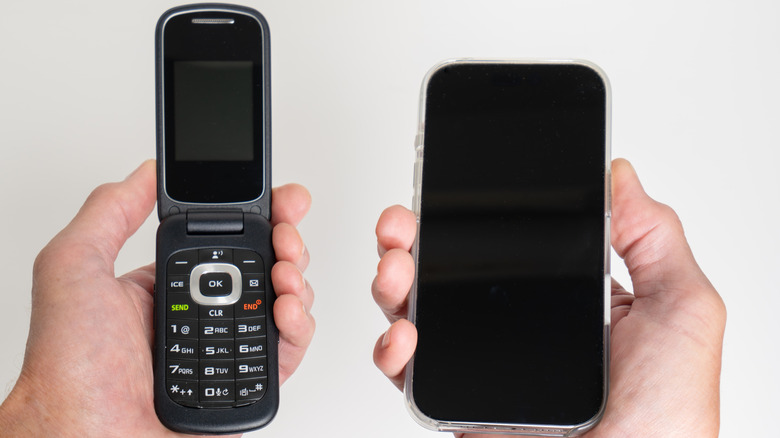
The most frequent question I receive from families is whether a loved one should stick with a traditional flip phone or transition to a smartphone. The answer usually lies in the user's manual dexterity and cognitive comfort.
Flip phones offer a nostalgic form factor and provide excellent tactile feedback through physical buttons. For someone who only wants to make calls or send the occasional text, a device like the Jitterbug Flip2 is perfect because it eliminates the risk of "accidental touches" on a sensitive screen. However, cell phones for elderly users are evolving. Modern easy to use smartphones for seniors now feature simplified user interfaces that mimic the straightforward nature of older devices while offering the benefits of video calls and GPS tracking.
If your priority is high-resolution video chatting with grandkids or using health-tracking apps, a smartphone is the better investment. If the goal is a device that can be operated by feel alone, the best flip phones for seniors who want physical buttons remain the champion of the "less is more" philosophy.
Comparison of Top Senior-Friendly Models
| Model | Audio Volume (dB) | SOS Button | Remote Management |
|---|---|---|---|
| Jitterbug Smart4 | 85 dB | Physical Button | Yes (Lively Link) |
| iPhone 16 Plus | 78 dB | Software/Satellite | Yes (Find My) |
| TCL Flip Go | 90 dB | Rear Button | No |
| BlindShell Classic 3 | 92 dB | Dedicated Back | Yes |
| Samsung Galaxy S25 | 79 dB | Power Button Toggle | Yes (SmartThings) |
Best Budget Senior Phones (Under $100)
Affordability does not have to mean a sacrifice in quality. Industry rankings for 2025 identify the Consumer Cellular IRIS Easy Flip as a leading budget-friendly option priced at approximately $59.
Another standout in the affordable cell phones for seniors under 100 dollars category is the TCL Flip Go. This device focuses on loudspeaker clarity, reaching decibel levels that ensure you never miss a ringtone, even in a noisy environment. It also features a $10 activation fee on many senior-focused carriers, making the entry cost remarkably low. These budget devices typically offer about 10 to 12 hours of talk time, which is more than enough for a daily charge cycle.
Best Specialized Phones for Vision and Cognitive Support
Standard phones often fail users with specific medical needs. For those dealing with memory loss or dementia, the RAZ Memory Phone is a breakthrough. It removes all typical phone functions, presenting only pictures of contacts on the screen. There are no menus to get lost in, and it includes remote device troubleshooting so a caregiver can manage the phone from a different city.
Best for Low Vision: The BlindShell Classic 3. Unlike modern glass slabs, this phone has a physical keypad with well-spaced buttons. It utilizes magnification and zooming tools alongside a voice-guided interface that reads out every menu item.
For seniors with macular degeneration, large screen smartphones for seniors with low vision are essential. The 6.7-inch displays found on premium models provide the real estate needed for high-contrast display modes and massive text sizes without losing the context of the app. Furthermore, simple interface smartphones for seniors with cognitive impairment often include "kiosk modes" that lock the phone into a few essential apps, preventing accidental settings changes that lead to frustration.
Best Premium Smartphones with Advanced Safety Features
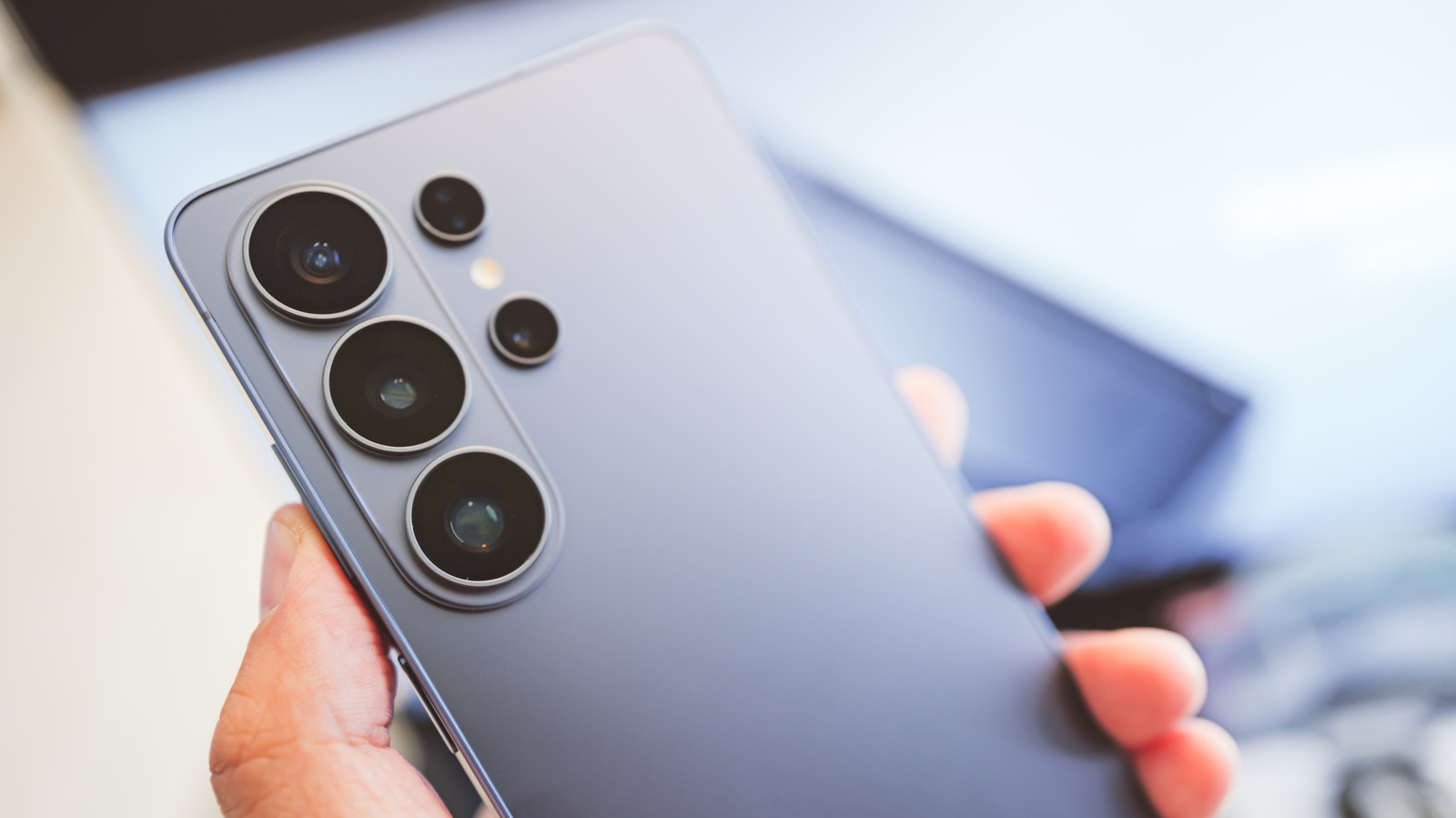
If the budget allows, top rated premium smartphones with accessibility features for seniors like the iPhone 16 Plus and Samsung Galaxy S25 provide an incredible safety net. These aren't just gadgets; they are medical alert systems.
The iPhone 16 Plus includes fall detection technology that can sense if you have taken a hard tumble and automatically call emergency services if you are unresponsive. In 2026, the satellite SOS capabilities have expanded, allowing for one-touch emergency dialing even in remote areas without cell service. Similarly, the Samsung Galaxy S25 offers senior cell phones with built-in sos medical alert buttons functionality through a customizable side key. Both devices offer precise GPS safety tracking, giving family members peace of mind through "Find My" services.
Critical Hardware Specs: Audio, Visual, and Battery
When I evaluate a device for this category, I look at three specific metrics: nits (brightness), decibels (sound), and milliampere-hours (battery).
For outdoor visibility, look for a screen with at least 2,000 to 2,700 nits of peak brightness. This ensures that the display remains legible even in direct sunlight. Audio is equally critical; a phone should offer at least 85 dB through the loudspeaker to be effective for those with mild hearing loss. Always ensure the device is hearing aid compatible cell phones for elderly users, specifically looking for M4/T4 ratings to avoid interference.
Lastly, long battery life cell phones for seniors living alone are a non-negotiable safety requirement. The iPhone 16 Plus, for example, can offer up to 44 hours of battery life on a single charge under light use, ensuring the phone is ready in an emergency even if the user forgets to plug it in for a night.
Managing Long-Term Costs and Service Plans
A great phone is only half the battle; the monthly bill is where many seniors feel the pinch. Carriers like Lively (which powers Jitterbug) and Consumer Cellular specialize in affordable cell phones for seniors with plans starting as low as $15 to $20 per month.
When choosing a plan, be wary of hidden activation costs or long-term contracts. Look for "No-Contract" options that allow you to change the data or minutes as needs evolve. If the senior primarily uses the phone at home on Wi-Fi, a low-data plan can save hundreds of dollars a year.
FAQ
What features should I look for in a phone for a senior?
Prioritize senior friendly cell phone features such as a high-contrast display, large text options, and loud, clear speakers. Safety features like a physical SOS button, GPS tracking for caregivers, and hearing aid compatibility are also essential for long-term usability and peace of mind.
Are flip phones or smartphones better for elderly users?
It depends on their comfort level with technology. Flip phones are best for those who prefer tactile feedback and want to avoid the complexity of a touchscreen. Smartphones are better for seniors who want to video chat, use health apps, or require advanced safety features like fall detection.
What is the easiest cell phone for a senior to use?
The Jitterbug Smart4 is widely considered the easiest smartphone due to its list-based menu and simple navigation. For those who want the absolute simplest experience with no menus at all, the RAZ Memory Phone is the top recommendation.
Do senior-friendly phones have emergency alert buttons?
Yes, many top-rated options include a dedicated physical or software-based SOS button. Devices like the Jitterbug series connect directly to certified urgent response agents, while mainstream premium phones use fall detection and satellite technology to alert emergency services and family members.
What are the most affordable phone plans for seniors?
Carriers like Consumer Cellular and Lively offer some of the most competitive rates, often starting under $20 per month. Many of these plans are designed specifically for the usage patterns of seniors, focusing on reliable talk and text with flexible data options.
What is the best phone for a senior with vision impairment?
The BlindShell Classic 3 is the premier choice for the visually impaired because it uses a physical keypad and comprehensive voice menus. For those who still have some vision, a large-screen smartphone like the iPhone 16 Plus with its zoom and high-contrast settings is an excellent alternative.