Our Top Picks
- Best Overall: Samsung Galaxy Tab S11 Ultra. With a massive OLED display and guaranteed 7-year support, it is the gold standard for anyone seeking a premium Android tablet laptop replacement.
- Best Value: OnePlus Pad 3. This device balances price and performance with a stunning 144Hz display, making it the best Android tablet for laptop replacement 2026 for budget-conscious buyers.
- Best for Mobility: Samsung Galaxy Tab S11 FE. An IP68 rating and compact build make this the ideal choice for travelers and outdoor field work.
Modern Android tablets serve as effective laptop replacements for mobile professionals and students focusing on web-based tasks and document editing, though they remain secondary devices for power users requiring niche desktop software. With the latest Android 16 features and powerful hardware, the best Android tablet for laptop replacement 2026 options now offer a genuine alternative to traditional portables for a significant portion of the population.
Quick Facts
- Market Growth: Tablet shipments grew by 9.8% year-over-year in 2024, nearly ten times faster than the traditional PC market.
- Market Dominance: Android tablets are projected to account for 52.7% of the global tablet market share by 2026.
- OS Evolution: Android 16 features have drastically improved windowed multitasking and external monitor output.
- Hardware Parity: The Snapdragon 8 Elite and MediaTek Dimensity 9400+ deliver performance rivaling many mid-range laptop CPUs.
- Battery Life: ARM-based architecture allows these tablets to provide 12-15 hours of active use, often outlasting Windows laptops.
- Primary Limit: High-end professional apps for Android tablets like Autodesk Revit are still missing from the Play Store.
The 2026 Hardware Powerhouse: Breaking the PC Barrier
For years, the argument against using a tablet as a computer was simply that the hardware couldn't keep up. In 2026, that argument has largely evaporated. The current generation of silicon, led by the Snapdragon 8 Elite, provides enough raw power to handle 4K video editing, complex spreadsheets, and dozens of browser tabs without breaking a sweat.
When looking for an Android tablet laptop replacement, the display is your primary interface. We have reached a point where OLED display technology is standard on flagship models, providing 120Hz or even 144Hz refresh rates. This makes everything from scrolling through long documents to using a digital stylus feel instantaneous. Furthermore, the shift to ARM-based architecture means these devices stay cool and quiet, unlike the fan-whirring experience of a traditional PC under load.
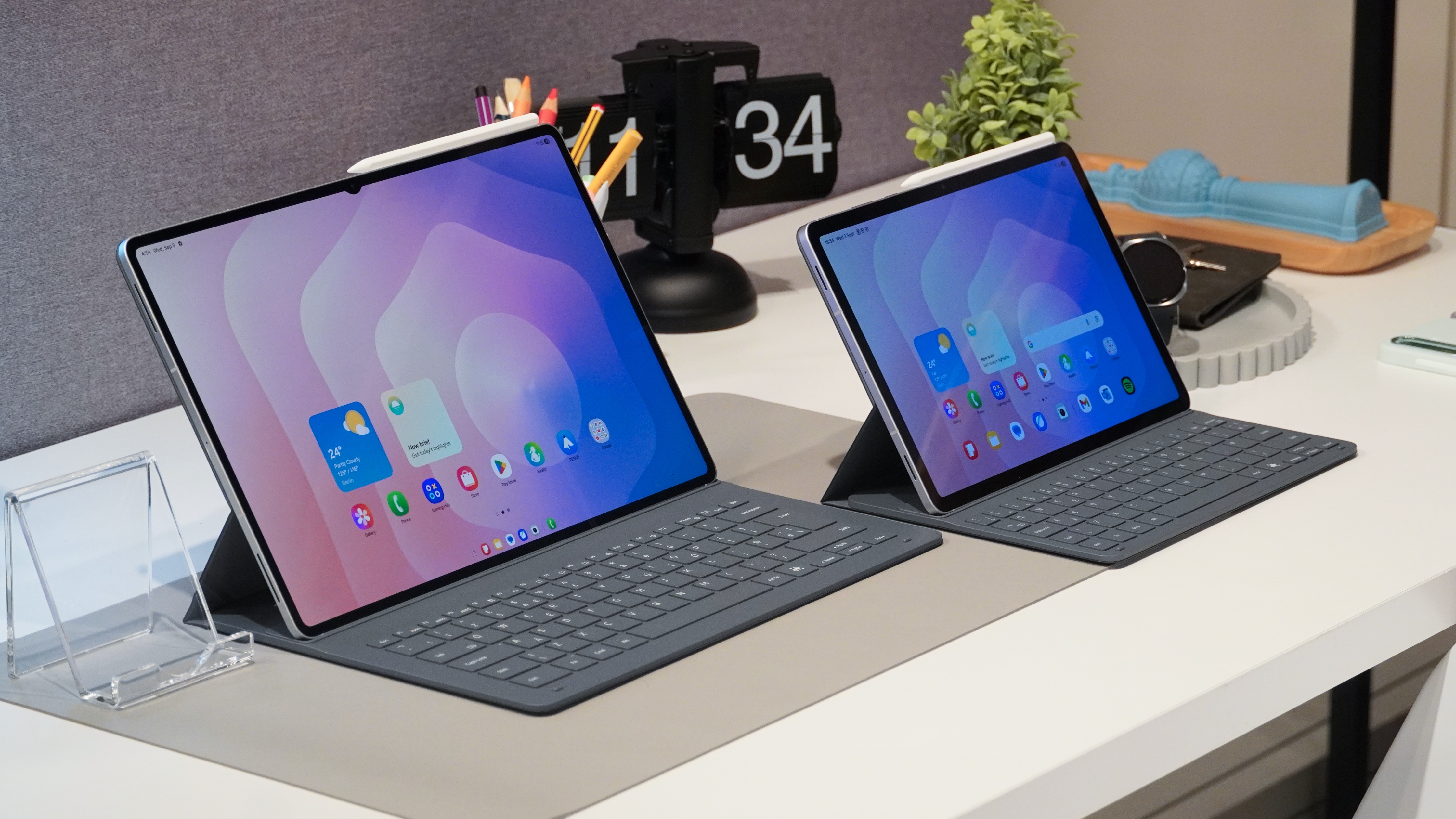
To truly bridge the gap, hardware connectivity has also evolved. The inclusion of high-speed USB-C ports allows for seamless integration with USB-C docking stations. This means you can arrive at your desk, plug in one cable, and instantly connect to a 4K monitor, mechanical keyboard, and wired internet.
| Feature | Samsung Galaxy Tab S11 Ultra | OnePlus Pad 3 | Samsung Galaxy Tab S11 FE |
|---|---|---|---|
| Chipset | Snapdragon 8 Elite | Dimensity 9400+ | Exynos 1580 |
| RAM | 12GB / 16GB | 8GB / 12GB | 8GB |
| Display | 14.6" Dynamic AMOLED 2X | 12.1" LCD 144Hz | 10.9" LCD 90Hz |
| Update Policy | 7 Years | 4 Years | 4 Years |
| Desktop Mode | Samsung DeX (Wireless/Wired) | Open Canvas | Samsung DeX (Limited) |
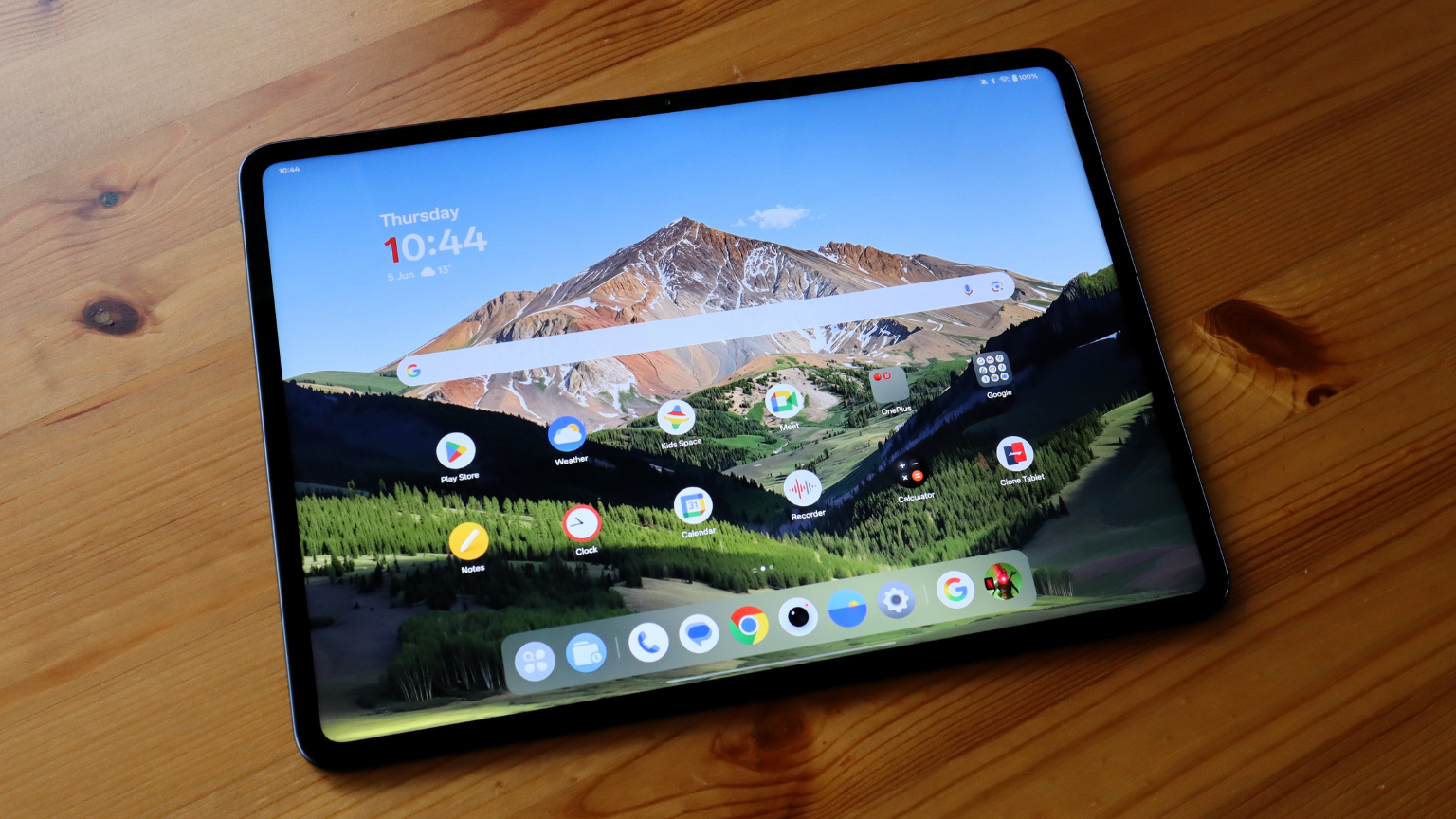
The Software Wall: Why Professional Apps Still Matter
While the hardware is ready, the software side remains a more nuanced conversation. The release of Android 16 features has solved many of the historical multitasking gripes. We now have a "desktop mode" that feels native, with a taskbar that behaves predictably and window management that mirrors a PC experience. However, file management on Android tablets vs PCs still presents a learning curve. While the Files app has improved, it lacks the deep system-level organization and robust third-party plugin support found in Windows Explorer or macOS Finder.
The most significant hurdle is the availability of professional apps for Android tablets. If your work involves web-based tools like Google Workspace, Microsoft 365, or Slack, you won't feel much of a difference. But for niche industries, the software wall is real. For example, professional video editing apps for Android tablets 2026 like LumaFusion and DaVinci Resolve are excellent, but they still lack some of the advanced color-grading plugins or complex audio engineering tools found on desktop versions.
Furthermore, architects and engineers still find themselves tethered to PCs because Autodesk Revit and certain versions of AutoCAD haven't reached full parity on mobile. To survive on a tablet, many professionals are turning to Progressive Web Apps (PWA) or cloud-based computing to run heavy software remotely, but this requires a constant, high-speed internet connection.
Desktop Modes: Samsung DeX vs. The Competition
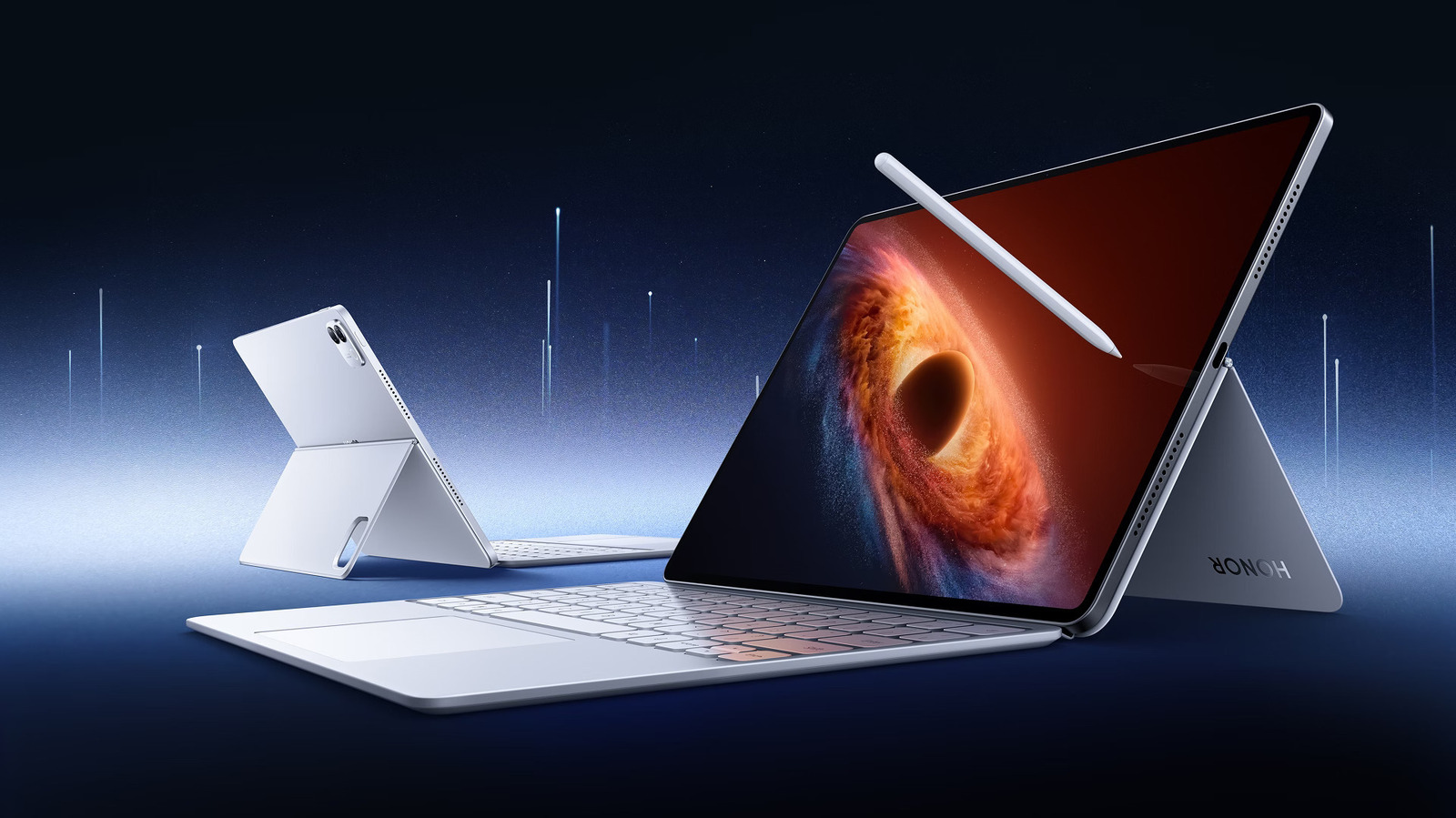
If you are serious about an Android tablet laptop replacement, you need to understand the desktop simulation layers. Samsung DeX vs desktop experience is the most common comparison because Samsung has spent a decade refining its windowed environment. When you activate DeX, the tablet transforms into a desktop-like interface with resizable windows, desktop icons, and a traditional "Start" menu.
Samsung DeX vs Windows 11 for productivity shows that while Windows is more powerful for system-level tweaks, DeX is significantly more efficient for mobile productivity workflows. It supports keyboard shortcuts like Alt+Tab and Cmd+C/V natively, making the transition from a laptop feel natural. Other manufacturers are catching up; the OnePlus Pad 3 uses "Open Canvas," which allows for incredible Android tablet multitasking capabilities by letting windows slide off-screen but remain active and accessible.
To get the most out of these devices, consider these Android tablet multitasking tips for power users:
- Utilize split-screen mode for research—keep a browser on one side and a note-taking app on the other.
- Invest in essential accessories for Android tablet productivity, specifically a high-quality Bluetooth mouse with programmable buttons.
- Enable the "developer options" to force all apps to be resizable, even those not officially updated for tablet screens.
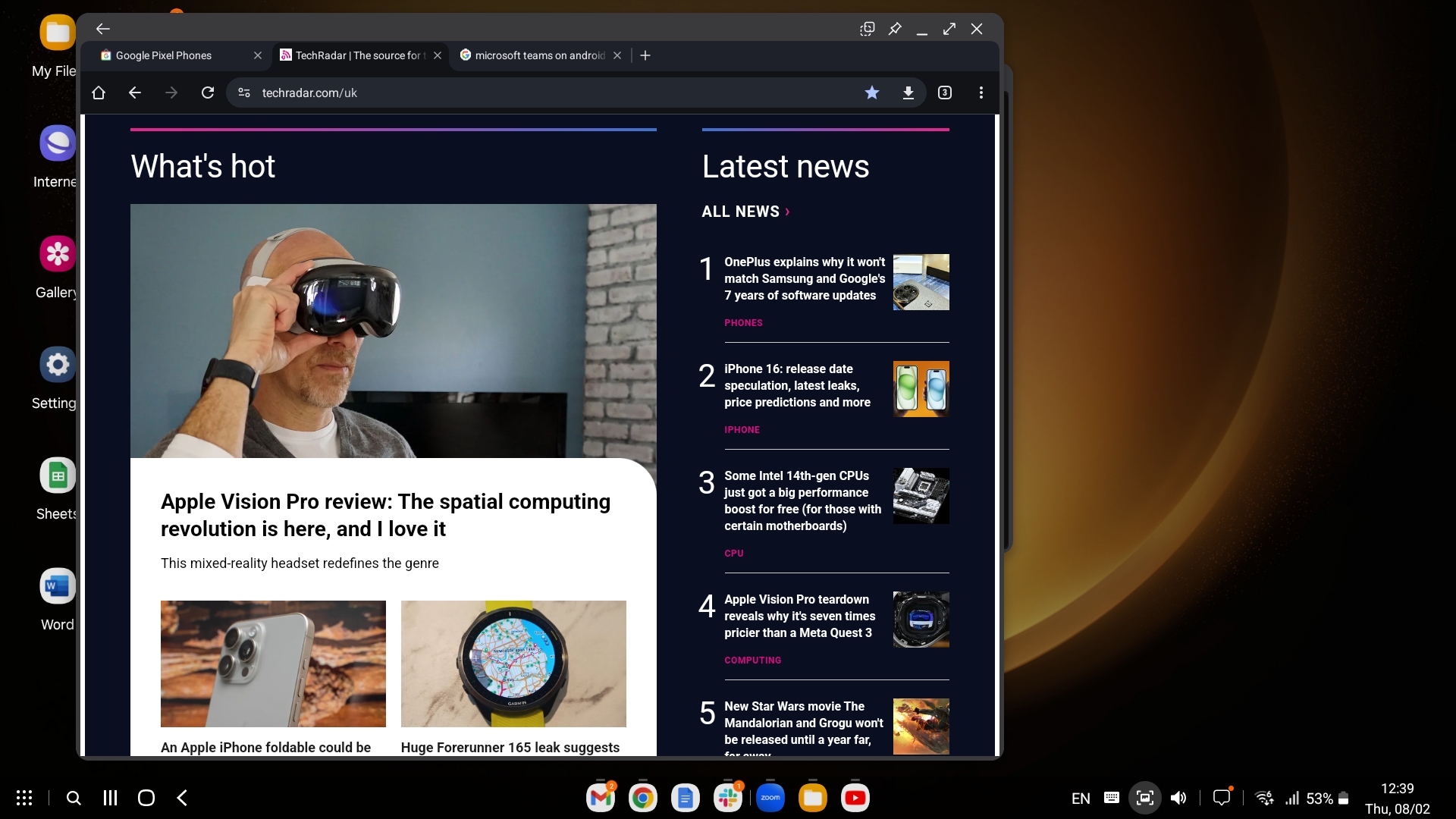
The ability to handle external monitor output is the real game-changer. By 2026, most flagship tablets support DisplayPort Alt Mode over USB-C, allowing you to use a secondary screen for an extended desktop experience rather than just mirroring the tablet's display.
Use Case Scenarios: Who Should Make the Switch?
The decision to ditch the laptop depends entirely on your persona. In 2024, global tablet shipments grew by 9.8% year-over-year, significantly outpacing the 0.8% growth rate of the traditional PC market. This suggests that a hybrid work environment is pushing more people toward mobile-first devices.
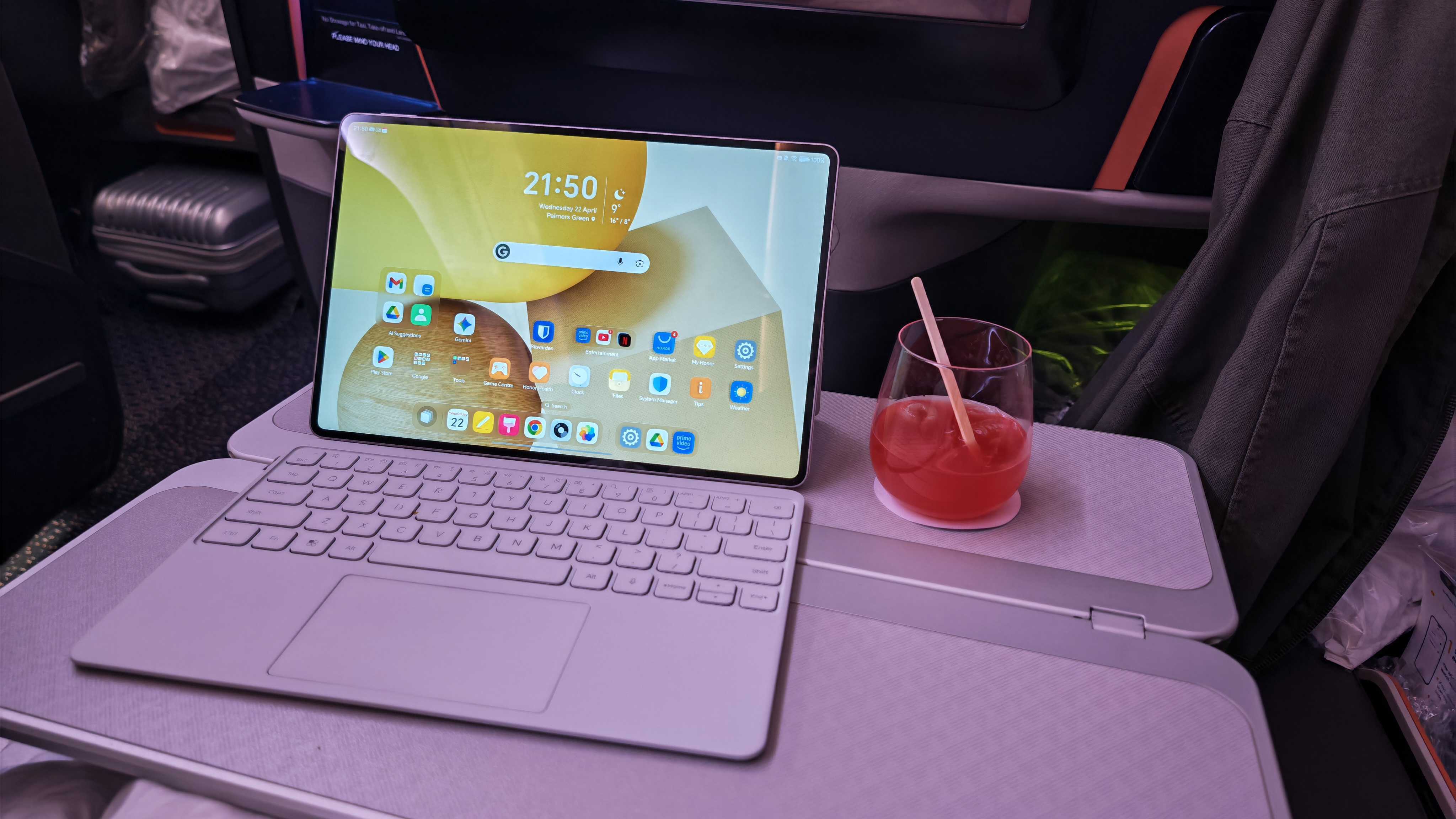
For the mobile professional, the appeal is obvious. You can sign a contract with a digital stylus, jump on a Zoom call with a high-quality front-facing camera, and then snap on a keyboard to finish a report—all on a device that weighs half as much as a MacBook Pro. We are also seeing the rise of voice-to-text tools like Wispr Flow, which allow users to type four times faster than manual keyboard entry, further leaning into the tablet's strengths.
However, by 2025, laptops are estimated to maintain a 52.8% share of the combined global laptop and tablet PC market. This is because certain limitations of Android tablets for professional work—like the inability to run local development environments for software engineers—keep the PC relevant.
Who should switch?
- Students: Affordable Android tablets for students replacing laptops are perfect for taking notes, researching, and writing essays.
- Travelers: If your work is 90% email and web-based, the digital nomadic lifestyle is much easier with a slim tablet.
- Casual Users: For browsing, social media, and streaming, a tablet is a superior experience to a bulky laptop.
Who should wait?
- Heavy Video Editors: If you work with 8K RAW footage and complex 3D graphics, stay with a workstation.
- Software Developers: Unless you rely entirely on cloud IDEs, the local file system on Android will frustrate you.
- Specialized Engineers: If your career depends on software like Revit or SolidWorks, the tablet isn't there yet.
FAQ
Can an Android tablet truly replace a laptop?
For most general users, yes. If your daily tasks consist of web browsing, document creation, video calls, and media consumption, a modern Android tablet with a keyboard case is often more versatile and portable than a traditional laptop. However, for specialized professional workflows, it still acts best as a companion device.
Which Android tablets are best for productivity?
The Samsung Galaxy Tab S11 series leads the market due to its mature Samsung DeX environment and superior stylus integration. The OnePlus Pad 3 is also a strong contender for productivity thanks to its unique Open Canvas multitasking system and high-refresh-rate display that makes long work sessions easier on the eyes.
Can you run desktop programs on an Android tablet?
You cannot run native .exe (Windows) or .dmg (macOS) files directly on Android. However, many professional suites like Microsoft Office and Adobe Creative Cloud have dedicated Android versions. For programs that aren't available, many users use remote desktop protocols or cloud computing services to access a virtual Windows environment from their tablet.
How does multitasking work on an Android tablet?
With the arrival of Android 16, multitasking has become very similar to a desktop. You can run apps in split-screen mode, use floating windows that can be resized and overlapped, and utilize a permanent taskbar to switch between open applications quickly. Can Android tablets run desktop browsers with extensions? Yes, browsers like Kiwi or specialized versions of Firefox allow for Chrome-style extensions, which is a massive win for productivity.
Is an Android tablet good for remote work?
Absolutely. Android tablets are excellent for remote work because of their built-in 5G connectivity options, long battery life, and high-quality cameras and microphones. When paired with a VPN and the right collaboration tools, they excel in a digital nomadic lifestyle where portability is key.
The verdict for 2026 is clear: the Android tablet laptop replacement is no longer a tech enthusiast's dream; it is a practical reality for the majority of users. While the "software wall" still exists for a small percentage of power users, the combination of ARM-based architecture, refined desktop modes, and a surging market share—with Android tablets projected to account for 52.7% of the global tablet market share by 2026—proves that the era of the mandatory PC is coming to an end.