Our Top Picks
The iPad Air M3 is the sweet spot in Apple's tablet lineup, offering the best of both worlds. For the majority of people, the 11-inch model remains the gold standard for portability and value. However, the new 13-inch version is a game-changer for digital artists and students who need more room for multitasking without paying the Pro tax.
The iPad Air M3 is a significant upgrade for users moving from older models like the iPad Air 4 or 5, offering enhanced performance for gaming, video editing, and Apple Intelligence. While it retains the classic design of its predecessor, the move to the M3 chip ensures hardware future-proofing and smoother multitasking for anyone looking for a long-term investment.
Design and Display: The New 13-inch Powerhouse
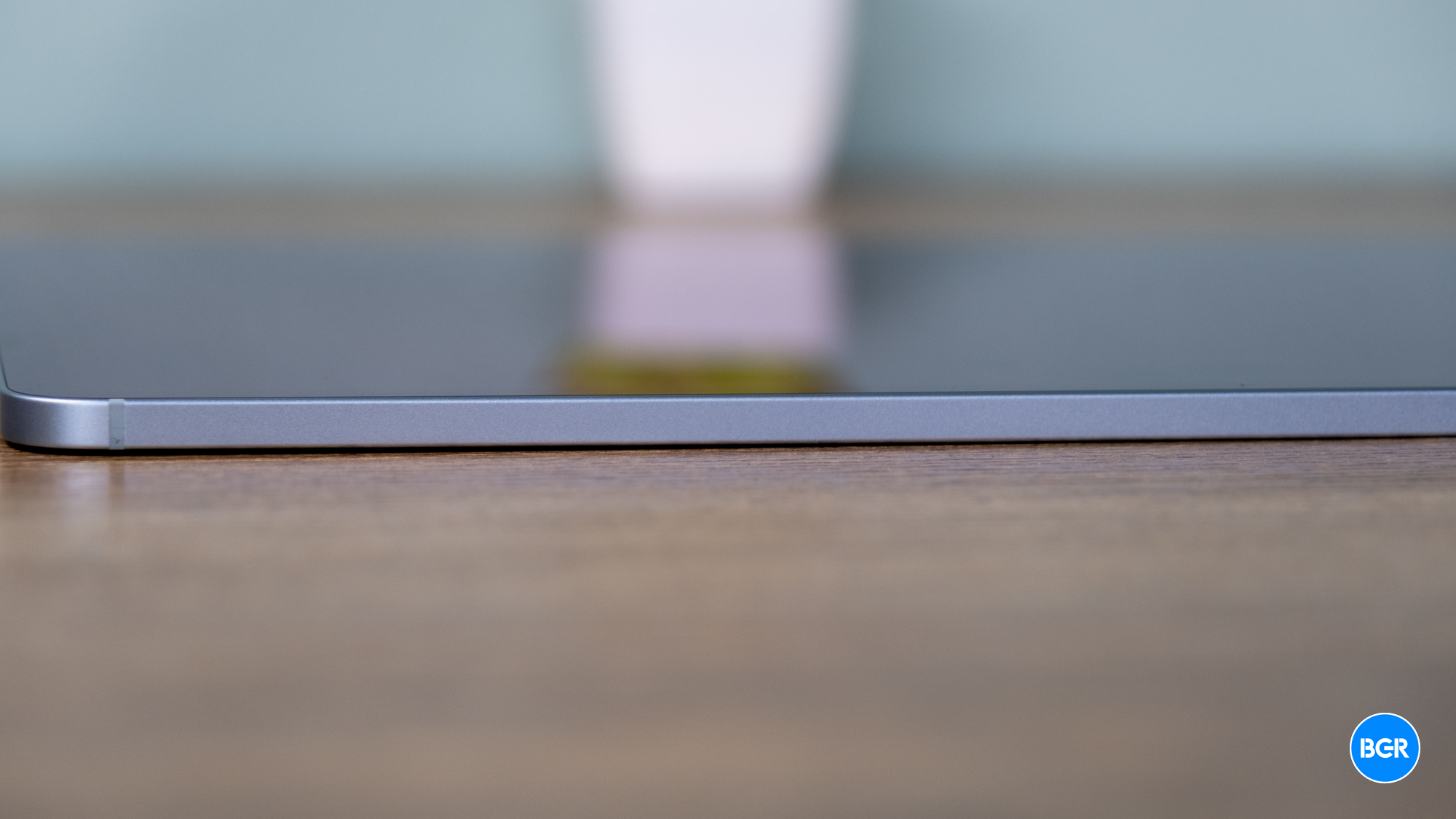
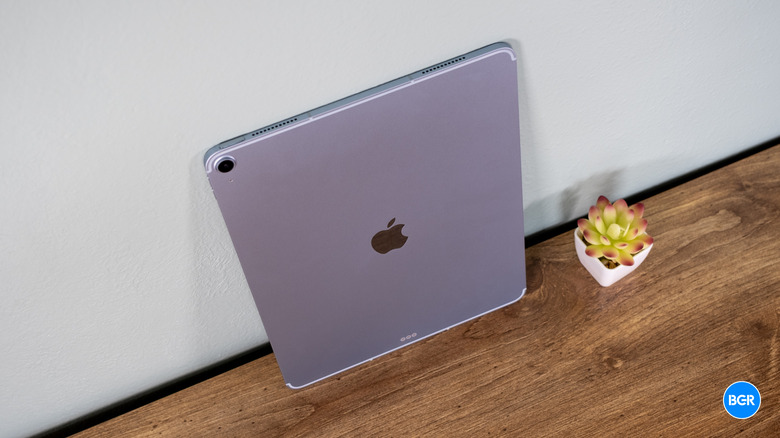
When you first hold the new iPad Air M3, the familiar sleek aluminum chassis feels as premium as ever. But the big news this year isn't just what's inside—it's the sheer size of the thing. For the first time, Apple has introduced a 13-inch model to the Air line, effectively democratizing the large-screen tablet experience. Previously, if you wanted a massive canvas, you had to shell out over a thousand dollars for the Pro. Now, that spacious Liquid Retina display is much more accessible.
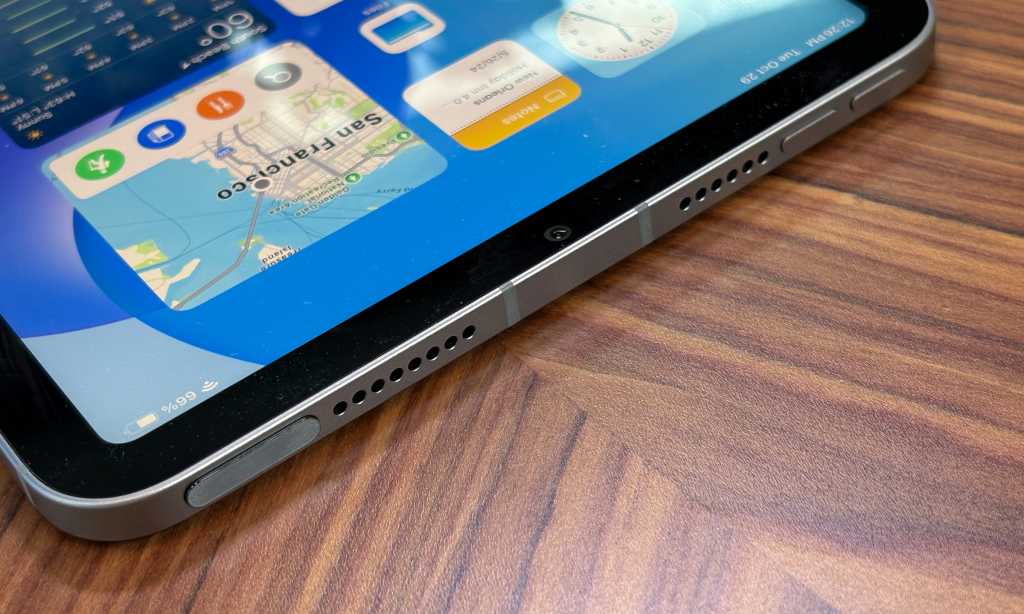
While both sizes look identical to the previous generation from the back, there is one subtle but vital change: the camera has finally moved. The front-facing camera is now located on the long edge, meaning when you use the tablet in landscape mode—which is how most of us use it for work—the Center Stage technology actually keeps you looking at the camera rather than off to the side. It makes a world of difference during Zoom calls or FaceTime sessions.
The display itself is still a beautiful Liquid Retina panel, though it’s important to note the slight technical divergence between the two sizes. The 13-inch model offers a peak brightness of 600 nits, while the 11-inch model is limited to 500 nits. In my real-world usage, the extra 100 nits on the 13-inch version make it slightly easier to use in bright coffee shops or near sunny windows.
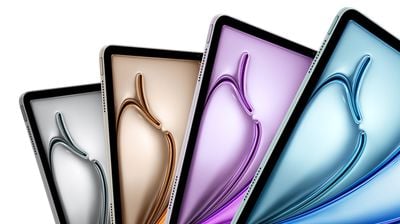
However, we need to address the elephant in the room: the refresh rate. Both models are still locked at 60Hz. If you are coming from a modern smartphone or an iPad Pro with ProMotion, you might notice the slight stutter when scrolling. But for the average user watching Netflix or typing a term paper, the 60Hz screen remains crisp and responsive.
11-inch vs 13-inch iPad Air M3 Size Comparison
| Feature | 11-inch iPad Air M3 | 13-inch iPad Air M3 |
|---|---|---|
| Display Size | 10.86 inches | 12.9 inches |
| Peak Brightness | 500 nits | 600 nits |
| Weight (Wi-Fi) | 1.02 lbs (462g) | 1.36 lbs (617g) |
| Starting Storage | 128GB | 128GB |
| Starting Price | $599 | $799 |

Performance: M3 Chip and the AI Future
The heart of this machine is the M3 chip, and this is where the hardware future-proofing really comes into play. Apple has been very vocal about Apple Intelligence support, and the M3 is built specifically to handle these on-device AI tasks. In my testing, the M3 chip in the iPad Air provides a performance increase of approximately 15% to 20% over the M2 predecessor and is marketed as being twice as fast as the older M1 model.
But what does that actually mean for you? It means that Stage Manager, Apple’s windowed multitasking system, finally feels fluid. You can have four apps open at once, resize windows, and swap between tasks without a hint of lag. This is bolstered by the move to a more robust Unified memory architecture, which gives the system 12GB of RAM to play with. Whether you are deep into digital art creation or just have thirty tabs open in Safari, the Air doesn't break a sweat.
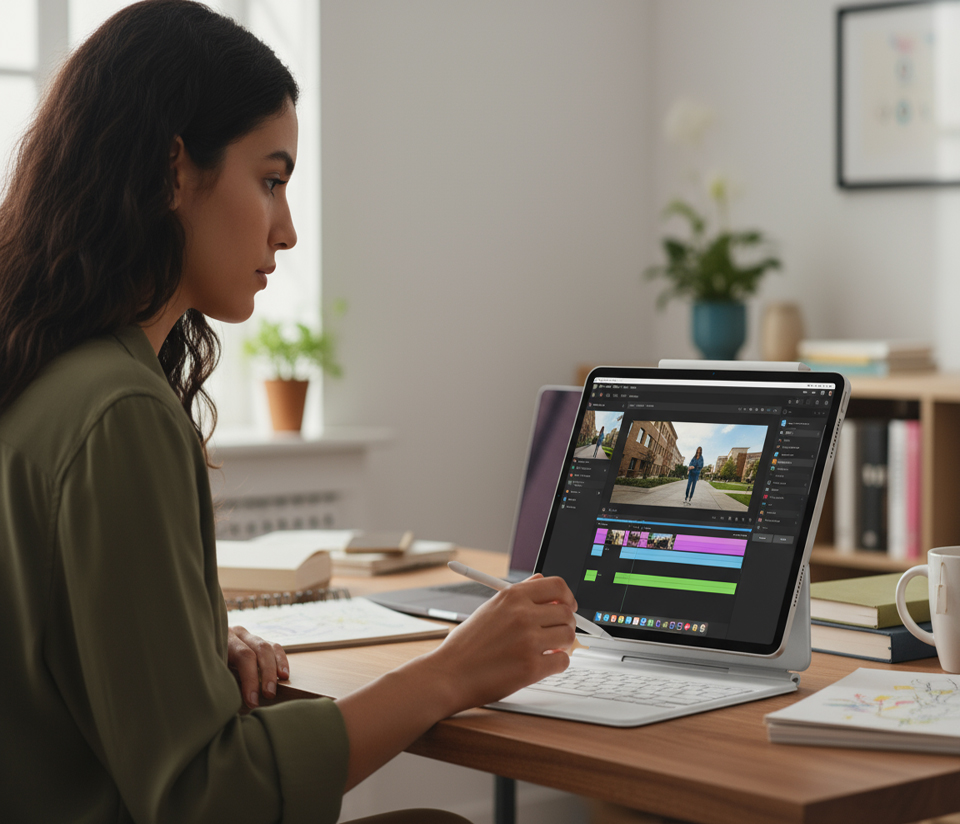
For creative professionals, the performance is palpable. I spent an afternoon editing 4K ProRes footage in LumaFusion, and the iPad Air M3 battery drain during video editing was surprisingly manageable, lasting through several hours of intensive rendering. It’s also a beast for gaming; AAA mobile titles like Resident Evil or Death Stranding run with impressive lighting effects and stable frame rates that were previously the exclusive domain of the Pro series.
Accessories: The Magic Keyboard and Pencil Pro Experience
If you want to turn the iPad Air into a true student productivity tool, you have to look at the accessories. This generation brings support for the Apple Pencil Pro, which is a massive leap forward for artists. The Apple Pencil Pro gestures on iPad Air M3 for artists include a "squeeze" function that brings up a tool palette and a "barrel roll" that uses a gyroscope to change the orientation of shaped pens and brushes.
The iPad Air M3 Magic Keyboard features are also a highlight. The keyboard now includes a dedicated function row, allowing you to quickly adjust brightness or volume without digging into the Control Center. However, there is a reality check regarding the 13-inch model. When you pair the 13-inch Air with a Magic Keyboard, the total weight actually exceeds that of a 13-inch MacBook Air. If your goal is ultimate portability, you might find the 11-inch setup more comfortable for carrying around campus all day.

The iPad Air still relies on a Touch ID biometric sensor built into the top button. While it's reliable and fast, it does feel slightly less futuristic than the Face ID found on the Pro. Still, for a device that starts hundreds of dollars cheaper, it’s a compromise many are willing to make. The landscape stereo speakers also provide a surprisingly wide soundstage, making it a great movie-watching companion after the workday is done.
iPad Air M3 vs iPad Pro: The $400 Dilemma
Deciding between the Air and the Pro has never been harder, but it ultimately comes down to your tolerance for "good enough." The iPad Air M3 starts at a retail price of $599 for the 11-inch model and $799 for the 13-inch model, which is significantly more affordable than the Pro variants.
In an iPad Air M3 vs iPad Pro comparison, the biggest difference is the display technology. The Pro uses a Tandem OLED screen that is incredibly bright and offers perfect blacks, whereas the Air sticks with a standard LCD. More importantly, the Pro has ProMotion, while the Air is stuck at 60Hz. If you are a professional photographer or a high-end videographer, the color accuracy and 120Hz smoothness might be worth the extra $400. For everyone else, the iPad Air M3 vs iPad Pro price to performance ratio heavily favors the Air.
What You Sacrifice by Choosing the Air
- The buttery smooth 120Hz ProMotion refresh rate.
- The Ultra Retina XDR OLED display for extreme contrast.
- The absolute peak performance of the M4 chip.
- Face ID convenience for unlocking and payments.
- Four-speaker audio (The Air has two landscape speakers).
- Thunderbolt connectivity (The Air is standard USB-C).
For the vast majority of tasks—email, web browsing, streaming, note-taking, and even moderate creative work—the Air is more than enough. It gives you 90% of the Pro experience for about 60% of the price. If you aren't sure if you need the Pro, you probably don't.
Final Verdict
The iPad Air M3 is the definitive choice for most people in the Apple ecosystem. By offering the 13-inch size for the first time outside the Pro line, Apple has filled a major gap in its lineup. It provides a massive, high-quality screen and top-tier performance for a price that feels justifiable for students and office workers alike.
While it lacks the OLED screen and the 120Hz refresh rate of its more expensive sibling, the M3 chip ensures that this tablet will be relevant and fast for years to come. If you are upgrading to iPad Air M3 from iPad Air 4 or 5, the performance jump and the new landscape camera will make your daily routine feel noticeably better. It’s powerful, versatile, and, most importantly, the best value iPad on the market today.
FAQ
Is the iPad Air M3 worth the upgrade from the M2 model?
Generally, no. The M3 offers a nice performance bump of about 15% to 20%, but unless you specifically need the new Apple Pencil Pro features or want to move up to the new 13-inch size, the M2 model is still plenty powerful for most tasks. However, if you are coming from an M1 or older A-series iPad, the upgrade is substantial.
How does the iPad Air M3 performance compare to the iPad Pro?
The iPad Air M3 is incredibly fast and handles almost everything you throw at it, but the iPad Pro uses the newer M4 chip which features better thermal management and faster rendering speeds. For everyday use, you won't notice a difference, but in professional workflows like 3D modeling, the Pro will pull ahead.
Which Apple Pencil is compatible with the iPad Air M3?
The iPad Air M3 is compatible with the Apple Pencil Pro and the Apple Pencil (USB-C). It is not compatible with the second-generation Apple Pencil because the internal charging magnets had to be moved to accommodate the new landscape front-facing camera.
What are the main differences between the 11-inch and 13-inch iPad Air M3?
The primary difference is the screen size and the weight. However, the 13-inch model is also slightly brighter at 600 nits compared to 500 nits on the 11-inch model. The 13-inch model also provides significantly more room for using Stage Manager with multiple apps.
Is the iPad Air M3 suitable for professional video editing?
Yes, absolutely. The M3 chip is more than capable of handling 4K video editing in apps like LumaFusion or Final Cut Pro for iPad. While it doesn't have the Thunderbolt speeds of the Pro for massive file transfers, it has enough raw power to handle complex timelines with ease.