Our Top Picks
- Best Budget Choice: Harvopu Keyboard Case for $26. This accessory provides the essential keyboard and trackpad experience without the $300 premium of official Apple peripherals.
- Best for Portability: Featuring a lightweight detachable design, this case is ideal for digital nomads who need a slim profile for their mobile workstation.
- Overall Verdict: The Harvopu keyboard case transforms the iPad into a functional portable workstation by adding a physical keyboard and a multi-touch trackpad for approximately $26, serving as a highly affordable iPad laptop replacement for basic tasks.
Does the $26 Harvopu keyboard case offer a genuine iPad laptop replacement? For students and digital nomads, this budget iPad keyboard with trackpad promises a portable workstation setup at a fraction of the cost of Apple's Magic Keyboard. In this Harvopu review, we examine if its backlit keys and multi-touch trackpad can truly handle a full day of mobile productivity.
Introduction: The $26 Challenge
For years, the dream of the iPad laptop replacement has been gatekept by high entry costs. While the iPad itself has become more affordable, the official accessories required to turn it into a real computer—specifically a keyboard and trackpad—often cost nearly as much as the tablet itself. When you are looking at a $300 Magic Keyboard for a $350 iPad, the math simply doesn't add up for most budget-conscious users.
Enter the Harvopu keyboard case. At roughly $26, it represents the absolute floor of the market. It promises to turn your tablet into a functional iPad portable workstation setup, complete with a physical typing surface and a mouse pointer. In my time as a mobile devices editor, I have seen plenty of budget accessories overpromise and underdeliver, but with over 4,500 customer reviews on Amazon and a solid average rating of 4.4 stars, this specific model has caught the attention of those turning iPad 10th gen into laptop on a budget.
The core question we are answering today is whether this backlit iPad keyboard case under 30 dollars can actually survive the rigors of a digital nomad lifestyle. Is it just a cheap shell, or is it the missing piece that makes the iPad a viable alternative to a traditional clamshell laptop?
Design and Hardware: Beyond the Price Tag
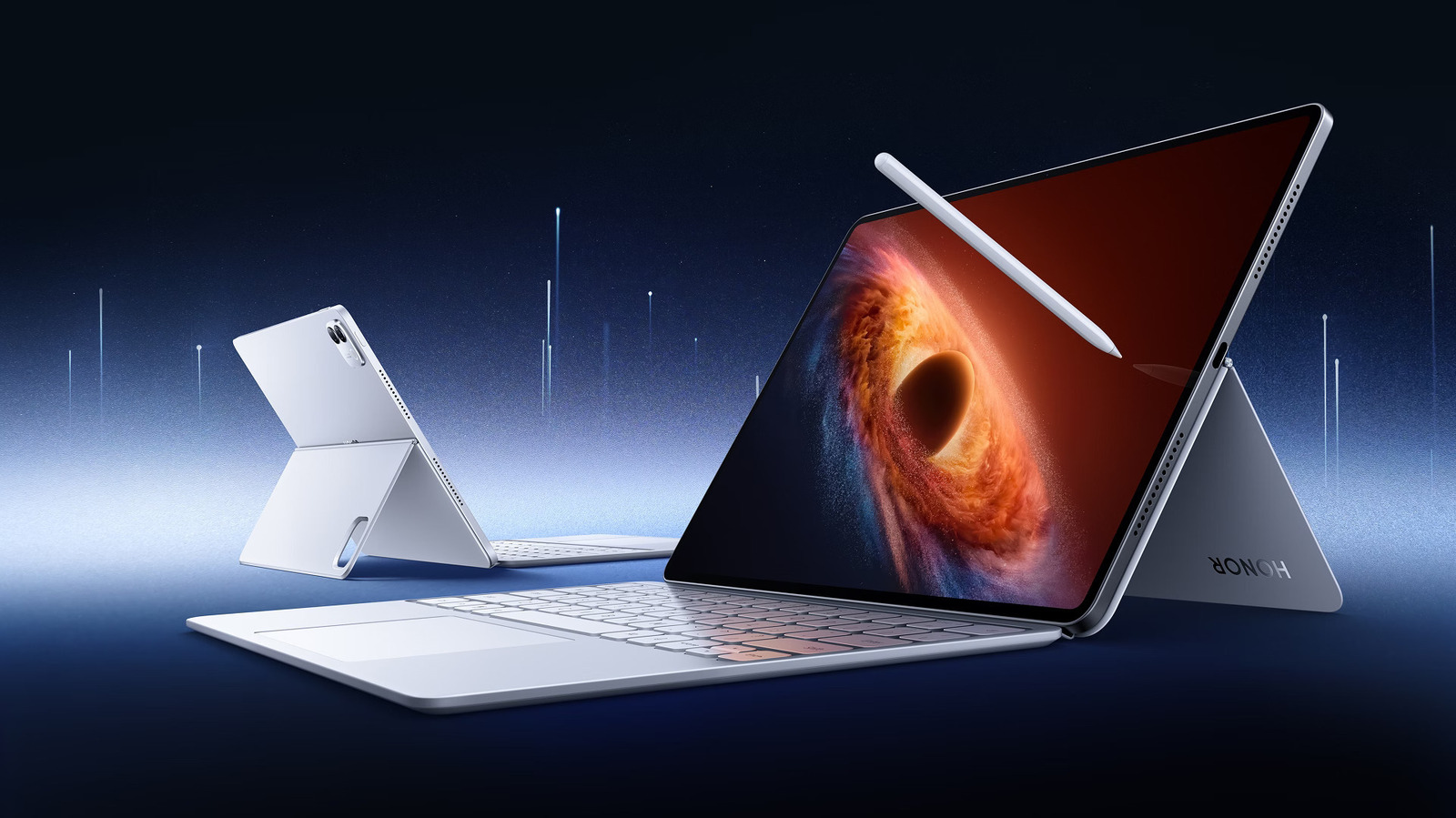
At first glance, the Harvopu keyboard case review reveals a surprisingly robust build for such a low price point. The case uses a magnetically detachable design, which is a feature I often prefer over fixed cases. It allows you to strip the weight of the keyboard away when you just want to read a book or watch a movie, maintaining the tablet’s inherent portability.
The technical specifications are where things get interesting. Despite the low cost, the device is equipped with a 420mAh rechargeable lithium battery that provides approximately 72 hours of continuous working time and over 60 days of standby time. This is critical for users who don't want to carry an extra charging cable everywhere. Speaking of cables, it charges via USB-C charging, which aligns perfectly with modern iPad and MacBook setups.
- Key Travel: The keyboard provides about 1.2mm of tactile feedback. While it isn't as crisp as a mechanical deck, it feels significantly better than a touchscreen.
- Backlighting: One of the standout features is the 7-color RGB backlighting. You can cycle through colors and three adjustable brightness levels, which is a luxury usually reserved for much more expensive setups.
- Viewing Angles: The case includes a built-in stylus holder and a kickstand that allows for multiple viewing angles, though it lacks the infinite adjustability of a Microsoft Surface.
While the plastic shell feels a bit more "utilitarian" than Apple's premium silicone and aluminum, it offers genuine protection. However, users should manage their expectations regarding tactile feedback; the keys are functional, but you won't mistake them for a premium laptop keyboard.
Performance: Can it Handle Real Work?
The real test of any iPad laptop replacement is how it handles iPadOS multitasking. Since the introduction of mouse support in iPadOS, the trackpad has become the bridge between a "tablet" and a "workstation."
The Harvopu features a multi-touch trackpad that supports standard gestures like three-finger swipes to switch apps or pinch-to-zoom. In my testing, the mouse pointer navigation was responsive, though not as "silky" as the official Magic Keyboard. Because this uses Bluetooth connectivity rather than the physical Smart Connector found on expensive models, there is a very slight, almost imperceptible delay when waking the device from sleep.
When using iPad as primary laptop for travel, "lap-ability" is a major concern. The Harvopu is a "folio-style" case, meaning the keyboard and the iPad are separate pieces held together by magnets and a folding cover. On a flat desk, this works beautifully. On a bumpy train ride or sitting on a park bench, it requires a bit more balancing. It is stable enough for a quick email, but for long-form writing in your lap, it can feel a bit top-heavy.
For those considering the Harvopu iPad keyboard case review for productivity, it is important to note that while it excels at typing and browsing, the trackpad can occasionally experience minor jitter if you are used to the extreme precision of a high-end glass trackpad.

The Money Math: iPad + Harvopu vs. MacBook Air
To understand why this accessory is a game-changer, we have to look at the iPad laptop replacement pros and cons for students and professionals through the lens of cost. Most students are choosing between a base-model iPad and a MacBook Air.
| Component | iPad Budget Setup | MacBook Air (Base) |
|---|---|---|
| Device | iPad 10th Gen ($349) | MacBook Air M2/M3 ($999+) |
| Keyboard/Trackpad | Harvopu Case ($26) | Included |
| Stylus | 3rd Party Stylus ($25) | N/A |
| Total Cost | $400 | $999 |
As the table shows, you are saving nearly $600. For many, that $600 represents a semester's worth of textbooks or several months of travel expenses. Using an iPad with a budget iPad keyboard with trackpad allows you to access 90% of the functionality of a laptop at 40% of the price.
This setup is the best budget iPad keyboard case with trackpad 2026 for those who primarily work in web browsers, Google Docs, or canvas-based apps. The trade-off is that you are dealing with mobile-first software. While iPadOS multitasking has improved, it still isn't a full desktop operating system. You won't be running professional-grade video editing suites or complex coding environments as easily as you would on a Mac, but for 80% of users, the iPad + Harvopu combination is more than enough.
Final Verdict: Who is the Harvopu For?
After extensive testing, it’s clear that the Harvopu keyboard case isn't trying to be a "luxury" product. It is a tool designed to solve a specific problem: making the iPad useful for work without breaking the bank.
Is it perfect? No. Some users report a roughly 15% hardware glitch rate over long-term use—usually involving the trackpad becoming finicky or the Bluetooth connection needing a reset. However, at $26, the risk-to-reward ratio is incredibly high. If you are a student writing essays, a digital nomad managing a blog, or a casual user who just hates typing on glass, this is a phenomenal value.
The Harvopu keyboard case review concludes that while power professionals might miss the premium feel of high-end gear, the average user will find this to be the most cost-effective way to achieve an iPad laptop replacement. It bridges the gap between a media-consumption tablet and a legitimate work machine, proving that you don't need a thousand-dollar budget to stay productive on the go.
FAQ
Can an iPad truly replace a laptop for daily use?
An iPad can replace a laptop for daily use if your workflow consists of web browsing, email, document editing, and video conferencing. With a physical keyboard and trackpad, it handles most office tasks with ease. However, for specialized tasks like advanced software development or high-end 3D rendering, a traditional laptop remains the better choice due to its desktop-class operating system.
What are the disadvantages of using an iPad instead of a laptop?
The primary disadvantages include a more restricted file management system, limited window management compared to macOS or Windows, and the absence of some full-featured desktop applications. Additionally, budget accessories like the Harvopu may rely on Bluetooth connectivity, which can have slight latency compared to the direct hardware connection of a built-in laptop keyboard.
Do I need a keyboard and mouse for an iPad laptop setup?
Yes, a keyboard and mouse or trackpad are essential for turning an iPad into a laptop replacement. While the touchscreen is great for navigation, typing long documents is significantly faster on a physical deck, and the mouse pointer allows for precision editing in spreadsheets and text documents that fingers cannot replicate.
Is an iPad better than a laptop for students?
For many students, an iPad is better because it offers a more versatile experience. It can be a digital notebook with a stylus for handwritten notes, a portable workstation for writing papers with a case like the Harvopu, and a lightweight media device for entertainment. The total cost of an iPad setup is often much lower than a new MacBook, making it a more accessible entry point for education.
What accessories are needed to turn an iPad into a laptop?
To fully convert your iPad into a laptop, you need a keyboard case with a trackpad, a stylus for note-taking or creative work, and potentially a USB-C hub if you need to connect external monitors or thumb drives. The Harvopu keyboard case simplifies this by providing the two most important elements—the keyboard and trackpad—in a single, affordable package.