Quick Facts
- Display Winner: iPad Pro featuring Tandem OLED and 120Hz refresh rates
- Performance Winner: iPad Pro powered by the M5 chip with Neural Accelerators
- Portability Winner: iPad Pro which is thinner and lighter than the current Air
- Value Winner: iPad Air utilizing the M3 chip for everyday efficiency
- Connectivity: Thunderbolt 3 at 40Gbps on Pro vs USB 3 at 10Gbps on Air
- Brightness: 1600 nits peak on Pro vs 500 nits on the 11-inch Air
The primary differences between the iPad Pro vs iPad Air lie in the Pro's Tandem OLED 120Hz display and M5 silicon compared to the Air's 60Hz IPS panel and M3 chip. While the iPad Air remains a powerful tool for most users, the iPad Pro justifies its premium through superior peak brightness, faster data transfer speeds, and a more portable chassis.
Display Technology: Tandem OLED vs. Liquid Retina
When you place the two devices side by side, the visual gap is immediate and undeniable. The iPad Pro utilizes a sophisticated Ultra Retina XDR display powered by tandem OLED technology. Unlike traditional screens, this stacks two OLED panels to achieve a sustained full-screen brightness that was previously impossible in a tablet form factor. This allows the Pro to hit a peak brightness of 1,600 nits for HDR content, making it a dream for color grading or watching cinematic content in bright environments.
In contrast, the iPad Air uses a Liquid Retina display, which is essentially a high-quality IPS LED panel. It is a great screen for students and office work, but it lacks the infinite contrast ratios found on the Pro. The 11-inch iPad Air is limited to 500 nits of brightness, which can feel somewhat dim when working near a sunny window. Furthermore, the iPad Air remains locked at a 60Hz refresh rate. Once you have experienced the fluid scrolling of ProMotion technology on the Pro, which scales from 10Hz up to 120Hz, the iPad Air can feel slightly sluggish by comparison.
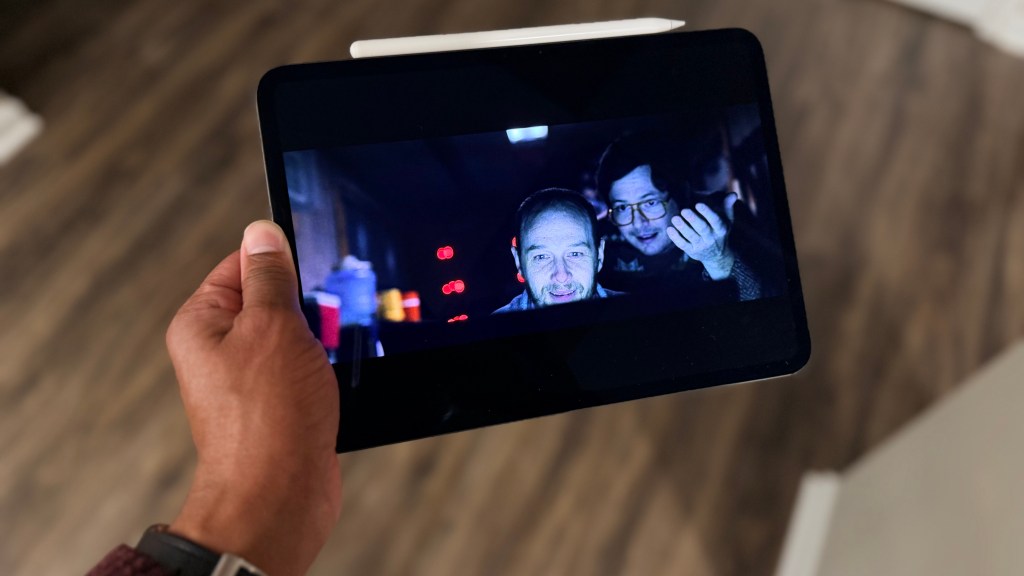
One of my favorite "hidden" features of the Pro's display is the 1 nit minimum brightness. If you are someone who likes to catch up on emails or read a digital book in a pitch-black room before sleep, the Pro can get incredibly dim without losing color accuracy. This level of control is missing on the Air. For those working in high-glare environments, the iPad Pro is also the only model that offers an optional nano-texture glass, which scatters ambient light to reduce reflections significantly. When considering if the iPad Pro Tandem OLED display worth the extra cost over Air, the answer usually depends on how much you value visual fluidity and outdoor visibility.
Performance Benchmarks: M5 vs. M3 Silicon
The jump from the M3 chip in the Air to the M5 chip in the Pro is about more than just raw speed; it is about architectural efficiency and future-proofing for local AI. The M5 silicon features dedicated Neural Accelerators designed to handle the next generation of machine learning tasks directly on the device. While the M3 is more than capable of handling multitasking and digital illustration, the M5 chip is in a different league for intensive 4K video rendering and complex 3D modeling.
Based on performance scaling, the M4 series (the predecessor to the current M5) already delivered 1.5 times faster CPU performance compared to the M2 chip found in earlier Air models. Even more impressively, it provides 4 times faster GPU rendering performance, which is a massive win for mobile gamers and professional digital artists.

The efficiency story is just as compelling. The M5 is designed to provide the same level of performance as the M2 chip while using only one-fourth of the power. This translates to a device that stays cool even under heavy workloads. For users comparing iPad Pro M5 vs iPad Air M3 benchmark and performance comparison data, the Pro also wins on memory bandwidth and storage speed. The Pro's storage utilizes PCIe 5.0 equivalent speeds, hitting nearly 5171 MB/s, which means moving large files or opening massive project libraries happens almost instantaneously.
Professional Workflow: Connectivity and Audio
For those of us who use our tablets as laptop replacements, the I/O ports and audio capabilities are just as important as the processor. The iPad Pro features a Thunderbolt 3/USB 4 port. This is a critical distinction for a professional workflow because it supports data transfer speeds up to 40 Gbps. The iPad Air is limited to a USB 3 port capable of 10 Gbps.
This speed difference matters when you are offloading footage from an SSD or connecting to high-resolution peripherals. Specifically, the iPad Pro M5 external monitor 120Hz support vs iPad Air capabilities is a major talking point. The Pro can drive an external 6K Pro Display XDR at a full 120Hz refresh rate, whereas the Air is often capped at 60Hz for external displays, leading to a less responsive experience when working on a secondary screen.
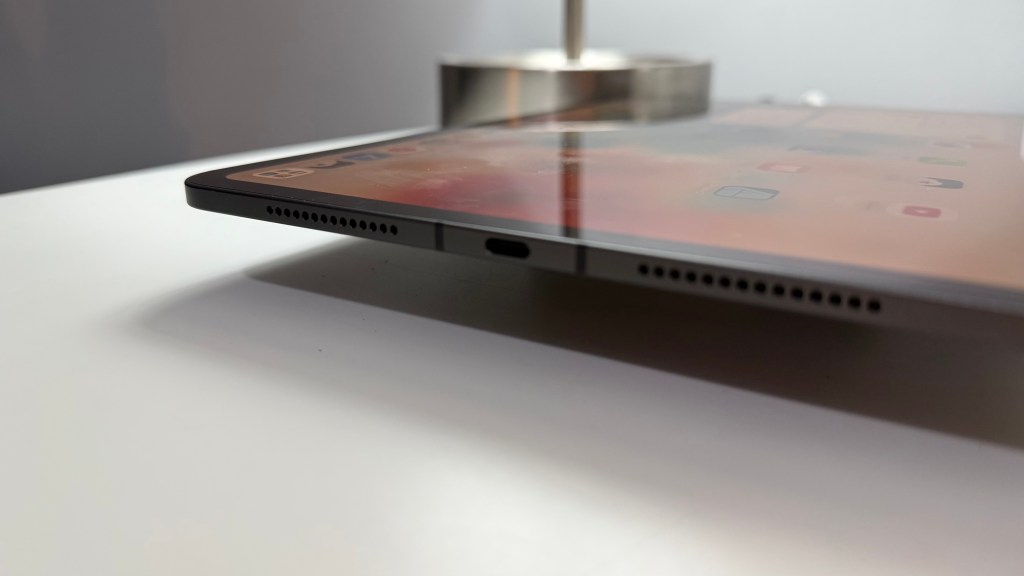
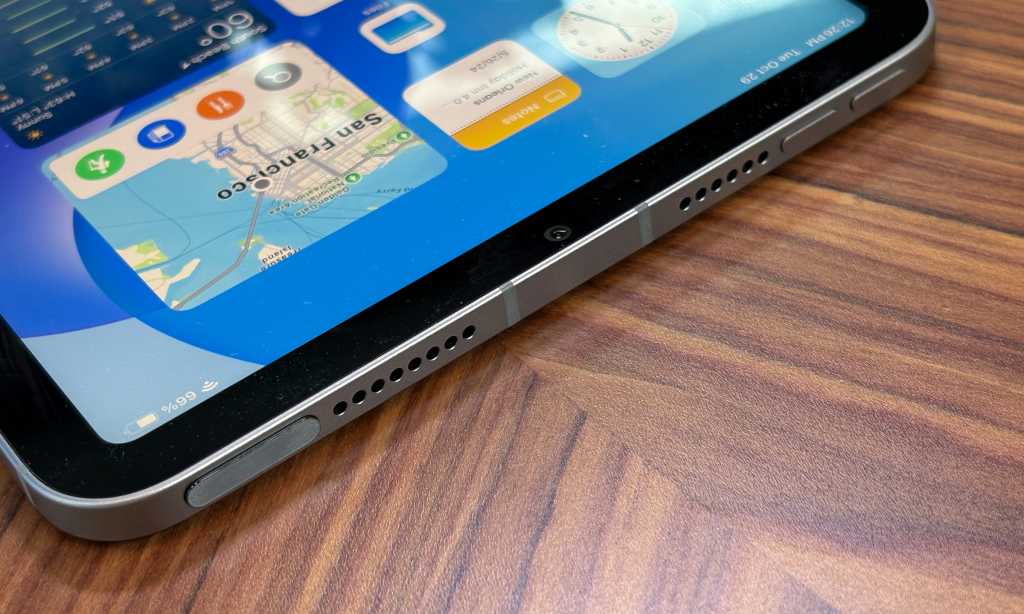
The audio experience on the Pro is also significantly more immersive. It houses a quad-speaker system that provides rich, spatial audio regardless of the device's orientation. The Air utilizes a landscape stereo speaker system which sounds good but lacks the low-end punch and clarity of the Pro. For video editors and podcasters, the Pro also includes four studio-quality microphones, making it possible to record high-quality voiceovers directly onto the device without needing an external mic in a pinch.
Portability and The Upgrade Tax
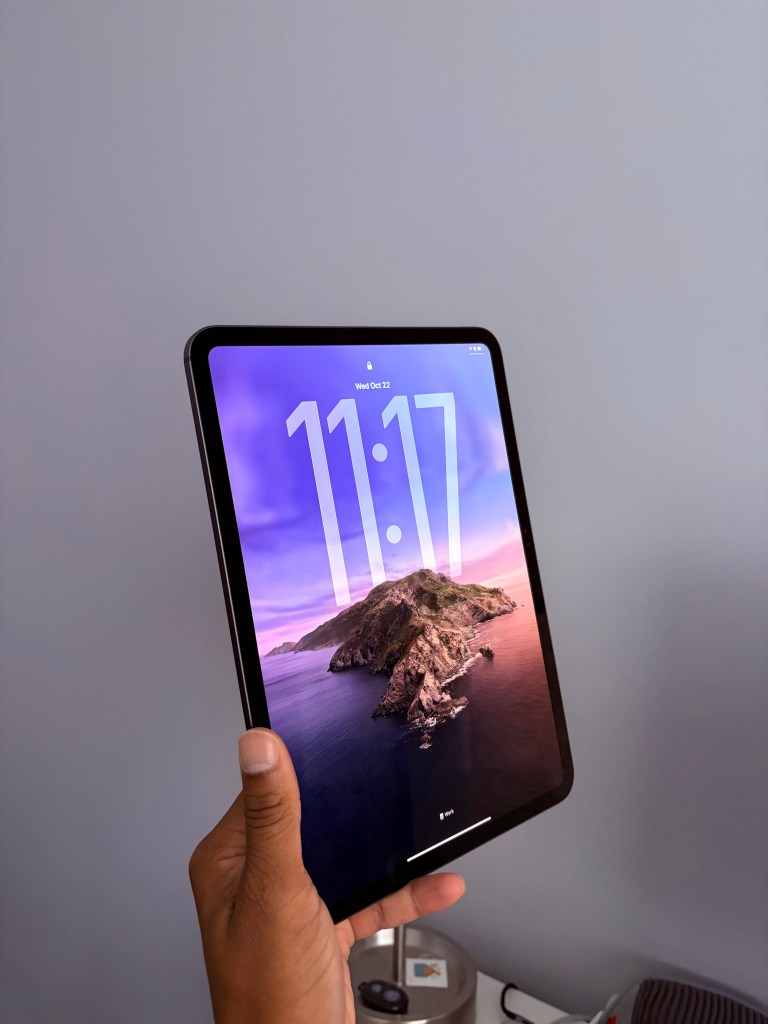
There is a strange paradox in the current iPad lineup: the iPad Pro is actually the more "Air" device. The 11-inch M5 iPad Pro weighs in at just 0.98 lbs and is remarkably thin. By comparison, the 11-inch iPad Air weighs 1.02 lbs. While a fraction of a pound might not sound like much, you can feel the difference during a long commute or when holding the tablet up to read.
However, choosing the latest hardware comes with what I call the upgrade tax. Both the M5 iPad Pro and the M3 iPad Air support the Apple Pencil Pro ($129), which includes haptic feedback and barrel roll features. But if you want the best typing experience, the iPad Pro requires the redesigned Magic Keyboard ($349) which features a larger glass trackpad and a function row. The iPad Air is compatible with the older, slightly heavier Magic Keyboard. When budgeting for your new device, you must factor in these accessory costs, as they can easily add $500 to the base price of the tablet.
FAQ
Is the iPad Pro worth the extra money over the iPad Air?
For most casual users, the answer is no; the iPad Air provides plenty of power for web browsing, streaming, and light productivity. However, for professionals who need the 120Hz ProMotion display for drawing, Thunderbolt speeds for data, or the best possible OLED screen for color-accurate work, the Pro is a justifiable investment.
Does the iPad Air have a 120Hz ProMotion display?
No, the iPad Air is equipped with a standard 60Hz Liquid Retina display. If you want the smoother motion and lower latency associated with a 120Hz refresh rate, you must choose the iPad Pro model.
Which is better for drawing, iPad Air or iPad Pro?
The iPad Pro is the superior choice for digital artists. The combination of the 120Hz refresh rate reduces the latency between the Apple Pencil Pro tip and the digital ink appearing on the screen. Additionally, the Tandem OLED display provides better color accuracy and contrast for professional illustration.
Is the iPad Pro significantly faster than the iPad Air?
In everyday tasks like opening apps or browsing Safari, you likely won't notice a massive difference. However, in sustained heavy workloads like exporting 4K video or running AI-driven image processing, the M5 chip in the Pro is significantly faster and more efficient than the M3 in the Air.
Does the iPad Air support the newest Apple Pencil?
Yes, the iPad Air supports the Apple Pencil Pro, which includes features like the squeeze gesture, haptic feedback, and Find My support. It does not, however, support the older second-generation Apple Pencil.
Conclusion: Which Model Should You Choose?
Choosing between the iPad Pro vs iPad Air comes down to identifying your specific bottleneck. If you are a student or a remote worker looking for a reliable, powerful tablet for note-taking and entertainment, the iPad Air is the value winner. It offers 90% of the iPad experience for a much lower price. The M3 chip is still one of the most powerful mobile processors in the world and will remain supported for years to come.
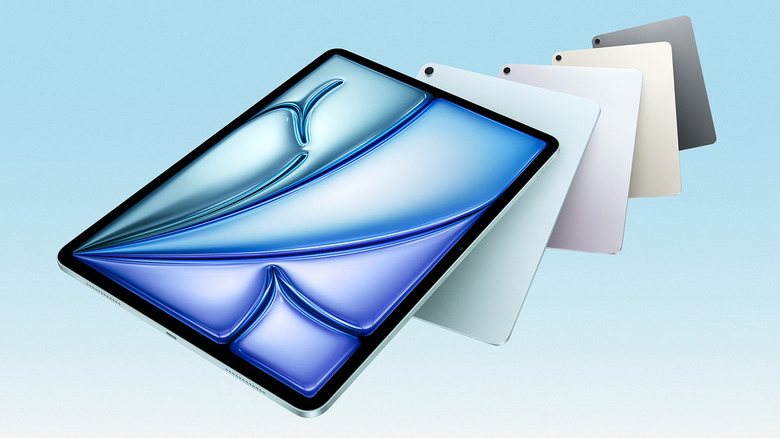
On the other hand, the iPad Pro is a specialized tool for those who demand the absolute best in mobile technology. It is for the digital artist who needs perfect blacks, the video editor who needs Thunderbolt speeds, and the tech enthusiast who refuses to go back to a 60Hz screen. The combination of M5 power and Tandem OLED technology makes the iPad Pro not just a tablet, but a glimpse into the future of mobile computing. For those who can utilize its full feature set, the Pro is in a class of its own.