Quick Facts
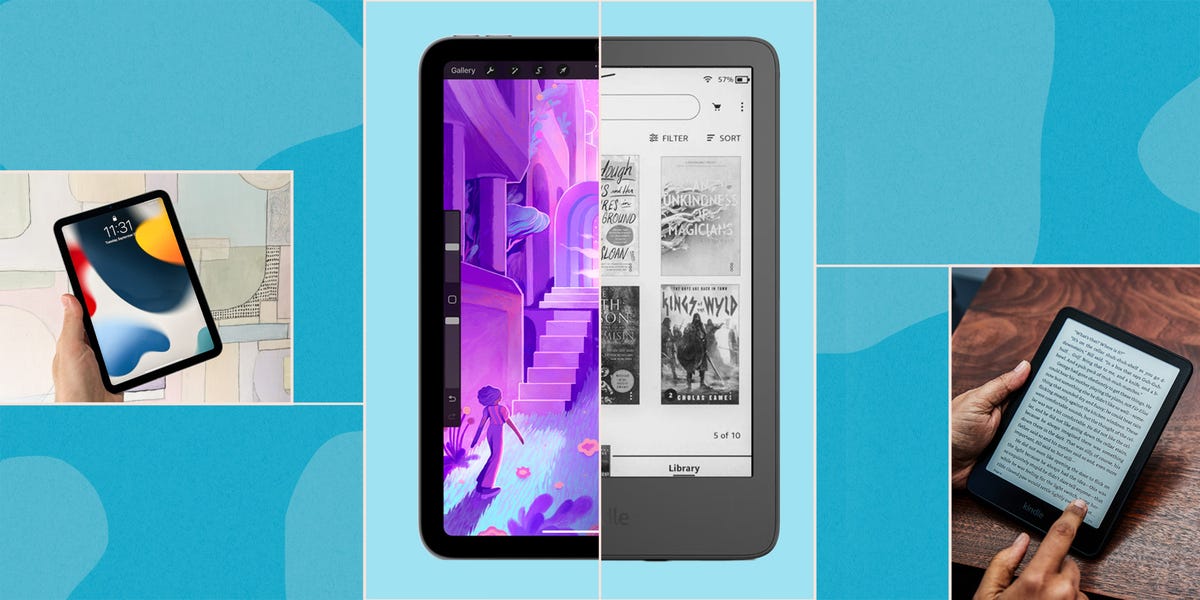
- Battery Life: Kindle offers up to 12 weeks of longevity, while iPad typically requires daily or every-other-day charging.
- Display Technology: Kindle uses reflective E-Ink that mimics real paper, whereas iPad uses an emissive LCD/LED screen that shines light directly into the eyes.
- Eye Health: Studies show E-Ink is up to three times less stressful for the retina than traditional tablet screens.
- Reading Environment: Kindle provides a zero-notification, distraction-free reading experience that the multi-purpose iPad cannot match.
- Weight and Ergonomics: At roughly 7 ounces, a Kindle is significantly lighter than even the smallest iPad, reducing hand fatigue during long reading sessions.
- Outdoor Visibility: The matte, anti-reflective surface of a Kindle remains perfectly legible in direct sunlight, where iPad screens often suffer from intense glare.
For dedicated reading sessions, a Kindle beats an iPad because its E-Ink screen reflects ambient light like real paper, eliminating the eye strain and blue light exposure caused by an iPad's emissive LCD. This fundamental difference in display physics makes Kindle vs iPad a choice between a specialized tool designed for immersion and a multi-purpose tablet that frequently compromises on visual comfort.
1. The Science of Sight: E-Ink vs LCD Eye Comfort
When we talk about Kindle vs iPad, the most significant divergence lies in how light reaches your retinas. An iPad utilizes an emissive display, meaning the screen itself is a light source. To see the text, you are essentially staring directly at a grid of tiny LEDs. While this is great for vibrant movies, it is taxing for the human eye over several hours.
Kindle e-readers utilize E-Ink technology, which is fundamentally reflective. Instead of shining light toward you, the screen uses ambient light from the room or the sun to illuminate the page, exactly like a physical book. When you use the built-in front-light on a Kindle, the LEDs are positioned at the edge of the display and shine across a light guide layer, rather than directly out at your face.
The medical implications are well-documented. A study conducted by the T.H. Chan Harvard School of Public Health found that E Ink displays with specialized front lighting are up to three times less stressful for retinal cells compared to traditional LCD screens. This reduction in visual fatigue is the primary reason why avid readers can spend four hours on a Kindle without the "gritty eye" feeling that often follows a long session on a tablet.
Furthermore, reading on an iPad before bed can actively sabotage your sleep. Research indicates that exposure to LED-backlit tablets for two hours can suppress melatonin production by 55% and delay the hormone's onset by an average of 1.5 hours compared to reading print media. If you are looking for kindle vs ipad for reading at night, the E-Ink device is the clear winner for maintaining a healthy circadian rhythm.

Many users try to mitigate tablet-induced eye strain by following the 20-20-20 rule—looking at something 20 feet away for 20 seconds every 20 minutes. While helpful, it doesn't change the fact that an emissive screen creates high-luminance contrast that forces your pupils to work harder. By switching to e-ink vs LCD eye comfort, you are choosing a display that treats your eyes with the same gentleness as a traditional paperback.
2. Digital Minimalism: The Power of a Distraction-Free Reading Experience
In a world of constant pings, the iPad is a master of interruption. Even with Focus Modes enabled, the temptation to "just check" a Slack message, a news alert, or a trending video is always just a swipe away. The iPad is designed for multi-tasking, which is the antithesis of deep reading.
The Kindle is a bastion of digital minimalism. Its operating system is purposefully slow and limited. You cannot easily browse a complex web gallery, you cannot check Instagram, and you certainly aren't going to be pulled away by a flurry of emails. This single-purpose environment creates a psychological boundary. When you pick up a Kindle, your brain receives a signal: it is time to focus on one thing and one thing only.
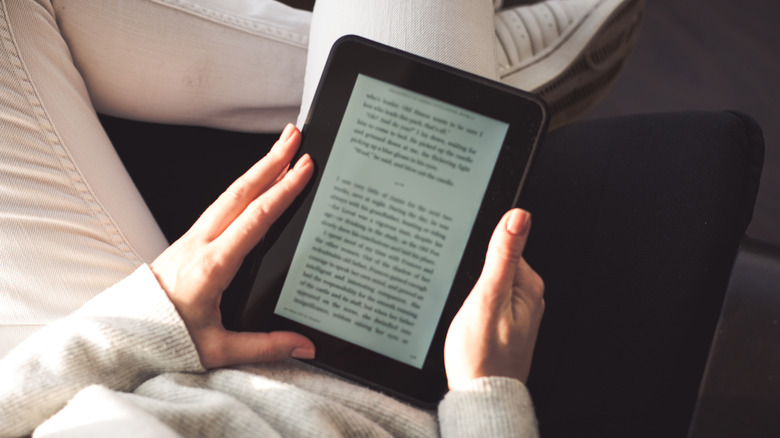
The distraction-free reading experience kindle vs ipad debate often comes down to cognitive load. On an iPad, you are constantly managing the device—adjusting brightness, clearing notifications, or switching apps. On a Kindle, the technology fades into the background. This allows for an immersive reading state that fosters better comprehension and emotional connection to the text. For those who find themselves struggling to finish a book because their digital life is too loud, the Kindle provides the necessary silence.
3. Battery Life: 12 Weeks vs 10 Hours
From a technical perspective, the power consumption differences between these two devices are staggering. An iPad is a powerful computer with a high-refresh-rate screen and a processor capable of video editing. This power comes at a cost. The Apple iPad Pro is rated for approximately 10 hours of active usage. For a heavy reader, this means the device needs to be on a charger every day or two.
The Amazon Kindle Paperwhite offers a battery life of up to 12 weeks on a single charge. This is possible because of the "Etch A Sketch" nature of E-Ink. Power is only consumed when the microcapsules in the screen move to refresh the page. Once a page is set, it stays there without drawing any electricity.
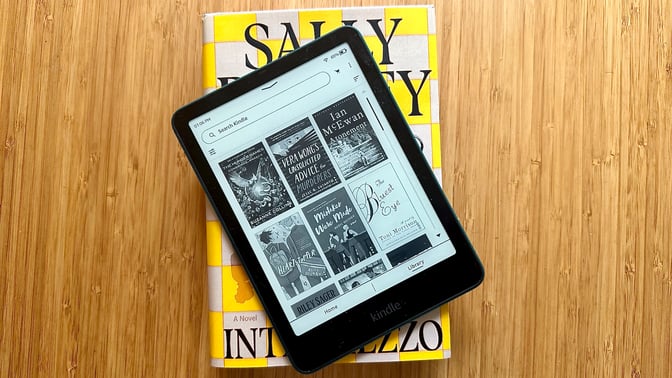
This makes the Kindle the undisputed king of e-reader vs tablet battery life for travel. You can take a two-week vacation to a remote cabin without ever packing a micro-USB or USB-C cable. For commuters, it means never reaching into your bag only to find a dead device. The Kindle is "always ready" in a way that high-performance tablets simply cannot be. When comparing kindle vs ipad battery life for travel, the peace of mind that comes with a device that lasts for months is a massive quality-of-life upgrade for kindle vs ipad for long reading sessions.
4. Outdoor Visibility and Ergonomics
One of the most common frustrations with tablets is their glossy glass screens. In a bright living room or, worse, on a sunny beach, an iPad becomes a highly expensive mirror. You end up fighting your own reflection or cranking the brightness to the maximum—which further drains the battery and heats up the device.
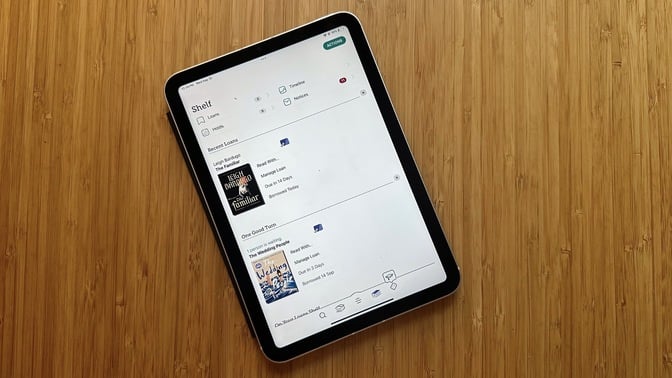
The Kindle is built with an anti-reflective surface and a matte screen coating. Because E-Ink thrives on ambient light, the display actually looks better and crisper the brighter the sun gets. This makes reading on kindle vs ipad in sunlight a completely different experience. You can sit poolside or in a park and read with high-contrast text visibility that feels as natural as the Sunday paper.
Beyond visibility, there is the issue of physical comfort. While the iPad Mini is relatively light at 10.4 ounces, the Kindle Paperwhite weighs in at just 7.3 ounces. It might not sound like a huge difference, but over an hour-long session, that extra weight translates into hand fatigue and wrist strain.
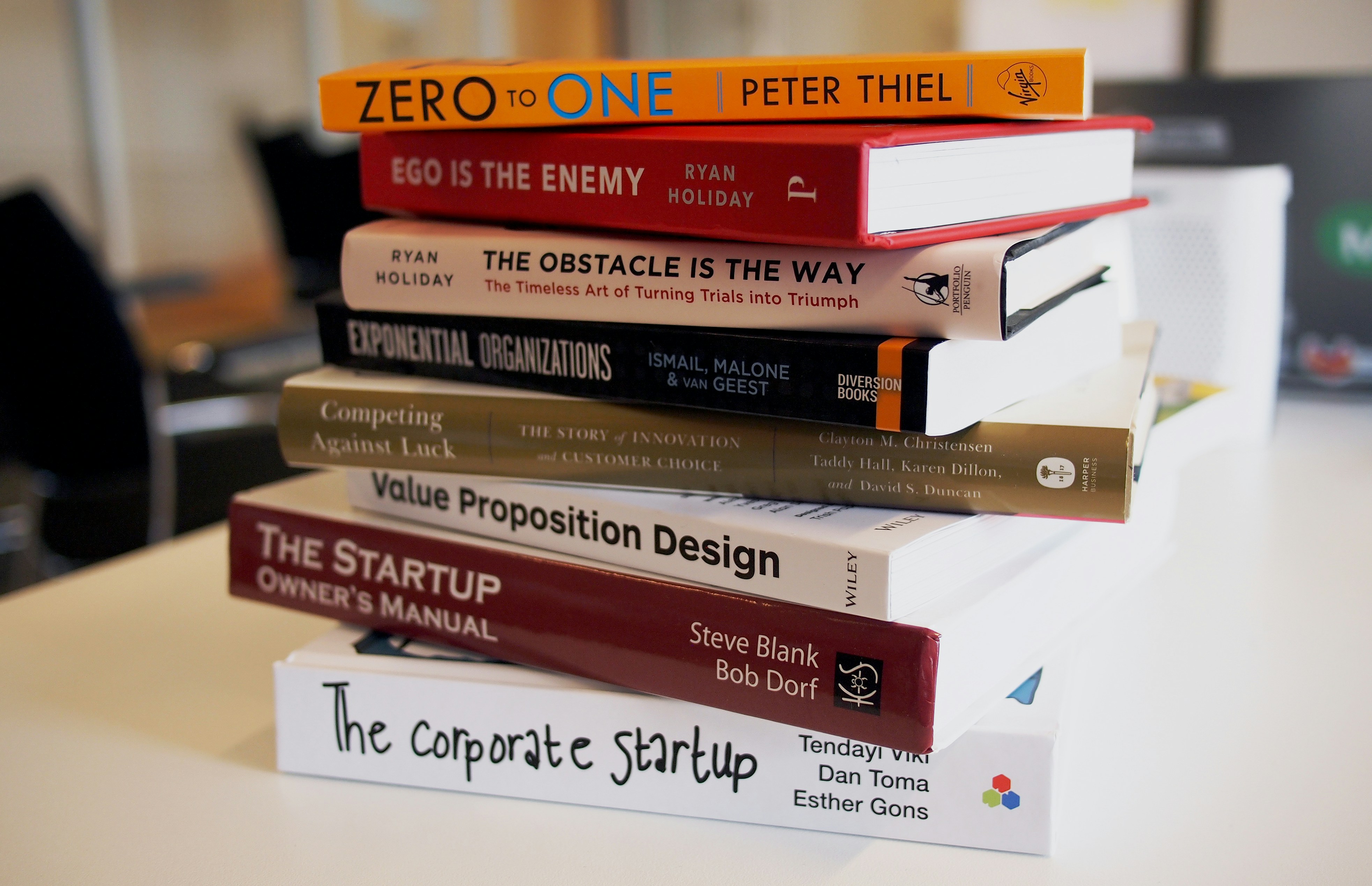
The Kindle’s thinner, lighter form factor and its IPX8 waterproofing make it the superior choice for "unconventional" reading spots—like in the bathtub, on a crowded subway where you’re holding on with one hand, or lying flat on your back in bed. Device portability isn't just about fitting into a bag; it's about how the device feels in your palm during a two-hundred-page marathon.
5. Final Verdict: Which Device Fits Your Lifestyle?
Choosing between a Kindle vs iPad isn't about which device is "better" in a vacuum; it’s about identifying your primary use case.
If you are a casual reader who mostly consumes short-form articles, graphic novels, or color-heavy textbooks, the iPad is a phenomenal tool. Its ability to sync with the Amazon ecosystem via the Kindle app means you don't lose your library, and you get the benefit of a high-resolution color display.
However, if your goal is to read more books, protect your eyes, and reclaim your attention span, the Kindle is the superior investment. For about $160, you get a device that will likely last you five to seven years and fundamentally improve your relationship with reading.
Is it worth buying a kindle if you have an ipad? For many, the answer is a resounding yes. The two devices serve different purposes. Use the iPad for work, creative tasks, and media consumption during the day. Transition to the Kindle in the evening to wind down without the blue light exposure and digital noise of a multi-media tablet.
| Feature | Kindle Paperwhite (12th Gen) | Apple iPad Mini (6th Gen) |
|---|---|---|
| Primary Use | Dedicated Reading | Multi-media / Productivity |
| Screen Type | Reflective E-Ink | Emissive LCD |
| Battery Life | 12 Weeks | 10 Hours |
| Eye Strain | Low (Mimics Paper) | High (Blue Light) |
| Sunlight | Perfect / Matte | Poor / Glossy |
| Price | ~$160 | ~$499 |
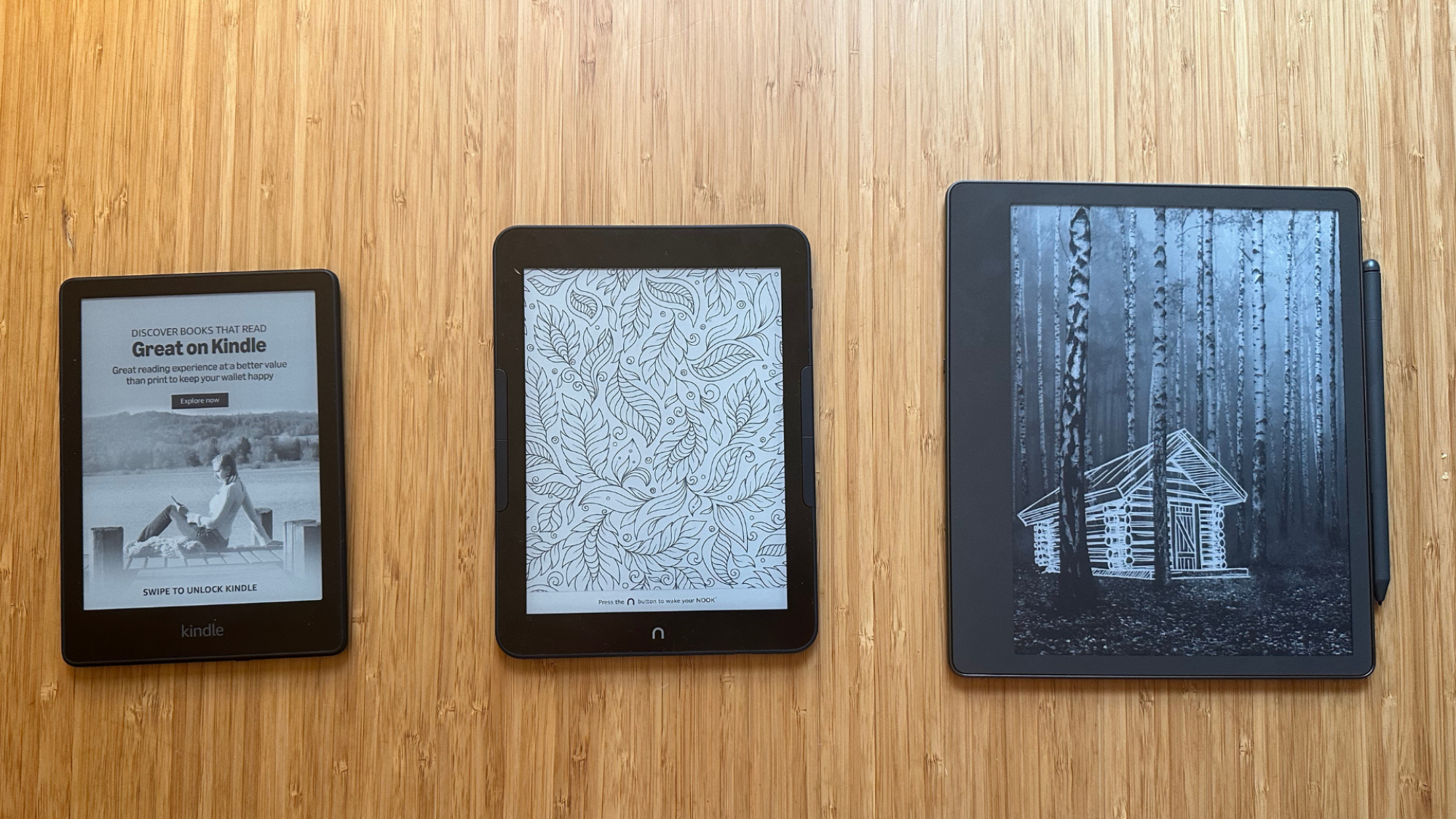
Ultimately, the Kindle wins because it respects the sanctity of the reading experience. It doesn't want to show you an ad, a notification, or a YouTube video. It just wants to show you the next page.
FAQ
Is a Kindle better for your eyes than an iPad?
Yes, a Kindle is significantly better for your eyes. Because it uses reflective E-Ink technology rather than an emissive LCD screen, it mimics the appearance of physical paper. This reduces visual fatigue and retinal stress, especially during long reading sessions. Studies show that E-Ink with front lighting is much gentler on the eyes than the direct backlighting of a tablet.
Is it worth buying a Kindle if I already have an iPad?
It is absolutely worth it if you read for more than 30 minutes at a time. The Kindle provides a distraction-free environment that helps you focus on your book without the temptation of apps and notifications. Additionally, its superior battery life and lightweight design make it a more convenient choice for dedicated reading sessions and travel.
Which device is better for reading in direct sunlight?
The Kindle is the clear winner for outdoor reading. Its anti-reflective surface and matte screen coating eliminate the glare that plagues the iPad’s glass screen. Because E-Ink uses ambient light to illuminate the text, the screen becomes clearer and more legible in bright sunlight, whereas an iPad screen often becomes difficult to see.
Does an iPad cause more eye strain than a Kindle?
Yes, an iPad generally causes more eye strain. The emissive nature of the LCD/LED screen, combined with blue light exposure, can lead to digital eye strain and suppress melatonin production. This can result in dry eyes, blurred vision, and difficulty falling asleep if you read on an iPad late at night.
How long does the battery last on a Kindle vs an iPad?
The difference is substantial. A Kindle Paperwhite can last up to 12 weeks on a single charge based on 30 minutes of reading per day. In contrast, an iPad typically lasts about 10 hours of active use. This means a Kindle user might charge their device four times a year, while an iPad user may need to charge theirs daily.