Our Top Picks
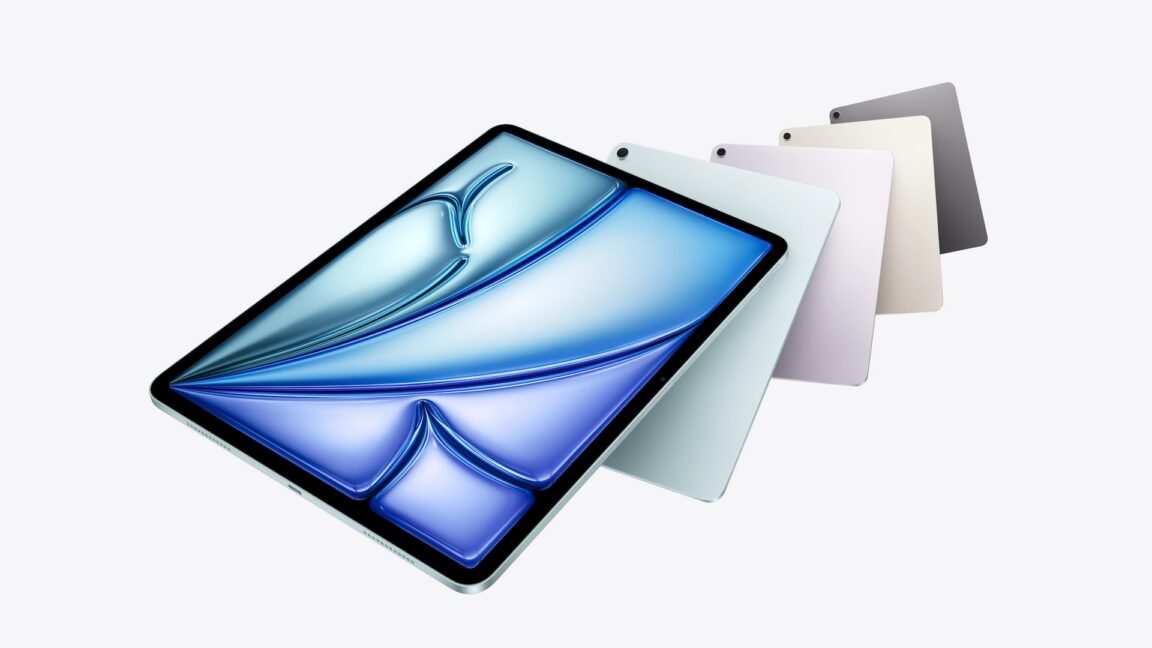
The M4 iPad Air is the best tablet for most users in 2026, offering a significant performance leap via the M4 chip and 12GB RAM at a $599 starting price. It serves as an ideal entry-level professional device for students and digital illustrators who don't need the Pro's OLED screen.
The 2026 M4 iPad Air is a powerhouse in disguise. By bringing the M4 chip and 12GB of RAM to a mid-range price point, Apple has created an entry-level professional tool that blurs the line between the Air and Pro series, making it the most logical choosing between M4 iPad Air and M4 iPad Pro for everyday use.
Internal Overhaul: The M4 and the 12GB RAM Milestone
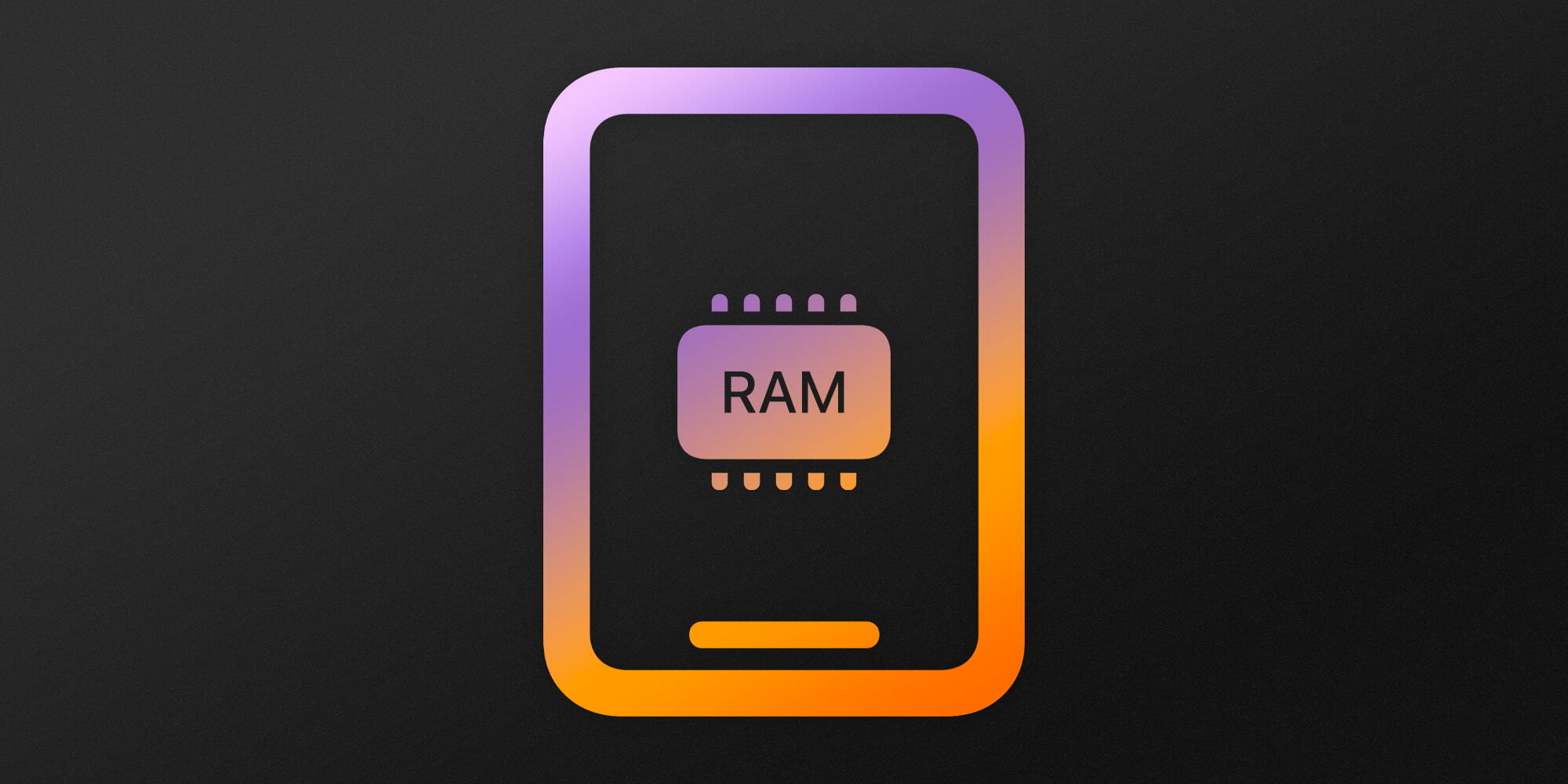
For years, the iPad Air has occupied a "middle-child" position in Apple's lineup—faster than the base model but always a step behind the Pro. With the release of the 2026 model, that gap has narrowed significantly. The headline story isn't the chassis, which remains largely unchanged, but the silicon sitting beneath the glass. This year, the 2026 iPad Air is equipped with the M4 system-on-a-chip, which includes an 8-core CPU, a 9-core GPU, and an upgraded 12GB of unified memory.
While the iPad Pro uses a slightly more powerful version of the M4 chip, the version found here is far from "budget." In fact, the move to 12GB of RAM is perhaps the most important technical shift for the Air in recent history. Previously, the Air felt limited by its memory when handling intensive multitasking. Now, with the M4 iPad Air 12GB RAM benefits, users can keep more apps active in Stage Manager without seeing them refresh.
The Power of the Neural Engine
Beyond raw speed, the M4 chip brings a massive upgrade to the Neural Engine. This is a critical component for M4 iPad Air AI capabilities for future iPadOS updates, specifically the much-anticipated iPadOS 26. As Apple moves further into generative AI, having that extra RAM and a dedicated AI processor ensures this device won't become a paperweight in two years.
Boosting Creative Workflows
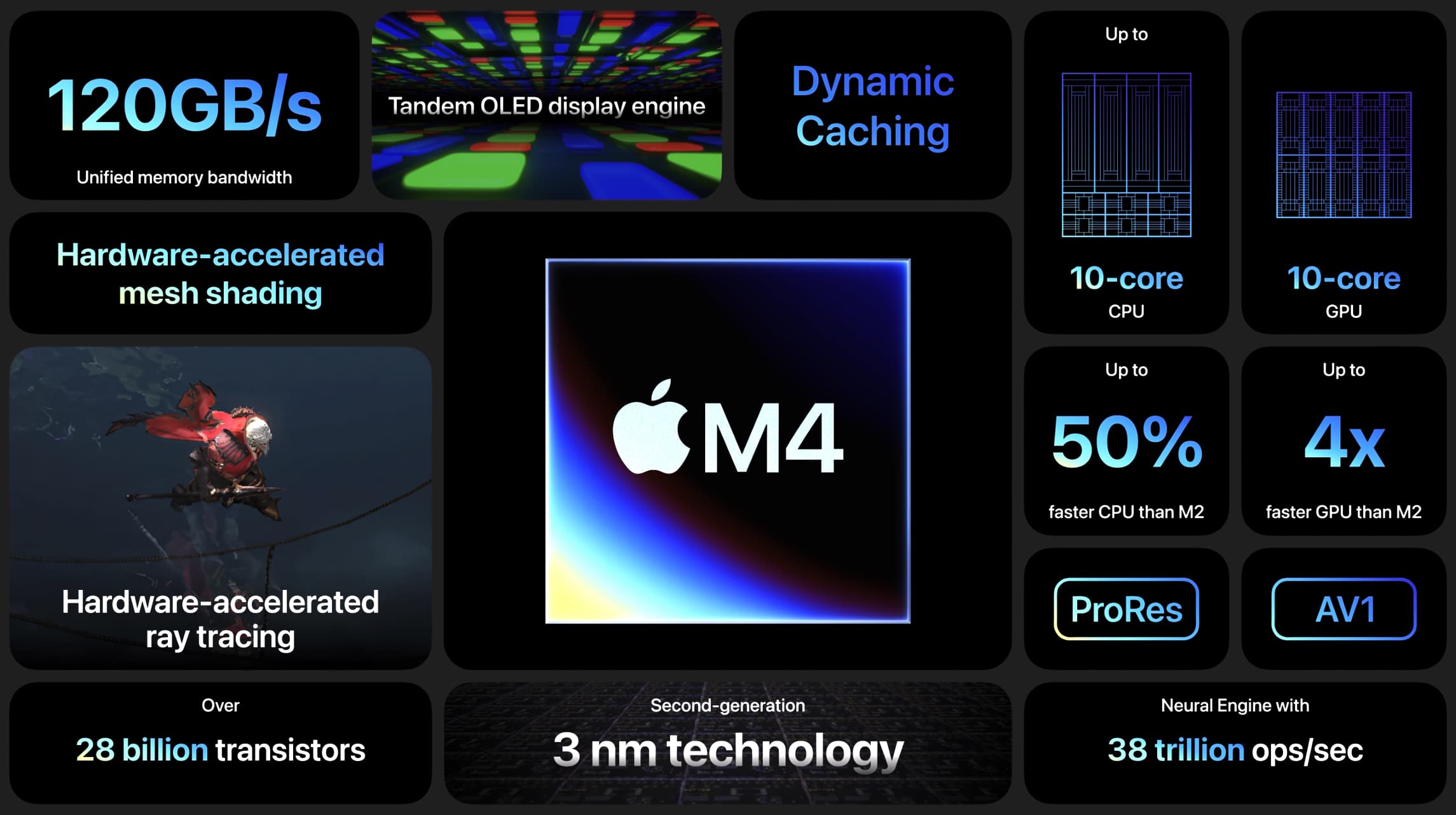
For those using the tablet for more than just Netflix, the M4 iPad Air 12GB RAM performance for creative tasks is a game-changer. Whether you are editing 4K video or working with dozens of layers in Procreate, the 120GB per second memory bandwidth ensures everything stays fluid. This is an incremental hardware update that feels like a generational leap once you actually put it to work.
Display and Design: The Air Compromise
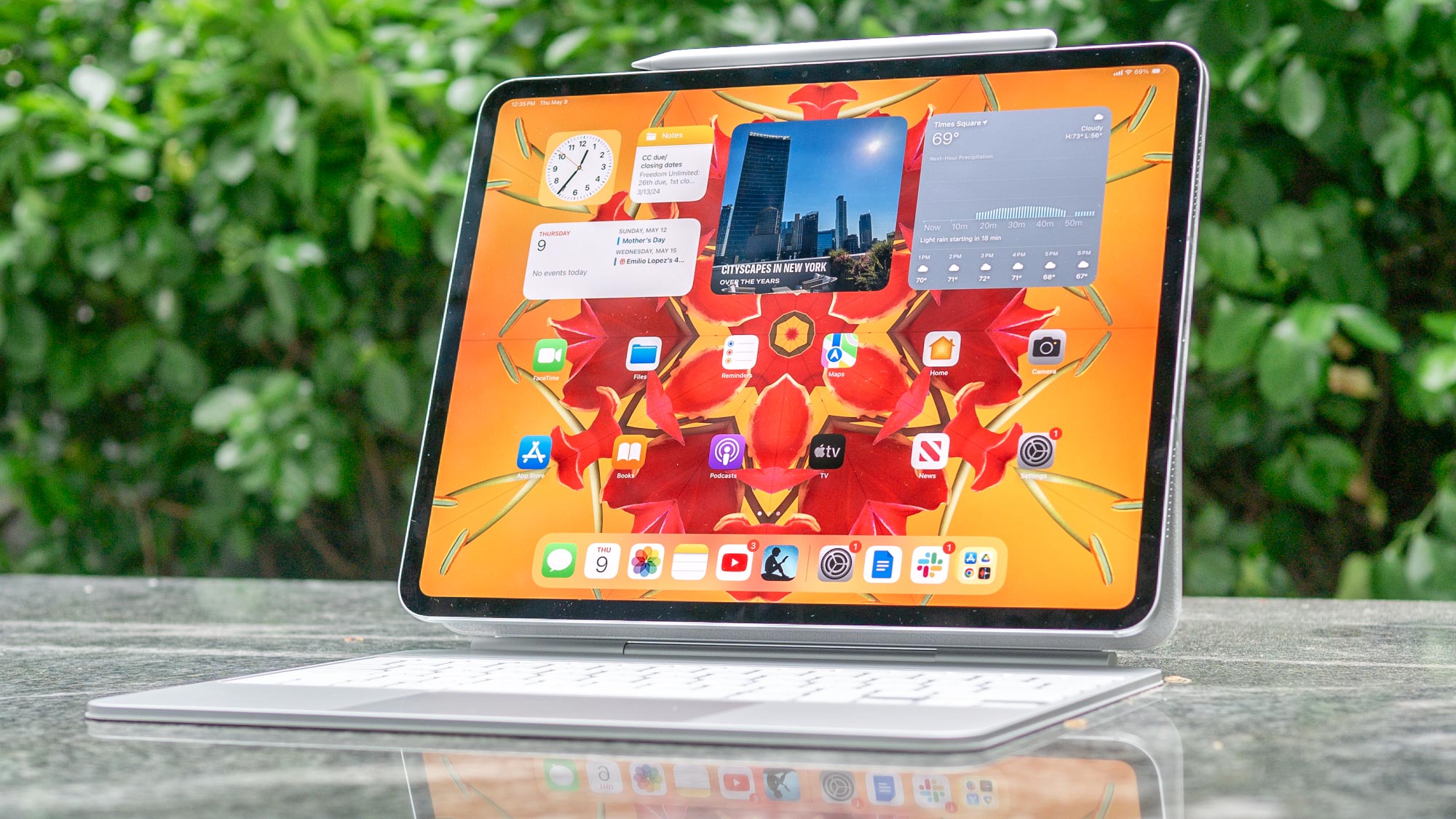
While the internals are bleeding-edge, the exterior and screen technology remind us why this isn't a Pro model. Apple has stuck with the Liquid Retina display for this iteration. This is a high-quality, fully Laminated display, but it lacks the Tandem OLED technology and the 120Hz ProMotion refresh rate found on the flagship model.
Understanding the 60Hz Barrier
If you are coming from an older iPad or a standard laptop, the 60Hz Liquid Retina display will look excellent. However, if you've spent any time with the iPad Pro or even a modern iPhone Pro, you will notice the lack of smoothness when scrolling or using the Apple Pencil Pro. It’s a trade-off that helps maintain the Performance-to-price ratio, but it remains the single biggest differentiator in the lineup.
Connectivity and Biometrics
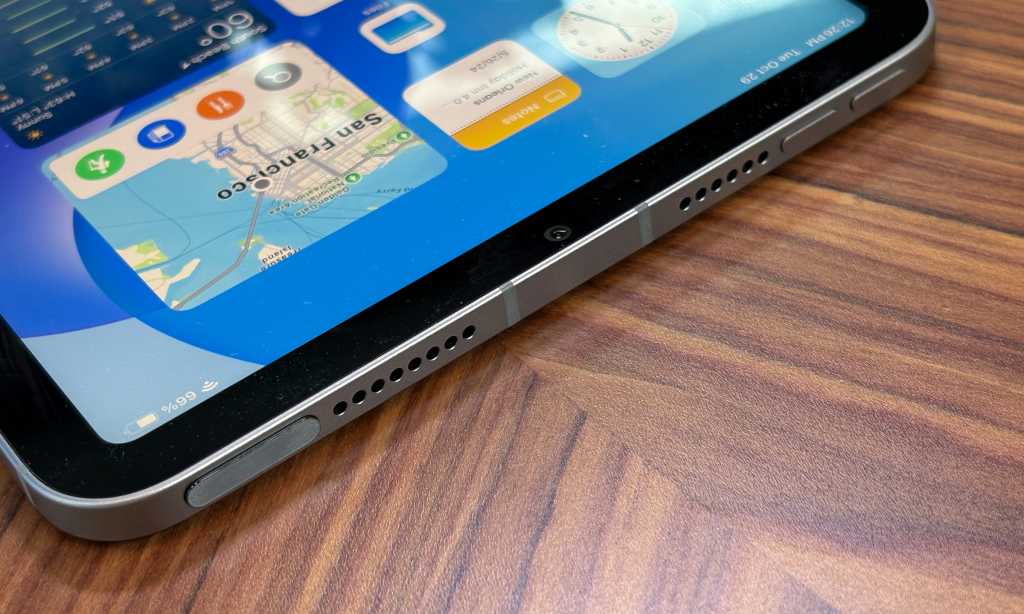
Under the hood, Apple has updated the networking stack. The inclusion of the C1X modem and support for Wi-Fi 7 via the N1 chip means this tablet is ready for the fastest home networks available today. However, Apple still keeps Face ID exclusive to the Pro. The Air continues to use the Touch ID sensor integrated into the power button. It works well, but in 2026, it can feel a bit dated when you’re used to your tablet unlocking simply by looking at it.
The Upgrade Path: M1 vs. M4
Many current Air owners are likely still holding onto the M1 model released a few years ago. While the M1 was a revolutionary chip at the time, the software landscape has changed. If you find your current tablet stuttering during multitasking or running out of memory during photo exports, the upgrading from M1 iPad Air to M4 Air benefits are substantial.
The M4 architecture provides a significant speed boost over its predecessors. Specifically, we are looking at a 2.3x speed increase over the M1. This isn't just about opening apps faster; it's about the thermal efficiency of the 3nm process. The M4 stays cooler under load, which is a major factor for long gaming sessions or professional illustration work.
Storage and Value
The M4 iPad Air, released in March 2026, features a starting price of $599 for the 11-inch model. Unlike previous years where the base storage was a cramped 64GB, the M4 model now supports storage configurations ranging from 128GB up to 1TB. For most users, 128GB is the sweet spot for an iPad Air M1 vs M4 upgrade, though power users should definitely look at the 256GB tier.
M4 iPad Air vs. M4 iPad Pro: The $300 Question
Choosing between these two devices usually comes down to whether you prioritize the "experience" of the screen or the "utility" of the processor. The iPad Air vs iPad Pro performance gap is actually quite narrow for 90% of tasks. Both chips are overkill for browsing the web or writing emails.
The 13-inch Advantage
One of the best additions to the lineup is the larger screen option. The 13-inch M4 iPad Air as a laptop replacement for students is a very compelling argument. For a starting price of $799 for the 13-inch model, students get a massive canvas for split-screen research and note-taking without the $1,299 entry price of the 13-inch Pro.
| Feature | M4 iPad Air | M4 iPad Pro |
|---|---|---|
| Chip | M4 (8-core CPU / 9-core GPU) | M4 (9-core or 10-core CPU) |
| RAM | 12GB Unified Memory | 8GB or 16GB |
| Display | 60Hz Liquid Retina LCD | 120Hz Tandem OLED |
| Biometrics | Touch ID (Top Button) | Face ID |
| Storage | 128GB to 1TB | 256GB to 2TB |
| Starting Price | $599 (11") / $799 (13") | $999 (11") / $1299 (13") |
The Professional Gap
If you are a professional colorist or a high-end photographer, the Pro's Tandem OLED is still mandatory for HDR mastering. Furthermore, the Pro features a Thunderbolt port, whereas the M4 iPad Air uses a standard USB-C port. While both look the same, the Thunderbolt port on the Pro allows for much faster data transfers from external SSDs—a key factor for "Pro" work.
FAQ
Should I buy the M4 iPad Air or the M4 iPad Pro?
The decision depends on your budget and display preferences. If you want the best possible screen (OLED) and 120Hz smoothness, the Pro is the winner. However, if you want the best Performance-to-price ratio and just need a fast, reliable tablet for work and school, the M4 iPad Air offers nearly identical speed for $300 to $400 less.
Is the M4 iPad Air a significant upgrade over the M1 model?
Yes, primarily because of the 12GB of RAM and the 2.3x CPU speed increase. The M1 is still a capable chip, but it will likely struggle with the advanced AI features coming in the next versions of iPadOS. The M4 model is much more future-proof.
What are the main differences between the M2 and M4 iPad Air?
The jump from M2 to M4 brings a more efficient 3nm architecture, a 30 percent boost in CPU performance, and the jump from 8GB to 12GB of RAM. It also introduces support for the Apple Pencil Pro and Wi-Fi 7 connectivity, which were not available on the M2 model.
Does the M4 iPad Air feature an OLED display?
No, the M4 iPad Air continues to use a Liquid Retina LCD panel. If you require the Tandem OLED display for deep blacks and higher brightness, you will need to step up to the iPad Pro.
How much RAM does the M4 iPad Air have?
Every configuration of the 2026 M4 iPad Air comes with 12GB of unified memory. This is a significant increase from the 8GB found in the previous M2 and M1 models, aimed at supporting more demanding AI and multitasking workloads.
Is the M4 iPad Air compatible with the Apple Pencil Pro?
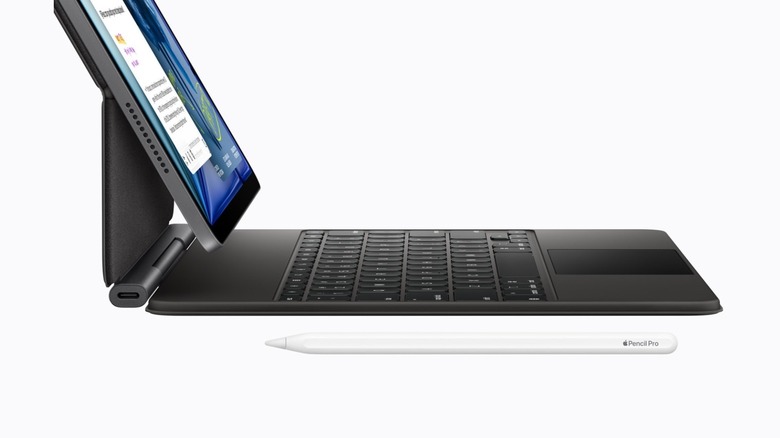
Yes, the M4 iPad Air is fully compatible with the Apple Pencil Pro. This includes support for the squeeze gesture, barrel roll, and haptic feedback, making it an excellent tool for digital illustration.
Final Verdict: Buy It If / Don't Buy It If
The M4 iPad Air is arguably the most balanced tablet Apple has ever made. It finally provides enough RAM to satisfy power users without forcing them to pay the "Pro tax" for an expensive OLED display. It is the definitive Entry-level professional device.
Buy It If...
- You want M4-level performance but have a strict budget of $600-$800.
- You are a student who needs a large 13-inch screen for multitasking.
- You want a tablet that is future-proofed for the next 5 years of AI updates.
- You are an illustrator who wants the features of the Apple Pencil Pro.
Don't Buy It If...
- You are sensitive to 60Hz motion and require the 120Hz ProMotion experience.
- You do high-end video color grading that requires an OLED panel.
- You already own an M2 iPad Air and don't find yourself hitting performance bottlenecks.