Our Top Picks
- Performance King: The M4 chip paired with 12GB RAM makes this the most powerful mid-range tablet ever.
- Best Value: At a starting retail price of $599, it offers 90% of the Pro experience for 60% of the cost.
- Connectivity Pro: Features the N1 wireless chip and Wi-Fi 7 for future-proof networking.
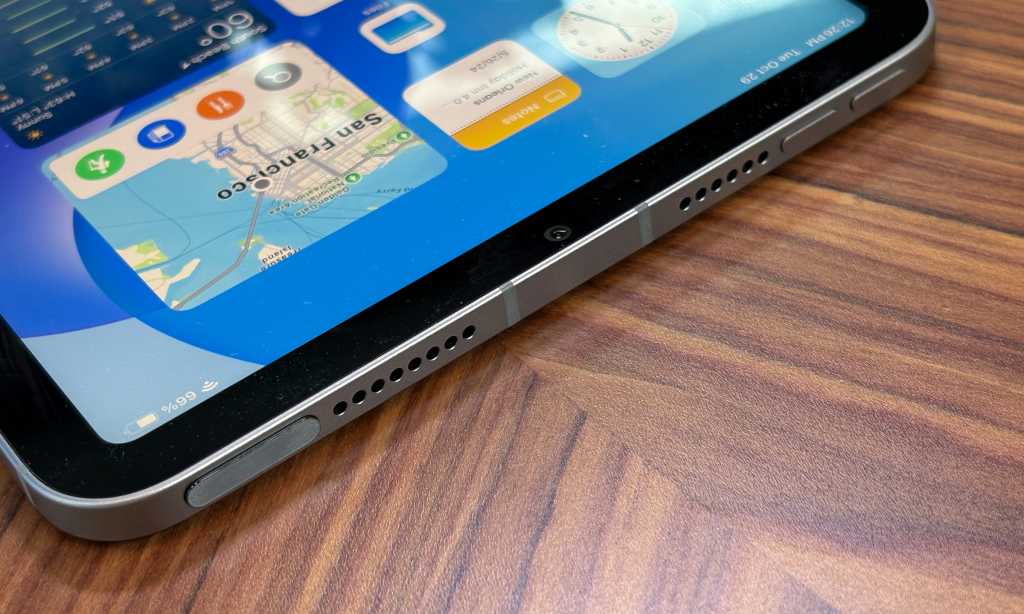
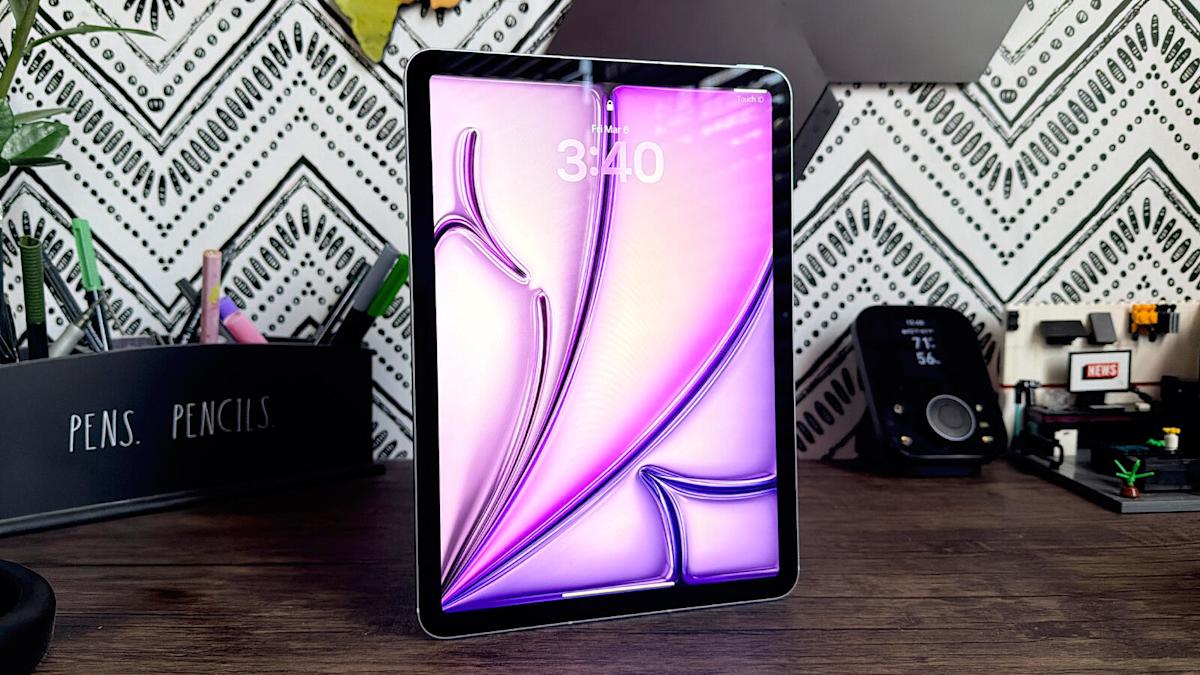
The 2026 M4 iPad Air redefines value, offering a 12GB RAM performance boost and Apple Silicon power that rivals the flagship Pro for just $599. In this M4 iPad Air review, we look at how the jump to the latest architecture and significantly increased memory bandwidth transforms the device from a simple media slate into a genuine productivity powerhouse.
Technical Breakdown: Binned M4 and the 12GB RAM Surprise
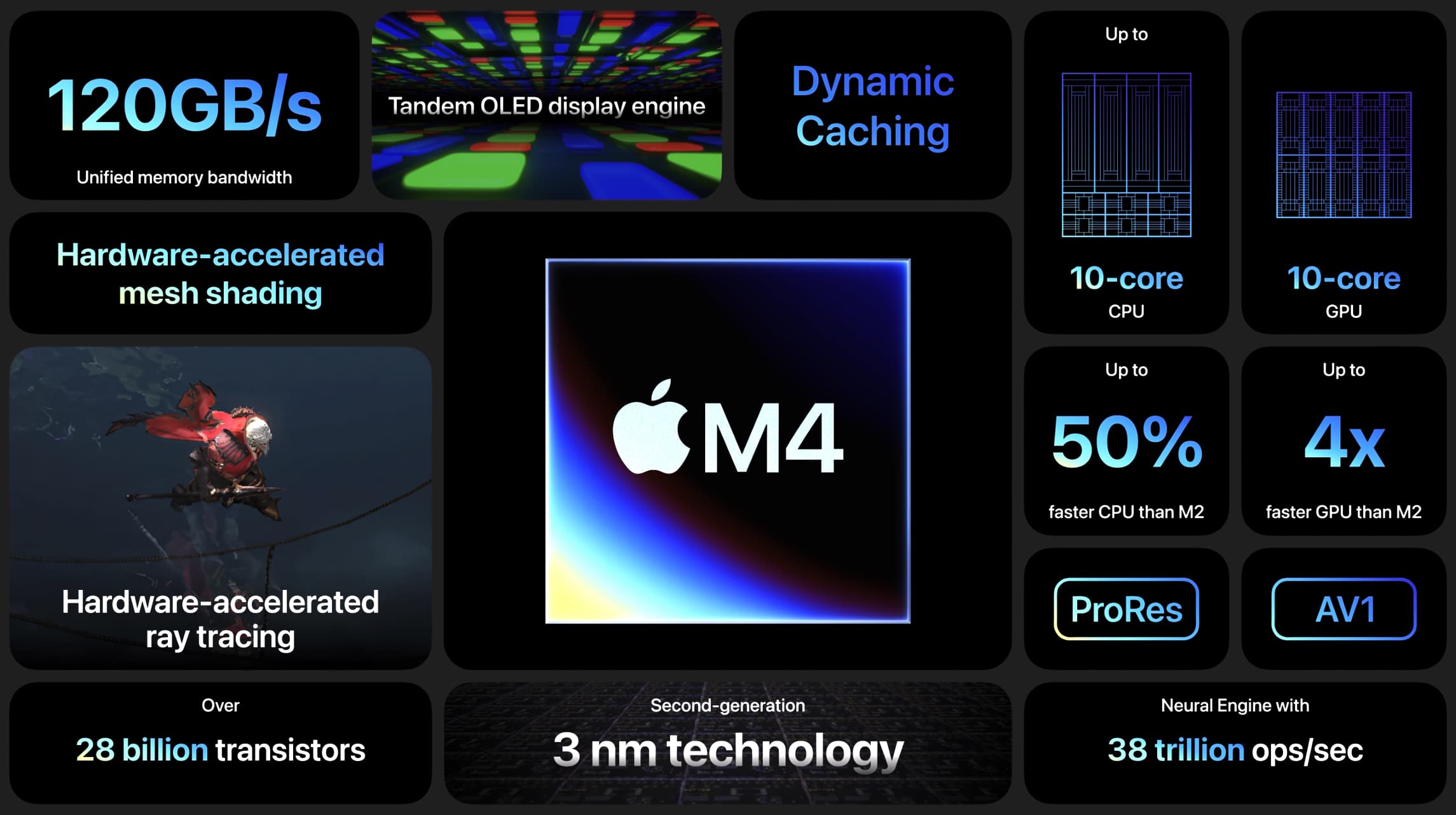
The heart of the new iPad Air is a binned version of the Apple Silicon architecture. While the high-end Pro models feature the full 9 or 10-core CPU, the Air utilizes an 8-core CPU configuration consisting of 3 performance cores and 5 efficiency cores. Do not let the binned label fool you; this chip still delivers a 30% faster overall performance compared to the previous M2 model. When compared to the aging M1 iPad Air, the leap is even more staggering, offering a 2.3x boost in processing speed.
Perhaps the most significant "under the hood" change is the inclusion of 12GB of unified memory. For years, the Air was capped at 8GB, which sometimes led to background apps closing prematurely during intensive tasks. With 120GB/s of memory bandwidth, the M4 iPad Air 12GB RAM performance ensures that the Neural Engine can handle complex AI workflows in iPadOS 26 without breaking a sweat. This extra headroom is vital for the prosumer audience who might be running Logic Pro or Final Cut Pro alongside several browser tabs.
This hardware configuration also brings hardware-accelerated mesh shading and hardware-accelerated ray tracing to the Air line for the first time. For gamers, this means more realistic lighting and reflections in AAA titles, bolstered by MetalFX Upscaling to keep frame rates smooth on the high-resolution display.
Connectivity and Productivity: The Hidden Pro Upgrades
While the processor gets the headlines, the connectivity suite is where this device truly earns its keep as an Ultrabook of tablets. Apple has integrated the N1 wireless chip and the C1X cellular modem, making this one of the first tablets to support Wi-Fi 7. The M4 iPad Air Wi-Fi 7 and N1 chip connectivity benefits include lower latency and peak data transfer speeds that are up to 50% faster than the previous generation.
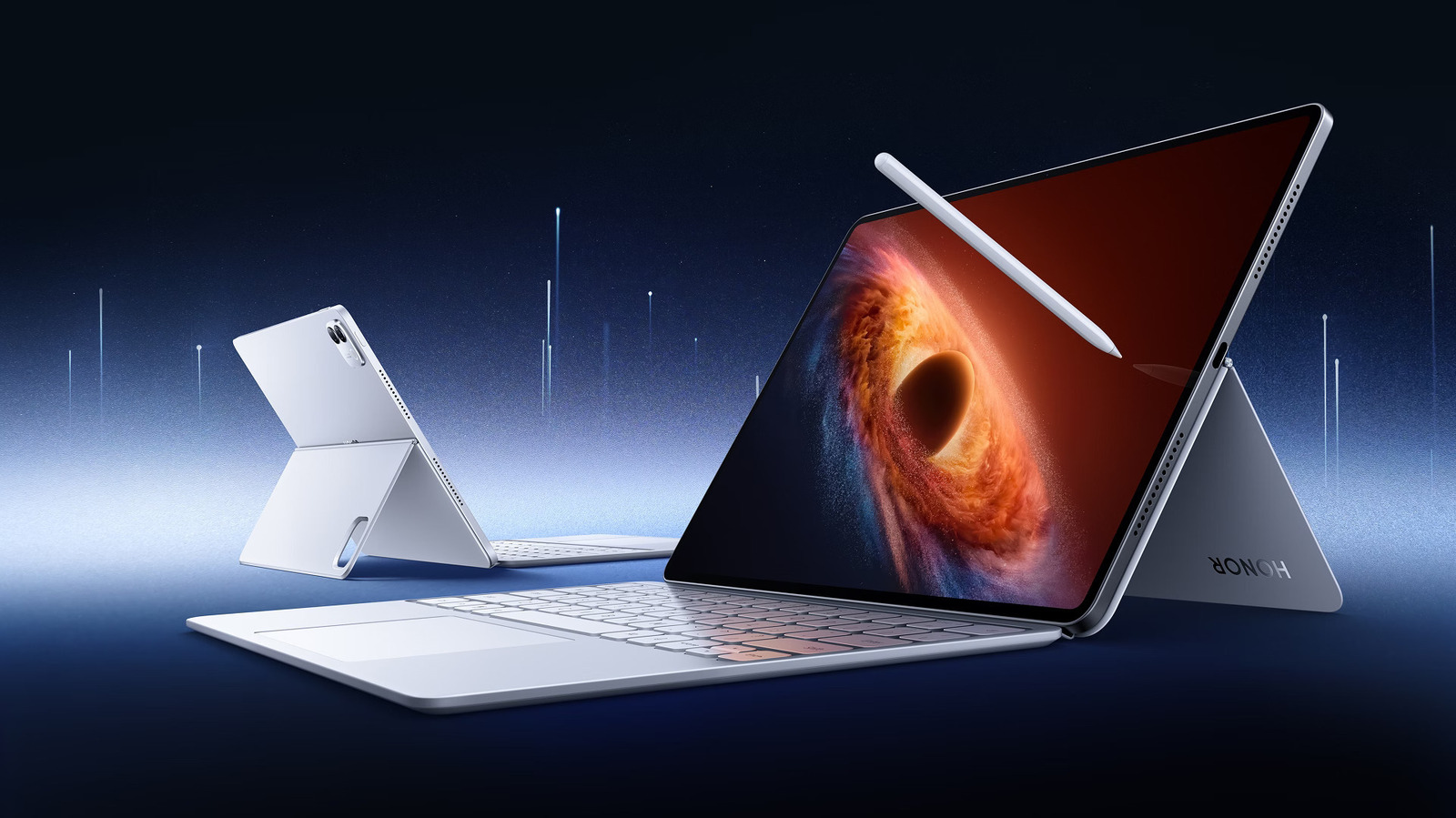
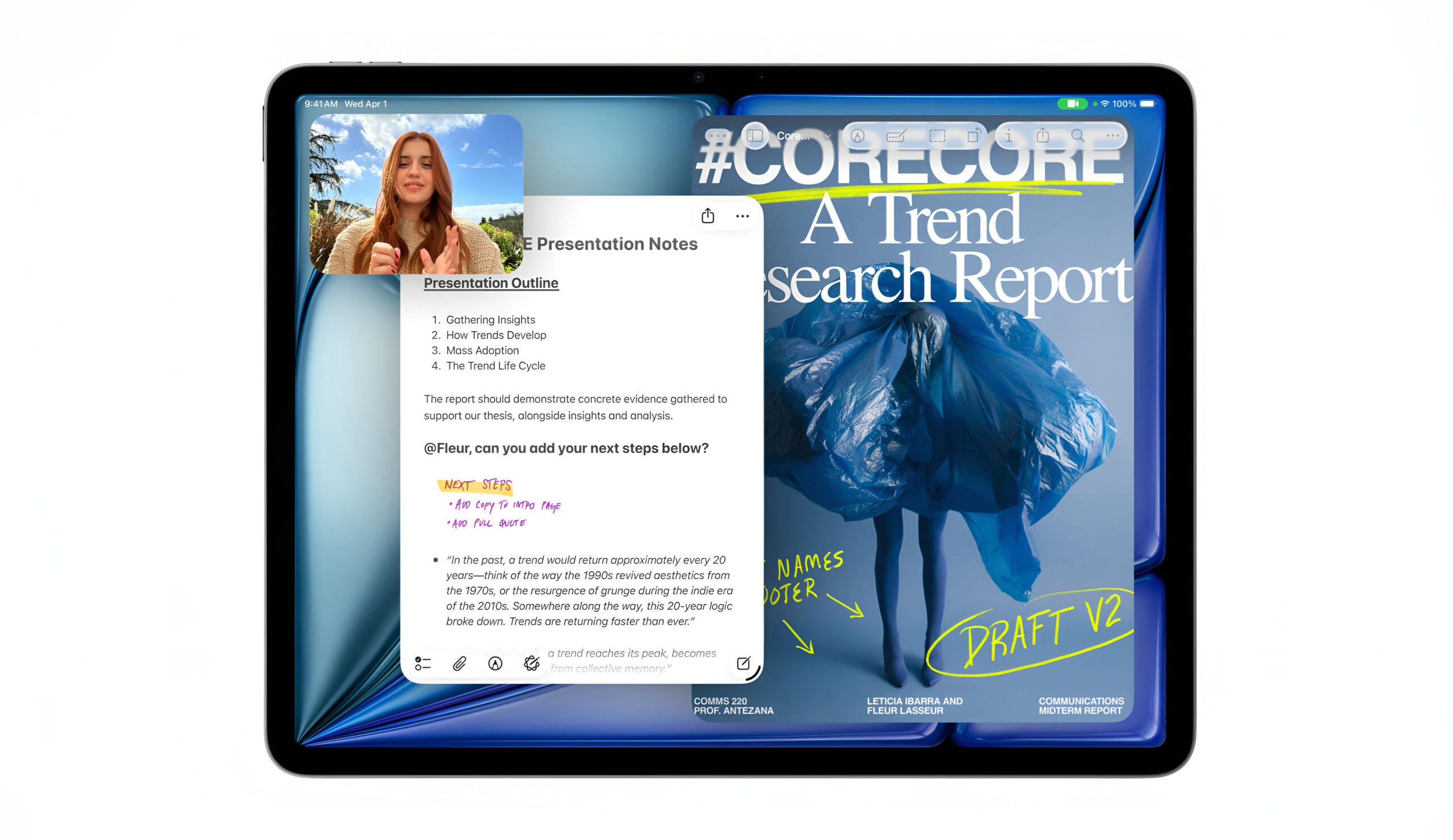
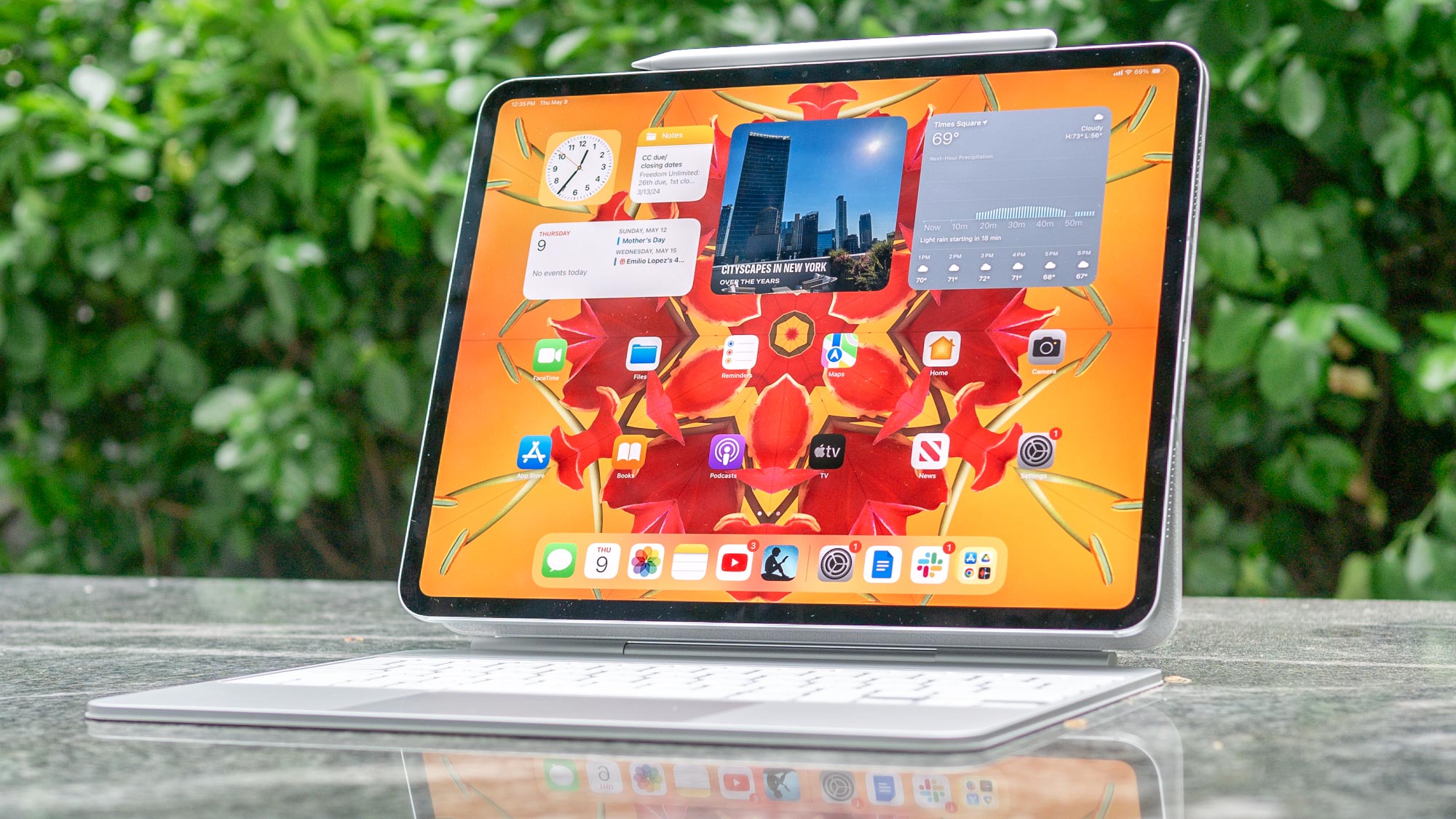
Productivity is further enhanced by the updated accessory support. The M4 iPad Air multitasking capabilities are on full display when paired with the redesigned Magic Keyboard, which now features a 14-key function row for quick access to brightness, volume, and media controls. The tablet also supports the Apple Pencil Pro, including the "squeeze" gesture and haptic feedback, making it a viable tool for digital artists.
With iPadOS 26, Stage Manager feels more fluid than ever. The increased RAM allows the system to keep more active windows in the workspace, making the M4 iPad Air 12GB RAM for 4K video editing a realistic scenario. You can scrub through 4K timelines in LumaFusion while keeping your reference materials open in a floating window without the interface stuttering.
The Display Trade-off: iPad Air M4 vs iPad Pro Comparison
If the performance is so close to the Pro, why would anyone spend the extra $400? The answer lies almost entirely in the screen. This iPad Air M4 vs iPad Pro comparison highlights the biggest trade-off: the Liquid Retina display. While the Pro features the stunning 120Hz Tandem OLED panel, the Air sticks with a 60Hz IPS LCD.
| Feature | M4 iPad Air | M4 iPad Pro |
|---|---|---|
| Display Technology | Liquid Retina (LCD) | Tandem OLED |
| Refresh Rate | 60Hz | 120Hz (ProMotion) |
| Chipset | M4 (8-core CPU) | M4 (9/10-core CPU) |
| Unified Memory | 12GB | 8GB or 16GB |
| Starting Price | $599 | $999 |
In everyday use, the lack of ProMotion (120Hz) is noticeable if you are coming from a Pro device or a modern smartphone, as scrolling isn't quite as buttery smooth. However, for photo editing or watching movies, the display is still excellent, featuring P3 wide color support and full lamination. When looking at the iPad Air M4 ray tracing and gaming benchmarks, the device pushes pixels with incredible efficiency, often matching the single-core Geekbench 6 scores of the Pro (~3726) despite the screen's refresh rate limitation.
Upgrade Decision Matrix: Who Should Buy the M4 Air?
The M4 iPad Air $599 price vs performance value is currently unmatched in the market, but whether you should buy one depends on what is currently in your backpack.
- Current M1 or A-series owners: This is a "must-buy." Upgrading from M1 iPad Air to M4 model provides a massive 2.3x speed increase and brings support for the latest AI-driven features in iPadOS 26.
- Current M2 or M3 owners: The performance gains are measurable but might not be transformational unless you specifically need Wi-Fi 7 or the productivity gains with M4 iPad Air Magic Keyboard.
- New Tablet Buyers: If you are choosing between the base iPad and the Pro, the Air is the "Goldilocks" choice. It offers the longevity of the M4 chip without the $1,000 entry barrier.
- Professional Creatives: If you work in dark environments or require perfect color accuracy, the Tandem OLED on the Pro is still worth the premium. For everyone else, the Air is more than enough.
The move to 3-nanometer manufacturing for the M4 chip also means better thermal efficiency. Even under heavy loads, the Center Stage camera remains cool during long video calls, and the battery life consistently hits the 10-hour mark for web surfing and video playback.
FAQ
Is the M4 iPad Air worth buying?
Yes, it is arguably the best value in Apple's current tablet lineup. For a retail price of $599, it provides professional-grade processing power and 12GB of RAM, making it a future-proof investment for students and prosumers who don't need an OLED screen.
What are the main differences between the M2 and M4 iPad Air?
The M4 model offers a 30% jump in CPU performance and a 50% increase in RAM, moving from 8GB to 12GB. It also introduces Wi-Fi 7 support via the N1 chip and hardware-accelerated ray tracing, which was not available on the M2 version.
Does the M4 iPad Air support the Apple Pencil Pro?
Yes, the M4 iPad Air fully supports the Apple Pencil Pro. This includes the barrel roll, squeeze gesture, and haptic feedback features, allowing users to take advantage of the most advanced stylus tools available from Apple.
How does the M4 iPad Air compare to the M4 iPad Pro?
The primary difference is the display; the Air uses a 60Hz Liquid Retina LCD, while the Pro uses a 120Hz Tandem OLED. The Air also features a slightly binned M4 chip with 8 cores compared to the Pro's higher-core count, though real-world performance for most tasks is remarkably similar.
Is the M4 iPad Air good for video editing?
The M4 iPad Air is excellent for video editing. Thanks to the 12GB of unified memory and the M4 chip's media engine, it can handle multiple streams of 4K video and complex transitions in apps like Final Cut Pro without the system slowing down or crashing.