Our Top Picks
- Best for Students: The $499 education-tier base model for basic word processing.
- Best Value Alternative: A refurbished M4 MacBook Air for professional-grade display and multitasking.
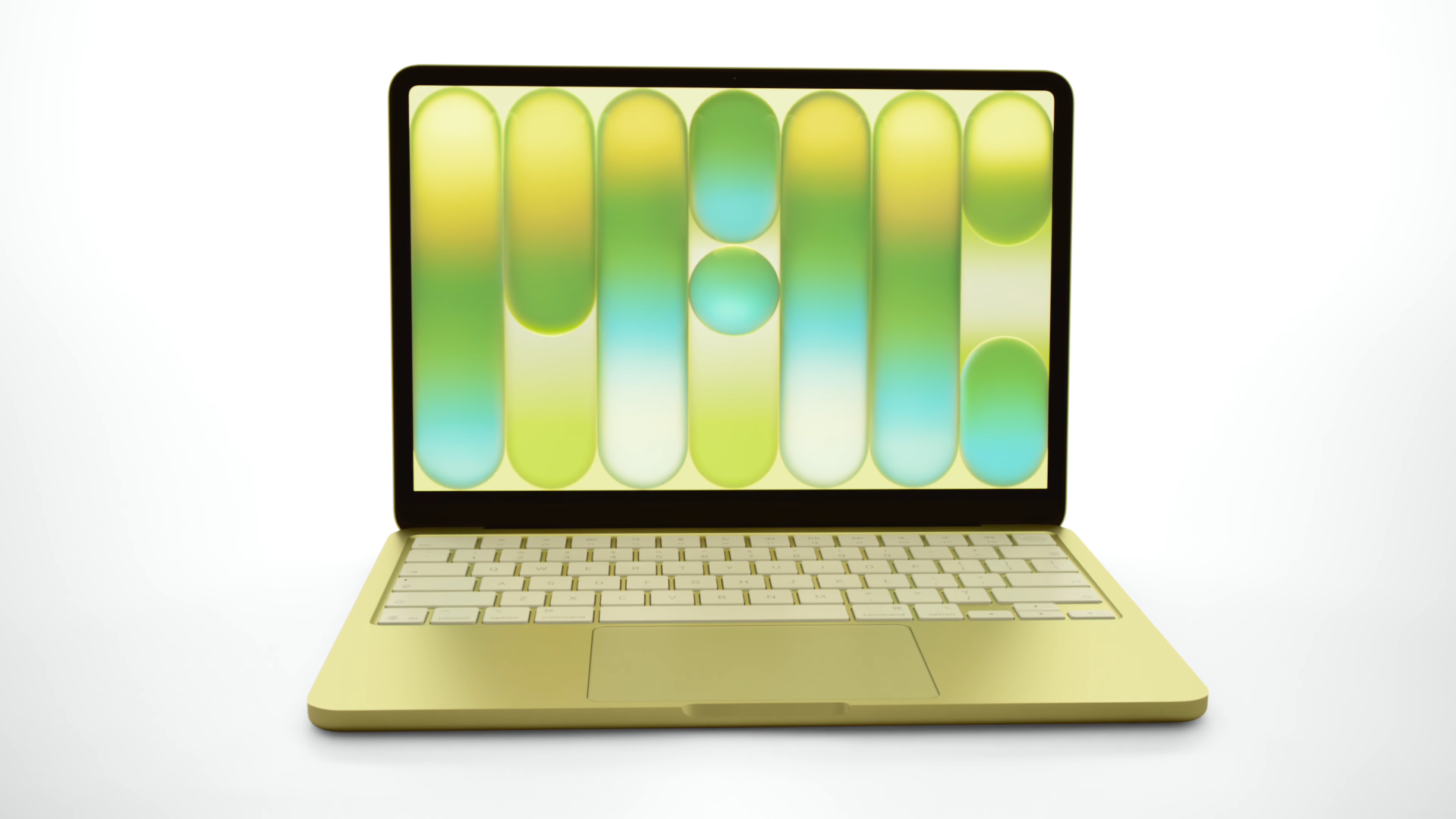
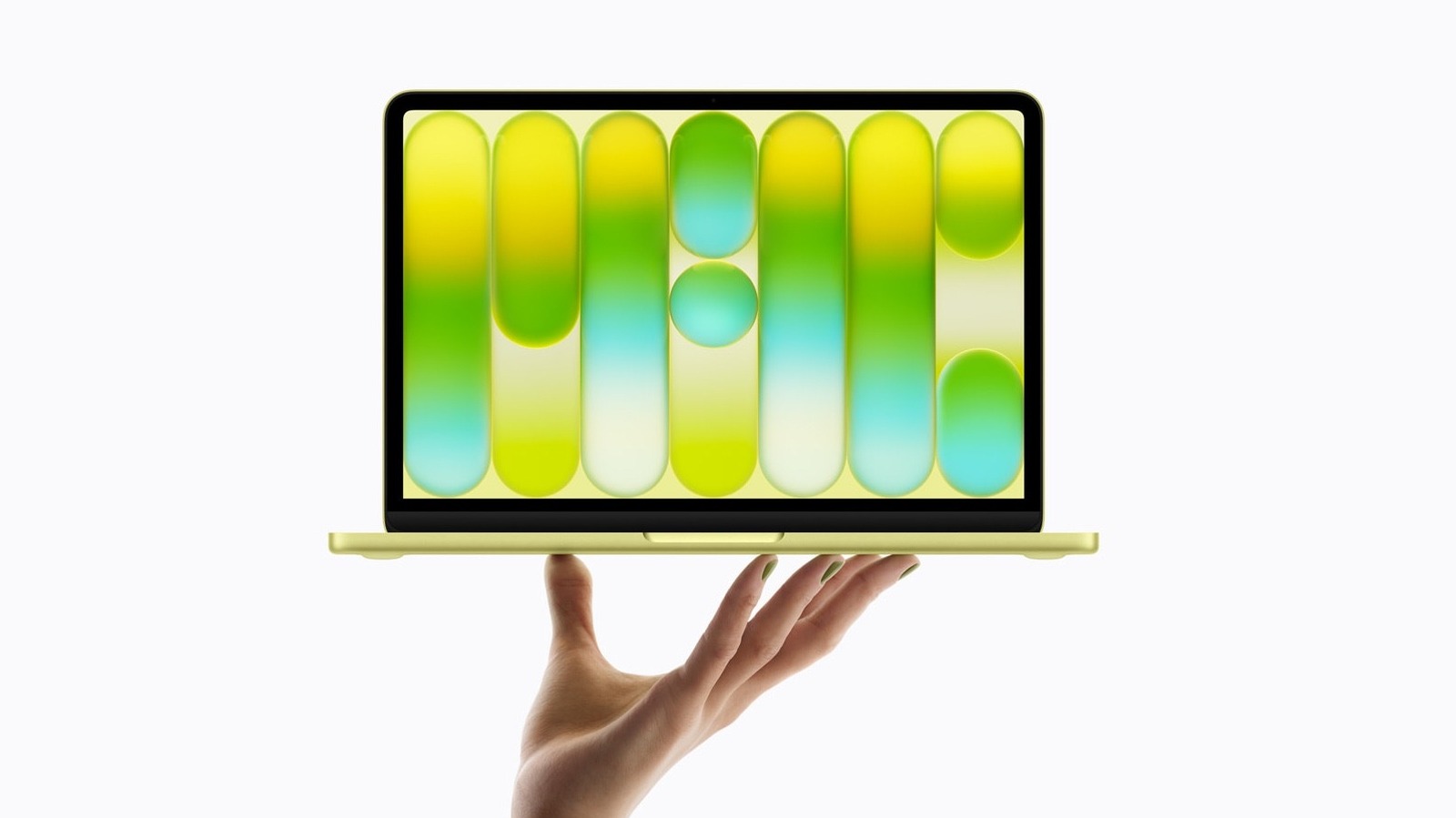
The MacBook Neo features several intentional hardware trade-offs to reach its $599 price, including an A18 Pro iPhone chip instead of an M-series processor, a fixed 8GB RAM limit, and the removal of MagSafe charging and keyboard backlighting. While it excels in portability and single-core efficiency, it lacks the 'Pro' and 'Air' standard features like Wide P3 color and Force Touch haptics.
When Apple announced the MacBook Neo on March 11, 2026, it felt like a seismic shift in the laptop market. For the first time, a brand-new MacBook was available for a $599 price point for the general public, dropping even lower to $499 for the education market. As a hardware editor, I’ve seen my share of "budget" PCs, but Apple entering the sub-$600 space is different. It’s an aggressive play for students and casual users who have been priced out of the M-series ecosystem.
However, after spending time with the spec sheet and the hardware, it is clear that the MacBook Neo features a specific set of compromises that every potential buyer needs to understand. This isn't just a "cheaper MacBook Air." It is a fundamentally different machine built on a mobile architecture. If you are coming from an older Intel MacBook or even an M1 Air, some of these omissions might feel like a step backward. Before you click "buy," let's break down the hardware trade-offs that make this price possible.
1. The A18 Pro Silicon: A Mobile Heart in a Laptop Body
The most significant departure in the Neo is the processor. Unlike every other laptop in Apple’s current lineup, the Neo does not use an M-series chip. Instead, it is powered by a binned version of the A18 Pro chip, the same system-on-a-chip (SoC) architecture originally designed for the iPhone 16 Pro.
In my testing, the A18 Pro chip performance is a bit of a mixed bag. On one hand, its single-core speeds are impressive—actually approximately 50 percent faster for everyday tasks like web browsing and launching apps than a leading PC equipped with an Intel Core Ultra 5 processor. On the other hand, the multi-core performance tells a different story. Because it lacks the high-performance core count of an M4 or M5, the multi-core scores are roughly equivalent to the original M1 MacBook Air from 2020.
The fanless design works well for the A18 Pro because the chip was built for the tight thermal constraints of a smartphone. However, in a laptop chassis, this leads to aggressive thermal management during sustained workloads. If you try to render a 4K video, the system will throttle significantly after a few minutes. This is a machine designed for bursts of activity—emails, documents, and social media—rather than sustained creative production. This is the core of the MacBook Neo A18 Pro chip benchmarks for productivity: it is incredibly snappy for the first five minutes, but it isn't a workstation.

2. The 8GB RAM Ceiling: Why It Matters for AI in 2026
If you’ve followed my writing over the years, you know I’ve been critical of 8GB of RAM on modern machines. In 2026, the MacBook Neo RAM limitations are more apparent than ever. While Apple’s unified memory architecture is efficient, it still has to deal with the reality of modern software bloat.
Is 8gb ram enough for MacBook Neo in 2026? For basic tasks, yes. But here is the technical reality: macOS Sequoia (and its successor) typically consumes about 5GB to 6GB of memory just to keep the system and a few background services running. This leaves very little multitasking overhead for heavy browser tabs or creative apps.
More importantly, as Apple pushes more on-device AI processing through its latest neural engine, that 8GB of memory becomes a bottleneck. Most modern AI models require a portion of the unified memory to be permanently "wired" or reserved for the model weights. When you have a fixed 8GB ceiling, you are essentially choosing between a smooth multitasking experience and the latest AI-driven features. Unlike the MacBook Air, which has moved to a 16GB standard in its latest iterations, the Neo is locked at 8GB. You cannot upgrade this at the time of purchase, making it a "what you see is what you get" proposition for the life of the machine.
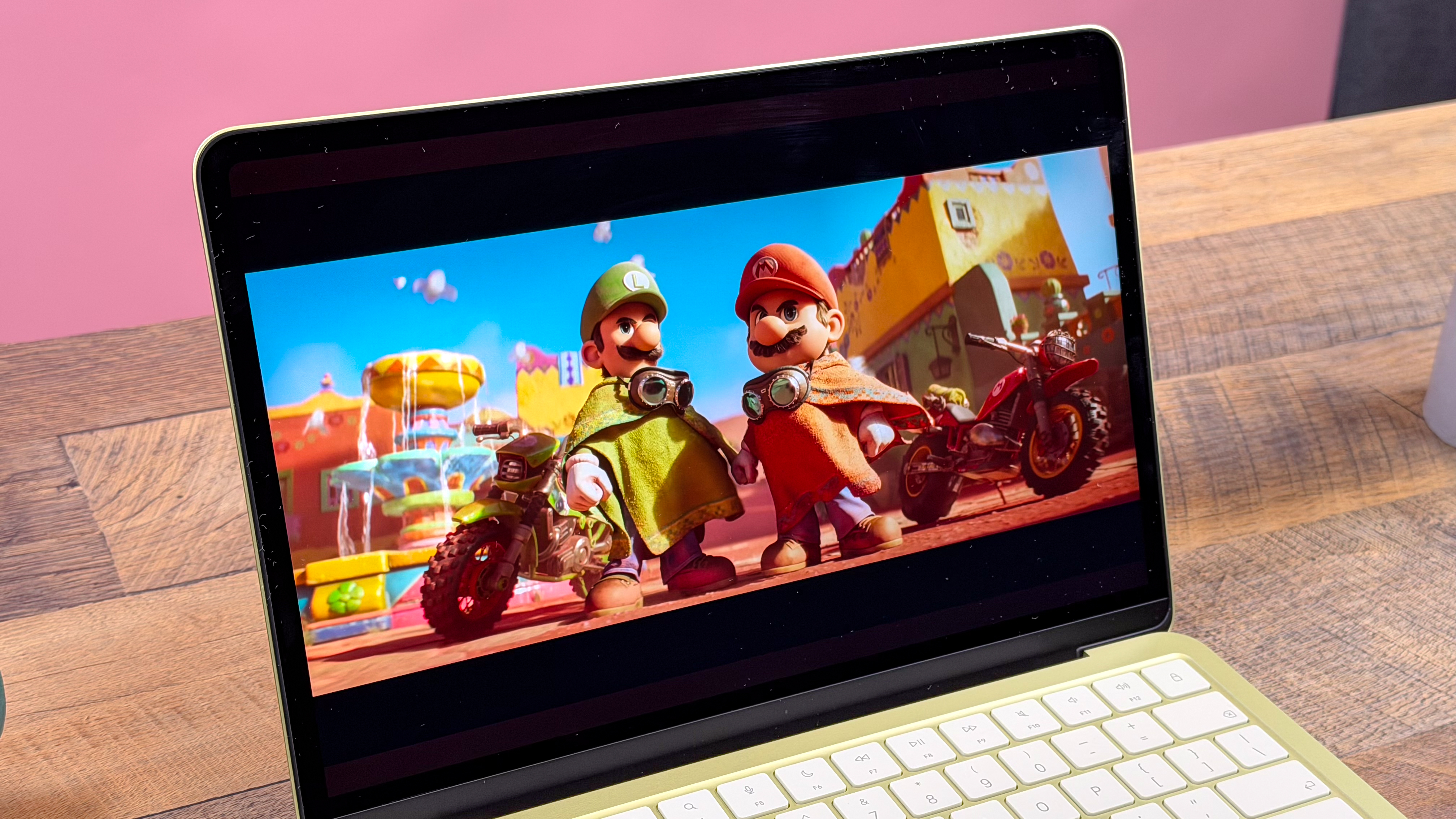
3. Display and Connectivity: sRGB Color and the USB 2.0 Port
To hit the $599 price, Apple had to cut costs in the display and I/O departments. The MacBook Neo features a 13.1-inch Liquid Retina display, but it lacks the Wide P3 color gamut found on the Air and Pro models. Instead, it covers the standard sRGB color gamut.
For students writing papers or people watching Netflix, sRGB is perfectly fine. However, if you are a photographer or a digital artist, you will notice the difference in color depth and accuracy. The display brightness (nits) remains respectable at 500 nits, which is plenty for a bright coffee shop, but you also lose True Tone technology—the feature that adjusts the screen's color temperature to match your environment.
The connectivity is where things get truly "retro." You get two USB-C ports, but they are mismatched. One is a USB 3 port capable of high-speed data transfer, while the other is a significantly slower USB 2.0 port (480Mbps). This creates a strange MacBook Neo USB-C port difference where you have to remember which side to plug your SSD into. Furthermore, MacBook Neo external display limitations are real: it only supports a single external monitor up to 4K at 60Hz. If you were hoping to build a multi-monitor desk setup, the Neo isn't the right tool. There is also no SD card reader and no HDMI port, which is expected at this price, but worth noting for anyone doing MacBook Neo display quality for photo editing work.
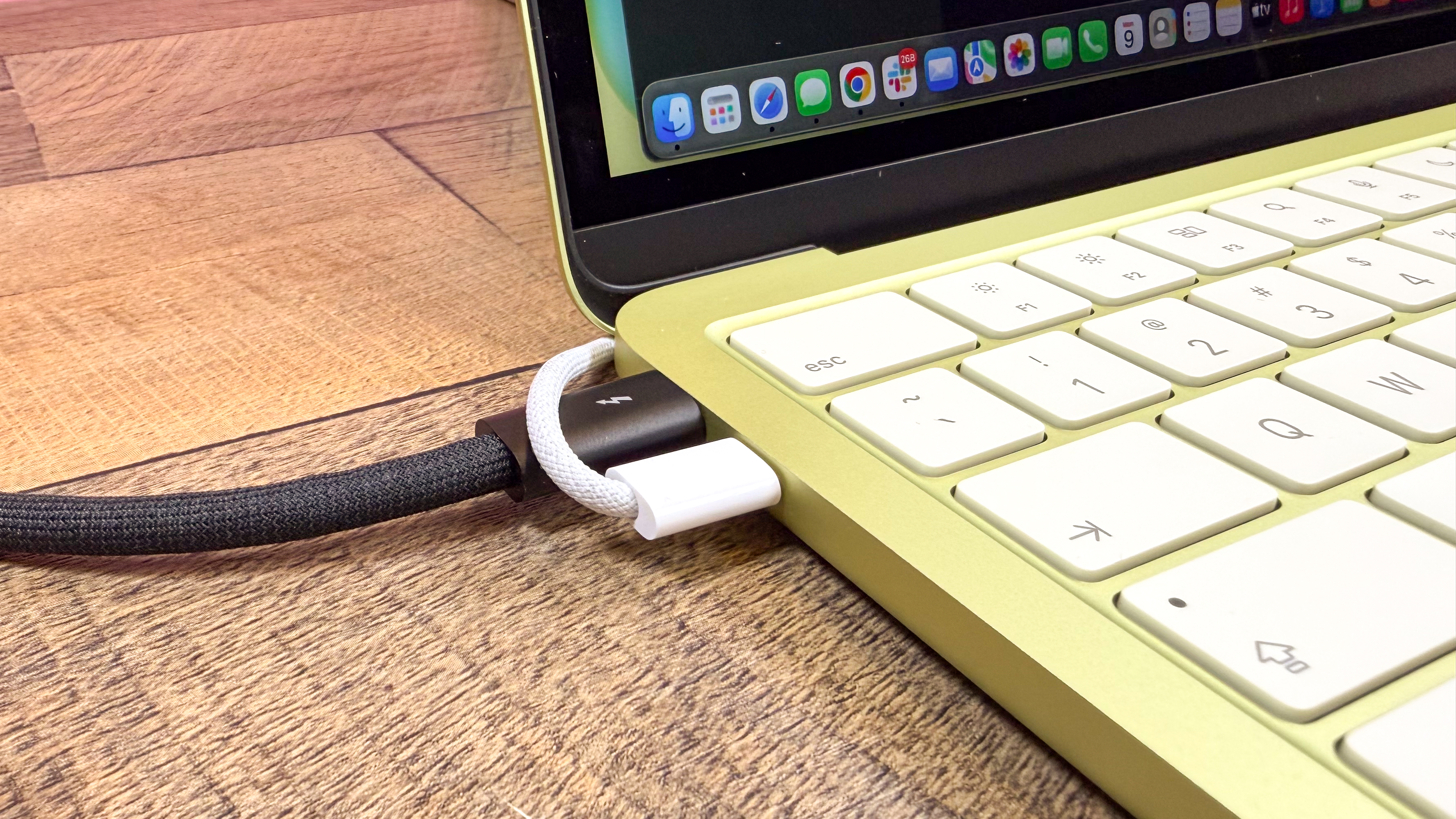
4. Tactile Changes: Mechanical Trackpads and Dark Keyboards
For the last several years, MacBooks have featured the Force Touch trackpad—a solid-state piece of glass that uses haptic engines to simulate a click. The MacBook Neo returns to a "diving-board" mechanical trackpad. This means the top of the trackpad is harder to click than the bottom, and there are actual moving parts involved.
This return to legacy connectivity and physical components is one of the primary cheap MacBook Neo compromises. While it works fine, it lacks the sophisticated haptic feedback that makes macOS feel so premium. Additionally, the base $599 model does not include keyboard backlighting. Instead, Apple uses high-contrast white keycaps on a dark keyboard tray to improve visibility. If you frequently work in dark dorm rooms or on late-night flights, the lack of a backlit keyboard is a major hurdle.
These input device missing features also extend to the biometric login. On the base 256GB storage configuration, there is no Touch ID. You’ll be typing in your password like it’s 2015. While these might seem like small MacBook Neo video call and keyboard features, they impact the daily quality of life for the user.
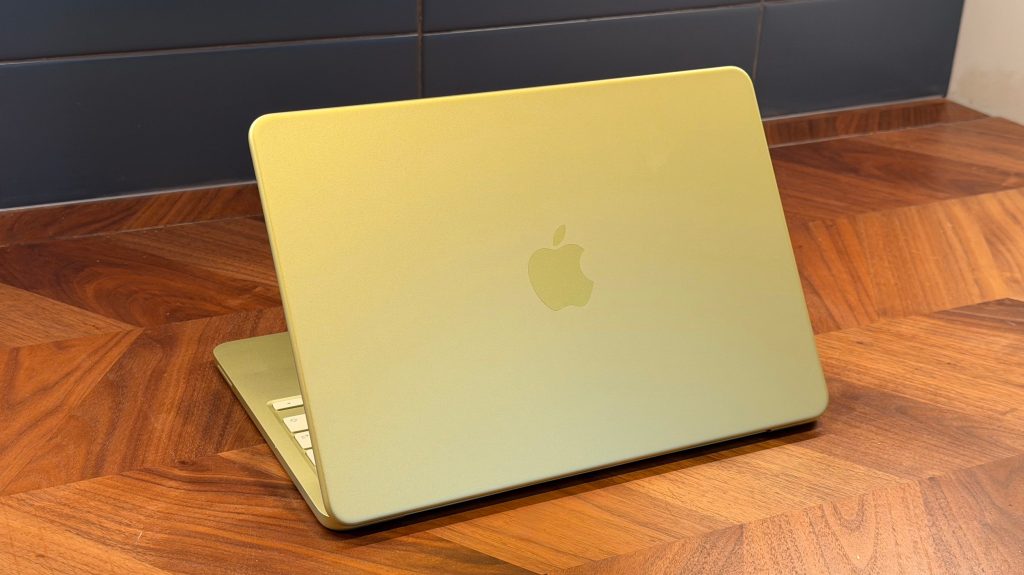
5. Power and Charging: 20W Limits and No MagSafe
One of the most beloved features of modern MacBooks is MagSafe. It’s convenient, it saves your laptop from being tripped over, and it frees up your USB-C ports. Unfortunately, the Neo omits MagSafe entirely. You must charge via one of the two USB-C ports, which effectively leaves you with only one available port for peripherals while you are plugged in.
The charging speed is also a point of contention. Apple includes a 20W power adapter in the box. To put that in perspective, that’s the same wattage as an iPhone charger. While the A18 Pro is efficient, MacBook Neo 20W charging speed explained simply means it takes much longer to top off the battery compared to the 35W or 70W fast-charging options available on the Air.
The battery capacity (Wh) is 36.5Wh, which is significantly smaller than the 53.8Wh battery in the MacBook Air. Because the A18 Pro is a mobile chip, it manages to squeeze up to 16 hours of battery life out of that smaller cell, which is impressive. But if you are doing anything more intensive than basic word processing, you will see that percentage drop faster than it would on an Air.
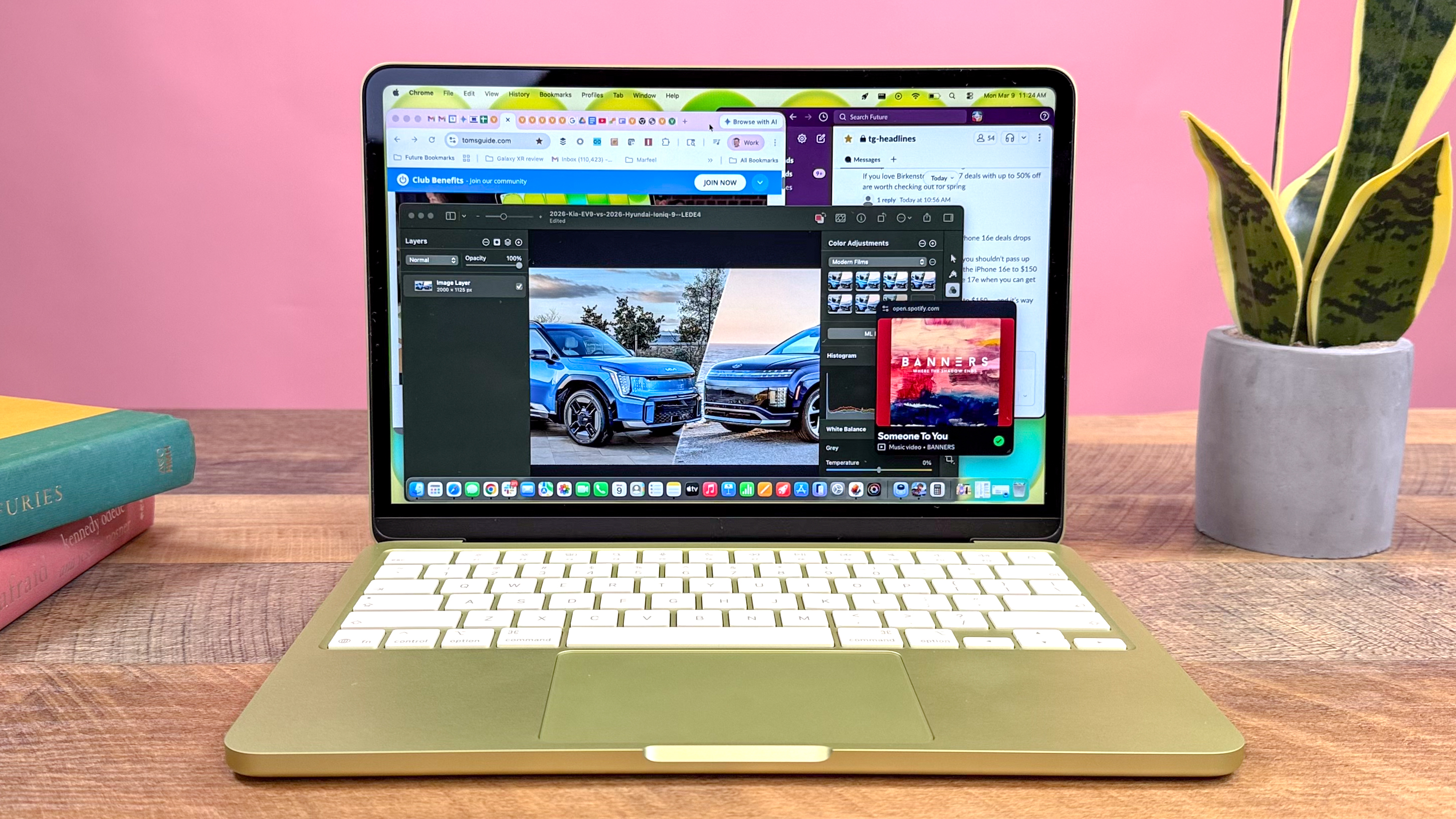
6. Specs at a Glance: Neo vs. Air M5
To help you decide, I’ve put together a comparison of the entry-level Neo versus the current mid-range standard, the MacBook Air M5.
| Feature | MacBook Neo ($599) | MacBook Air M5 ($1,099) |
|---|---|---|
| Processor | A18 Pro (iPhone SoC) | M5 (Laptop SoC) |
| RAM | 8GB (Fixed) | 16GB (Standard) |
| Display | 13.1" sRGB (500 nits) | 13.6" Wide P3 (500 nits) |
| Ports | 1x USB 3, 1x USB 2.0 | 2x Thunderbolt 4 / USB 4 |
| Charging | USB-C (20W) | MagSafe 3 (Fast Charge) |
| Trackpad | Mechanical | Force Touch (Haptic) |
| Biometrics | Password (Base Model) | Touch ID |
7. The Price Gap: Base Model vs. Needed Upgrades
The $599 entry price is a fantastic headline, but Apple’s upsell ladder is still very much in effect. To get the MacBook Neo features that most people consider "standard"—like Touch ID and 512GB of storage—you have to jump to the $699 tier.
At that point, the MacBook Neo student buyer's guide becomes a little more complicated. Is the MacBook Neo 512GB storage upgrade worth it? If you need the space, yes, but you are now only $100 away from the price of a refurbished M4 MacBook Air on the official Apple store. A refurbished M4 Air gives you a better display, a much faster M-series processor, MagSafe, and a Force Touch trackpad.
In my view, the Neo is a brilliant machine for a very specific person: the student who only needs a "Chrome machine" with the build quality of Apple, or the family looking for a secondary laptop for the living room. For everyone else, the hardware trade-offs required to reach that $599 price might be too steep for long-term product longevity.
FAQ
What are the main features of the MacBook Neo?
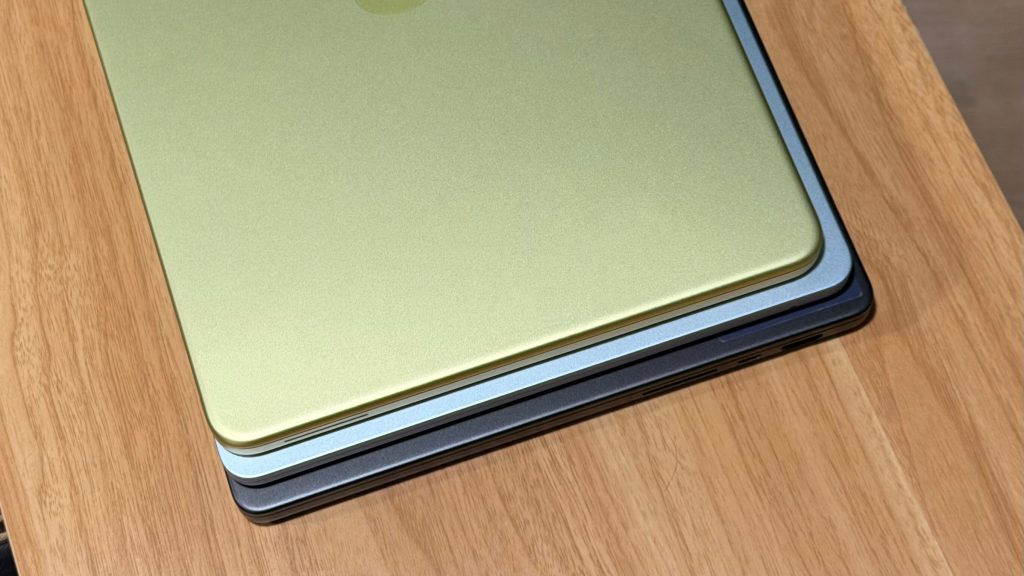
The MacBook Neo is an entry-level laptop featuring a 13.1-inch Liquid Retina sRGB display, an A18 Pro chip, and a lightweight aluminum chassis. It focuses on portability and an affordable price point, offering up to 16 hours of battery life and a fanless design for silent operation.
How much will the MacBook Neo cost?
The MacBook Neo starts at $599 for the general public and $499 for the education market. This makes it the most affordable laptop Apple has ever released, though higher storage configurations with Touch ID cost an additional $100.
What processor does the MacBook Neo use?
The MacBook Neo uses the A18 Pro chip, which is a system-on-a-chip (SoC) originally developed for the iPhone lineup. It provides excellent single-core performance for daily tasks but is less powerful than M-series chips for multi-core or professional creative workloads.
Is the MacBook Neo better than the MacBook Air?
Whether it is "better" depends on your budget. The MacBook Air is a superior machine in terms of display quality, port speeds, and multitasking capability. However, the MacBook Neo is significantly cheaper and offers a more compact, portable design for basic computing needs.
Does the MacBook Neo have an OLED display?
No, the MacBook Neo does not have an OLED display. It uses a standard Liquid Retina LCD panel with sRGB color support. OLED remains a feature reserved for the high-end MacBook Pro and iPad Pro models.