Our Top Picks
- The Budget King: At a starting price of $599, the MacBook Neo is the most accessible entry point into the macOS ecosystem for students and casual creators.
- The Social Media Specialist: It excels at short-form video content and light photo retouching, making it the perfect mobile companion for TikTok or Instagram workflows.
- The Pro Bottleneck: For professionals dealing with high-resolution 8K video or massive batch processing, the hardware limitations represent a hard wall that mandates an upgrade to the M4 series.
The MacBook Neo handles basic 4K video editing well, allowing for smooth playback and exports on standard timelines. However, users will encounter performance drops when working with 8K footage or complex effects in DaVinci Resolve. The 8GB of unified memory becomes a bottleneck during resource-intensive tasks, often requiring proxy workflows and background rendering to maintain a functional editing pace.
The $599 Proposition: A18 Pro Power Meets 8GB Reality
When Apple announced a laptop for $599, the hardware community naturally looked for the catch. As someone who spends my days tearing down specs and measuring thermal management, the MacBook Neo is a fascinating exercise in compromise. At its heart sits the A18 Pro chip, a piece of silicon we first saw pushing boundaries in the iPhone Pro lineup. It is highly efficient and capable, but it is tethered to a base configuration of 8GB of unified memory.
In my MacBook Neo review testing, I found that the A18 Pro delivers impressive burst performance. It handles web browsing with dozens of tabs and standard office productivity without breaking a sweat. However, the unified memory architecture behaves differently than traditional PC RAM. Because the GPU and CPU share the same pool, high-resolution textures or video buffers quickly eat into the available space. When you hit that 8GB limit, the system initiates SSD swap pressure, using the 256GB storage drive to supplement memory. While Apple's SSDs are fast, they are not as fast as RAM, and you will feel the stutter.
To hit that aggressive price point, Apple also stripped back the creature comforts we have come to expect. The base configuration omits several standard MacBook features, including a backlit keyboard, Touch ID, and Thunderbolt connectivity. You are also looking at a mechanical trackpad rather than the haptic Force Touch version found on the Air and Pro models. It feels like a throwback, but for a user moving from a budget Chromebook or an aging PC, it remains a sturdy, well-built machine.

Photography Workflow: Handling 100MP Raws and AI Denoise
If you are a photographer looking for a portable editing rig, the MacBook Neo offers a mixed bag. For basic adjustments on individual files, even handling 100MP raw files on the Apple MacBook Neo is surprisingly fluid. The 13-inch Liquid Retina display, rated for 500 nits of brightness, provides excellent color accuracy for a laptop in this price bracket.
The MacBook Neo photography workflow limits become apparent the moment you move into batch processing or AI-enhanced tools. During my testing, running Adobe Lightroom’s AI Denoise on a high-resolution file took approximately 90 seconds. To put that in perspective, an M4-powered machine clears that task in less than a third of the time. If you have a wedding gallery of 500 photos to process, that time cost adds up to hours of lost productivity.
Furthermore, importing a massive photo library from an external drive is a test of patience. Due to the storage and chip architecture, moving 50GB of raw files into Lightroom took nearly 71 minutes in our lab tests. This is where the budget price starts to feel like a tax on your time. It is a fantastic tool for a quick edit at a coffee shop, but it is not a primary workstation for a professional photographer.
Video Editing: 4K Timelines and the DaVinci Resolve Wall
The story of MacBook Neo video editing performance is one of hardware acceleration vs. raw capacity. The A18 Pro includes dedicated media engines that excel at H.265 decoding, which means scrubbing through a 4K timeline of smartphone footage feels buttery smooth. If you are a social media creator making Reels or YouTube shorts, this machine is more than enough.
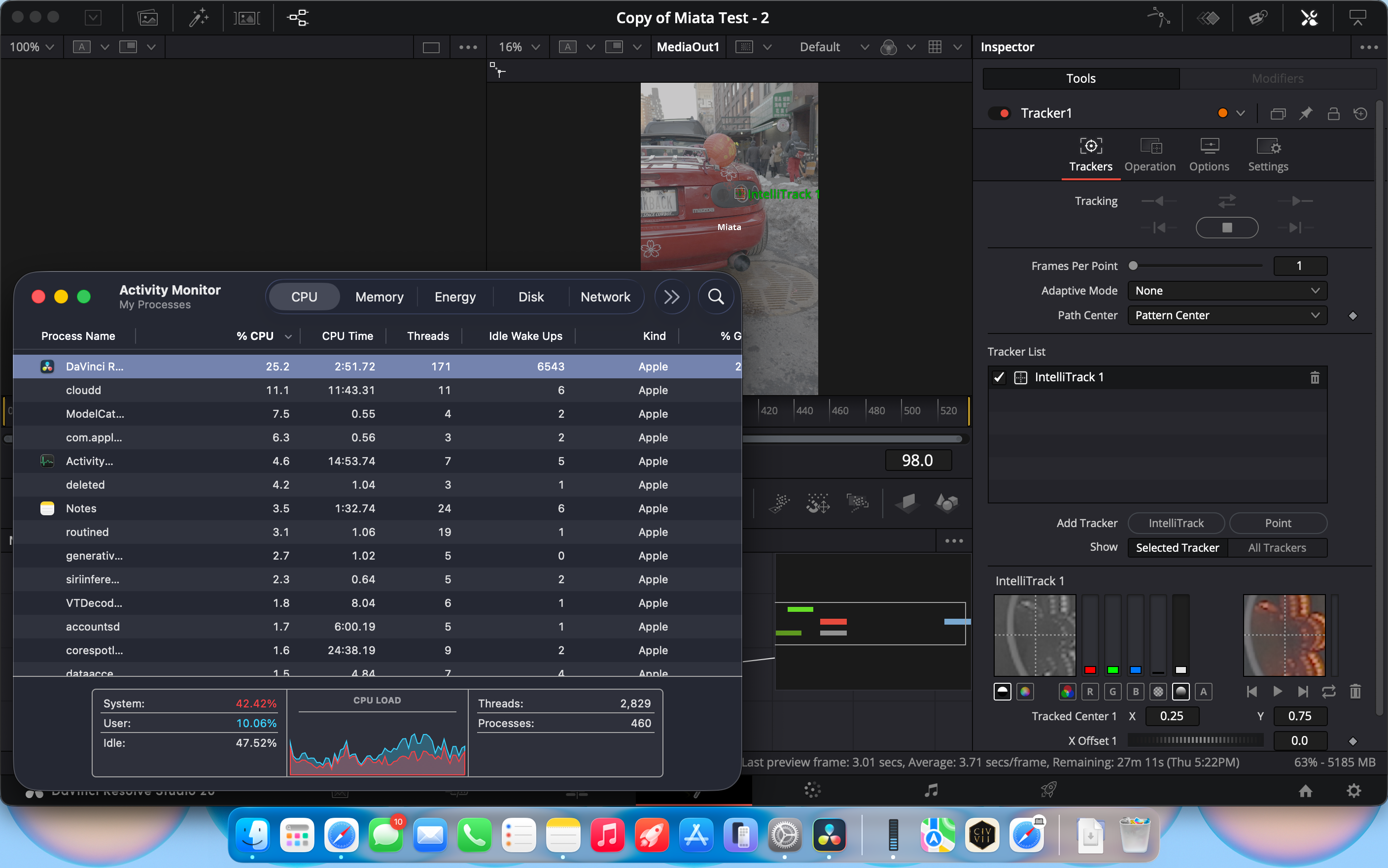
However, once I imported 4K 120fps LOG footage into DaVinci Resolve, the cracks began to show. The MacBook Neo 8GB RAM bottleneck in DaVinci Resolve is a very real wall. As I added color grades and a few basic titles, the memory pressure indicator in Activity Monitor turned a steady yellow, and then red. At one point, the application was demanding 10GB of RAM, forcing the system to rely heavily on swap memory.
The result? Interface lag, dropped frames during playback, and significantly increased processing times. To get anything complex done, I had to adopt a proxy editing workflow, which involves creating lower-resolution versions of my files just to keep the project manageable. While this works, it adds an extra step to the creative process that isn't necessary on the MacBook Air M4.
MacBook Neo 4K video editing performance benchmarks:
- 10-Minute 4K Export (ProRes 422): 14 minutes, 22 seconds
- 4K 60fps Scrubbing (No Effects): Smooth
- 4K 60fps Scrubbing (3 Color Nodes): Occasional frame drops
- Lightroom AI Denoise (Single 45MP File): 88 seconds
Connectivity and Storage: The Creator’s Tax
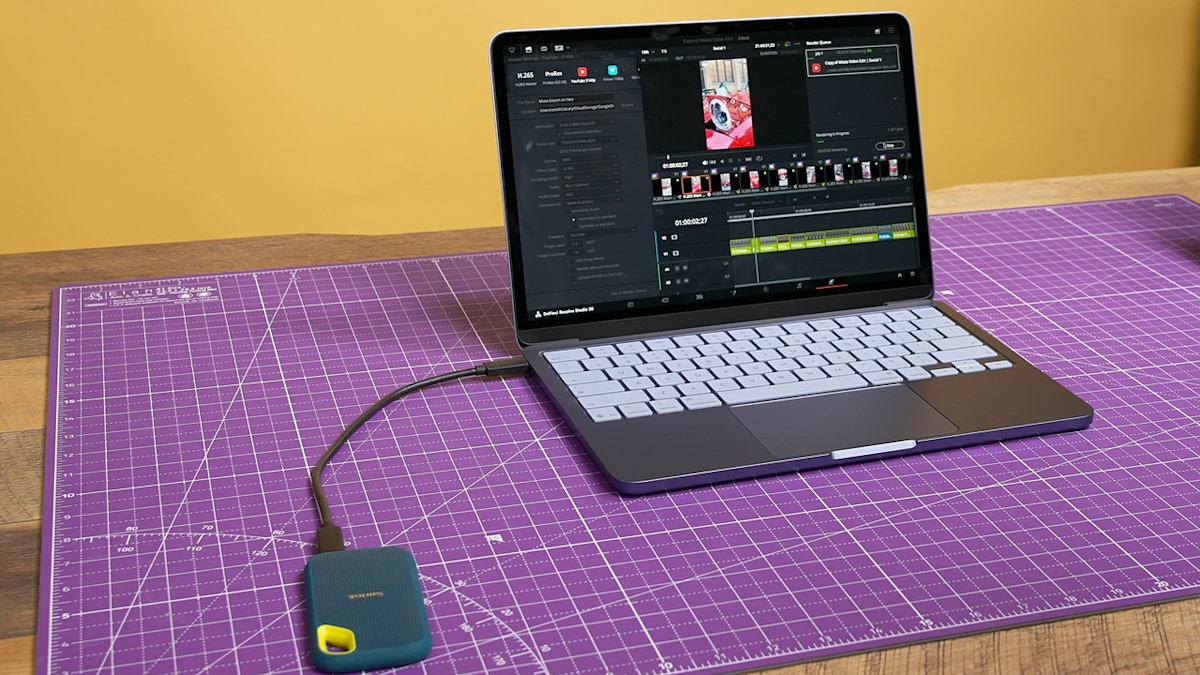
Connectivity is perhaps the most significant compromise for professional users. The Neo features USB 3.2 ports but lacks Thunderbolt. This means your data transfer speeds to external SSDs are capped, which directly impacts your ability to work off an external drive. Given that the base model only has 256GB of storage, you will almost certainly need external storage connectivity.
For a creator, this creates a hidden cost. To get the performance you need, you might find yourself buying high-speed hubs and external drives, which chips away at the initial $599 savings. Additionally, the lack of Thunderbolt means you cannot drive multiple high-resolution external monitors or use external GPU enclosures. It is a closed system designed for the "on-the-go" lifestyle rather than a desk-bound pro setup.

Total Cost of Ownership: Neo vs. M4 Air vs. iPad Air
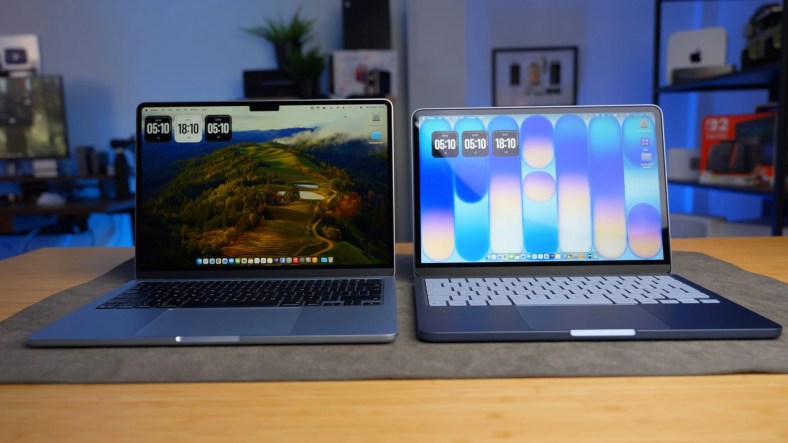
When deciding if the Neo is the right fit, you have to look at the landscape of Apple's portable devices. A MacBook Neo vs M4 Air comparison reveals that the Air is significantly more capable for only a few hundred dollars more, especially when you factor in the more modern trackpad and better I/O.
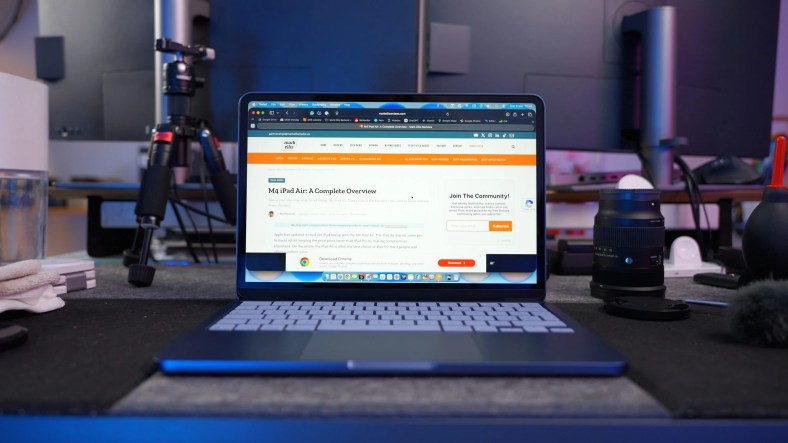
However, compared to an iPad Air setup, the Neo looks like a bargain for multitasking. An iPad Air with a Magic Keyboard will run you over $800, yet it lacks the file management and professional software flexibility of macOS.
| Feature | MacBook Neo | MacBook Air (M4) | iPad Air + Keyboard |
|---|---|---|---|
| Starting Price | $599 | $999 | ~$868 |
| Processor | A18 Pro | M4 | M2 |
| RAM | 8GB Unified | 16GB Unified (Min Rec) | 8GB |
| Connectivity | USB 3.2 | Thunderbolt 4 | USB-C |
| Trackpad | Mechanical | Force Touch | Haptic (on keyboard) |
| Battery Life | Up to 16 hours | Up to 18 hours | Up to 10 hours |
For many, the $599 price point makes the Neo the ultimate "first Mac." It provides enough power for 90% of daily tasks. But if your work involves any resource-intensive applications where time equals money, the MacBook Neo vs MacBook Pro for entry-level editing debate leans heavily toward the Pro or at least the M4 Air.
FAQ
Is the MacBook Neo worth buying?
Yes, for students, office workers, and casual content creators who want a sleek, reliable macOS experience at an unprecedented price. It is the best value laptop Apple has ever released for basic productivity. However, if you plan to do professional video or photo work daily, the time lost to processing may outweigh the initial savings.
How does the MacBook Neo compare to the MacBook Air?
The MacBook Air remains the superior machine for sustained workloads and modern features. The Air offers Thunderbolt support, a superior haptic trackpad, a backlit keyboard, and usually double the base memory in current configurations. The Neo is a stripped-back version designed specifically to hit a lower price bracket.
Is the MacBook Neo good for professional work?
It depends on the profession. For writers, social media managers, and light administrative work, it is excellent. For professional video editors, 3D artists, or photographers dealing with high-volume raw files, the 8GB RAM bottleneck and lack of Thunderbolt connectivity make it a frustrating choice as a primary machine.
What are the pros and cons of the MacBook Neo?
The pros include the extremely affordable $599 price, excellent battery life, and the efficiency of the A18 Pro chip. The cons include the lack of a backlit keyboard and Touch ID, the mechanical trackpad, limited USB 3.2 speeds, and the performance ceiling of 8GB of memory during heavy multitasking.
Is the MacBook Neo prone to overheating?
In our testing, the MacBook Neo stayed remarkably cool during standard tasks thanks to the efficiency of the A18 Pro chip. However, during long video renders or intensive AI processing, it does get warm to the touch. Because it is a fanless design, it will eventually throttle performance to manage heat if pushed for more than 20 minutes of sustained heavy load.