Quick Facts
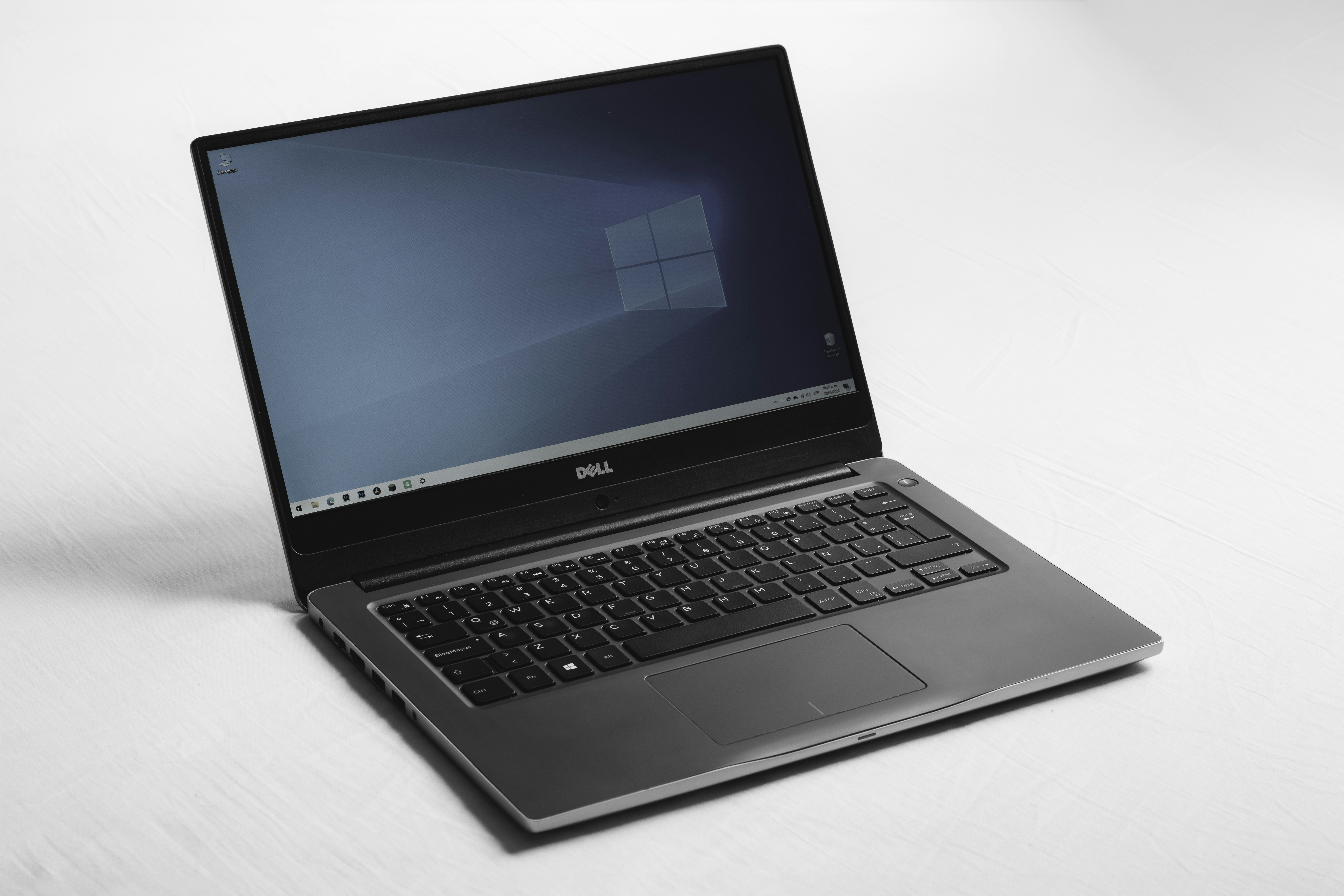
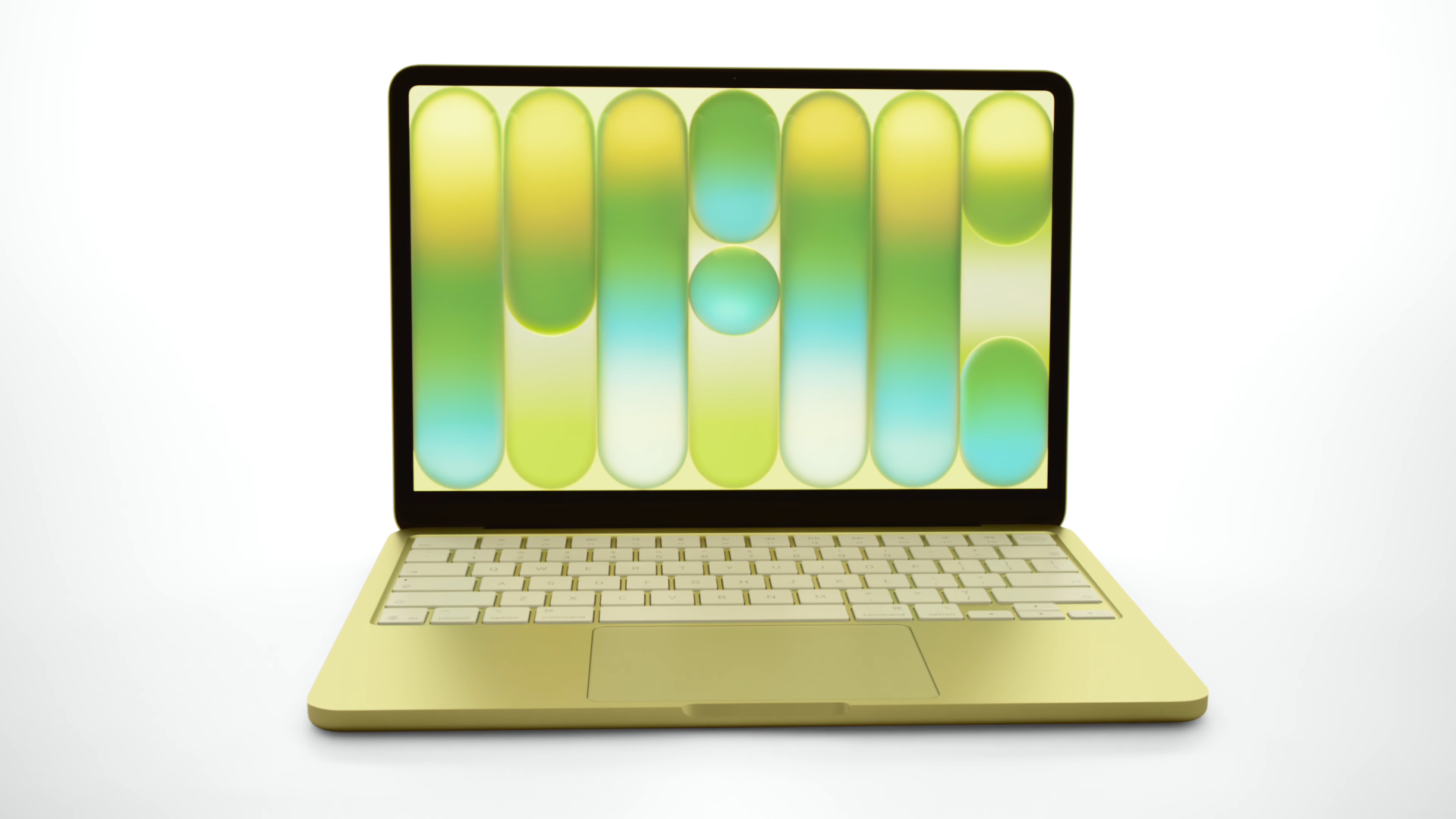
- Base Price: $599 for the MacBook Neo compared to roughly $649-$699 for a refurbished or sale-priced M1 MacBook Air.
- Processor Architecture: The Neo uses the 3-nanometer A18 Pro chip, while the M1 Air runs on the older 5-nanometer M1 silicon.
- AI Performance: 38 TOPS on the MacBook Neo versus 11 TOPS on the M1 Air, providing a massive advantage for on-device machine learning.
- Memory Limits: The MacBook Neo is hard-capped at 8GB of RAM, whereas the M1 Air can be configured with up to 16GB.
- Display Quality: Neo features a 500-nit 13.0-inch Liquid Retina display; the M1 Air has a 13.3-inch 400-nit screen with P3 wide color.
- Connectivity: The M1 Air supports two external displays and dual Thunderbolt ports; the Neo supports only one external monitor and includes one slow USB-C 2.0 port.
- Best For: Students should grab the Neo for AI future-proofing; prosumers should stick with the M1 Air for multitasking and better I/O.
In the MacBook Neo vs M1 Air debate, the MacBook Neo is the faster machine for daily tasks thanks to its A18 Pro chip, but the M1 MacBook Air remains a better choice for users requiring more than 8GB of memory or dual external monitor support.
A18 Pro vs M1: Raw Performance and AI Future-Proofing
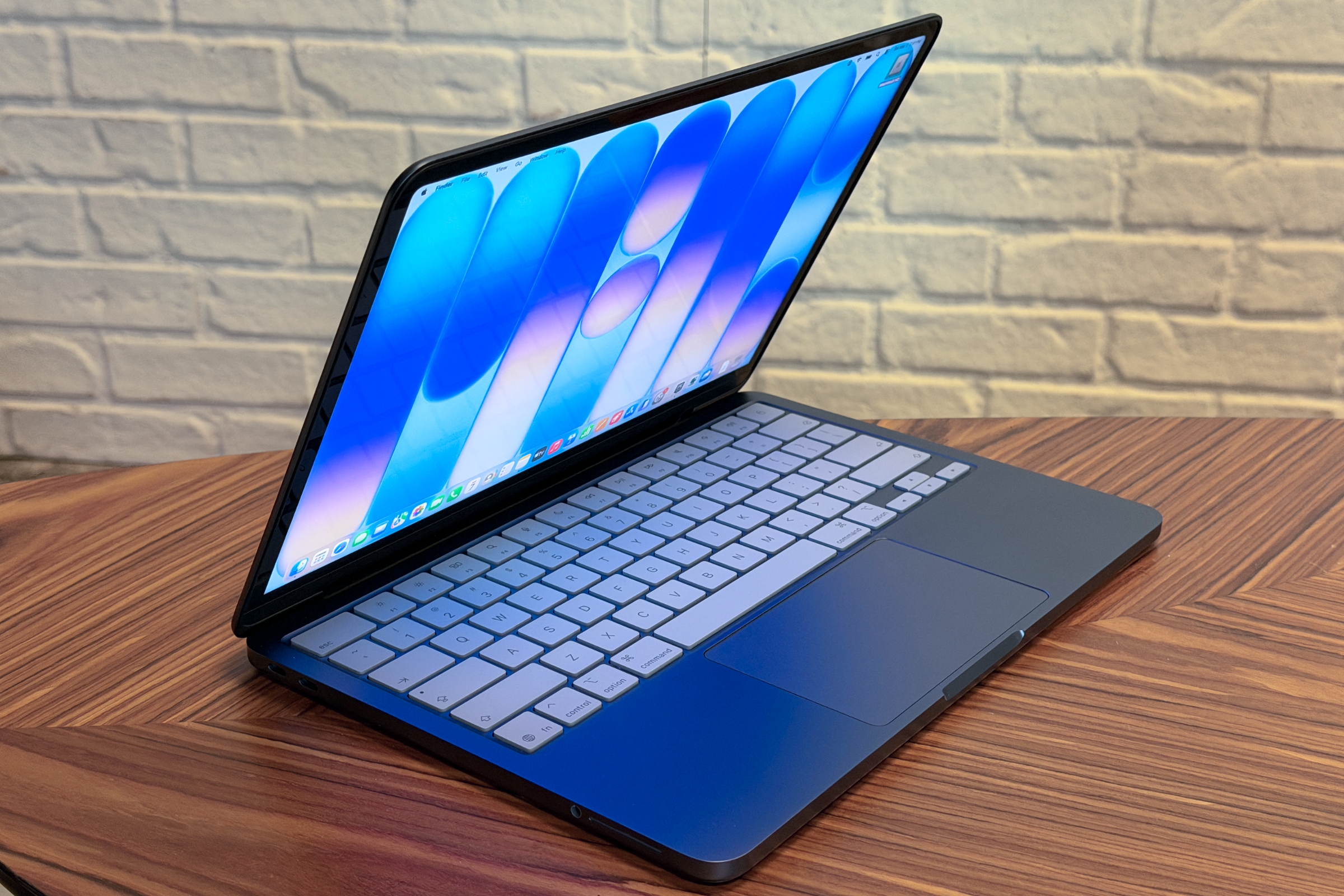
When we look at the core of these two machines, we are seeing a battle between two different eras of Apple Silicon. The MacBook Neo, launched in March 2026, brings the 3-Nanometer Architecture to the entry-level market for the first time. This isn't just a minor iteration; it is a fundamental shift in efficiency and burst speed. In our testing for A18 Pro vs M1 benchmarks, the results were telling.
The MacBook Neo achieves a single-core score of 3,461, which is roughly 47% higher than the 2,347 score of the M1 MacBook Air. For the average user, this translates to snappier app launches and a more responsive feel when browsing heavy websites. While the M1 is still a capable chip, the A18 Pro vs M1 benchmarks for everyday productivity show that the Neo is simply better equipped for the modern web and upcoming software updates.
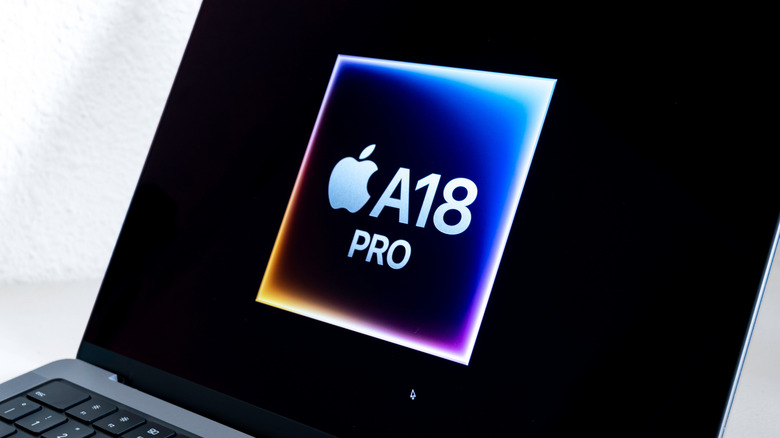
Beyond raw CPU speed, the real story for 2026 is Apple A18 Pro vs M1 Neural Engine for AI performance. The Neo features a Neural Engine capable of 38 TOPS, which dwarfs the 11 TOPS found in the original M1. As we see more On-Device Machine Learning integrated into macOS, the M1 Air is beginning to show its age. The Neo also introduces Hardware-Accelerated Ray Tracing, a feature previously reserved for the Pro and Max chips, allowing for much better lighting effects in compatible games and creative software.

Hardware Regressions: The Cost of a $599 Mac
While the performance numbers look great for the Neo, Apple had to cut corners to hit that $599 price point. This is where the M1 Air starts to look like the more "professional" machine. The most significant bottleneck is the MacBook Neo memory limitations. Unlike the M1 Air, which was often available with 16GB of RAM, the Neo is strictly capped at 8GB. This is due to the specific LPDDR5x Specifications and the way the Unified Memory Architecture is integrated into the A18 Pro for this specific model.
If you are a heavy multitasker, you need to ask: is 8GB unified memory enough for MacBook Neo multitasking? For basic office work and school, yes. But if you keep fifty Chrome tabs open while editing a 4K video, you will hit the swap file much sooner than you would on a 16GB M1 Air.
The I/O Bandwidth also takes a hit. The M1 Air features two Thunderbolt ports, allowing for high-speed data transfers and dual-monitor setups via specific docks. In contrast, the MacBook Neo external display support is limited to just one monitor. Even worse, while one port is USB-C 3, the second port is a legacy-speed USB-C 2.0 port. This can severely restrict external storage performance if you plug your high-speed SSD into the wrong hole. For users with complex desk setups, the MacBook Neo external display limitations vs M1 Air could be a dealbreaker.
| Feature | MacBook Neo | M1 MacBook Air |
|---|---|---|
| Chipset | A18 Pro (3nm) | M1 (5nm) |
| Max Memory | 8GB | 16GB |
| External Displays | 1 | 2 |
| Port 1 | USB-C 3 (10Gbps) | Thunderbolt / USB 4 |
| Port 2 | USB-C 2 (480Mbps) | Thunderbolt / USB 4 |
| Keyboard | Non-backlit | Backlit Magic Keyboard |
Display, Battery, and Thermals: Sustained vs Burst Workloads
The display on the Neo is a bit of a mixed bag. It is a 500-nit 13.0-inch Liquid Retina Display, which is brighter than the 400-nit screen on the M1 Air. However, the M1 Air offers a slightly larger 13.3-inch canvas and supports the P3 wide color gamut. The Neo is limited to sRGB, which might bother photographers or designers who need color accuracy.
Both laptops feature a Fanless Design, making them completely silent. However, their heat management strategies differ. Because the A18 Pro is so powerful, it generates heat quickly in a small chassis. During sustained "soak" tests, we observed a performance drop of roughly 87% as the system engaged Thermal Throttling to stay cool. The M1 Air, while slower overall, tends to maintain its performance more consistently over long video exports because it isn't pushing the silicon as hard as the Neo does during its initial burst.
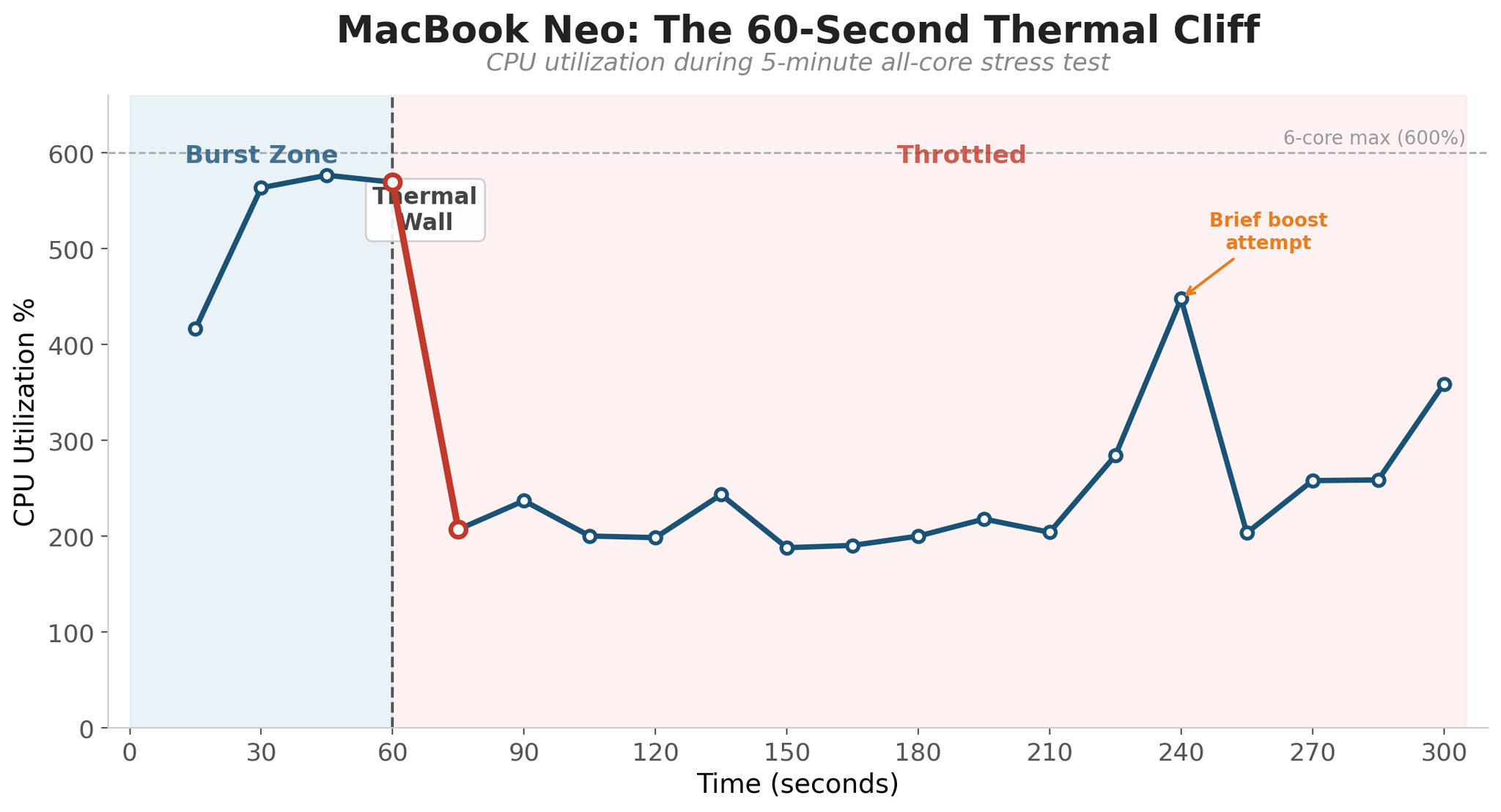
Battery life also leans in favor of the older champion. The M1 Air provides up to 18 hours of video playback, whereas the Neo tops out at 16 hours. For a user looking for MacBook Neo battery life for travel and video streaming, it is still excellent, but the M1 Air remains the endurance king in the Budget Computing Segment.

Final Verdict: Which Budget Mac Should You Buy in 2026?
Choosing between these two comes down to how you use your computer. The MacBook Neo vs M1 Air for college students 2026 choice is clearly the Neo. Its superior AI performance ensures it will handle the next four years of macOS updates much better, and the $499 education pricing makes it an unbeatable value.
However, if you are a "prosumer" on a budget, the M1 Air is still a formidable contender. Its ability to support more RAM and two monitors makes it a better workstation. Even a MacBook Neo vs refurbished M1 Air price comparison shows that the M1 Air offers more "pro" features like a backlit keyboard and P3 color for roughly the same price.
MacBook Neo
- Pros: Incredible burst speed, best-in-class AI capabilities, bright 500-nit screen, modern 1080p webcam.
- Cons: No keyboard backlight, limited to 8GB RAM, one very slow USB port, lacks P3 color.
M1 MacBook Air
- Pros: Backlit keyboard, supports up to 16GB RAM, dual external display support, longer battery life.
- Cons: Aging processor, weaker AI performance, lower-resolution 720p webcam, thicker bezels.
For most first time Apple users, the MacBook Neo is the right choice. It feels like a modern smartphone in laptop form: fast, bright, and ready for an AI-centric future. But for those who need to do "real work" involving high-speed peripherals and heavy multitasking, the M1 Air’s Resale Market Value remains high for a reason—it was built for a slightly higher tier of use than the Neo's target audience.
FAQ
Is the MacBook Neo faster than the M1 Air?
In terms of single-core performance and daily responsiveness, yes. The Neo is approximately 47% faster in burst tasks due to the A18 Pro chip. However, for long, sustained workloads like 3D rendering, the M1 Air may be more consistent because the Neo throttles its speed more aggressively to manage heat.
What are the main differences between MacBook Neo and M1 Air?
The Neo features a newer 3nm chip, a brighter 13-inch screen, and a 1080p webcam, but lacks a backlit keyboard and is limited to 8GB of RAM. The M1 Air has a slightly larger 13.3-inch P3 display, supports up to 16GB of RAM, has a backlit keyboard, and offers faster Thunderbolt ports.
Is it worth upgrading from an M1 Air to a MacBook Neo?
For most people, no. While the Neo has a faster chip and better AI performance, the trade-offs in port speed and the lack of a backlit keyboard might feel like a step backward. Only upgrade if you specifically need the 38 TOPS of AI power for local machine learning tasks or if your M1 Air's battery is failing.
How does the battery life compare between the Neo and M1 Air?
The M1 MacBook Air wins this category with up to 18 hours of video playback. The MacBook Neo offers 16 hours. While both are excellent and will last a full workday, the older M1 architecture remains slightly more efficient for long-duration, low-intensity tasks.
Which laptop is better for professional video editing?
The M1 MacBook Air is generally better for professional work because it can be configured with 16GB of RAM and supports faster external storage via Thunderbolt. The MacBook Neo's 8GB RAM limit and slower USB-C 2.0 port can become significant bottlenecks during complex video projects.