Our Top Picks
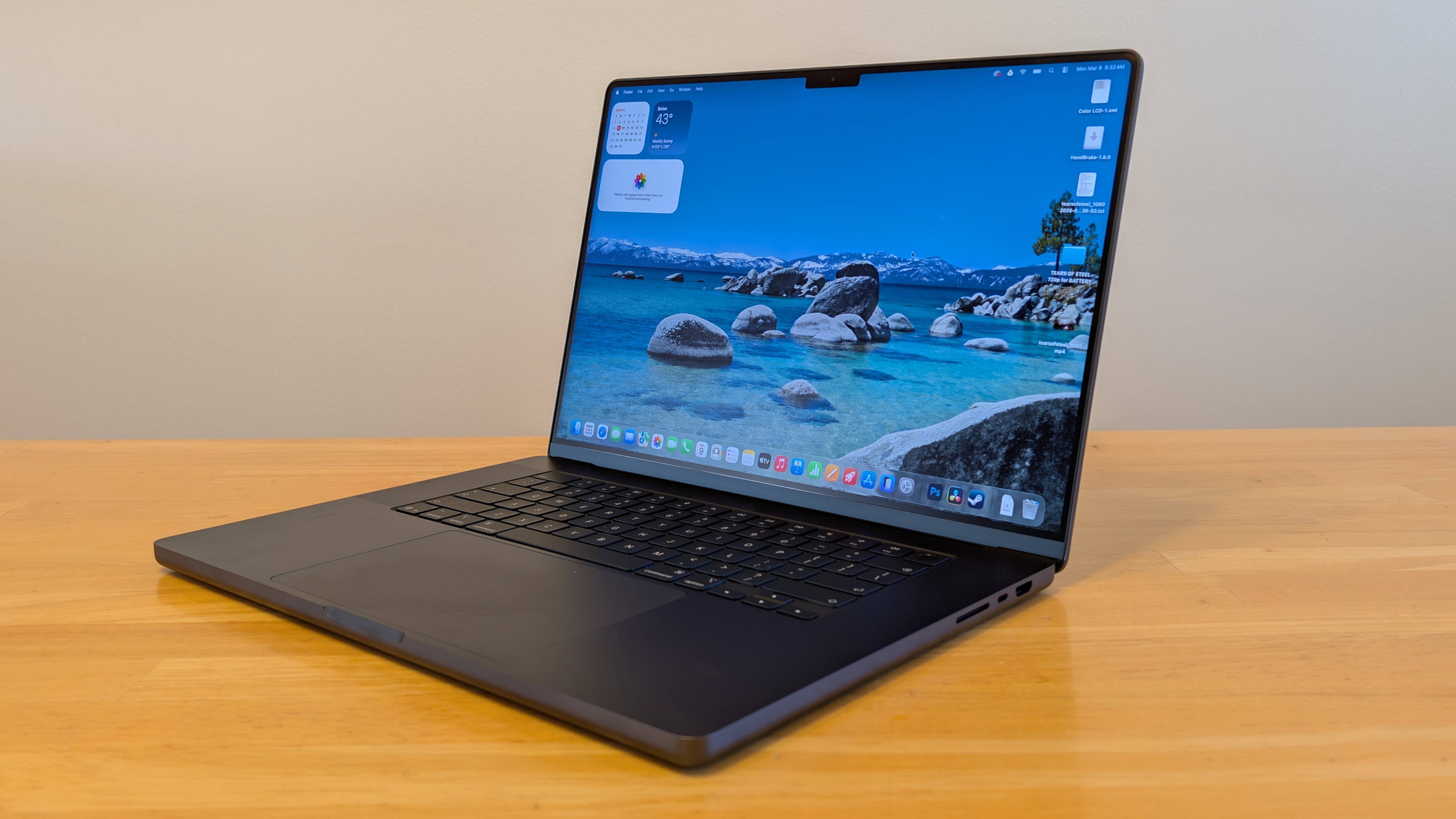
- Longevity Champion: The M5 Max MacBook Pro offers the highest thermal headroom and processing ceiling, making it the most likely candidate for a 10-year professional workstation use cycle.
- Best Value Durability: The M3 Pro MacBook Pro remains a powerhouse in 2026, balancing modern Apple Silicon efficiency with a proven thermal management system at a lower secondary market value.
- Budget Reliability: A refurbished M1 Pro is the baseline for functional longevity, though its software ecosystem lifecycle is entering its final few years of primary support.
A MacBook Pro typically lasts between 5 and 8 years for standard professional use, though many users can reach 10 years of functional use with proper care. Reliability is anchored by the durable Aluminum unibody chassis and the thermal efficiency of Apple Silicon chips, from the M1 to the latest M5 series. While the hardware often remains functional beyond a decade, its practical MacBook Pro lifespan is usually defined by the duration of software support and the availability of official repair parts.
The Hardware Benchmark: Why MacBook Pros Last
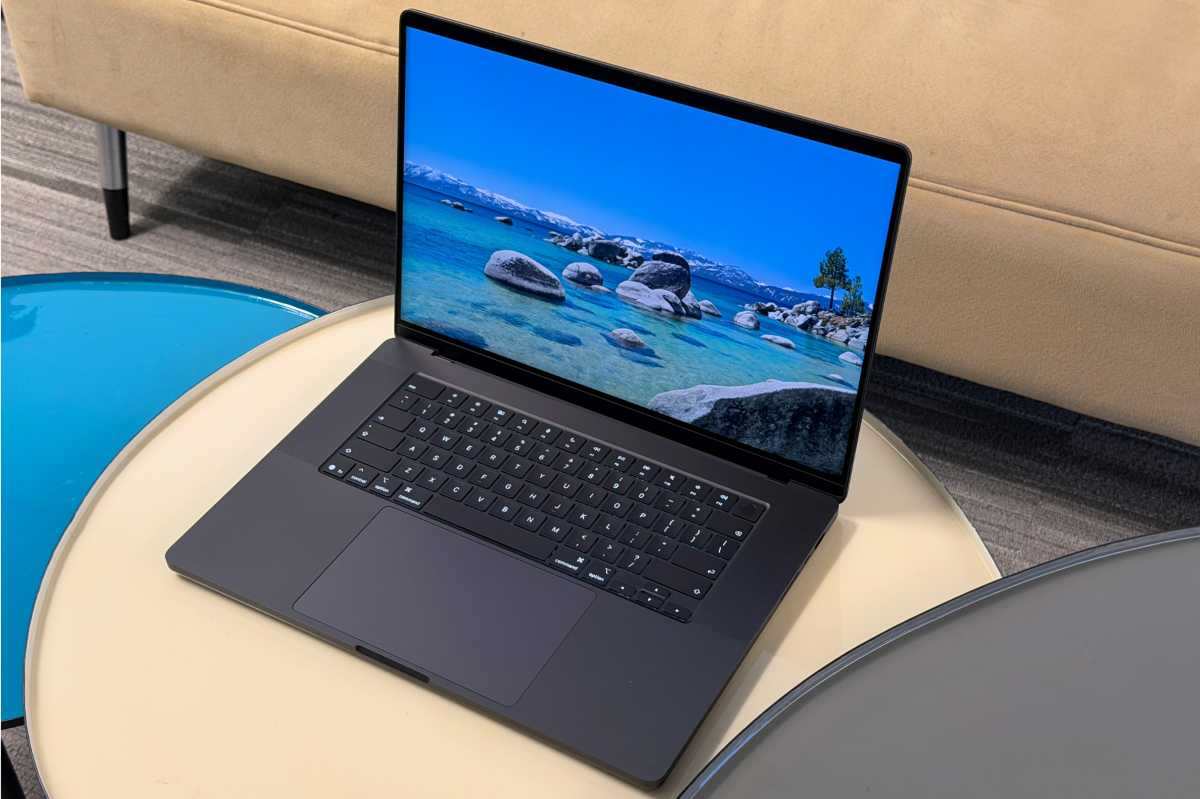
When we talk about MacBook Pro longevity, we have to start with the physical build. Unlike many plastic-clad competitors that develop creaks and hinge failures within three years, Apple uses a high-grade Aluminum unibody chassis. This design isn't just about aesthetics; it acts as a massive heat sink and provides structural rigidity that protects the internal logic board from the micro-flexing that often kills cheaper laptops.
The shift from Intel to Apple Silicon has fundamentally changed the average lifespan of a MacBook Pro in 2026. Because these chips are so efficient, they generate significantly less heat during routine tasks. Heat is the primary enemy of Lithium-ion battery health and delicate silicon pathways. In my MacBook Pro M5 long term durability review, the most striking observation was how rarely the fans needed to spin up, even during 4K video renders. This reduced thermal stress means the internal components are less likely to suffer from solder degradation over time.
Apple typically designs MacBook Pro batteries to retain up to 80% of their original capacity after 1,000 complete charge cycles. For the average professional workstation use case, this equates to roughly 4 to 5 years of use before the battery runtime begins to noticeably dip. Unlike older models, modern MacBook Pros use sustainable component materials and advanced power management to ensure that even as the battery ages, the system doesn't throttle performance as aggressively as legacy Intel models once did.
The Thermal management system in the Pro models—featuring dual fans and high-efficiency heat pipes—is what separates it from the MacBook Air. This active cooling allows the machine to maintain peak performance without hitting the "thermal wall" that can shorten the life of uncooled components.
The Software Lifecycle: macOS Support and the Intel Cliff
Hardware might last a decade, but the software ecosystem lifecycle is usually what forces an upgrade. Apple generally provides macOS updates for approximately 7 years from a model's release date, followed by roughly 3 years of critical security patches. This means that in 2026, we are approaching what industry experts call the "Intel Cliff."
Industry experts generally estimate the average lifespan of a MacBook Pro to be between 5 and 8 years, though well-maintained units can often remain functional for a decade or more. However, as macOS evolves to lean more heavily on the Neural Engine found in Apple Silicon, older Intel-based Macs are being left behind.

Understanding the Apple vintage and obsolete classification explained is vital for any owner. Apple officially designates products as vintage once they have not been sold for five to seven years and obsolete after seven years, at which point hardware service and parts are generally no longer available.
| Model Generation | Release Year | Predicted OS Support End | Predicted Security Support End |
|---|---|---|---|
| Intel Core (Late Models) | 2019-2020 | 2025-2026 | 2028 |
| M1 Pro / Max | 2021 | 2028 | 2031 |
| M2 Pro / Max | 2023 | 2030 | 2033 |
| M3 Pro / Max | 2023 | 2030 | 2033 |
| M5 Pro / Max | 2025 | 2032 | 2035 |
Once your Mac stops receiving macOS updates, you lose access to the latest versions of Safari, Xcode, and Adobe Creative Cloud. While legacy app support might continue for a few years, the lack of Critical security patches makes using an unsupported machine for professional work a significant risk.
Maintenance Strategies: Extending MacBook Hardware Life
You can significantly influence how long do MacBook Pros get macOS updates effectively by keeping the hardware in top shape. Proactive maintenance is the difference between a 5-year replacement cycle and a 10-year success story. Here is how to focus on extending MacBook hardware life:
- Manage Battery Health: Avoid keeping your MacBook plugged in at 100% all the time. Use the "Optimized Battery Charging" feature or third-party tools to cap the charge at 80% if you primarily use it as a desktop. This reduces the chemical aging of the cells.
- Clear the Airways: Every six months, use a can of compressed air to clear dust from the vents. A clogged Thermal management system forces the fans to work harder and components to run hotter.
- Avoid Physical Stressors: Do not use webcam covers or keyboard skins. The tolerances between the screen and the keyboard are so tight that these accessories often cause cracked displays—a repair that often costs more than the secondary market value of the machine.
- Storage Management: Solid State Drives (SSDs) require "wear leveling" to last. Keeping at least 15-20% of your drive empty allows the system to distribute data writes across the drive, preventing specific cells from wearing out prematurely.
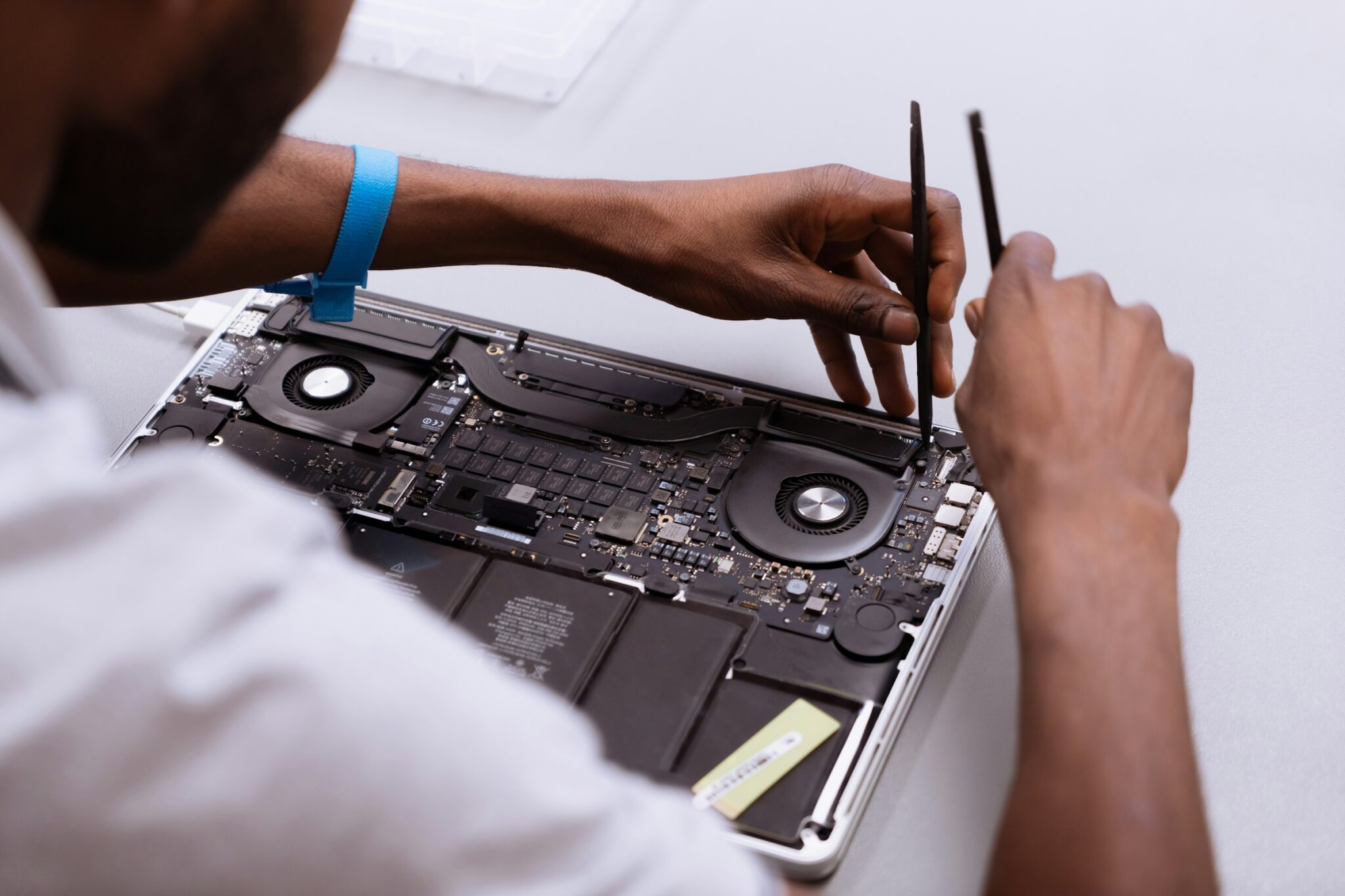
If you do encounter a hardware issue, always seek Authorized repair services. While third-party shops might be cheaper, Apple's proprietary calibration tools are often required to ensure the screen, Touch ID, and battery communicate correctly with the logic board. For those looking for long-term peace of mind, AppleCare+ remains the best investment to mitigate the high cost of out-of-warranty repairs.
The Upgrade Decision: When to Let Go
Even the best-built machine eventually reaches its end. Determining your M1 MacBook Pro lifespan expectations in 2026 depends on your specific workflow. If you are a video editor, you will feel the slowdown much sooner than a writer or a student.
Here is a Red Flag checklist to help you decide if it is time to trade in:
- Software Incompatibility: You can no longer install the latest version of macOS or essential professional software.
- Battery Swelling: If your trackpad feels stiff or the bottom case is bulging, stop using the device immediately. This is a safety hazard.
- Thermal Throttling: The fans run at maximum speed even when just browsing the web, and the system feels sluggish.
- Obsolete Status: Your model is officially listed on Apple's obsolete list, meaning parts are no longer manufactured.
- Security Cliff: You are no longer receiving Critical security patches, leaving your professional data vulnerable.
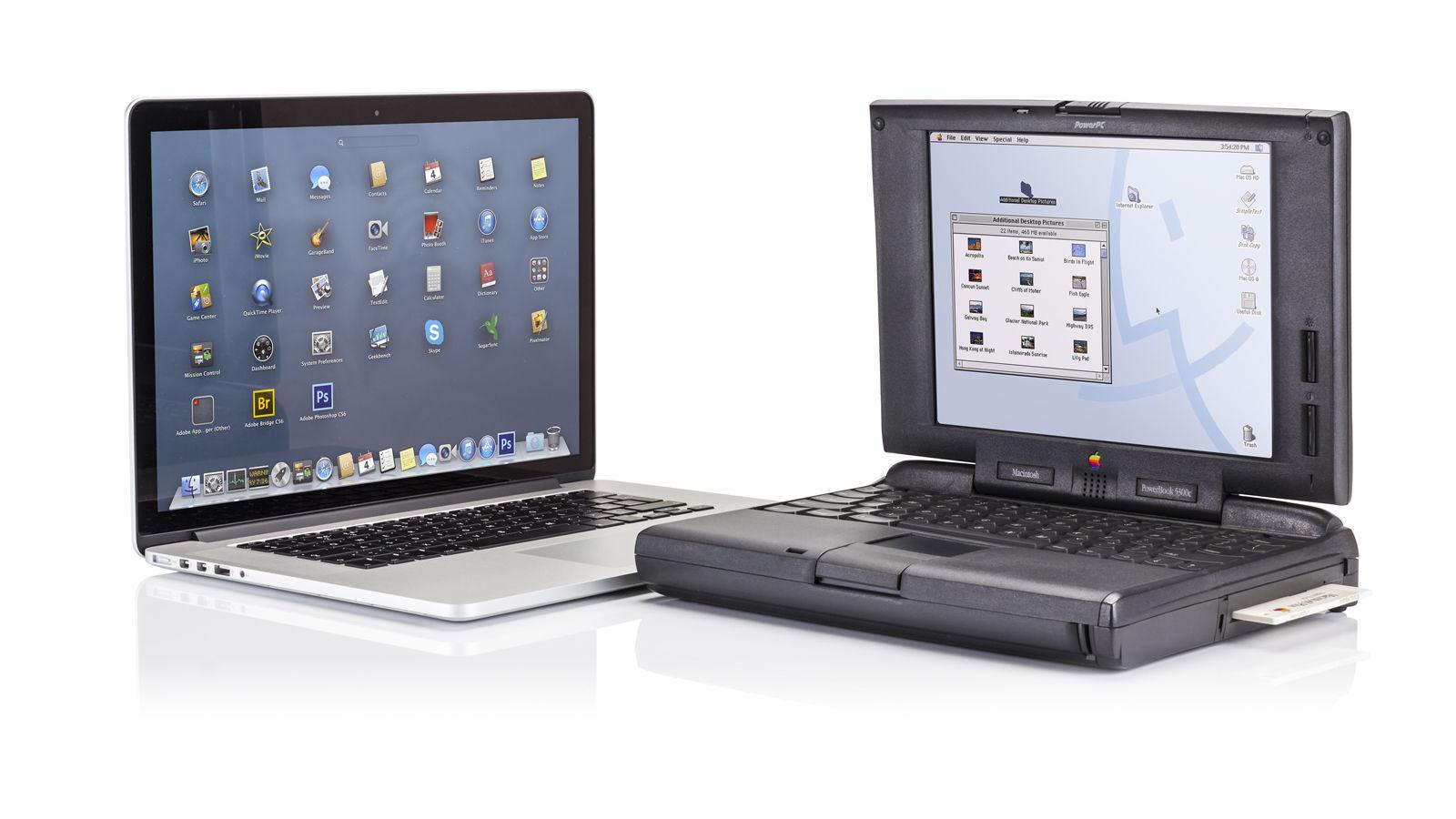
If your Mac still functions but no longer meets your speed requirements, consider its secondary market value. MacBooks hold their value better than almost any other consumer electronic. Trading in a 4-year-old Pro model can often subsidize a significant portion of a new M5 model, keeping you on the cutting edge of Apple Silicon efficiency without paying full price every few years. Firmware stability and hardware reliability make these machines a sound financial investment, provided you time your exit before the machine becomes truly obsolete.
FAQ
How long does a MacBook Pro typically last?
Most users find that a MacBook Pro remains a high-performance machine for 5 to 8 years. With excellent care, including battery management and clean thermal vents, it is common for the hardware to remain functional for 10 years, though it may stop receiving software updates by year 7 or 8.
Is it worth repairing a 5-year-old MacBook Pro?
This depends on the repair. If it is a simple battery replacement, it is usually worth the investment to get another 3 years of life. However, if the logic board or the display fails on a 5-year-old unit, the cost of repair often approaches the secondary market value of the machine, making an upgrade to a newer model a smarter financial choice.
How many years of software updates does a MacBook Pro receive?
Apple typically provides new macOS versions for 7 years from the date the model was last distributed. After that, Apple usually provides another 3 years of critical security patches, meaning a MacBook Pro is generally "safe" to use for about 10 years from its launch date.
When should I consider replacing my MacBook Pro?
You should consider a replacement if you can no longer run the latest security patches, if the battery no longer lasts more than an hour, or if the hardware is significantly slowing down your professional workflow. If your machine is classified as obsolete by Apple, finding parts for any future repairs will be nearly impossible.
How can I extend the lifespan of my MacBook Pro?
To maximize longevity, keep your storage 20% empty to help the SSD, avoid using keyboard covers or webcam protectors that stress the screen, and keep the interior free of dust. Additionally, managing your battery charge cycles by not leaving it at 100% while plugged in can add years to its functional life.