Our Top Picks
The Meta Ray-Ban Display is a technical marvel that finally solves the social acceptability problem of smart glasses, but its reliance on Meta’s ecosystem raises significant red flags. While the Neural Band technology is a breakthrough for discreet control, the trade-off between convenience and constant data scraping remains a steep price to pay. For early adopters who prioritize heads-up navigation and real-time translation, it is the most polished wearable on the market, though privacy-conscious users should wait for more transparent alternatives.
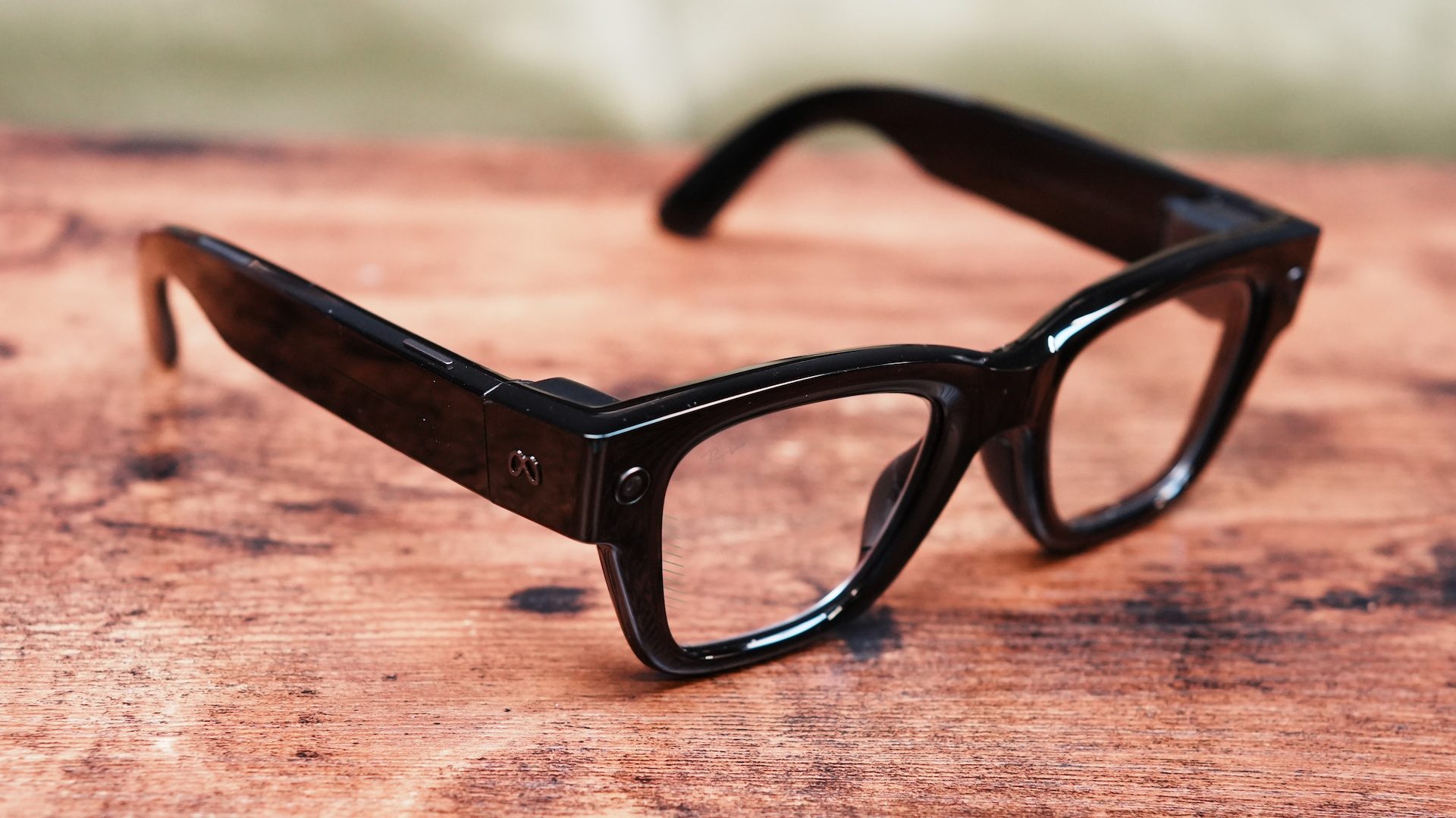
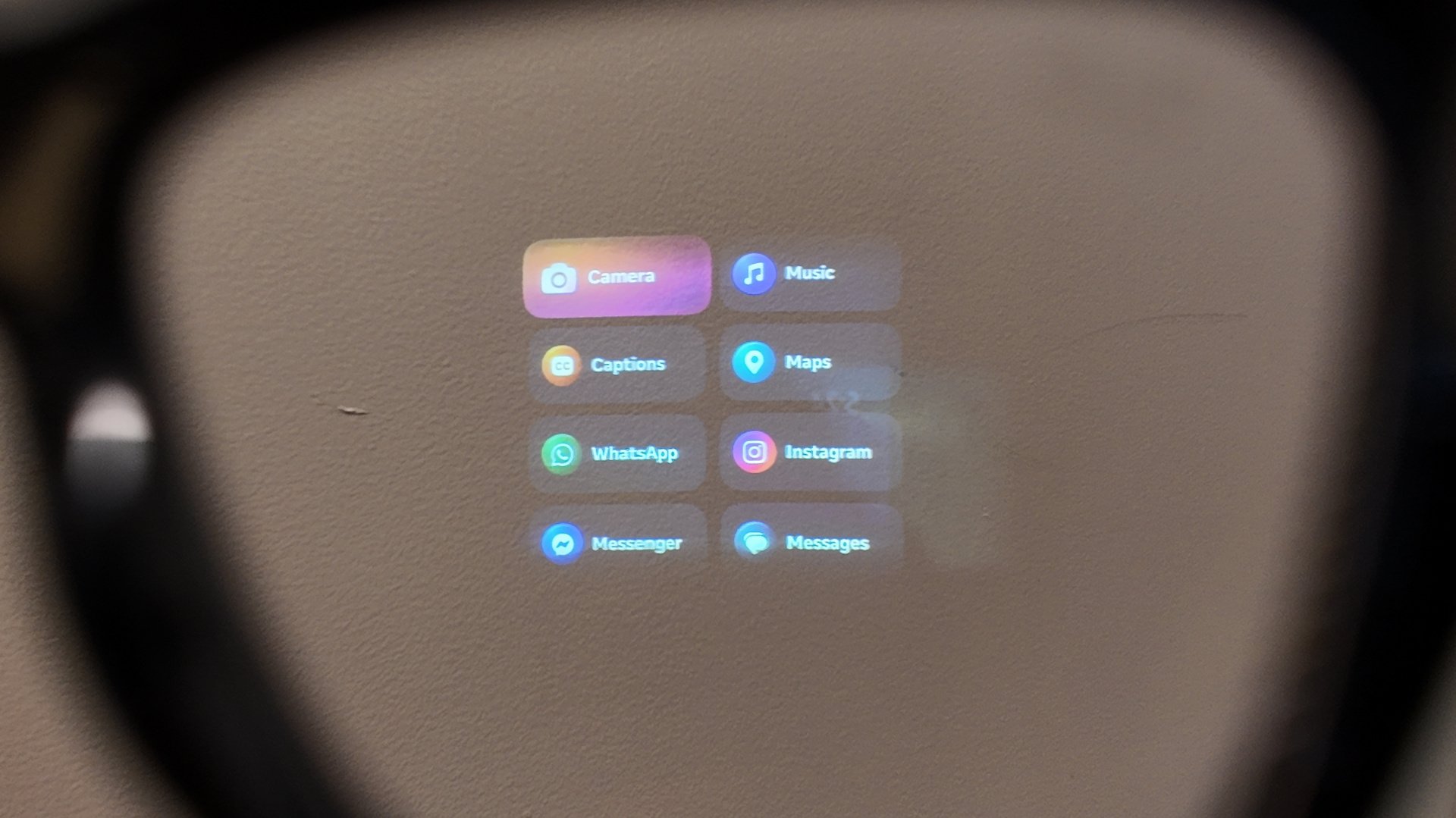
The Meta Ray-Ban Display represents a massive leap in personal computing evolution, but at a significant cost to privacy. It is a pair of smart glasses featuring a monocular waveguide display on the right lens, utilizing a 600 x 600 LCoS screen to show walking directions, live translations, and notifications. Controlled via the included Neural Band—an EMG wristband that detects muscle movements—the glasses integrate deeply with Meta's AI and communication apps like WhatsApp and Instagram for hands-free interaction.
Waveguide Optics: The Visual Experience
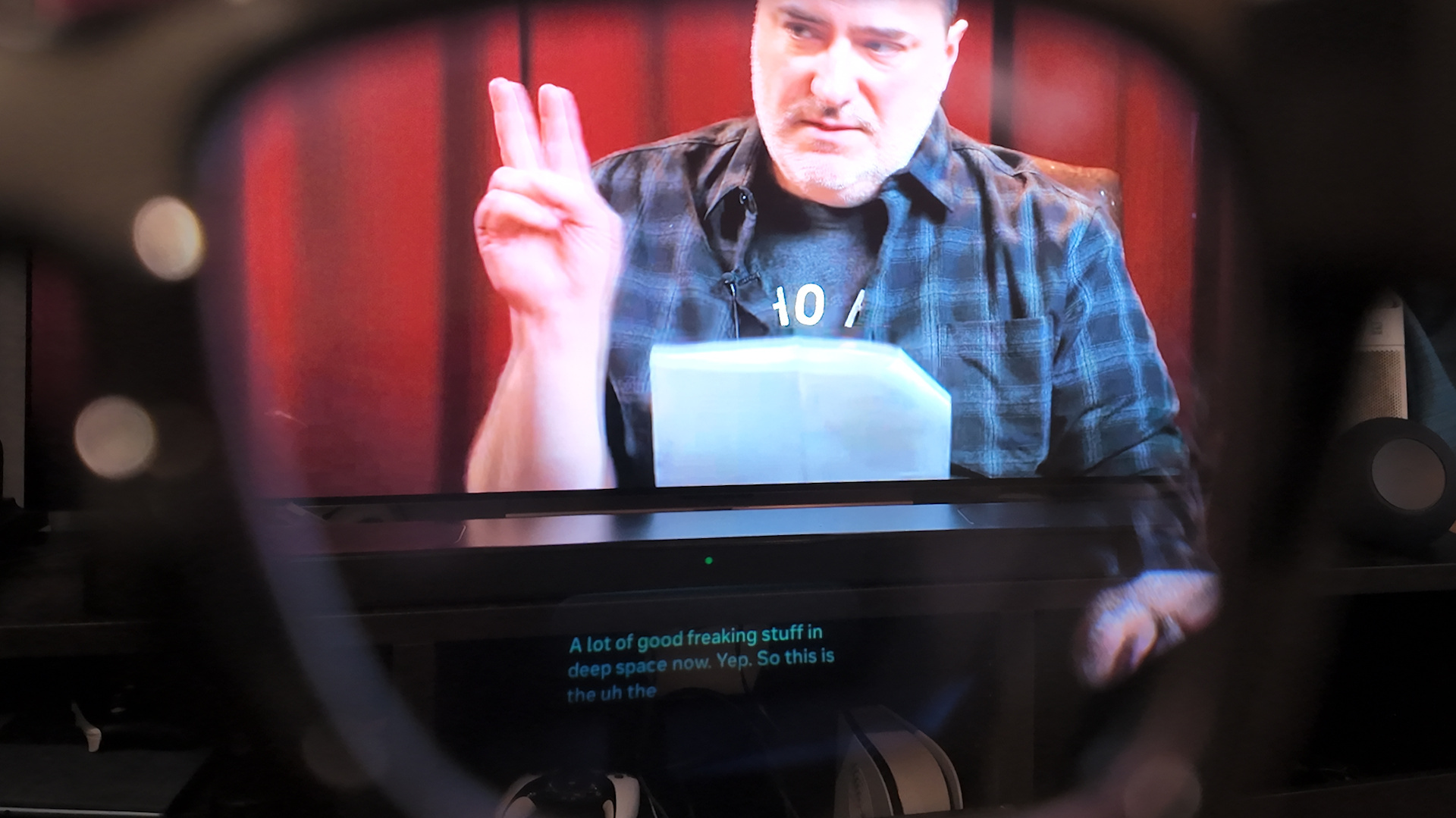
The core of the Meta Ray-Ban Display experience lies in its monocular waveguide display. Unlike the heavy, immersive screens of the Vision Pro or the bulky frames of early AR attempts, this hardware feels remarkably like a standard pair of glasses. The right lens houses a 600 x 600 LCoS display technology that remains invisible to bystanders. One of the most critical metrics for these wearables is social acceptability, and Meta has achieved a 2% light leakage figure, meaning people sitting across from you won't see your notifications or directions glowing on your face.
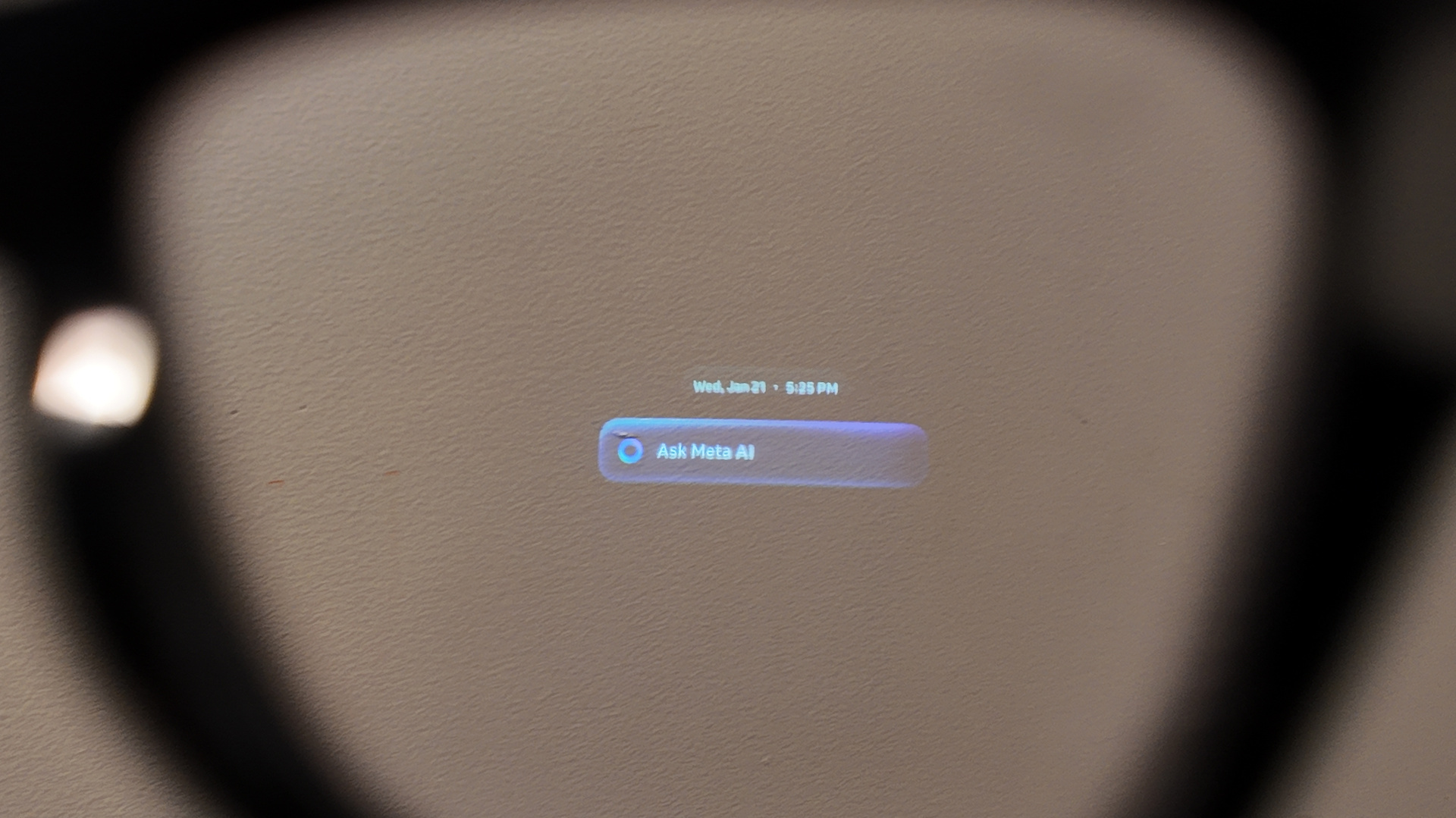
The display itself is surprisingly bright, reaching up to 5,000 nits. This brightness is essential for outdoor visibility, ensuring that the heads-up display remains legible even under direct sunlight. In my testing, using Meta AI for real-time translation on smart glasses felt like having subtitles for reality. Whether you are navigating 32+ cities with pedestrian AR navigation or using the teleprompter mode for a presentation, the monocular display provides just enough information without obstructing your view of the world.

While the field of view is limited to 20 degrees, it serves its purpose as a glanceable interface. The waveguide optics are designed to project information into your line of sight without the need for a bulky visor. This is a subtle yet powerful shift in personal computing evolution; we are moving away from looking down at a phone and toward a world where information is layered over our physical environment.
The Neural Band: A New Era of Interaction
If the display is the eyes of the system, the Meta Neural Band technology is the brain. For years, the industry has struggled with how to control smart glasses without looking like you are swatting at invisible flies or talking to yourself in public. The Neural Band solves this by using EMG sensors to detect electrical signals from your wrist muscles. By making small, discreet gestures with your thumb and index finger, you can scroll through menus, dismiss notifications, or snap a photo.
This wrist-based controller offers up to 18 hours of use, far outlasting the glasses themselves. The Meta Neural Band gesture control tips I’ve found most useful involve keeping your hand in your pocket or naturally at your side; the sensors are sensitive enough to pick up movements that are nearly invisible to the naked eye. This multi-modal AI approach—combining voice, gesture, and visual data—creates a seamless user experience that feels more intuitive than any touch-sensitive frame I have tested.
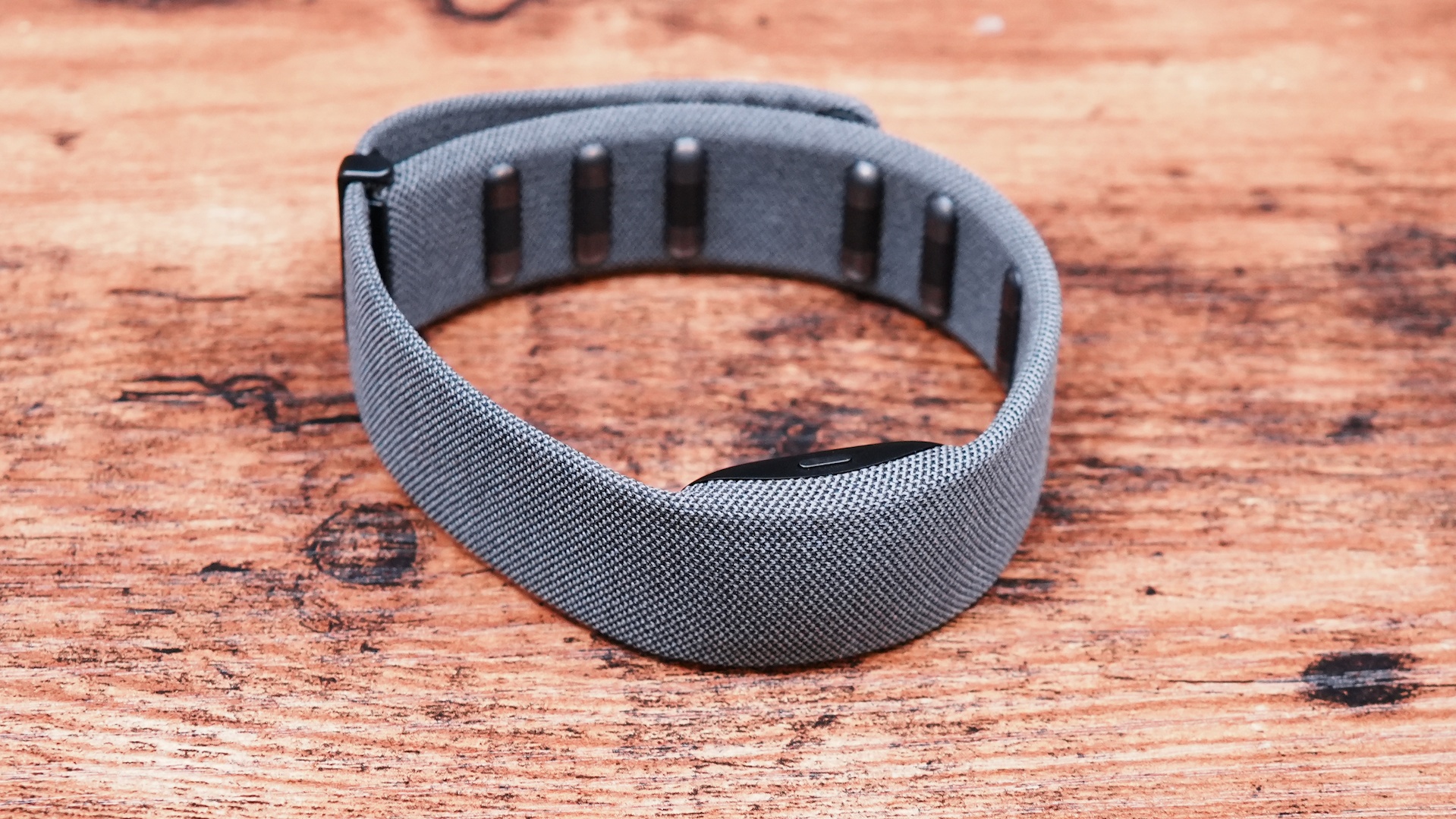
The band is not just a gimmick; it is a fundamental part of the interface. Because it utilizes muscle signals rather than external cameras to track your hands, it works in total darkness and requires very little power. This is the kind of engineering that makes the Meta Ray-Ban Display stand out from competitors that still rely on clunky buttons or unreliable voice commands.
The Smart Reason Not to Buy: Privacy and Data Concerns
Despite the technical achievements, there is a heavy "Meta tax" associated with this device. When we talk about Meta smart glasses privacy risks, we aren't just talking about a camera on your face; we are talking about the company’s history of data scraping. Meta has recently faced massive legal challenges, including a $5 billion FTC settlement and other privacy-related payouts totaling over $8 billion over the last decade. This history should be your guide when considering a device that has constant camera and microphone access.
The integration of multi-modal AI means the glasses are constantly processing visual and auditory data to function. While Meta claims they use secure encryption and private computing, the reality is that this data is the lifeblood of their AI training models. When you use the glasses to identify a landmark or translate a menu, you are feeding Meta's servers a real-time stream of your perspective. Unlike a smartphone that stays in your pocket, these glasses are designed to see everything you see.
Furthermore, the Meta smart glasses privacy settings for data protection can be opaque. While there is a physical LED to indicate when the camera is recording, it can be easily obscured or ignored in social settings. For many, the idea of a "surveillance-as-a-service" business model being strapped to their face is a dealbreaker. Before you commit, you must ask yourself if the convenience of a heads-up display is worth granting Meta an all-access pass to your physical life.
Real-World Limitations: Battery and Ergonomics
For a device meant to replace your phone for quick tasks, the Meta Ray-Ban Display battery life for all-day use remains a significant hurdle. These glasses typically provide approximately four to six hours of active use on a full charge. While that might sound acceptable for a commute, intensive features like the Live AI mode can drain the internal 154 mAh lithium-ion battery in as little as 80 minutes.
Ergonomics also play a major role in whether you will actually wear these daily. At 69g, these glasses are significantly heavier than standard Ray-Bans. In my experience, the 3-hour mark is the ergonomic threshold where the weight on the bridge of the nose starts to become uncomfortable. When looking at a Meta Ray-Ban Display vs Even Realities G2 comparison, the differences in weight and battery management become clear.
| Feature | Meta Ray-Ban Display | Even Realities G2 |
|---|---|---|
| Weight | 69g | 36g (1.27oz) |
| Active Battery Life | 4-6 Hours | 12+ Hours (Basic) |
| Display Type | Monocular LCoS (Full Color) | Binocular Monochrome Green |
| Control Method | Neural Band (EMG) / Voice | Touch / Head Gestures |
| Water Resistance | IPX7 | IP54 |
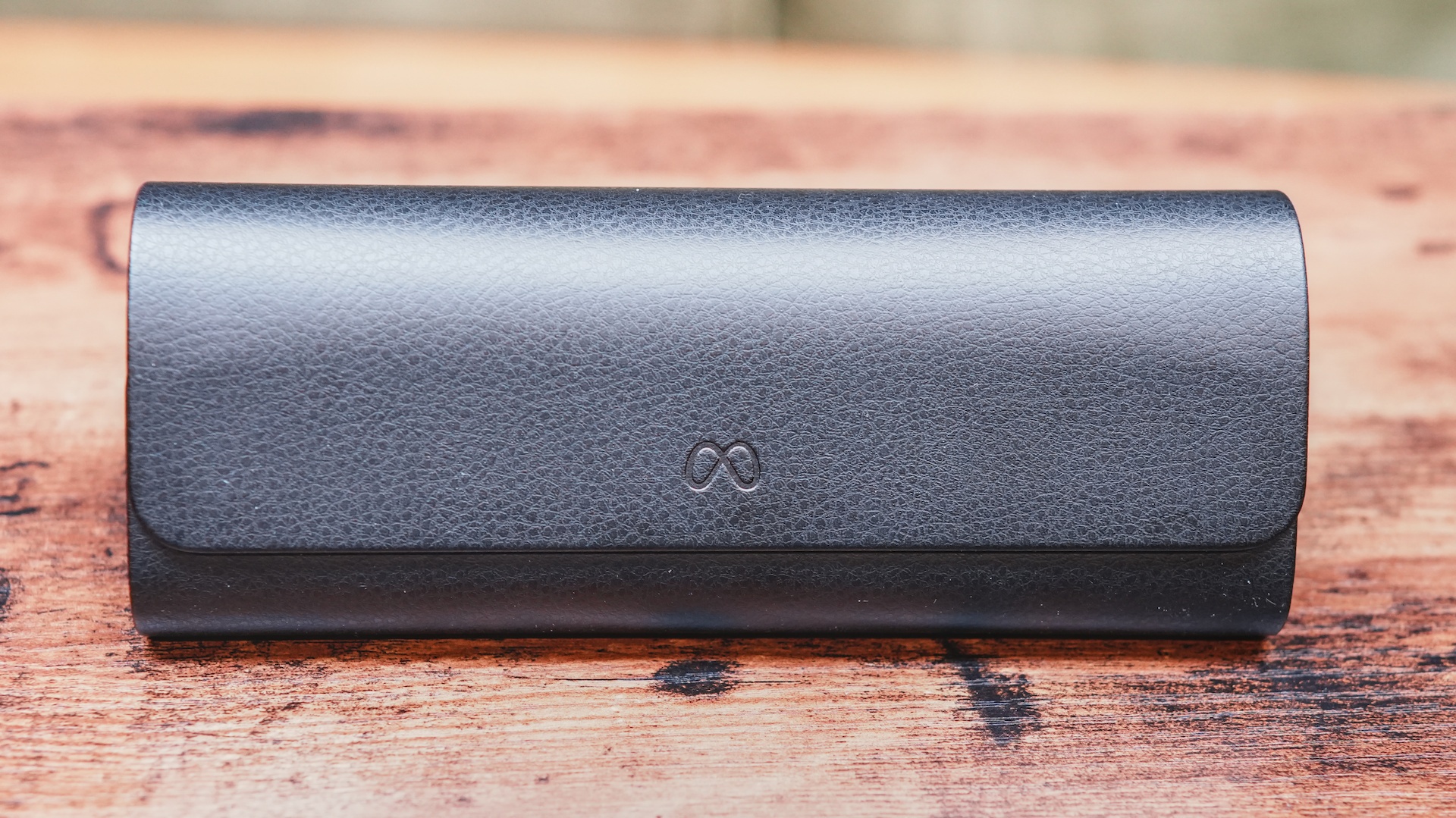
The charging case is essential, providing an additional 18 hours of power, but it adds another item to carry in your pocket. For those considering the Meta Ray-Ban Display pros and cons for new buyers, the reality is that this is not yet an "all-day" wearable. It is a tool for specific moments—navigation, quick messaging, and short AI queries—rather than a full replacement for your smartphone or traditional eyewear.
FAQ
Do Meta Ray-Ban glasses have a visual display?
Yes, the newer Meta Ray-Ban Display model features a monocular waveguide display integrated into the right lens. It uses a high-brightness LCoS screen to project images directly into the user's field of vision, allowing for information overlays without the need for a separate screen.
Can you see notifications on the lenses of Meta Ray-Ban glasses?
You can view text messages, WhatsApp notifications, and navigation prompts directly through the right lens of the Meta Ray-Ban Display. The 600 x 600 resolution ensures that text is crisp and readable, even when you are on the move.
Do Ray-Ban Meta glasses support augmented reality features?
While they are not full-scale AR glasses like the Magic Leap or Vision Pro, they do support "lite" AR features. This includes pedestrian navigation where arrows are overlaid on your view of the street, and real-time object identification using the built-in multi-modal AI.
What is the difference between Meta Ray-Ban glasses and AR glasses?
The primary difference is the field of view and depth. Most AR glasses aim to place 3D objects firmly in your physical space with a wide field of view. The Meta Ray-Ban Display is more of a heads-up display, focusing on glanceable 2D information like notifications and directions, which allows the frames to remain thin and stylish.
Do Meta Ray-Ban glasses have a heads-up display?
Yes, the Meta Ray-Ban Display utilizes a monocular waveguide to create a heads-up display. This allows users to keep their eyes on their surroundings while seeing digital information, such as a teleprompter for speeches or turn-by-turn directions for walking.