Our Top Picks
- Best for Mobile Note-Takers: The reMarkable Paper Pro Move is a triumph of portability, offering the best handheld ergonomics for professionals who think on their feet.
- Skip If: You primarily need a device for reading DRM-protected ebooks or want a large canvas for complex technical drawings.
The reMarkable Paper Pro Move is a compact 7.3-inch digital notebook featuring a Canvas Color display and 12ms writing latency. Compared to the larger Paper Pro, the Move offers a more portable form factor with a dual-core processor and 64GB of storage. It maintains the same tactile writing feel and distraction-free software environment while being significantly easier to carry for note-taking on the go.
Hardware & Design: The 'Jacketable' 7.3-inch Form Factor
As someone who has spent years testing every E-ink slab that hits the market, I’ve often found that size is the ultimate trade-off. You either get a massive A4-sized screen that’s a chore to carry, or a pocket-sized reader that is too cramped for real work. The reMarkable Paper Pro Move occupies the "Goldilocks zone." Weighing in at just 230 grams, it feels remarkably light in the hand—roughly the weight of a thick smartphone but with the surface area of a classic field notebook.
The handheld ergonomics here are specifically tuned for what I call "standing productivity." Whether you are a doctor doing rounds, a site manager on a construction walk-through, or a journalist taking notes in a crowded press scrum, the device sits comfortably in one palm while the other writes. It is thin, sleek, and possesses that "jacketable" quality where it disappears into a blazer pocket or a small cross-body bag. Under the hood, the 1.7 GHz dual-core Cortex-A55 processor provides a snappy interface for navigating menus, while the 64 GB of internal storage ensures you won’t run out of space for thousands of notebooks and annotated PDFs.
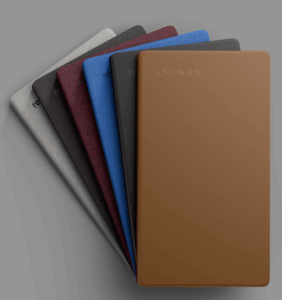
The build quality remains premium. The chassis feels rigid with no flex, and the anti-glare coating on the glass gives it a matte, premium texture that resists fingerprints better than most tablets. It’s a device designed for reMarkable Paper Pro Move for professional focus and productivity, where the hardware stays out of the way of your thoughts.
Canvas Color: Gallery 3 Technology Deep-Dive
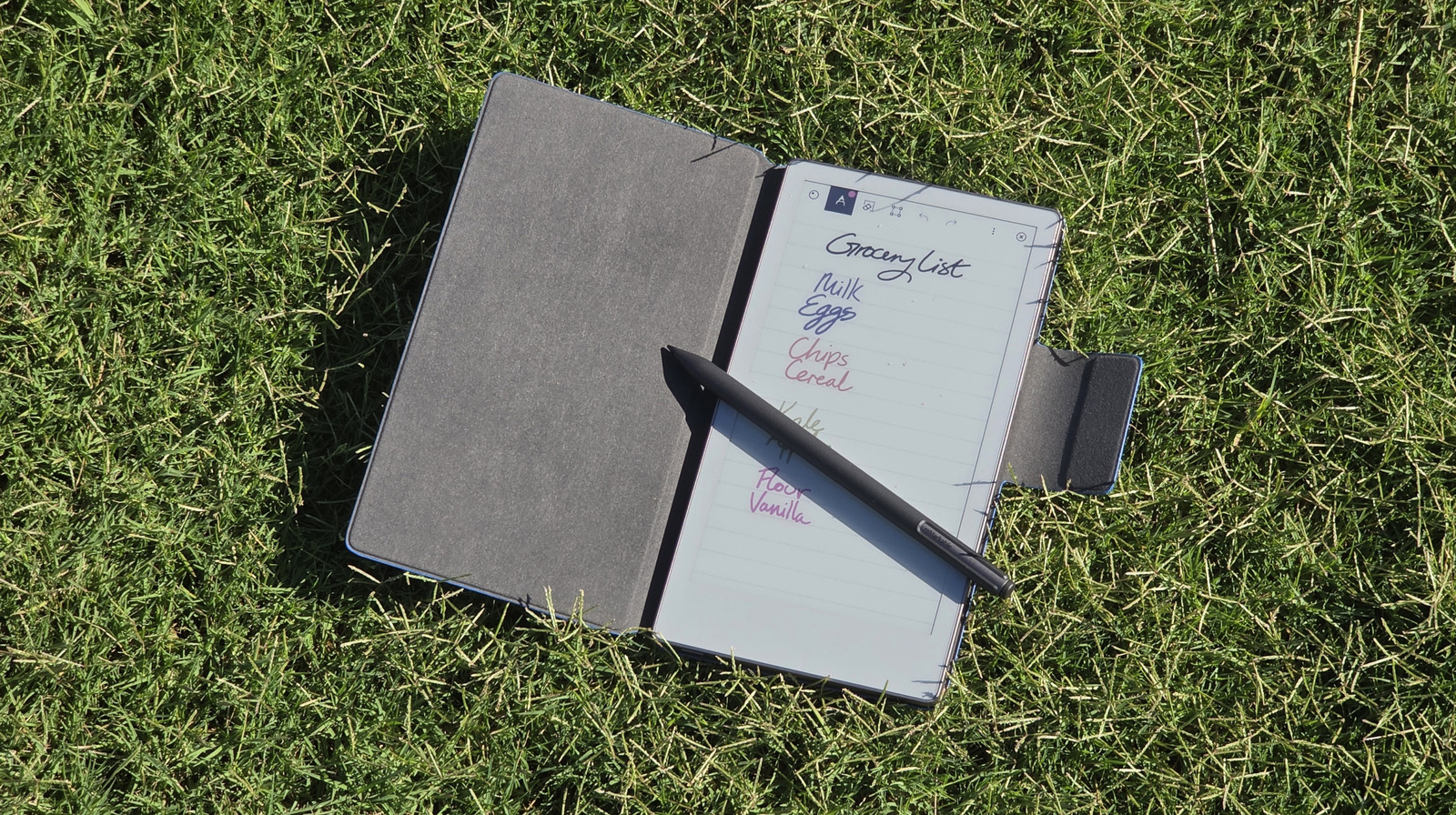
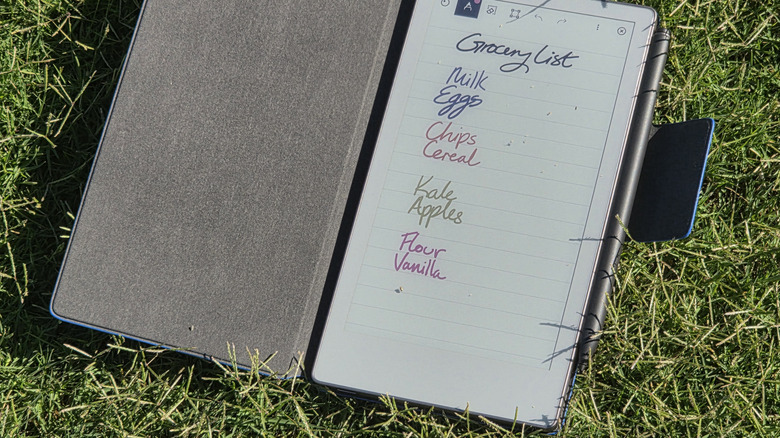
The most significant upgrade in the latest generation is the move to color. Unlike the Kaleido technology used by many competitors—which often results in a "screen door" effect and lower resolution for color content—reMarkable has opted for the Canvas Color system based on Gallery 3 technology. This utilizes a CMYW (Cyan, Magenta, Yellow, White) pigment system that looks far more natural, like actual ink on a page, rather than a digital overlay.
The screen boasts a resolution of 1696 x 954 pixels with a pixel density of 264 PPI. This results in incredibly sharp text and diagrams. When reviewing the reMarkable Paper Pro Move Canvas Color display quality, the standout feature is the lack of a visible sensor grid. However, there is a trade-off: Gallery 3 technology has a slower full-page refresh rate compared to black-and-white E-ink. You’ll notice a momentary "flash" or ghosting as the pigments rearrange themselves when you turn a page or switch colors.
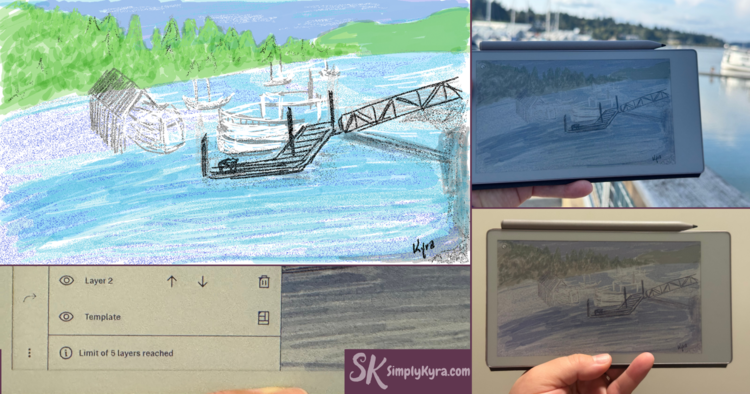
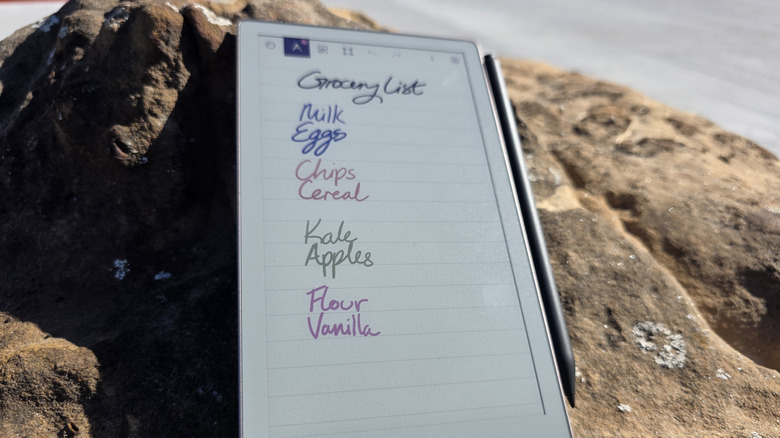
It is important to manage expectations regarding color saturation. In my real-world testing, the colors appear muted and pastel-like on the device. However, when you export those notes to your laptop or phone, they appear as vibrant, standard digital colors. For marking up a PDF with a red pen or highlighting a budget report in yellow, it is transformative. For viewing high-res photography, it’s less ideal.
Quick Comparison: reMarkable Paper Pro Move vs Paper Pro
| Feature | Paper Pro Move | Paper Pro |
|---|---|---|
| Display Size | 7.3-inch Canvas Color | 11.8-inch Canvas Color |
| Weight | 230g | 525g |
| Resolution | 264 PPI | 229 PPI |
| Storage | 64GB | 64GB |
| Best Use Case | On-the-go notes / EDC | Desk-based work / PDF markup |
The Writing Feel: 12ms Latency and USI 2.0 Markers
The core of the reMarkable experience has always been the tactile writing feel, and the Move doesn't disappoint. The company has managed to reduce the reMarkable Paper Pro Move writing latency and pen response to just 12ms. In practice, this means there is virtually no gap between the tip of your pen and the digital ink appearing on the screen. It feels as instantaneous as a ballpoint on a legal pad.
However, there is a major hardware shift to be aware of. The Move uses USI 2.0 active pen technology. This means your old markers from the reMarkable 2 are not compatible. The new markers are powered by the tablet itself via induction, allowing for features like palm rejection and high-precision pressure sensitivity without ever needing to charge the pen separately.
The Marker Choice: You have two options when purchasing. The standard Marker is sleek and functional. The Marker Plus includes a built-in eraser on the top, which mimics the natural habit of flipping a pencil over to correct a mistake. For most professionals, the Marker Plus is the essential upgrade.
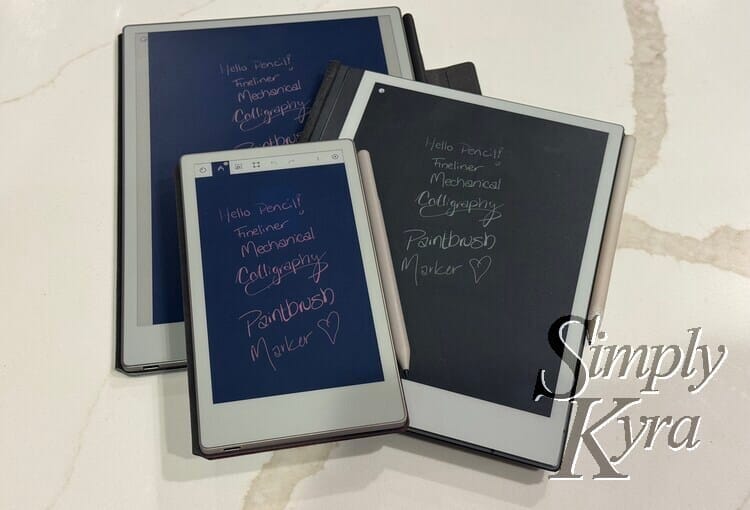
The friction between the pen and the screen provides a "scratchy" feedback that is much more satisfying than writing on the slippery glass of an iPad. It encourages long-form thinking and more deliberate note-taking.
Software & Ecosystem: The Syncing Scaling Issue
The software on the reMarkable Paper Pro Move remains focused on a distraction-free focus. There are no social media notifications, no email pings, and no web browser to lead you down a rabbit hole. The UI is clean, gesture-based, and highly intuitive.
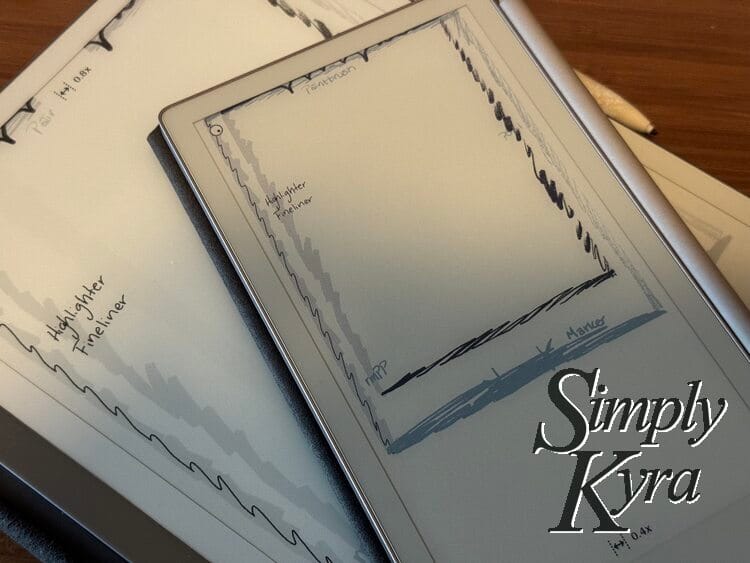
The device excels at PDF markup. You can import documents via Google Drive, OneDrive, or Dropbox and scribble directly on them. However, there is a "Scaling Warning" that every prospective buyer should know. Because the Move has a 7.3-inch screen, documents that were originally designed for A4 or Letter size will be scaled down. If you create a custom template on a larger device and sync it to the Move, the lines may become much smaller, making it difficult to write within the margins.
Furthermore, firmware stability has improved significantly, but the device still adheres to the "50-day sync rule" for non-subscribers. If you don't use the Connect subscription, your notes will stop syncing to the cloud if they aren't opened for 50 days. The Connect subscription also unlocks the ability to edit your notes directly within the reMarkable desktop and mobile apps, which is a game-changer for professional workflows.
Battery Life & Performance: Real-world Benchmarks
Battery performance is where the Move truly shines for travelers. The device is equipped with a 2,334 mAh battery that supports fast charging. In my testing, I was able to charge the device to 90 percent in less than 45 minutes.
While the marketing materials suggest a two-week reMarkable Paper Pro Move battery life, your mileage will vary based on two factors: the adjustable front light and the page refresh settings. If you use the backlight at 50% brightness for two hours a day, the battery life is closer to 10 days. Still, this is leagues ahead of any standard tablet. For a professional on a week-long business trip, you can comfortably leave the charger at home.
The standby performance is also impressive. You can leave the device in your bag for three days, and when you wake it up, the battery percentage will have barely budged. This reliability is what makes it a "grab and go" tool rather than a device you have to manage like a second smartphone.
FAQ
Is the reMarkable Paper Pro worth the price?
The reMarkable Paper Pro Move is a premium tool for a specific niche. If you are a professional who spends hours taking notes or reviewing documents and find yourself distracted by modern tablets, the investment is worth the gain in focus and organization. However, if you just want a device for reading, there are cheaper alternatives.
How does the color screen look on the reMarkable Paper Pro?
The Canvas Color display looks more like a printed Sunday newspaper than a vibrant iPad screen. It is subtle and easy on the eyes. It is perfect for color-coding notes or viewing highlighted text, but it won't replace a traditional screen for media consumption.
How long does the battery last on the reMarkable Paper Pro?
Under normal conditions with moderate backlight use, you can expect the reMarkable Paper Pro Move battery life and charging speed to result in about 10 to 14 days of use. Fast charging allows you to top it up quickly before a flight.
How natural does the writing feel on the Paper Pro?
It is arguably the most natural writing experience on any digital device. The combination of the textured screen surface and the low latency creates a tactile sensation that mimics paper almost perfectly.
Can you use the reMarkable Paper Pro for reading ebooks?
You can read EPUB files and PDFs, but the device does not support DRM-protected books (like those purchased from the Kindle store). It is a notebook first and an e-reader second.
What type of stylus works with the reMarkable Paper Pro?
The device requires a USI 2.0 active stylus. While the reMarkable Marker Plus vs regular Marker for Paper Pro Move debate usually comes down to the eraser, I highly recommend the Marker Plus for the added convenience of the digital eraser. Older reMarkable pens will not work.
Final Verdict: The Second-Device Paradox
The reMarkable Paper Pro Move isn't trying to be your only computer; it’s trying to be your only notebook. In a world of notifications and digital noise, its limitations are its greatest strengths. The 7.3-inch form factor finally provides a version of this technology that is truly portable without sacrificing the professional-grade writing experience.
If you already own a reMarkable 2, the Move is a significant upgrade in terms of color and writing speed, though the new pen requirement is a hurdle. For new users looking for the ultimate portable E-ink tablet, this is currently the gold standard for handheld digital paper.