Quick Facts
- Top Value Hack: Repurpose a $60 legacy graphics card as a dedicated frame generation processor using software tools.
- Thermal Performance: Upgrading to a 38mm thick radiator provides 25% better heat dissipation than standard 27mm units for under $100.
- Economic Forecast: Memory and storage costs are rising significantly, making tactical upgrades more viable than full system replacements in 2026.
- Storage Pivot: External SSDs currently offer better price-per-gigabyte value compared to internal M.2 drives due to shifting silicon scarcity.
- Audio Strategy: A $40 discrete sound card can outperform the onboard audio of a $300 premium motherboard.
- CPU Efficiency: The Ryzen 7 9800X3D serves as an inflation hedge by reducing the performance impact of slower, cheaper system memory.
As Gartner projects a 130% surge in memory costs, finding high value hardware upgrades to avoid 2026 price hikes is essential for every gamer. Instead of a full system rebuild, tactical budget PC upgrades can maintain 1080p performance without breaking the bank.
The 2026 Hardware Market: Why Upgrades Trump New Builds
The PC building landscape has shifted dramatically over the last twelve months. We are no longer just dealing with the standard generational price increases; we are navigating a period of AI-driven inflation. According to Gartner projections, a 130% surge in combined DRAM and SSD costs is expected to drive overall PC prices up by 17% by the end of 2026 compared to 2025 levels.
This isn't a result of corporate greed alone—it is a direct consequence of data center demand. Large-scale AI infrastructure is consuming the global supply of high-bandwidth memory and high-capacity NAND flash. As a result, memory is projected to account for 23% of a PC's total bill of materials in 2026, up from 16% just a year prior.
For the average enthusiast, this silicon scarcity means that a mid-range PC that cost $1,000 in 2024 might now retail for closer to $1,200 or more. My advice is simple: stop looking at the checkout cart for a whole new machine and start looking at the individual components that are holding your current system back. By focusing on tactical budget PC upgrades, you can bypass the most inflated sectors of the market while still enjoying a modern gaming or professional experience.
2025 vs. 2026 Hardware Cost Comparison
| Component Type | 2025 Average Price (Mid-Range) | 2026 Projected Price (Mid-Range) | Estimated Increase |
|---|---|---|---|
| 32GB DDR5 RAM | $110 | $245 | +122% |
| 2TB NVMe SSD | $140 | $310 | +121% |
| Mid-Range GPU | $550 | $640 | +16% |
| Mid-Range Motherboard | $220 | $260 | +18% |
| Total System Cost | $1,020 | $1,455 | +42% (Core Components) |
Upgrade 1: Leveraging Secondary GPUs for Frame Generation
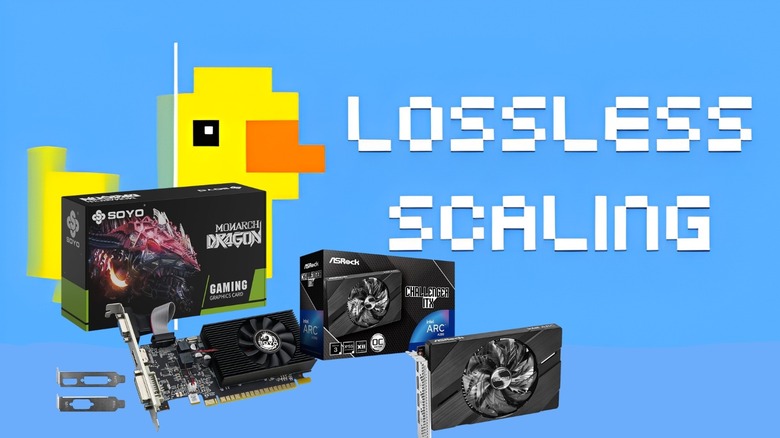
One of the most innovative ways to bypass the high cost of a new graphics card is to look at your PCIe slots differently. Usually, a secondary GPU is considered dead weight for gamers, but frame generation software has changed the math. Instead of spending $800 on a new card just to get DLSS 3 or FSR 3 support, you can offload frame interpolation to a secondary, cheap computer hardware alternatives like a legacy GT 740 or an older office-grade card.
By using a tool like Lossless Scaling, which costs roughly $7.99, you can instruct your secondary card to handle the heavy lifting of generating intermediate frames. This preserves the primary GPU resources for actual geometry rendering and shading. This using a secondary GPU for frame generation guide is particularly effective for those stuck on an RTX 20-series or GTX 10-series card that lacks native hardware-accelerated frame generation.
From a technical standpoint, this works by capturing the frame buffer of your game from the primary card and passing it to the secondary card via the PCIe bus. While there is a slight latency penalty, the result is a visual fluidity that makes 40 FPS feel like 80 FPS. It is one of the most effective cheap computer hardware alternatives for gaming desktops available today.
Physical Compatibility Checklist:
- Ensure your motherboard has a secondary PCIe slot (at least x4 recommended).
- Check that your power supply has the extra 6-pin or 8-pin connector if the secondary card requires it.
- Verify your case has the physical clearance for a dual-slot secondary card.
Upgrade 2: The 38mm Radiator Shift for Thermal Stability
As modern CPUs push higher clock speeds to stay competitive, thermal throttling has become the primary enemy of stable performance. Most standard all-in-one liquid coolers use a 27mm thick radiator. In the 2026 climate of high-wattage chips, these thin radiators saturate with heat too quickly, leading to performance dips during long gaming sessions.
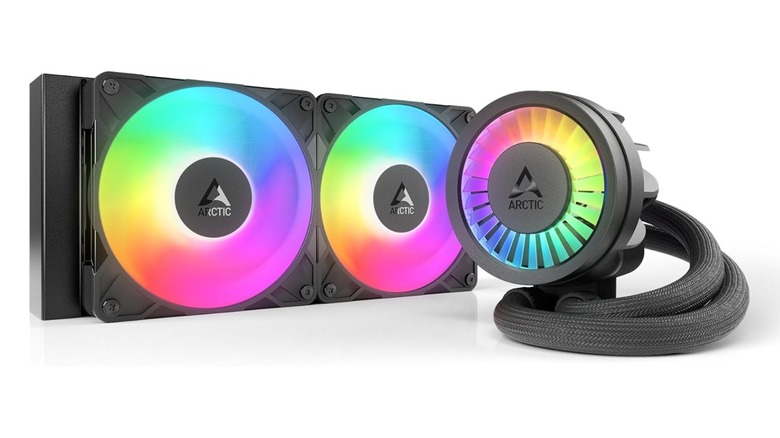
The solution is a transition to low-cost PC cooling solutions that prioritize radiator depth. Specifically, we recommend coolers like the ARCTIC Liquid Freezer III, which features a 38mm thick radiator. This 11mm difference might seem small, but it provides significantly more surface area for heat dissipation efficiency. When paired with integrated VRM cooling fans, these units keep the motherboard's power delivery components cool, ensuring the CPU receives stable voltage without downclocking.
If you are wondering how to upgrade PC cooling on a budget 2026, don't just buy more fans. Focus on the radiator's mass. A thicker radiator allows the fans to spin at lower speeds while maintaining the same thermal performance, which also reduces the acoustic profile of your desktop.
Upgrade 3: External SSDs vs. Internal M.2 Price Hikes
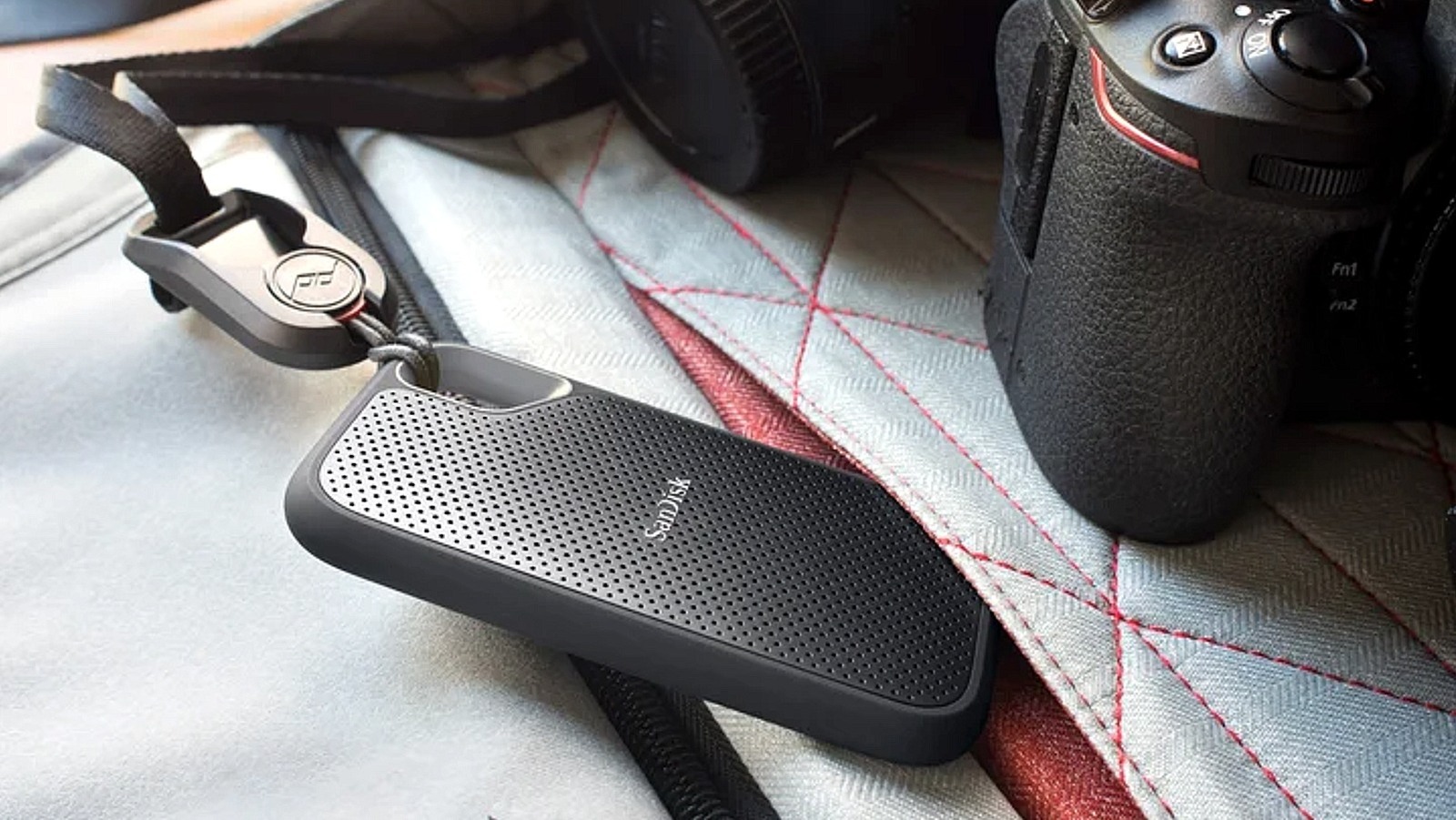
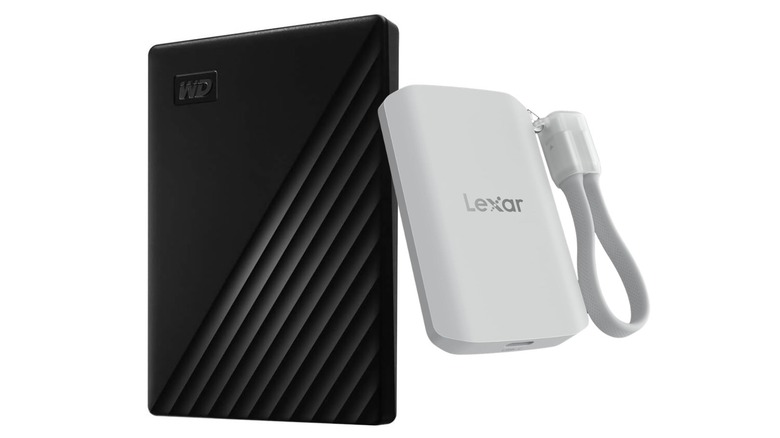
The internal M.2 NVMe market is currently the hardest hit by the AI boom. Enterprise-grade AI servers require massive amounts of high-speed internal storage, which has driven the price of consumer M.2 drives through the roof. However, the market for external SSDs operates on a slightly different supply chain and often utilizes older or different controller logic that isn't in as high demand for AI clusters.
Comparing an external SSD vs internal M.2 for budget PC storage reveals a surprising gap. You can often find a 2TB external USB-C drive for 30-40% less than its internal counterpart. For gaming, the performance difference is negligible. With USB 3.2 Gen 2 headers common on most boards, you still get 1,000 MB/s speeds, which is more than enough for modern game loading times.
Additionally, external drives often include features like 256-bit hardware encryption and physical ruggedness that standard internal drives lack. If you are running out of space for your Steam library, don't fight the internal drive price war. Go external and save your money for other high value hardware upgrades to avoid 2026 price hikes.
Upgrade 4: Affordable High-Res Audio Without Motherboard Premiums
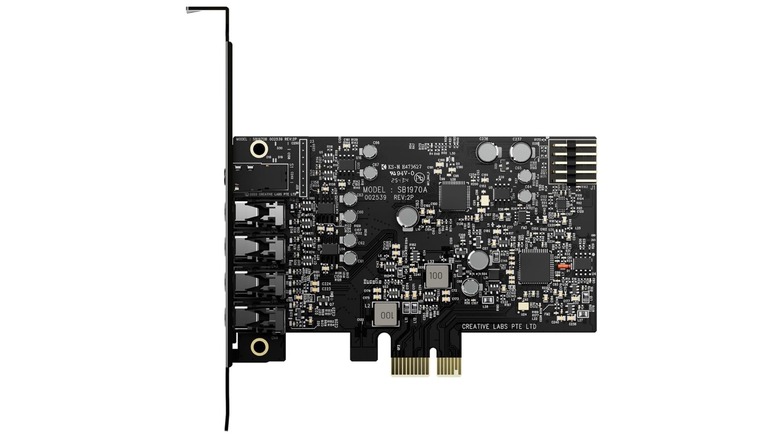
Motherboard manufacturers often use "premium audio" as a justification to charge an extra $100 for their high-end boards. They promise high-quality digital-to-analog conversion and isolated PCB layers. In reality, even these "premium" onboard chips are often susceptible to electrical interference from the GPU and power supply.
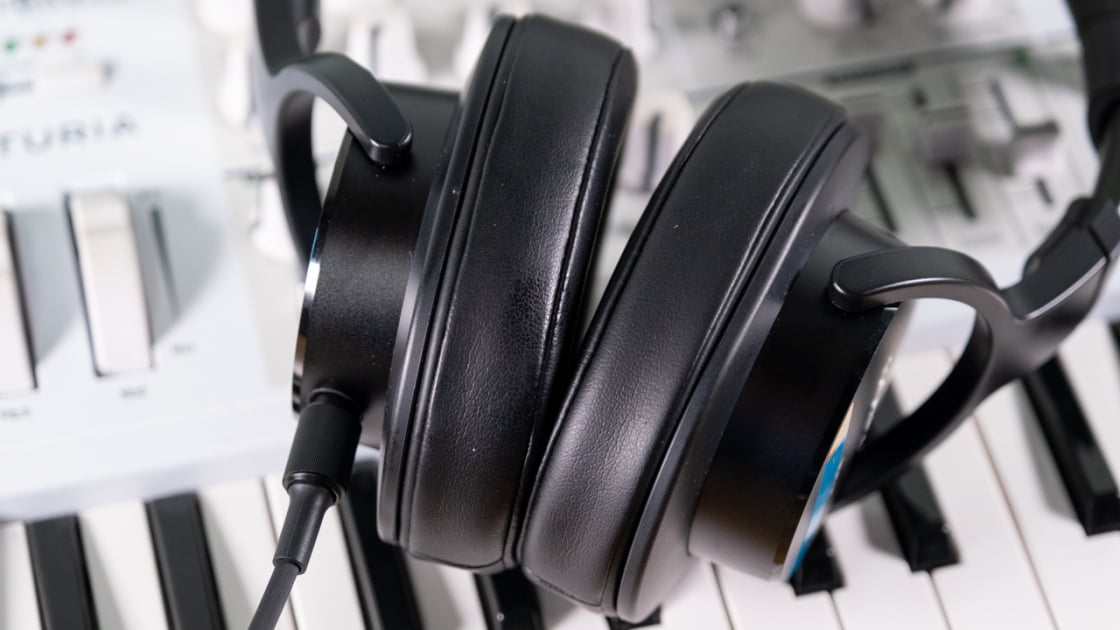
Instead of overpaying for a motherboard, you can achieve affordable PC audio improvements by purchasing a discrete sound card or an external DAC. A basic $40 PCIe sound card often provides a significantly higher signal-to-noise ratio than onboard audio. This means clearer sound, better directional imaging in games, and a higher resolution for music.
Searching for the best affordable PC sound cards for high resolution audio will lead you to options that offer dedicated headphone amplifiers, which can drive high-impedance studio headphones that an onboard chip simply cannot handle. It’s a smarter financial move to buy a budget-tier motherboard and add a dedicated audio solution later.
Upgrade 5: The X3D Efficiency Leader (Ryzen 7 9800X3D)
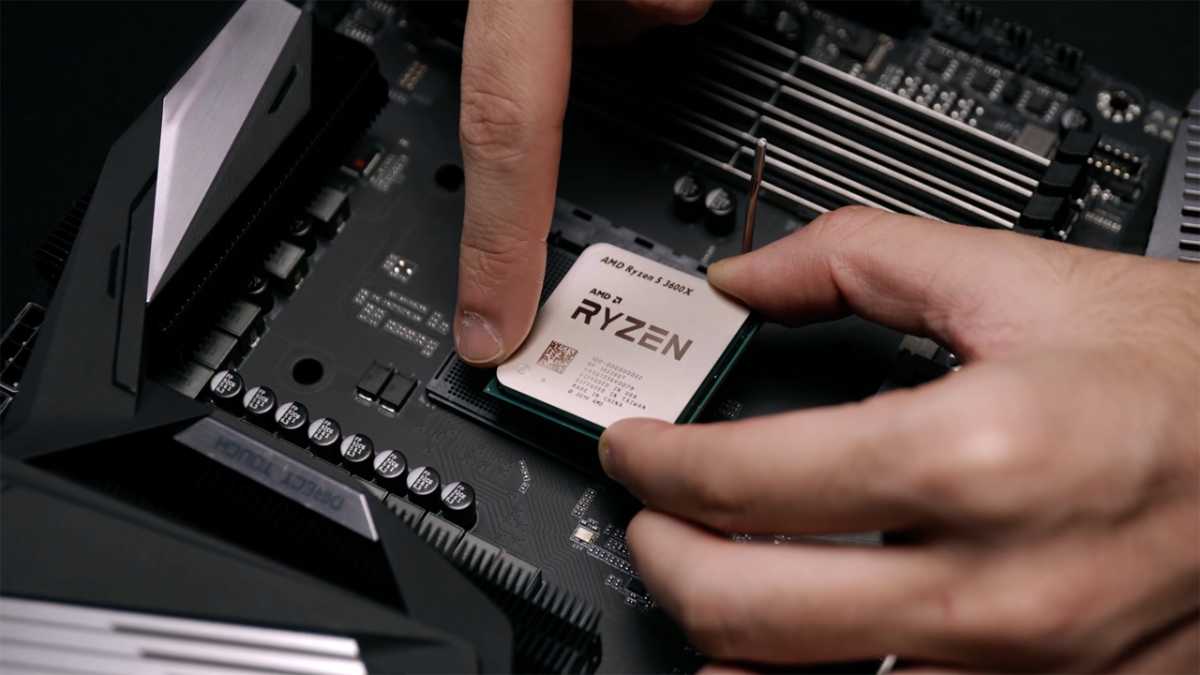
While buying a new CPU sounds expensive, the Ryzen 7 9800X3D is actually a strategic budget PC upgrades efficiency play. The standout feature of this chip is its 96MB of L3 cache. In a world where high-speed DDR5 RAM is becoming prohibitively expensive due to data center demand, the massive cache on the X3D chips acts as a buffer.
Because the CPU can store so much data directly on the die, it becomes much less sensitive to system memory speeds. This means you can pair a high-end CPU with a budget B850 motherboard and cheaper, slower RAM without seeing the massive performance drops that other CPUs would suffer. It effectively hedges against the memory inflation we are seeing across the industry.
While some builders focus on RGB aesthetics, the smart money in 2026 is on the "V-Cache" technology. It provides a long-term performance ceiling that will keep your system relevant well into the next decade, making it one of the most reliable low cost ways to improve PC gaming performance over the long haul.
FAQ
What is the best way to upgrade a slow PC on a budget?
The most effective way is to identify the specific bottleneck, which is usually the storage or the cooling. Replacing an old mechanical hard drive or a slow SATA SSD with a modern NVMe drive (or an external SSD if prices are better) will make the operating system feel snappy. If the PC slows down specifically during heavy tasks, improving your thermal solution with a thicker radiator will prevent the CPU from slowing itself down to stay cool.
Which PC component should I upgrade first for gaming?
If you are gaming at 1080p, your CPU and its associated cache are often the limiting factors. However, with modern frame generation software, you can often extend the life of an old GPU. Therefore, I recommend upgrading your cooling and storage first to ensure your current components can run at their maximum rated speeds without being held back by heat or slow data access.
Is it better to upgrade an old PC or buy a new one?
In 2026, upgrading is almost always better due to the 17% overall increase in new system prices. By tactically replacing the GPU frame generation method, the CPU cooling, and the storage, you can achieve 90% of the performance of a new system for about 30% of the cost. A full new build should only be considered if your current platform is more than 6 or 7 years old.
How can I increase my computer speed for cheap?
Beyond hardware, optimizing your software is key. Use tools like Lossless Scaling to boost frame rates and ensure you aren't overpaying for "gaming" branded components when office-grade or legacy hardware utilization can achieve the same results. Also, ensuring your VRM cooling is sufficient can allow your existing CPU to maintain its "boost" clocks longer.
Should I upgrade my SSD or RAM first?
With memory projected to be 23% of the total cost of a PC, upgrading RAM is currently very expensive. I recommend upgrading your storage to an external SSD first. It provides an immediate benefit in load times and file transfers for a lower entry price than high-capacity DDR5 kits. Only upgrade RAM if you are constantly hitting 100% usage in your task manager.