Quick Facts
- Target Performance: Achieve 1080p Ultra settings at 80–120 FPS in 2026 AAA titles.
- Core CPU: Intel Core i5-12400F offers the best price-to-performance ratio for mid-range builds.
- Primary GPU: NVIDIA RTX 5060 or AMD RX 9060 XT for leading 1080p and entry 1440p gaming.
- RAM Standard: 32GB DDR5-6000 is the new industry baseline to prevent system stuttering.
- Storage: 1TB NVMe PCIe Gen 4 SSD for fast load times and smooth system responsiveness.
- Total TCO: Approximately $980 for a DIY build including a retail Windows 11 license.
Achieve elite gaming performance without breaking the bank. Our 2026 budget gaming PC build guide shows you how to hit 1080p 60fps in AAA titles for under $1000. For a high-value $1,000 budget gaming PC build in 2026, the optimal configuration pairs an Intel i5-12400F with an NVIDIA RTX 5060 to achieve stable 1080p 60fps performance in modern titles like Cyberpunk 2077.
The Core Components: Maximizing Your $1000 Budget
In 2026, the hardware landscape has shifted. While flagship components grab the headlines, the mid-range market is where the real value lives. To stay under the $1,000 ceiling while maintaining high performance, you have to be surgical with your component selection. You aren't just looking for the cheapest parts; you are looking for the best gaming pc components for 1000 dollars 2026 that won't create a bottleneck.
The heart of this budget gaming pc build is the Intel Core i5-12400F. Even in 2026, this chip remains the efficiency king. It provides enough six-core muscle to handle modern game engines without the high thermal output or price tag of the latest 15th or 16th gen counterparts. When choosing a motherboard, I recommend a B760 chipset over the entry-level H610. The B760 boards offer better VRM cooling, which is vital for thermal throttling prevention during long gaming sessions. Referencing an intel i5 budget gaming pc compatibility checklist, ensure your board supports DDR5 to future-proof the rig.
Memory is another area where the goalposts have moved. While 16GB was the standard for years, industry experts recommend 32GB of RAM as the target for $1,000 gaming builds in 2026 to handle the increasing memory demands of modern games and multitasking without system stuttering. We are aiming for the DDR5 memory standard, specifically a 6000MT/s kit, to ensure the CPU isn't waiting on data.
GPU Showdown: RTX 5060 vs. RX 9060 XT
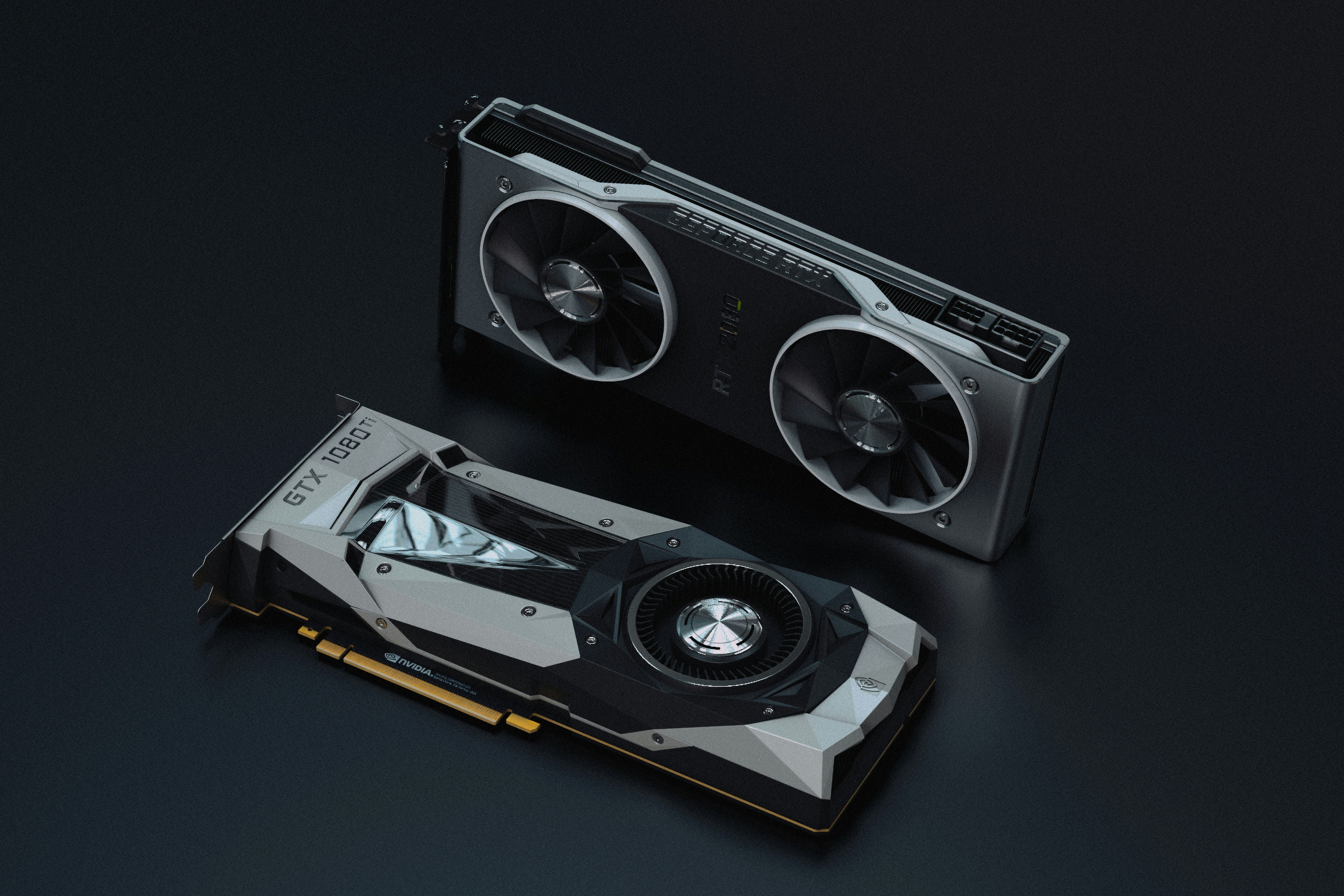
The graphics card is the single most expensive part of your build and will define your gaming experience. In early 2026, the NVIDIA GeForce RTX 5060 and AMD Radeon RX 9060 XT are identified as leading value-oriented graphics cards for mid-range PC builds under $1,000.
NVIDIA RTX 5060: The Efficiency Choice
The RTX 5060 excels in ray tracing performance and benefits from the latest DLSS 4.0 frame generation. If you prioritize visual fidelity and want to play games like Cyberpunk 2077 with lighting effects turned up, this is your card. It typically draws less power, meaning you can stick with a 600W 80 plus gold efficiency power supply without worry.
AMD Radeon RX 9060 XT: The Rasterization Powerhouse
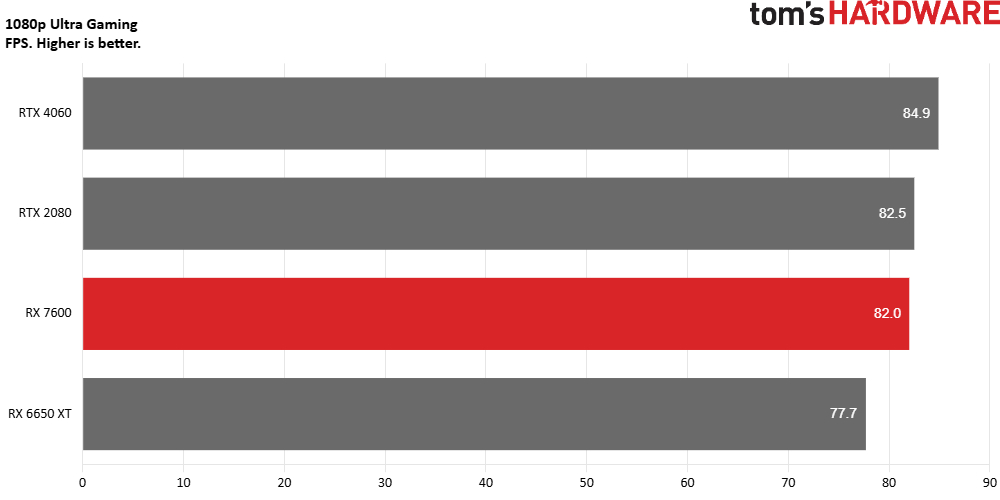
If you care more about raw frames and longevity, the RX 9060 XT often carries 12GB of VRAM compared to NVIDIA’s 8GB or 10GB offerings. This extra VRAM is a safeguard against stuttering in future titles. A $1,000 gaming PC build in 2026 can typically achieve 80–120 FPS in most AAA titles at 1080p Ultra settings and 60–90 FPS at 1440p High settings using these cards.
When deciding between rtx 5060 vs rx 9060 xt for budget 1080p gaming, consider your monitor. If you have a 144Hz 1080p screen, either card will maximize your refresh rate in most titles. However, the AMD card often provides a slightly better price-to-performance ratio in non-ray-traced games.
Pre-built vs. Custom: The 2026 Reality Check
Choosing between a pre-built vs custom gaming pc is a classic dilemma. In 2026, the gap has narrowed due to component bundling, but building it yourself still reigns supreme for quality control. Pre-built systems under 1000 dollars often cut corners on the motherboard or the power supply—two parts that are critical for hardware future-proofing.
| Component | DIY Custom Build (Est.) | Pre-built Equivalent (Est.) |
|---|---|---|
| CPU | $140 (i5-12400F) | Included |
| GPU | $330 (RTX 5060) | Included |
| RAM | $95 (32GB DDR5) | Often 16GB only |
| Storage | $70 (1TB Gen4 NVMe) | Often slower Gen3 |
| PSU | $85 (650W Gold) | Generic 500W |
| Case/Fans | $80 | Basic Plastic |
| OS License | $139 (Retail Win 11) | Included (OEM) |
| Total TCO | $939 | $1,049 - $1,150 |
The pre-built vs custom gaming pc under 1000 dollars debate usually comes down to the convenience tax. If you build it yourself, you get a retail Windows license that moves with you to your next PC, and you get individual warranties on parts that often last 5-10 years. Pre-builts usually offer a one-year "mail-in" warranty that can be a headache to use.
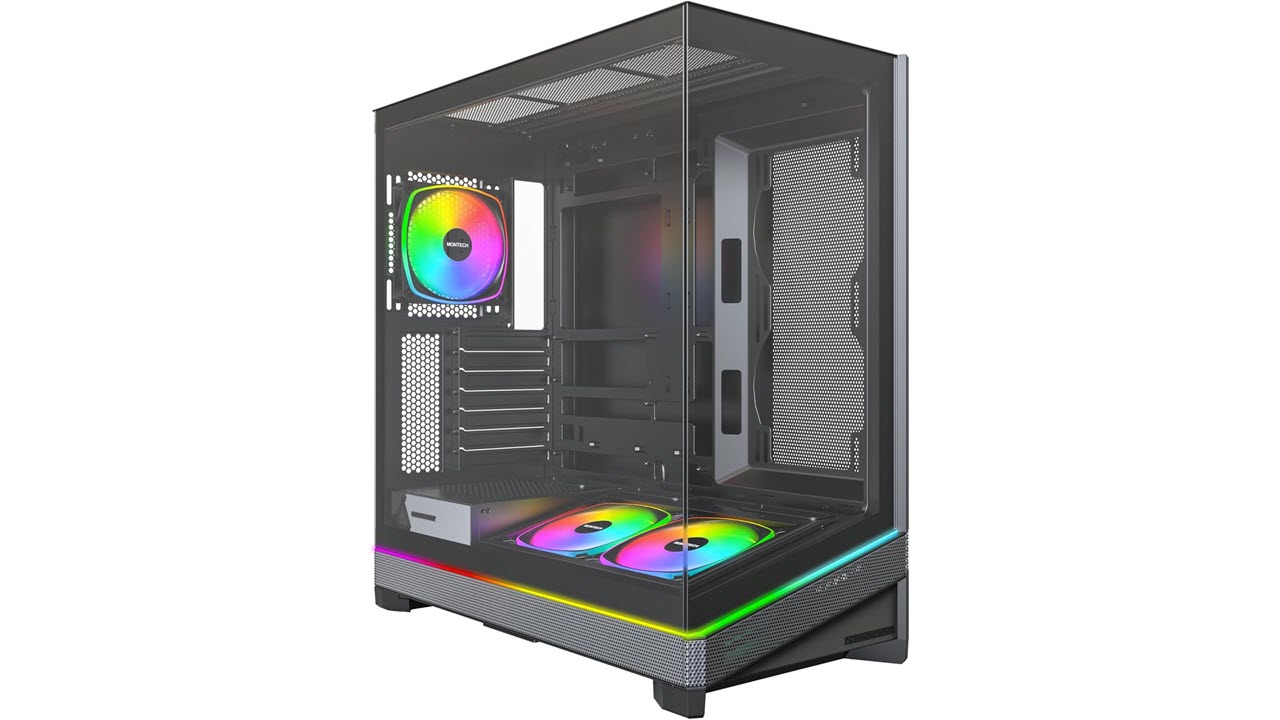
Step-by-Step 1080p Gaming PC Build Guide
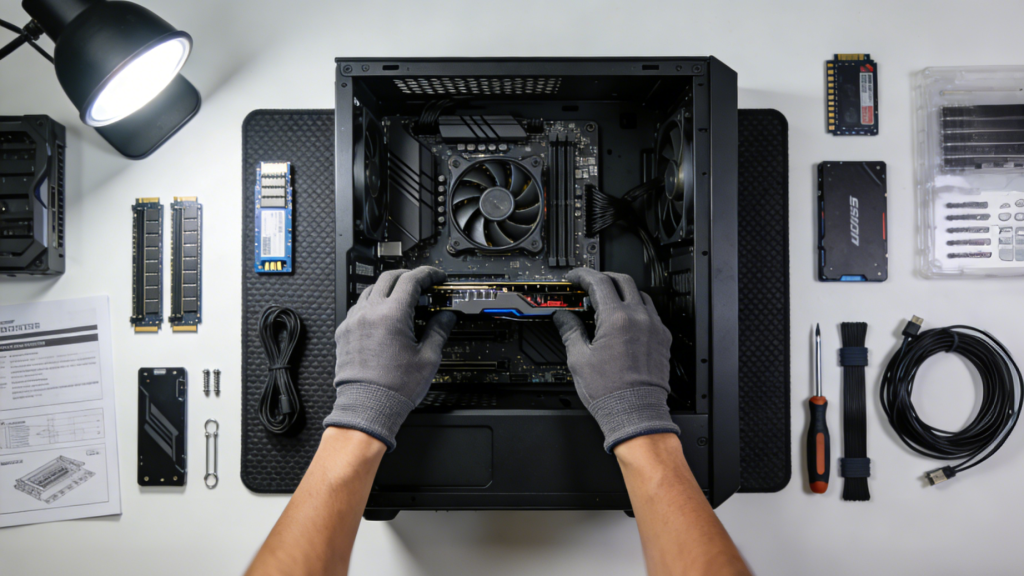
Building a PC is essentially "Lego for adults," but with higher stakes. This 1080p gaming pc build guide will help you avoid the most common pitfalls.
- Preparation: Work on a non-static surface. You don’t need a fancy anti-static wrist strap, just touch a metal part of your case frequently to ground yourself. Have a Phillips #2 screwdriver and some small zip ties ready for cable management.
- Core Assembly: Install the CPU, RAM, and nvme pcie storage onto the motherboard before you put it in the case. This gives you more room to maneuver.
- Case Installation: Screw in your motherboard standoffs and then the board itself. Connect the front panel headers (the most tedious part).
- Power and Cooling: Mount the power supply and run the cables. Ensure you have at least two intake fans and one exhaust fan. Proper airflow is essential for thermal throttling prevention.
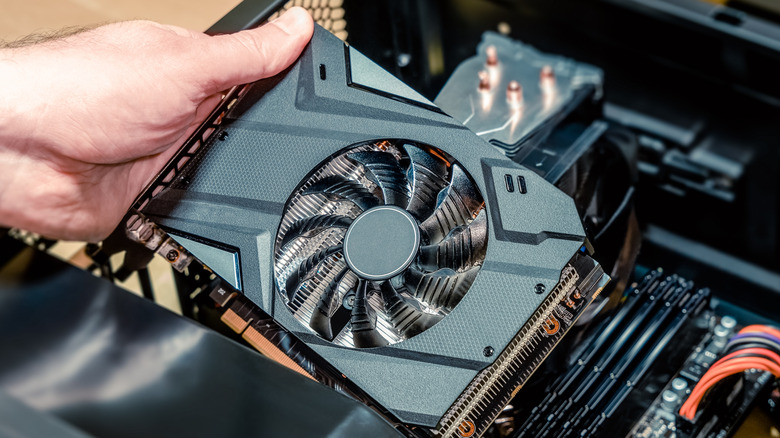
- The GPU: Save this for last. Snap the graphics card into the top PCIe slot and connect the power cables.
Following a step by step budget gaming pc build guide like this ensures you don't have to take things apart because you forgot a single screw under the GPU.
Post-Build Optimization & Future Upgrades
Once the PC boots, your work isn't quite done. You need to perform some frame rate optimization within the system software. First, enter the BIOS and enable XMP (or EXPO for AMD). Without this, your 6000MT/s RAM will default to much slower speeds, causing component bottlenecking.
Next, install the latest drivers for your RTX 5060 or RX 9060 XT. Use a tool like 3DMark for system benchmarking to ensure your scores align with other similar builds. If your scores are low, check your temperatures; you might need to adjust your fan curves to maintain consistent performance.
For cost effective pc upgrades for 1000 dollar builds in the future, consider adding another 1TB SSD once your game library grows. The beauty of this budget gaming pc build is that the B760 motherboard and DDR5 RAM provide a solid foundation for the next three to five years.
FAQ
How much should I spend on a budget gaming PC?
In the current market, $800 to $1,000 is the sweet spot. Spending less than $800 often requires significant compromises on the GPU or power supply that limit the lifespan of the machine. At $1,000, you can afford high-quality components that will handle AAA titles at 1080p for several years.
Is it cheaper to build or buy a budget gaming PC?
It is almost always cheaper to build your own PC when you factor in the quality of the parts. While a pre-built might have a similar "sticker price," it often uses cheaper motherboards, slower RAM, and generic power supplies. Building it yourself also saves you the professional assembly fee, which is usually around $100 to $150.
What are the best components for a low-cost gaming build?
The best value comes from pairing a slightly older but capable CPU like the Intel i5-12400F with a modern mid-range GPU like the NVIDIA RTX 5060. You should also prioritize 32GB of DDR5 RAM and a Gen4 NVMe SSD to ensure the system feels snappy and handles modern game engines efficiently.
Is 8GB or 16GB of RAM better for budget gaming?
Neither. In 2026, 32GB of RAM is the recommended standard for any gaming PC build aiming for a $1,000 budget. Many modern titles and background applications like Discord or Chrome will easily consume more than 16GB, leading to performance hitches if you don't have enough overhead.
Are used PC parts worth it for a budget build?
Used parts can offer incredible value, particularly for CPUs and cases which have no moving parts. However, I generally advise buying the GPU and power supply new. The GPU is the most likely component to fail, and the power supply is the only part that could potentially damage every other component in your system if it malfunctions.
Can you upgrade a budget gaming PC over time?
Yes, as long as you choose a modern platform. By opting for a DDR5-compatible motherboard and a high-efficiency power supply now, you ensure that you can upgrade your GPU or CPU in three years without having to rebuild the entire system from scratch.
Conclusion: Your Path to 1080p Dominance
The $1,000 mark remains the definitive sweet spot for gaming in 2026. By focusing on the price-to-performance ratio of components like the i5-12400F and the RTX 5060, you can build a machine that doesn't just "run" games, but dominates them at 1080p.
Whether you choose the DIY route for the better long-term value or a pre-built for the immediate convenience, the key is balance. Avoid the temptation of a flashy case if it means settling for a weaker GPU. Stay focused on the core specs, manage your thermals, and you'll have a rig that provides high-end experiences for a mid-range price.