Our Top Picks
| Item | Key Spec | Member Price | Key Benefit |
|---|---|---|---|
| ASUS ROG GM700 Desktop | RTX 5060, Ryzen 7 8700F, 32GB DDR5 | $1,199.99 | Elite performance with 2-year warranty |
| LG 34-inch Ultrawide | 3440 x 1440, 120Hz, Curved | $349.99 | Maximum immersion for RPGs and work |
| Tresanti Aurora Desk | Motorized, 47-inch, USB Ports | $329.99 | Premium sit-to-stand ergonomics |
| TrueWellness Mesh Chair | Breathable mesh, Lumbar support | $99.99 | Pro-level comfort at a budget price |
| CyberPower 1500VA UPS | 1500VA/900W, 12 Outlets | $159.99 | Vital protection against power surges |
Costco offers the best value for a gaming setup by bundling high-performance hardware like the ASUS ROG GM700 desktop with industry-leading 2-year warranties and Concierge services, making it a low-risk, high-reward choice for budget builders.
Build a pro-tier PC battle station without the custom price tag. Our 2026 guide highlights the 5 best value Costco gaming setup finds, including the ASUS ROG GM700 and Tresanti desks. By leveraging wholesale pricing and member-exclusive bundles, you can assemble a complete, high-performance environment that would typically cost hundreds more at boutique retailers.
1. The Powerhouse: ASUS ROG GM700 Desktop
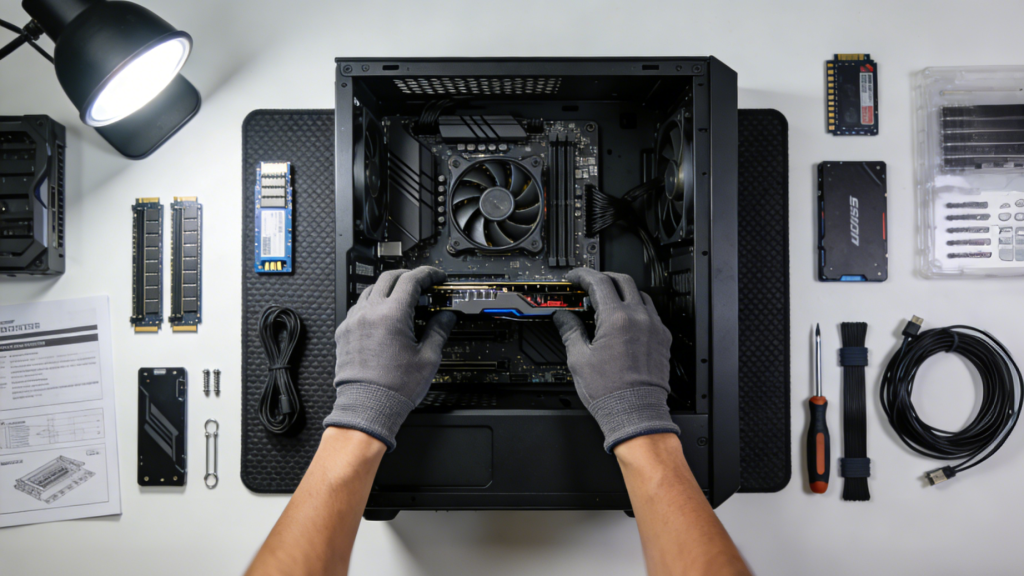
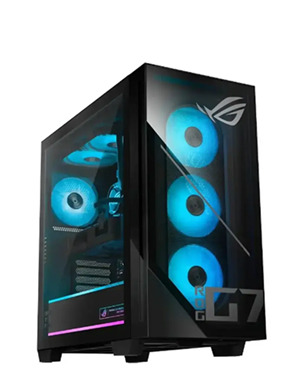
When you are looking for the heart of your Costco gaming setup, the ASUS ROG GM700 is the clear frontrunner for 2026. For most gamers, the thought of building a PC from scratch is daunting, especially with the complexity of cable management and part compatibility. This prebuilt system eliminates that stress while offering a spec sheet that rivals custom rigs. It features the latest RTX 5060 graphics card, which provides a significant leap in ray-tracing performance and DLSS frame generation over previous generations. Paired with a Ryzen 7 8700F processor and 32GB of high-speed DDR5 RAM, this machine is built to handle modern AAA titles at high settings without breaking a sweat.
One of the often-overlooked advantages of Costco prefab gaming PC deals is the move toward standardized parts. Unlike older prebuilts that used proprietary motherboards or power supplies, the GM700 utilizes standard ATX components. This means that three or four years down the line, if you want to swap in a more powerful GPU or add more storage, you can do so easily. The system also comes equipped with liquid cooling technology for the CPU, ensuring that your temperatures stay low and your frame rates stay high during intense gaming marathons.
The Hidden Value of Costco Concierge
Beyond the raw hardware, the real win here is the peace of mind. Every desktop purchased through the warehouse includes the Costco Concierge services. This gives you a second year of warranty coverage and access to a dedicated technical support line. In an industry where most manufacturers only offer a single year of protection, this extra year is a massive financial safety net. Additionally, these systems often come bundled with a year of McAfee Total Protection and Microsoft 365, adding roughly $100 in extra value right out of the box.
2. Visual Immersion: LG 34-inch Curved Ultrawide Monitor
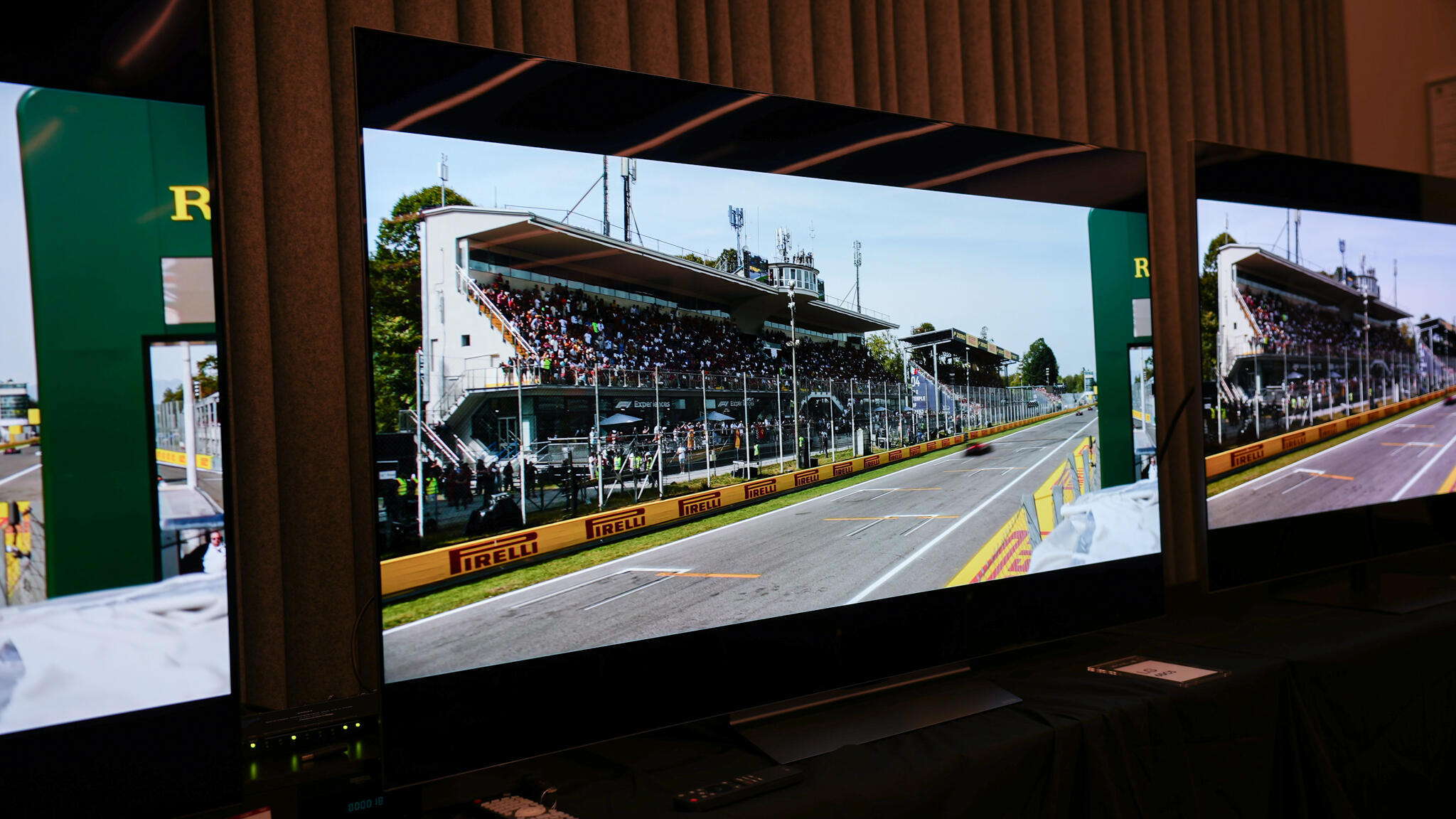
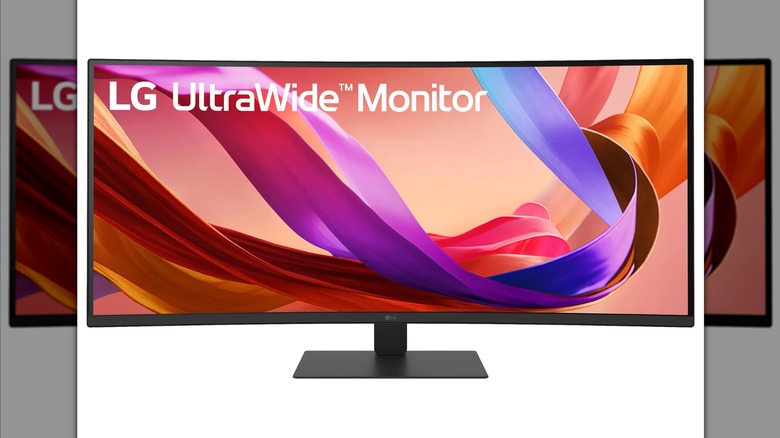
If you are still playing on a standard 16:9 1080p screen, you are missing out on half the experience. The LG 34-inch curved ultrawide monitor is frequently cited as the sweet spot for a budget friendly costco ultrawide gaming monitor setup. With a WQHD resolution of 3440 x 1440, you get roughly 34% more screen real estate than a standard widescreen. For open-world games like Starfield or Cyberpunk 2077, the wrap-around effect of the 21:9 aspect ratio pulls you into the world in a way a flat screen simply cannot.
This monitor boasts a 120Hz refresh rate, which is the gold standard for smooth gameplay. While ultra-competitive pros might hunt for 240Hz or higher, the 120Hz mark is perfect for those who want a buttery-smooth experience in both RPGs and casual shooters. It also supports AMD FreeSync Premium, which eliminates screen tearing by syncing the monitor's refresh rate with your RTX 5060 graphics output.
Competitive Alternatives
For those who prioritize speed over screen size, Costco often stocks the MSI 27-inch G274QPF WQHD gaming monitor for approximately $149.99 after promotional discounts. This smaller panel offers a blistering 170Hz refresh rate and a 1ms response time, making it one of the best warehouse electronics deals for fans of Valorant or Counter-Strike. However, for a truly modern PC battle station, the immersion of the LG ultrawide is hard to beat.
3. Ergonomic Command Center: Tresanti Aurora Adjustable Desk
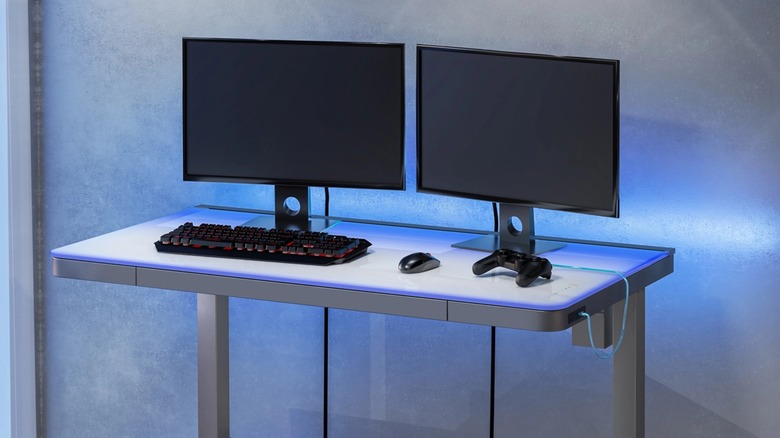
A great gaming experience starts with where you sit and stand. The Tresanti Aurora 47-inch Adjustable Height Desk is a staple of budget gaming furniture Costco recommendations. Priced at approximately $329.99, this desk features a motorized mechanism that allows you to transition from sitting to standing with the push of a button. It includes programmable height settings, so you can lock in your perfect ergonomic position for both focused gaming and casual browsing.
The Aurora is more than just a table; it is a home office hybrid designed for the modern user. It features integrated USB charging ports on the side, allowing you to keep your controllers and headsets charged without cluttering your main PC ports. The white glass top and sleek metal frame provide a clean aesthetic that fits perfectly into a minimalist PC battle station.
Support for Long Sessions
No desk is complete without proper seating. While many gamers gravitate toward flashy "racing style" chairs, I often recommend the TrueWellness all-mesh office chair or the DPS Centurion Gaming Chair which is priced at approximately $150. The TrueWellness option is particularly impressive for its breathable mesh back, which prevents that uncomfortable "swamp back" feeling during long sessions. It features robust lumbar support adjustments and adjustable height desks at costco for pc gaming are only half the battle—you need a chair that supports your spine.
The DPS Centurion, with its faux leather finish and over 1,400 positive reviews, offers a more traditional gaming look with deep cushioning. Regardless of which you choose, these ergonomic costco office chairs for long gaming sessions provide the support needed to prevent fatigue and long-term strain.

4. The Setup Protector: CyberPower 1500VA UPS
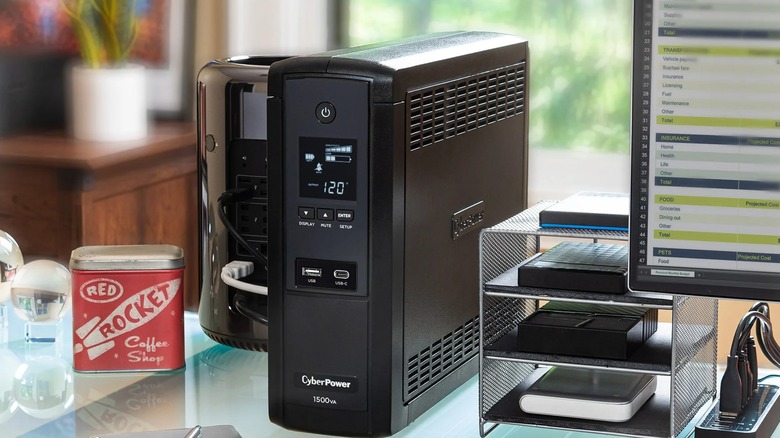
If you are spending over a thousand dollars on an RTX 50-series rig, you need to protect it. Many gamers rely on a cheap power strip, but a standard surge protector is not enough for high-end electronics. The CyberPower 1500VA uninterruptible power supply for gaming pc costco is your insurance policy. This unit provides 900 watts of battery backup power, giving you a critical 2 to 9 minutes of runtime if the power goes out.
This window allows you to safely save your game and shut down your PC, preventing data corruption or hardware damage from sudden power loss. More importantly, it features Automatic Voltage Regulation (AVR). Residential power can often fluctuate, providing "dirty power" that puts stress on your power supply. The UPS cleans this signal, ensuring your components receive a steady, safe voltage. With 12 outlets, it has plenty of room for your PC, monitor, and speakers, making it a cornerstone of any serious Costco gaming setup.
5. Peripheral Perfection: Premium Bundles
To round out your setup, keep an eye on the rotating stock of Costco gaming peripherals and accessories. Frequently, you will find bundles from brands like Logitech or Razer that include a mechanical keyboard, a high-DPI mouse, and a large mousepad for a single discounted price. These bundles are excellent because they ensure your aesthetics match while saving you 20-30% over buying each component separately.
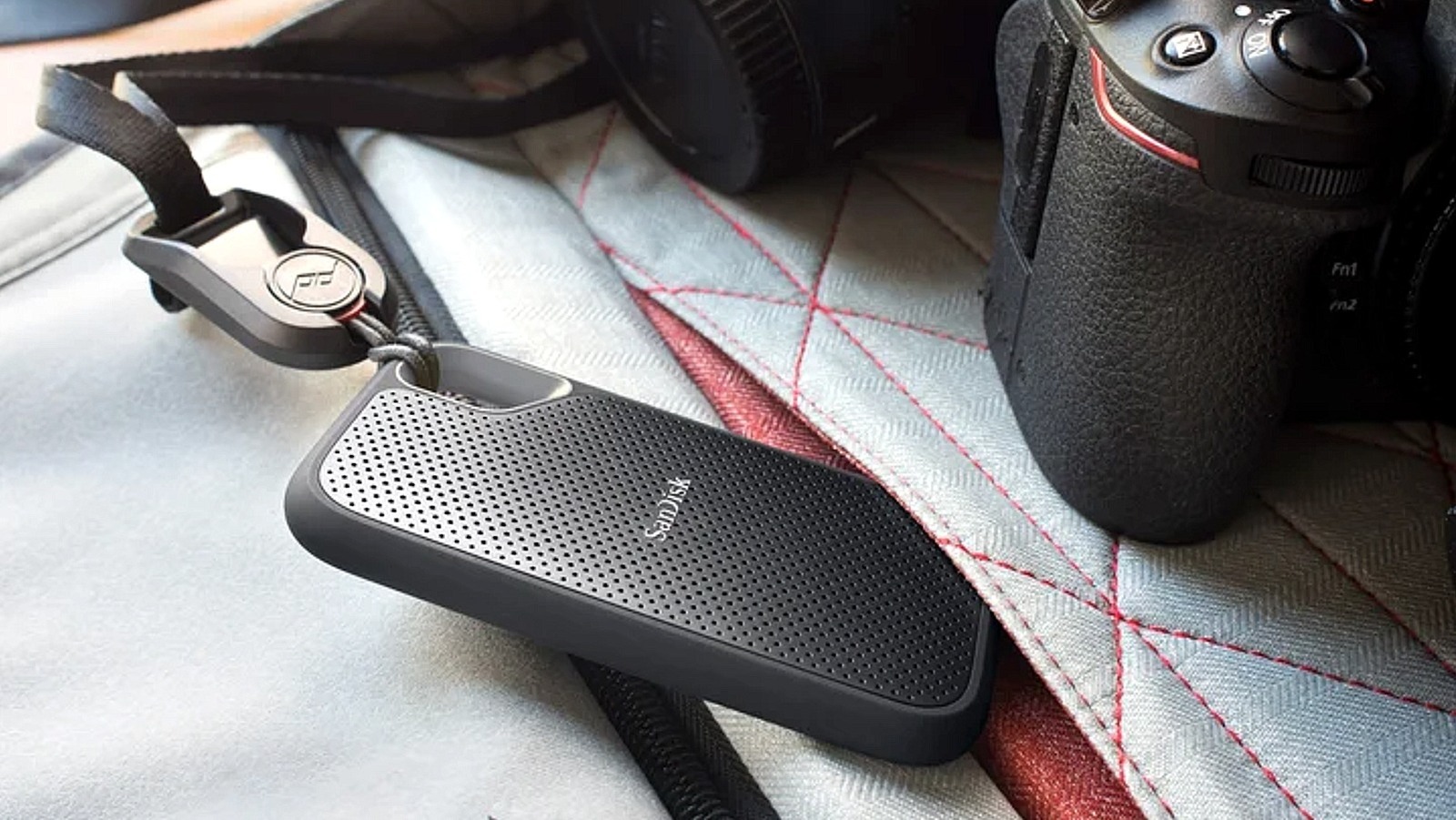
Another hidden gem is the specialized storage expansion. As games grow larger, the 1TB or 2TB drive in your ASUS ROG GM700 will fill up fast. Costco regularly stocks NVMe SSDs and external drives at wholesale pricing. Look for drives with heat sinks to ensure they maintain peak performance during heavy read/write cycles. Integrating these additions early on ensures your PC battle station remains organized and capable of holding your entire library.

FAQ
Is it worth buying a gaming PC from Costco?
Yes, it is highly worth it for most users. While hardcore enthusiasts might enjoy the process of picking every individual screw for a custom build, Costco offers high-quality prebuilts with significant markdowns. When you factor in the value of the included software bundles and the extended warranty, the price-to-performance ratio is often better than building it yourself with retail-priced parts.
What is the return policy for gaming computers at Costco?
Costco has a specific 90-day return policy for electronics, which includes gaming desktops and laptops. This is significantly more generous than the typical 14 to 30-day windows offered by major electronics retailers. If the system does not meet your performance expectations or if you find a better deal within three months, you can return it for a full refund.
Does Costco offer an extended warranty on gaming equipment?
Costco automatically provides a 2-year warranty on computers through their Concierge service. For even more protection, members can often purchase an Allstate Protection Plan (formerly SquareTrade) at a discounted rate. This can extend your coverage to 3 or even 5 years, covering accidental damage and hardware failures, which is a massive advantage for expensive gaming rigs.
Are Costco gaming bundles a good deal?
Costco gaming bundles are typically an excellent deal because they leverage wholesale volume. You might find a monitor bundled with an HDMI cable and a cleaning kit, or a PC bundled with a mouse and keyboard. These "extras" are usually priced at a near-zero margin, meaning you are getting the primary item at its lowest price with free accessories included.
What are the best gaming monitors available at Costco?
The best options are currently the LG 34-inch Curved Ultrawide for immersion and the MSI 27-inch WQHD for competitive speed. Costco tends to stock monitors that offer a balance of high refresh rates and color accuracy, making them suitable for both gaming and creative work. Always check for models with at least a 120Hz refresh rate and FreeSync or G-Sync compatibility.