Quick Facts
- Safety Priority: High-wattage thermal devices like space heaters and toasters are the most significant fire risks when left unattended.
- Vampire Energy: Standby power accounts for 5% to 10% of total residential electricity consumption in the United States.
- Financial Impact: Idle electronics can cost homeowners between $100 and $200 in annual utility expenses.
- Surge Risk: Unplugging desktop PCs is the only 100% effective way to protect them from voltage fluctuations and grid instability.
- Battery Health: Leaving lithium-ion devices on constant charge during vacation leads to capacity degradation and potential thermal runaway.
- Automation: Smart power strips can save approximately $120 per year by automatically cutting power to idle devices.
To ensure home fire safety while traveling, prioritize unplugging high-energy appliances such as space heaters, toaster ovens, and air conditioners to prevent overheating and power surge damage. Additionally, disconnecting electronics like desktop PCs and entertainment systems eliminates phantom power drain, reducing your electricity bill by up to 10% during your absence. Mastering the art of unplugging for vacation is a simple yet powerful step toward a worry-free holiday.
1. High-Heat Kitchen Gadgets: Toasters and Air Fryers
When we think about home fire safety tips for travelers, we often focus on the big things like the stove or the oven. However, the smaller residents of your kitchen counter—specifically toasters and air fryers—carry a hidden danger. These devices are designed to generate intense heat very quickly. Over time, toasters accumulate a layer of dry bread crumbs at the bottom. If a power surge occurs while you are away, a faulty internal switch or a compromised heating element can activate. In a matter of seconds, those crumbs act as kindling.
Air fryers present a similar risk but with an added complication: oil residue. Even if you wipe them down, microscopic layers of grease can build up near the heating coils. Modern air fryers rely on digital timers and complex internal circuitry. If these circuits fail due to a voltage spike, the device could technically "turn on" without any human intervention. Preventing kitchen appliance fires when traveling is about removing the source of ignition entirely. By physically pulling the plug, you ensure that even a catastrophic electronic failure cannot lead to a house fire.
Beyond the safety aspect, these kitchen gadgets are often minor culprits of phantom power drain appliances. While a single toaster might only draw a negligible amount of energy to keep its digital display lit, the cumulative effect of several small appliances adds up. When you are looking to save electricity while on vacation, the kitchen is the best place to start your sweep.

2. Climate Control Systems: Space Heaters and AC Units
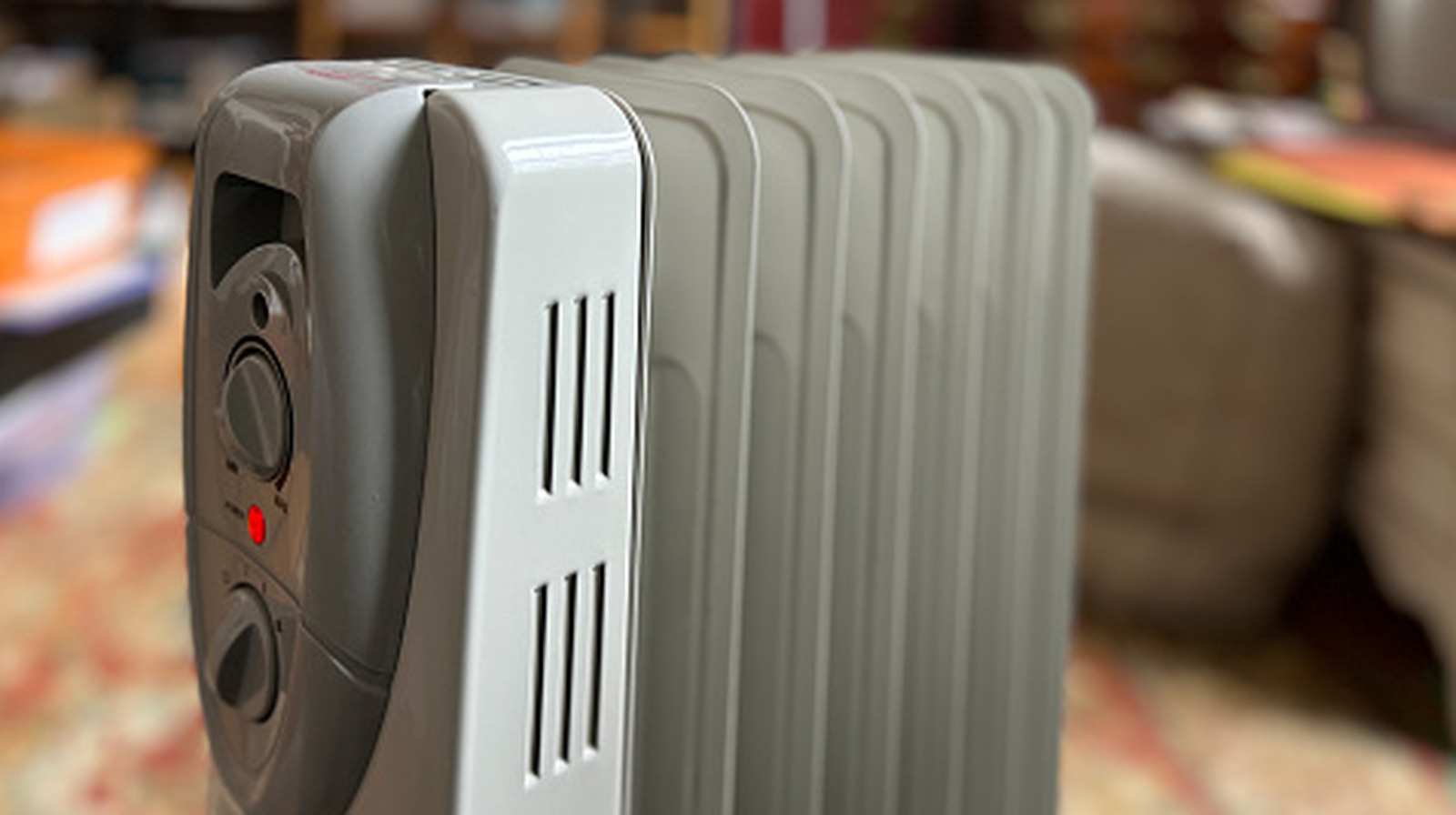
Space heaters are arguably the most dangerous items to leave plugged in. Statistics from national safety organizations indicate that these portable units are involved in thousands of residential fires every year. The primary issue isn't just the heating element itself, but the dust that settles on it. If a space heater is left plugged in and accidentally tipped over or triggered by a thermostat malfunction, that dust can ignite. Even the most modern units with "tip-over protection" can fail if the internal sensor becomes stuck or corroded.
Many people wonder, is it safe to leave air conditioners plugged in on vacation? While a central air system is usually fine to leave on at a higher temperature to manage humidity, window units and portable ACs should be disconnected. These devices draw massive amounts of current. During summer months, power grids are often strained, leading to brownouts or voltage fluctuations. If your AC unit is plugged in during a brownout, the compressor can struggle to start, causing it to overheat and potentially damage the internal wiring or the home’s electrical circuits.
By unplugging space heaters before going on vacation, you eliminate one of the top causes of property loss. It is part of a comprehensive unplugging for vacation safety checklist that prioritizes thermal hazards over everything else. If you are worried about your pipes freezing in winter, it is much safer to rely on a professionally maintained central heating system than a portable space heater.

3. Computing Hardware: Desktop PCs and Peripherals
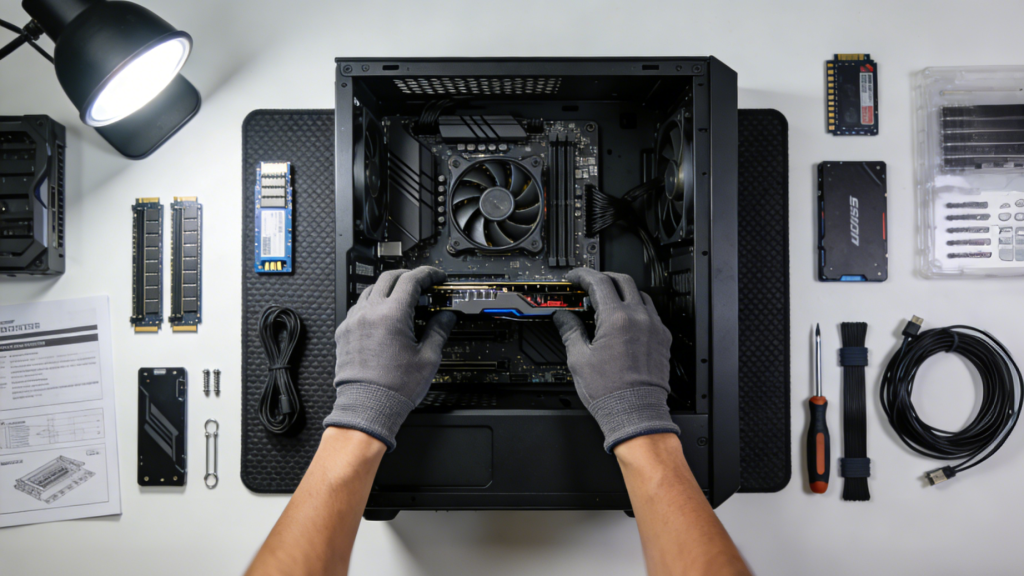
In the modern home office, the desktop computer is often the most expensive and most sensitive piece of equipment. Unlike a lamp or a coffee maker, a computer contains delicate microprocessors that can be fried by a surge lasting only a fraction of a second. While many people use surge protectors, these strips have a limited lifespan and a finite amount of energy they can absorb. Protecting desktop computers from power surges during vacation is best achieved by completely severing the physical connection to the wall.
When a computer is "turned off," it isn't truly dead. Most PCs remain in a standby mode to allow for features like "Wake-on-LAN" or to keep the internal clock synchronized. This contributes to the phantom power drain appliances problem. Furthermore, peripherals like monitors, printers, and external hard drives all have their own power bricks (transformers) that continue to convert AC to DC power, generating heat and consuming electricity 24/7.
If a lightning strike occurs nearby or the utility company performs maintenance on the lines while you are away, the resulting voltage fluctuations can cause hard drive corruption or motherboard failure. If you have spent thousands of dollars on a custom rig or a high-end workstation, the five seconds it takes to unplug the power strip is the cheapest insurance policy you can buy.

4. Entertainment Hubs: TVs and Game Consoles
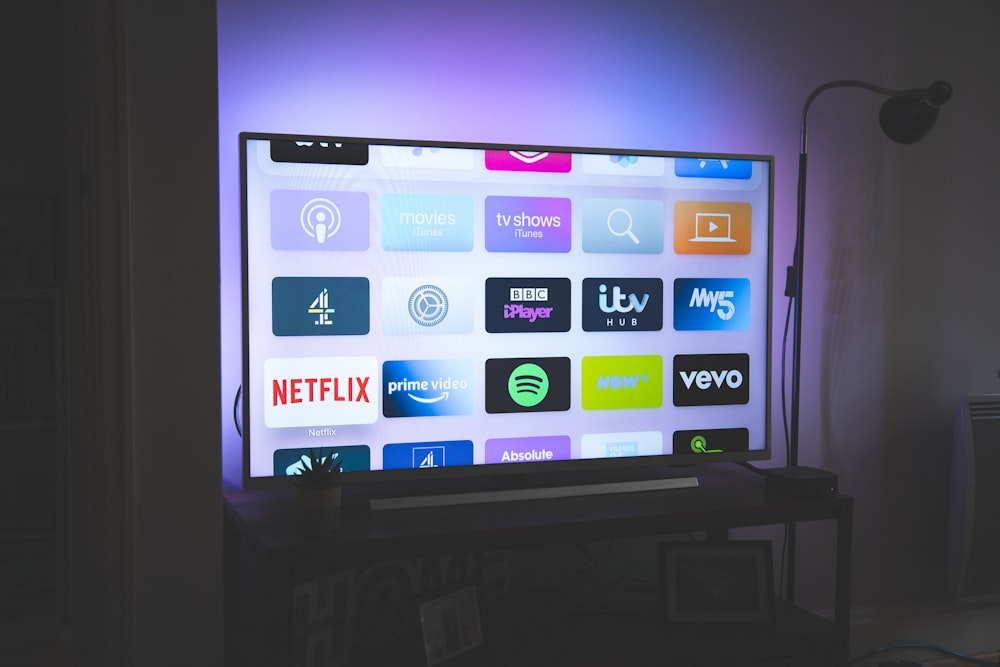
The living room is usually the headquarters for vampire power. Research by the Natural Resources Defense Council found that idle load electricity from devices left plugged in accounts for approximately 23% of the power consumption in the average household. A significant portion of that comes from the "entertainment hub"—the television, game consoles, and cable boxes.
These devices are designed for convenience. They stay in a high-power standby mode so they can boot up in seconds or record scheduled programs. However, that convenience comes at a cost. A single cable box with a DVR can consume more energy annually than a high-efficiency refrigerator. When you are looking for how to reduce phantom power consumption while away, these are your primary targets.
Standby Cost Formula
To understand the financial impact, you can use this simple calculation for your devices:
(Wattage × 24 hours × Days Away) / 1000 = Total kWh Wasted Then, multiply the kWh by your local utility rate (e.g., $0.15) to see how much money is literally vanishing while you sit on a beach.
| Device Type | Estimated Annual Standby Cost | Why It Draws Power |
|---|---|---|
| Smart TV (65"+) | $15 - $25 | Listening for remote signals / Wi-Fi updates |
| Gaming Console | $20 - $30 | Quick-start modes and background downloads |
| Cable/Satellite Box | $21 - $45 | Constant signal processing and DVR standby |
| Soundbar/Audio System | $10 - $18 | Internal transformers and Bluetooth readiness |
By disconnecting these items, you are not just practicing energy-efficient habits; you are actively lowering your electricity bill while on vacation.
5. Portable Power: Chargers and Lithium-Ion Devices
We live in a world powered by lithium-ion batteries. From laptops and tablets to electric toothbrushes and power banks, our homes are filled with rechargeable tech. A common mistake many travelers make is leaving these devices on the charger so they are "ready to go" when they return. However, this creates rechargeable battery fire hazards while on vacation.
Continuous charging can lead to a phenomenon known as thermal runaway, where a battery begins to overheat uncontrollably. While modern chargers have protective circuits, they are not infallible. Leaving a battery at 100% charge for an extended period in a warm house can also lead to lithium-ion battery maintenance issues, such as reduced overall lifespan or swelling of the battery casing.
It is much safer to charge your devices to about 50%—the ideal storage voltage—and then unplug them entirely. This mitigates fire hazard mitigation risks and ensures that your expensive electronics aren't being subjected to unnecessary heat stress. This rule applies to everything from your cordless vacuum to your secondary smartphone sitting in a drawer.

6. Smart Solutions: Using Power Strips and Timers
Manual unplugging for vacation can feel like a chore, especially if your outlets are behind heavy furniture. This is where smart solutions come into play. Investing in high-quality smart power strips or timers can automate your energy savings. Some advanced power strips have a "master" outlet; when you turn off the main device (like your TV), it automatically cuts power to all the "slave" outlets (like the DVD player or game console).
For those looking at lowering your electricity bill while on vacation, smart plugs allow you to control devices remotely via an app. If you forget to unplug the coffee maker, you can simply kill the power from your smartphone at the airport. However, for maximum security, the manual physical disconnect remains the gold standard.
Before you lock the door, do one final walkthrough. Check your GFCI outlets in the kitchen and bathroom to ensure they are functioning correctly. Common devices people forget to unplug before leaving include the microwave, the electric kettle, and even the garage door opener (if you have an alternative way back in). These small actions collectively create a fortress of efficiency and safety.
FAQ
Should I unplug all appliances before going on holiday?
You do not need to unplug everything. Essential items like your refrigerator, freezer, and home security system should remain powered. However, non-essential "vampire" electronics and high-heat gadgets should be disconnected to save money and prevent fire risks.
What are the benefits of unplugging for vacation?
The benefits are twofold: safety and savings. You eliminate the risk of electrical fires caused by surges or faulty internal components and reduce your electricity bill by cutting out standby power, which can account for up to 10% of your home's energy use.
Is it safer to unplug electronics when traveling for a long time?
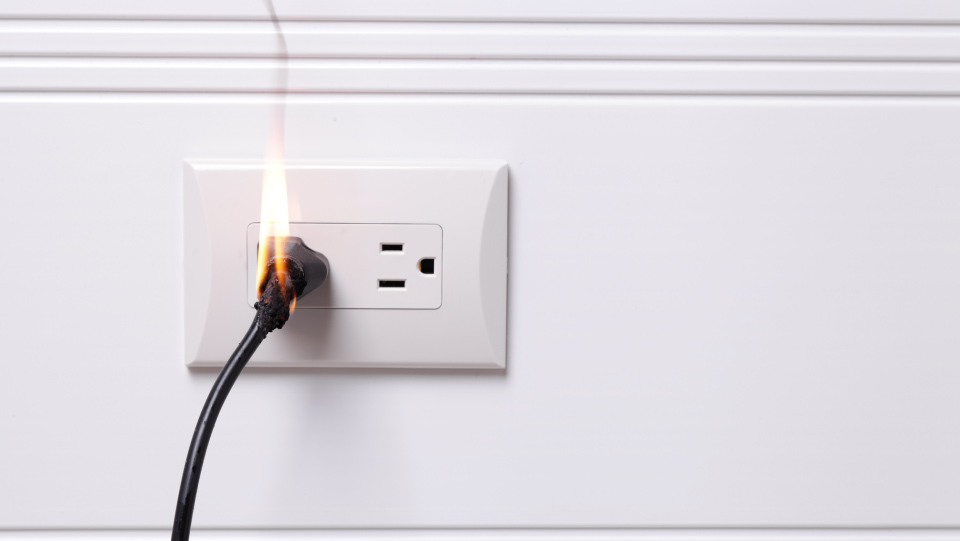
Yes, it is significantly safer. Unplugging electronics provides a physical break in the circuit, protecting your devices from lightning strikes, power surges, and potential internal malfunctions that could occur while the home is unoccupied.
What is a digital detox vacation?
A digital detox vacation is a trip where you intentionally refrain from using electronic devices like smartphones, computers, and social media. Unplugging your devices at home can be a great physical representation of this mental commitment to disconnect and recharge.