Quick Facts
- Safety Priority: One child dies every three weeks from furniture or TV tip-overs; mounting is the primary prevention method.
- National Average Cost: Professional tv mounting service typically costs around $254 on average.
- Ideal Height: The recommended tv wall mount height is 42 inches from the floor to the center of the screen.
- Weight Limit: For wall mounting a 75 inch tv using an articulating arm, dual-stud attachment is usually required.
- Compatibility Check: Always verify VESA compatibility to ensure the bracket matches the mounting holes on the back of your television.
- Tool Requirements: DIY installations require a stud finder and 3-3.5 inch lag bolts for a secure hold into wooden wall studs.
Should you mount your TV? While mounting tv on wall offers a minimalist look and critical child safety benefits, choosing a poor tv wall mount height can lead to significant neck strain. Before you commit, it is essential to explore the tv mounting cost and technical requirements to ensure a seamless integration into your smart home.
The Case for Mounting: Safety and Minimalism
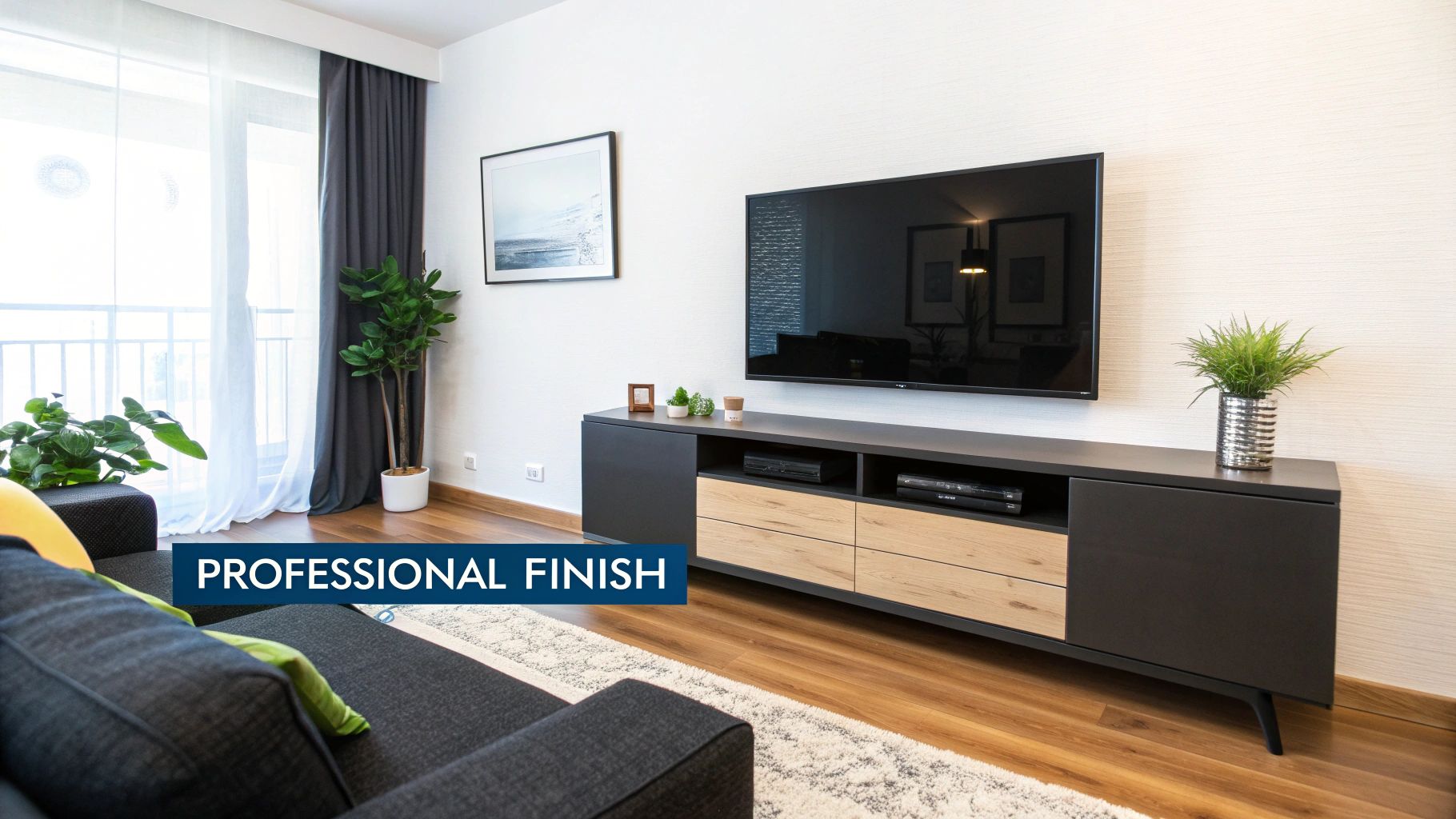
As a smart home editor, I often see gorgeous living rooms cluttered by massive, dated entertainment centers. The most immediate benefit of tv mounting is the aesthetic transformation. By removing a bulky media console, you regain valuable floor space and achieve a minimalist aesthetic that makes even a small apartment feel airy. However, the motivation for mounting often goes beyond interior design.
For parents and pet owners, safety is the driving force. According to Safe Kids Worldwide, one child dies every three weeks from a furniture or TV tip-over incident, and securing your screen is the single most effective way to prevent these tragedies. Unlike a factory stand, which can be easily wobbled or pulled forward, a high-quality mount keeps the device out of reach from curious hands and paws.
Beyond safety, wall mounting a 75 inch tv or larger allows for a more cinematic feel. When you integrate the screen directly into the room's design, it feels like an architectural feature rather than a piece of electronics. Modern mounts also offer security benefits; many models include locking mechanisms that make quick theft significantly more difficult compared to a TV simply sitting on a shelf.
The Cons: Ergonomics and Technical Access
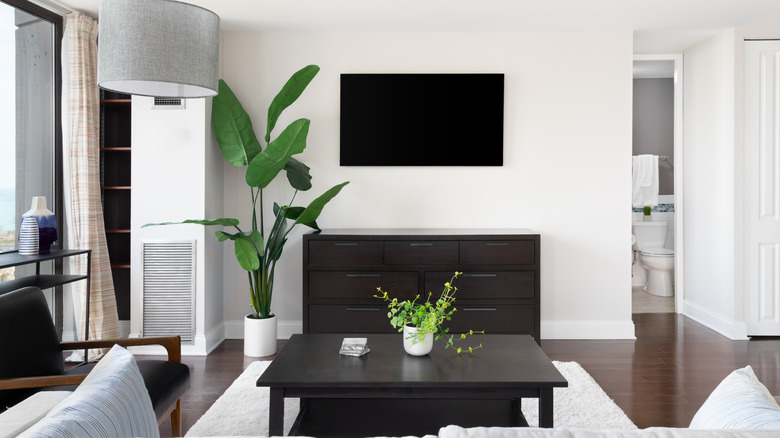
The most common mistake I see is what the internet affectionately calls r/TVTooHigh. If you position your screen like a painting above a mantle, you are inviting chronic physical discomfort. To minimize neck and eye strain, the recommended ergonomic height for a wall-mounted television is approximately 42 inches from the floor to the center of the screen. This height aligns the screen with your natural seated eye level.
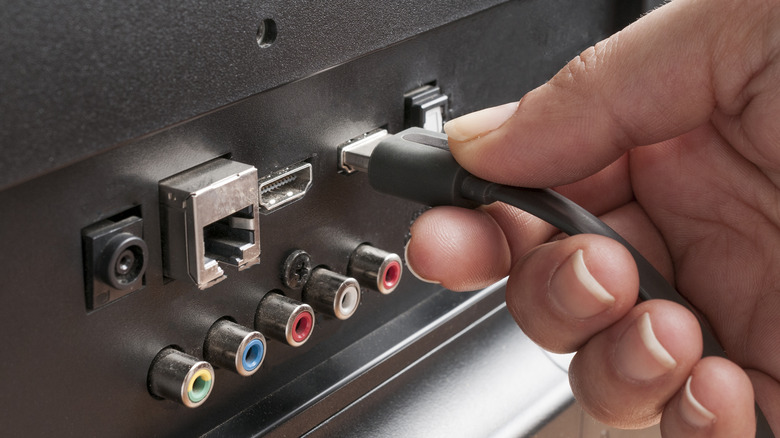
Another drawback is the physical restriction of the hardware. If you choose a low-profile bracket to keep the TV flush against the wall, you may find it nearly impossible to access HDMI or USB ports later. This is particularly frustrating when you want to add a new game console or streaming stick. To avoid this, I recommend using an articulating arm or at least a tilting mount that provides a few inches of clearance.
Furthermore, viewing angle ergonomics play a huge role in picture quality. Most LED and LCD panels lose color accuracy and contrast when viewed from the side or from below. If you are mounting tv in corner or high on a wall, you must use a mount with tilt and swivel functions to ensure the screen faces you directly, otherwise, you are paying for a high-end display only to see a washed-out image.
Cost Analysis: Professional Service vs. DIY
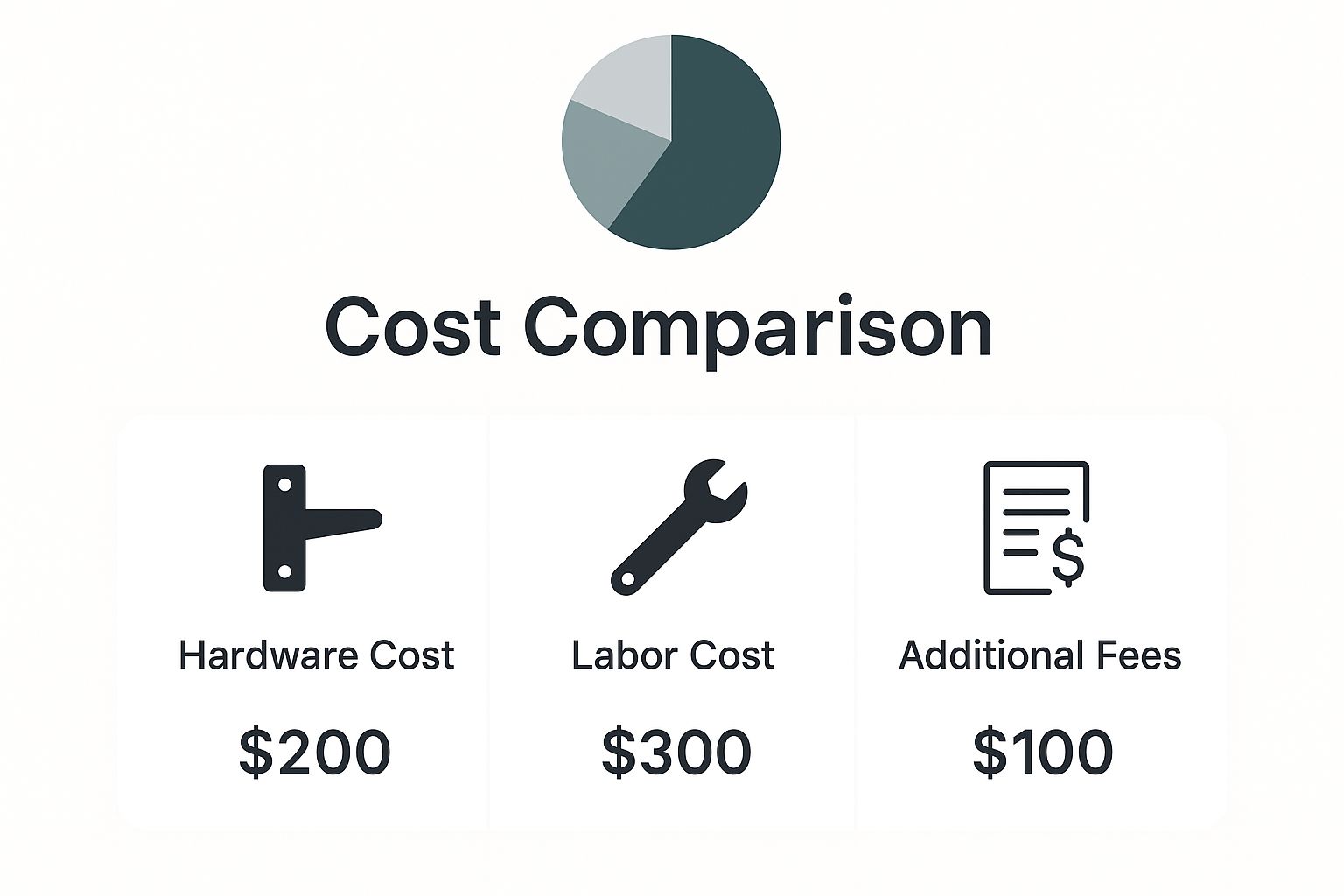
Deciding whether to hire a tv mounting service or tackle the job yourself often comes down to your comfort level with a power drill and the complexity of your wall. A professional installation typically ranges from $150 to $500, with the national average sitting around $254. Professionals bring their own tools and insurance, which provides peace of mind when hanging an expensive 85-inch OLED.
If you choose the DIY route, you might save on labor, but don't forget the cost of specialized tools. You will need a reliable stud finder to ensure you aren't just drilling into hollow drywall. Furthermore, figuring out how to hide wires when mounting tv can add significantly to your budget. A simple plastic cable management system is cheap, but an in-wall power extension kit that hides cables behind the drywall usually costs between $50 and $100.
| Expense Category | DIY Estimated Cost | Professional Service Cost |
|---|---|---|
| TV Mount Hardware | $30 - $120 | Included or $50 - $150 |
| Tools (Stud Finder, Drill, Level) | $60 - $150 | N/A |
| Labor / Installation Fee | $0 | $150 - $350 |
| Wire Management (In-wall) | $50 - $100 | $75 - $150 (Add-on) |
| Specialized Walls (Brick/Concrete) | $15 (Masonry bits) | $35 - $75 (Service fee) |
Hardware and Installation Standards
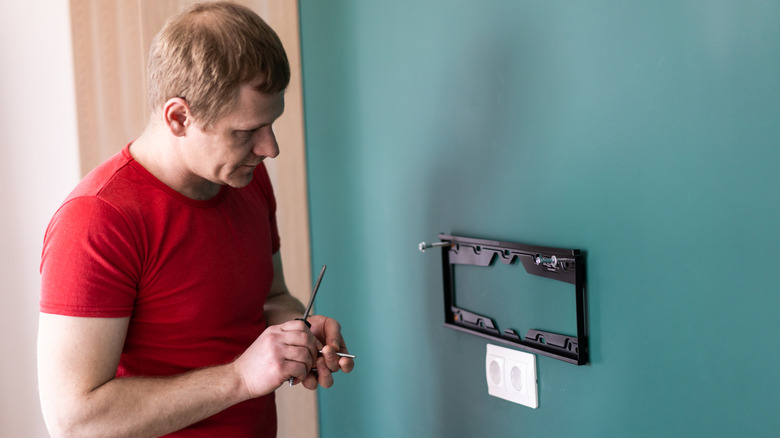
Before you buy a mount, you must understand VESA compatibility. VESA is the standard distance between the four mounting holes on the back of your TV, measured in millimeters (e.g., 400x400). If your mount doesn't match these measurements, it won't fit. Additionally, never rely on drywall anchors alone for a large TV. For any screen over 32 inches, you must secure the bracket into wooden or metal studs using 3-3.5 inch lag bolts.
Hardware Checklist for DIYers
- Stud Finder: Essential for locating the structural support behind your wall.
- Bubble Level: To ensure your screen isn't crooked.
- Lag Bolts: Specifically 3 to 3.5 inches in length to penetrate deep into the studs.
- VESA Compatible Mount: Check your TV manual for the exact pattern.
- Power Drill and Bits: Masonry bits are required for brick or stone.
- Cable Management System: Either on-wall tracks or an in-wall rated power kit.
Specialized Scenarios: Renters and Fireplaces
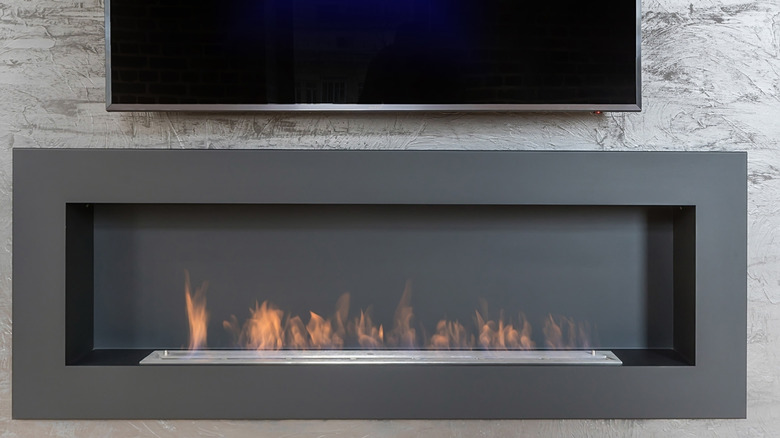
Mounting a TV becomes more complicated in specific home environments. If you are mounting tv over fireplace, you have to contend with thermal heat exposure. Excessive heat can degrade the internal components of your TV and shorten its lifespan. If you must use this location, consider a pull-down mantle mount that allows you to lower the TV to a comfortable height while it’s in use, and always check the temperature of the wall while the fire is burning.
Considerations for Renters
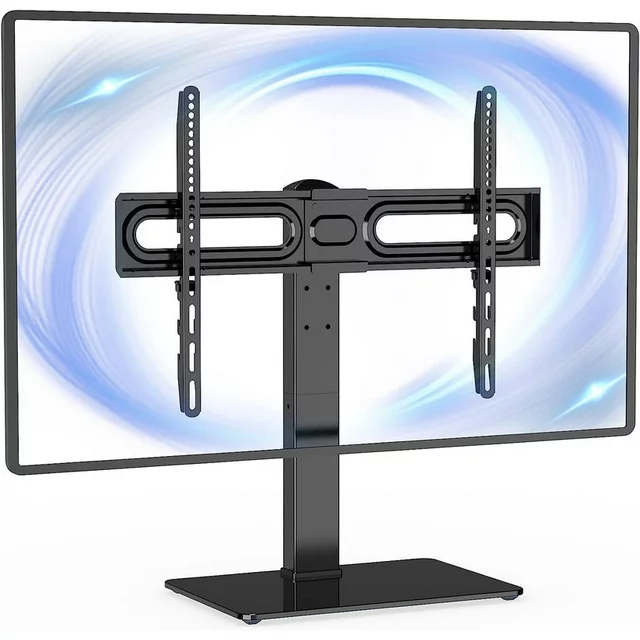
For those in apartments, the tenancy agreement is your biggest hurdle. Many landlords prohibit drilling large holes into the wall, which makes traditional tv mounting a risk for your security deposit. If you can't get permission, look for no-drill alternatives. There are "hybrid" stands that lean against the wall or tall, slim floor stands that mimic the look of a wall mount without requiring any permanent alterations to the structure.
If you have permission to drill, be prepared to patch the drywall and paint when you move out. Remember that hiding wires inside the wall often requires a larger hole for the wall plate installation, which might be more damage than a landlord is willing to overlook.
FAQ
How much does it usually cost to mount a TV?
On average, a professional tv mounting service will cost you about $254. This price can fluctuate between $150 and $500 depending on the size of the TV, the type of wall material (brick and concrete are more expensive), and whether you want the technician to hide the cables inside the wall.
Is it worth paying someone to mount a TV?
Yes, especially if you have an expensive, large-format screen or a difficult wall surface like stone or plaster. Professionals ensure the TV is perfectly level, properly secured to studs, and they carry insurance in case of accidents. It is also worth it if you are uncomfortable with electrical work required to hide wires.
Can I mount my TV myself?
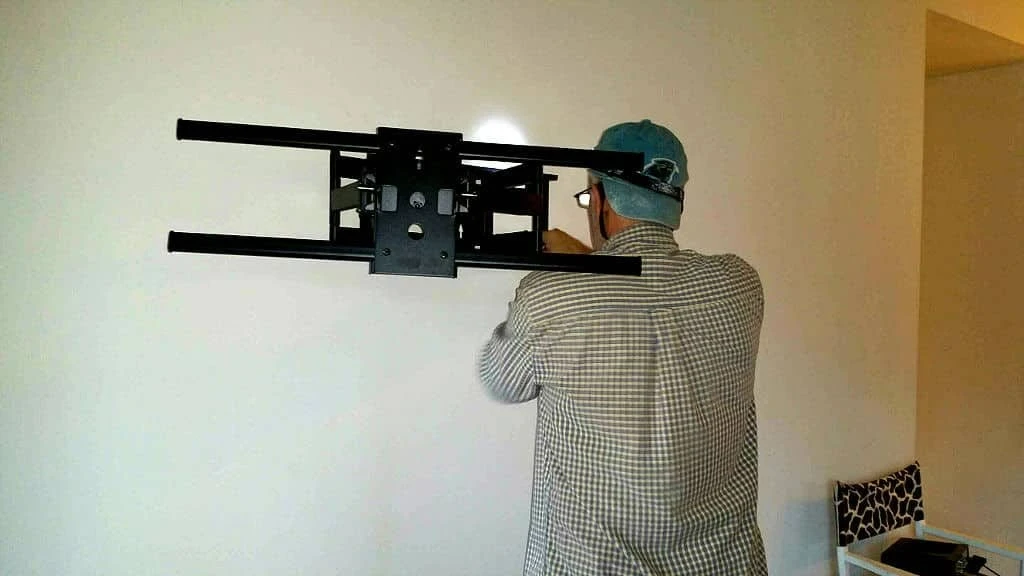
Absolutely, provided you have the right tools and a helper. You will need a stud finder, a level, and a power drill. Most modern mounts come with clear instructions, but you must be certain you are hitting the center of the studs. For screens larger than 55 inches, we strongly recommend having a second person to help lift the TV onto the bracket.
How far should you sit from a 55 or 65-inch TV?
For a 55-inch TV, the ideal sitting distance is roughly 4.5 to 7 feet. For a 65-inch TV, you should aim for a distance of 5.5 to 8 feet. This ensures that you can take in the entire screen without straining your eyes or seeing the individual pixels of the display.
The decision to mount your TV often boils down to balancing your desire for a clean, modern look with the technical realities of your living space. If you prioritize child safety and have a clear path to the wall studs, mounting is almost always the better choice. However, if you are a renter with a strict lease or you are forced to mount the TV far above eye level, a high-quality stand might serve you better in the long run. For screens over 75 inches, I always suggest consulting a professional to ensure the weight is distributed safely across your wall's internal structure.