Our Top Picks
- The Value King (RTX 4080): This is the sweet spot of the lineup, offering performance that rivals $5,000 flagships for nearly half the price. It is the definitive choice for those who want desktop replacement power.
- The Entry-Level Pro (RTX 4070): Ideal for competitive gamers on a stricter budget, starting at approximately $1,799, providing a high-refresh-rate experience without the premium tax found on thinner competitors.
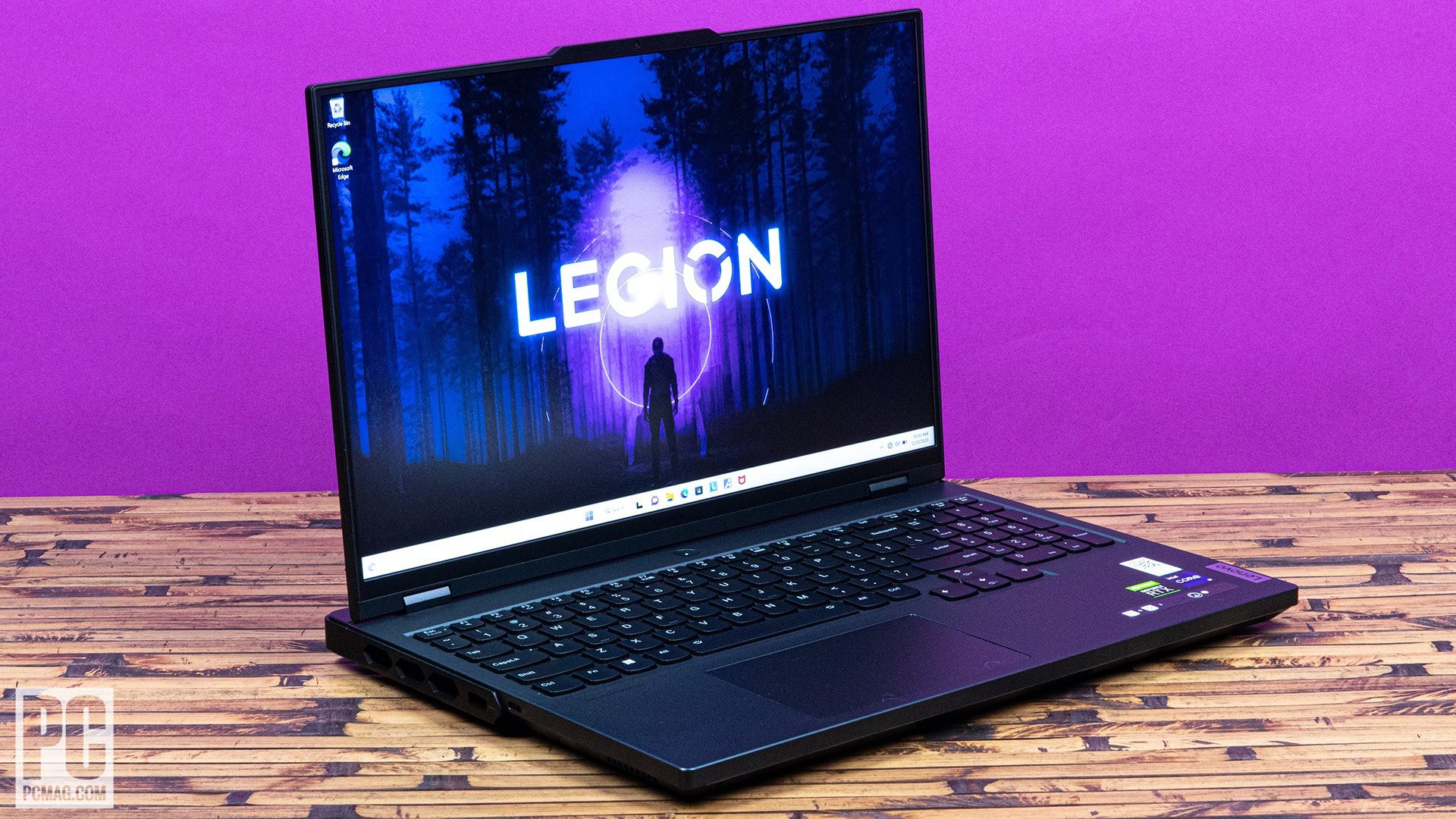
The Lenovo Legion 7i Gen 8 is arguably the best gaming laptop for value in 2026, offering elite RTX 4080 performance and an i9-13900HX processor at a price point significantly lower than its premium competitors. By focusing on raw power and efficient cooling rather than ultra-thin aesthetics, Lenovo has created a machine that dominates benchmarks while remaining accessible to serious enthusiasts.
Design and Build: Utilitarian Stealth
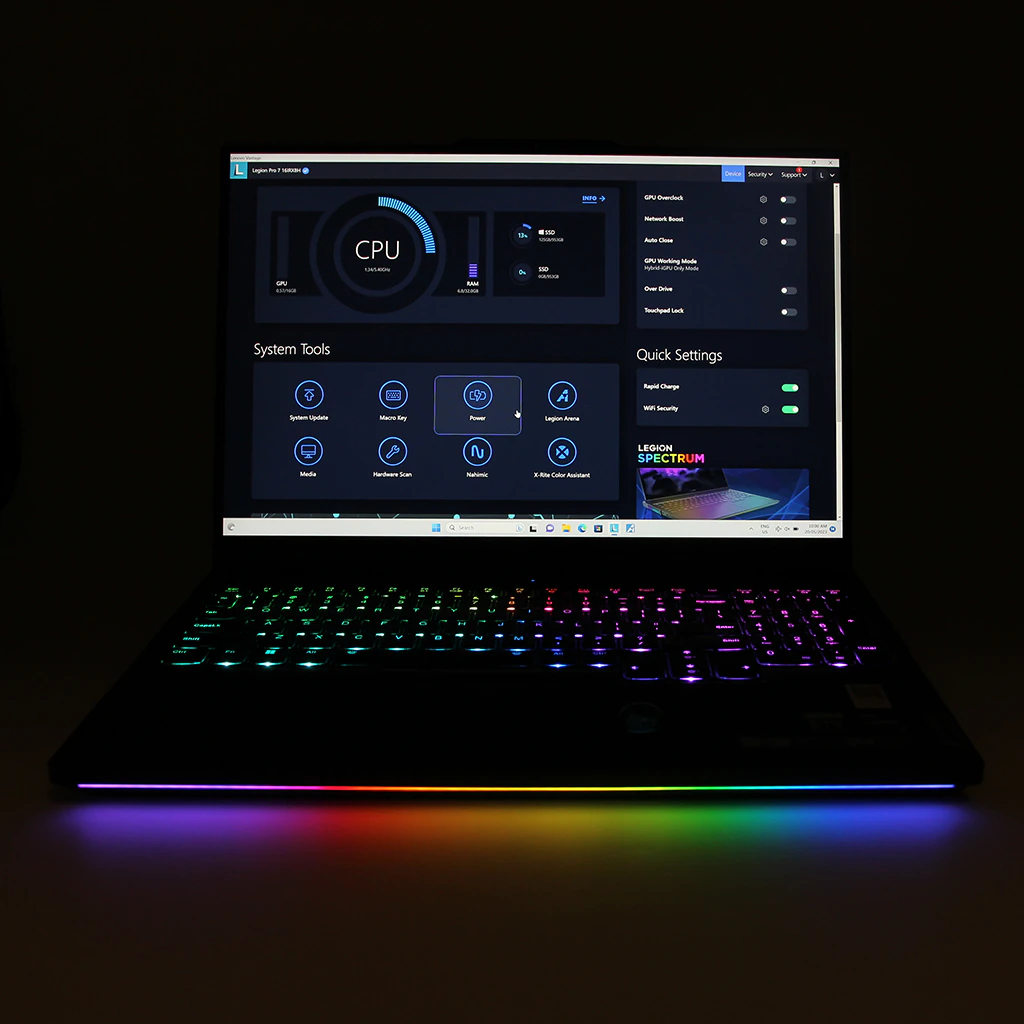
When we first unboxed the Lenovo Legion 7i, the immediate impression was one of disciplined engineering. Lenovo has largely stepped away from the flashy, aggressive "gamer" aesthetics that defined the previous decade. Instead, we are left with an Onyx Grey anodized aluminum chassis that feels remarkably professional. If you turn off the RGB lighting, this machine looks more like a high-end workstation than a gaming rig, making it perfectly suitable for a boardroom or a creative studio.
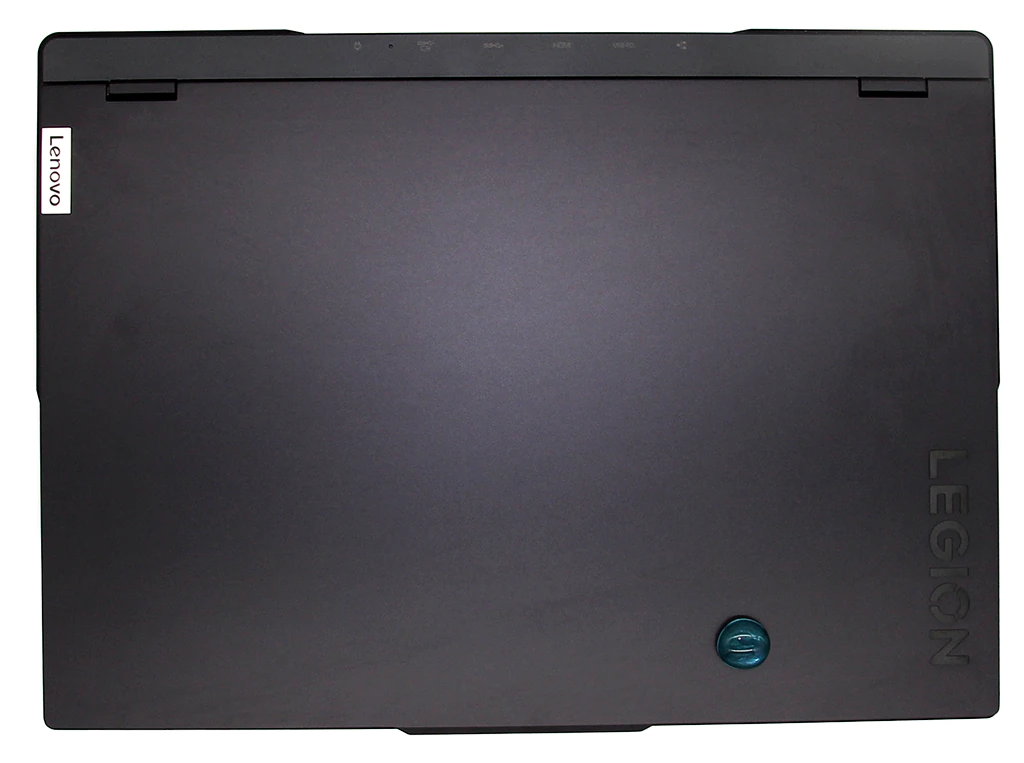
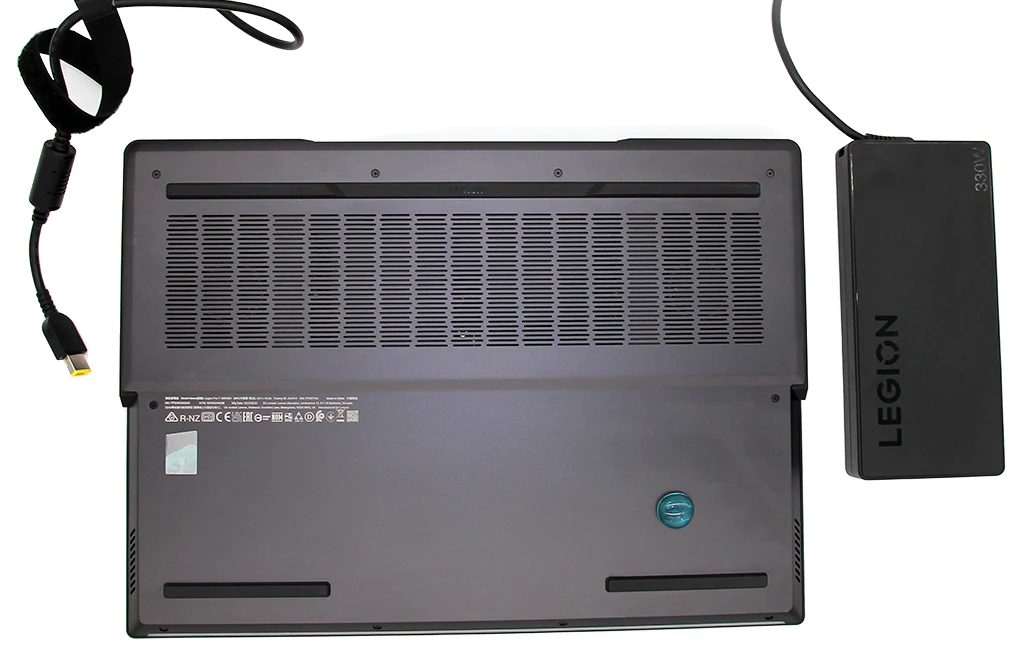
The build quality is rigid with minimal flex in the screen or the keyboard deck. However, this durability comes with a trade-off in portability. The laptop itself weighs roughly 2.8kg, but when you factor in the massive 330W power brick, the total travel weight jumps to 3.6kg. This is a desktop replacement in the truest sense; you can move it, but you won't want to carry it on a cross-country flight every week.
What truly sets the Lenovo Legion 7i apart for power users is its connectivity. Lenovo continues to lead the industry in port layout by placing the majority of the heavy-duty connections at the rear. This keeps your desk clutter-free, as power, HDMI 2.1, and Ethernet cables are tucked out of sight.
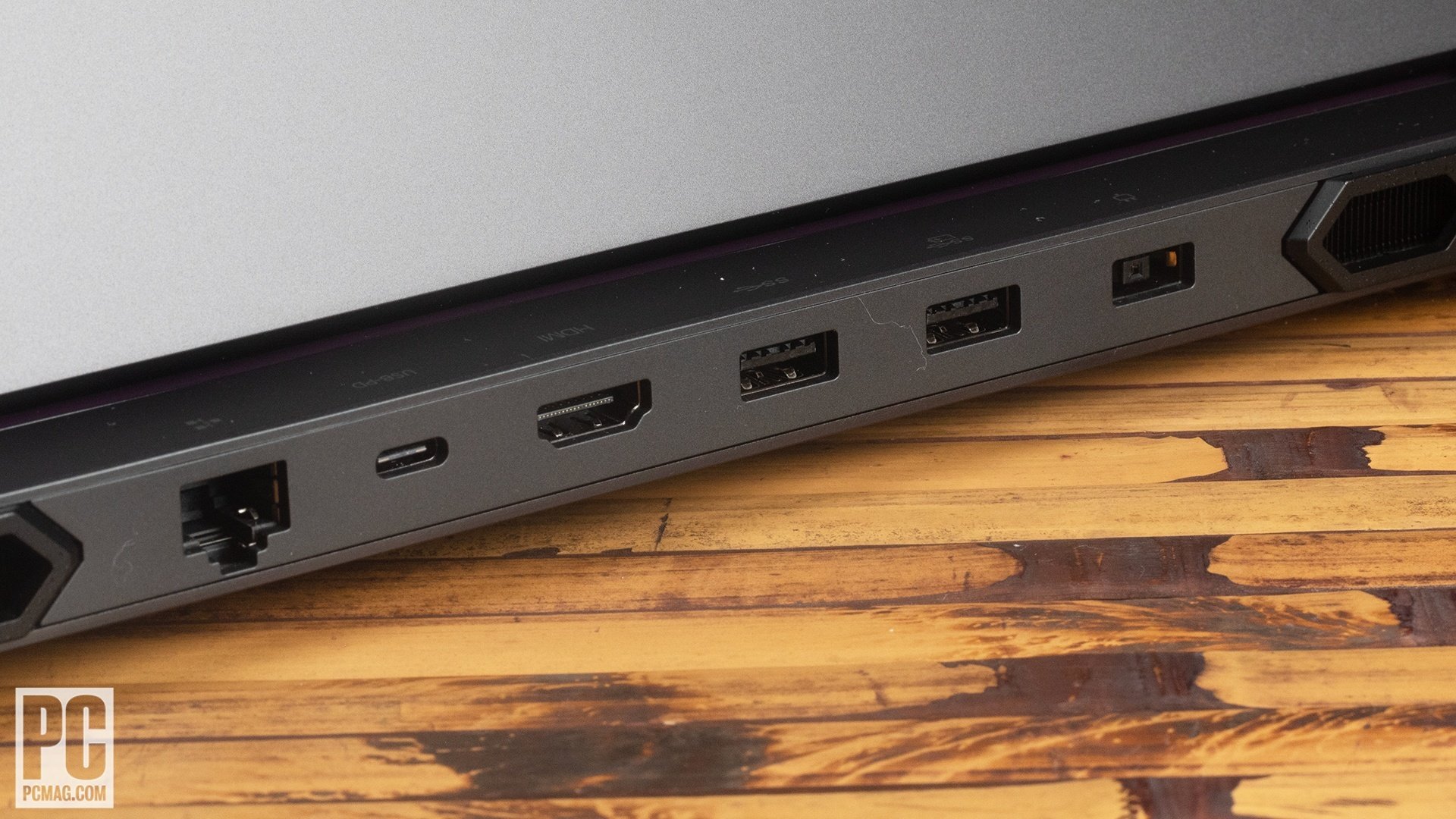
The Lenovo Legion 7i Gen 8 connectivity and port layout includes:
- Rear: 2x USB-A 3.2 Gen 1, 1x USB-C 3.2 Gen 2 (DisplayPort 1.4, 140W Power Delivery), HDMI 2.1, RJ45 Ethernet.
- Left side: 1x Thunderbolt 4 (USB 4, DisplayPort 1.4), 1x USB-A 3.2 Gen 1.
- Right side: 1x USB-A 3.2 Gen 1, Headphone/mic jack, and the electronic webcam shutter switch.
That electronic shutter is a nice touch for the privacy-conscious, physically disconnecting the 1080p camera when not in use.
Performance Benchmarks: The RTX 4080 Sweet Spot
In the world of gaming hardware, "value" usually implies compromise. However, our testing of the RTX 4080 configuration suggests otherwise. Lenovo has utilized the Nvidia Ada Lovelace architecture to its fullest potential by allowing the GPU to run at its 175W maximum total graphics power (TGP). This is bolstered by the proprietary LA-2Q AI chip, which monitors frame rates and adjusts the power distribution between the Intel Core i9-13900HX and the GPU in real-time.
| Benchmark Test | Legion 7i (RTX 4080) | Legion 7i (RTX 4090) | MSI Titan GT77 (RTX 4090) |
|---|---|---|---|
| 3DMark Time Spy | 18,971 | 21,450 | 22,100 |
| CS:GO (1080p Low) | 447 fps | 465 fps | 480 fps |
| Cyberpunk 2077 (1440p Ultra) | 88 fps | 105 fps | 112 fps |
| Price (Approximate) | $2,499 | $3,299 | $4,500+ |
In our standardized testing, the 3DMark Time Spy score of 18,971 puts the Legion 7i within striking distance of machines that cost twice as much. For competitive players, the performance in e-sports titles is staggering, with the machine averaging 120.5 frames per second in demanding AAA titles at native resolution. This level of performance makes the Legion 7i Gen 8 RTX 4080 gaming benchmarks some of the most impressive in its price bracket.
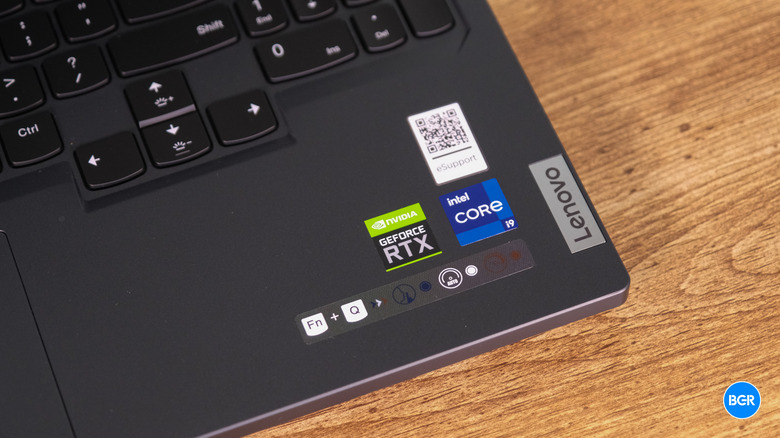
We also tested the MUX switch functionality via the Lenovo Vantage software. By bypassing the integrated graphics and sending the signal directly from the Nvidia GPU to the display, we saw a consistent 5-10% bump in frame rates in CPU-bound titles. This flexibility, combined with the raw TGP power limits, cements the Lenovo Legion 7i as a top contender for best gaming laptops under 3000.
Display and Thermals: ColdFront 5.0 Excellence
A powerful GPU is useless if the screen can't keep up or the laptop melts under the pressure. The 16-inch QHD+ IPS display on the Legion 7i is a highlight. With a 2560 x 1600 resolution and a 240Hz refresh rate, it hits the "Goldilocks" zone for gaming—sharp enough for cinematic immersion but fast enough for competitive play.
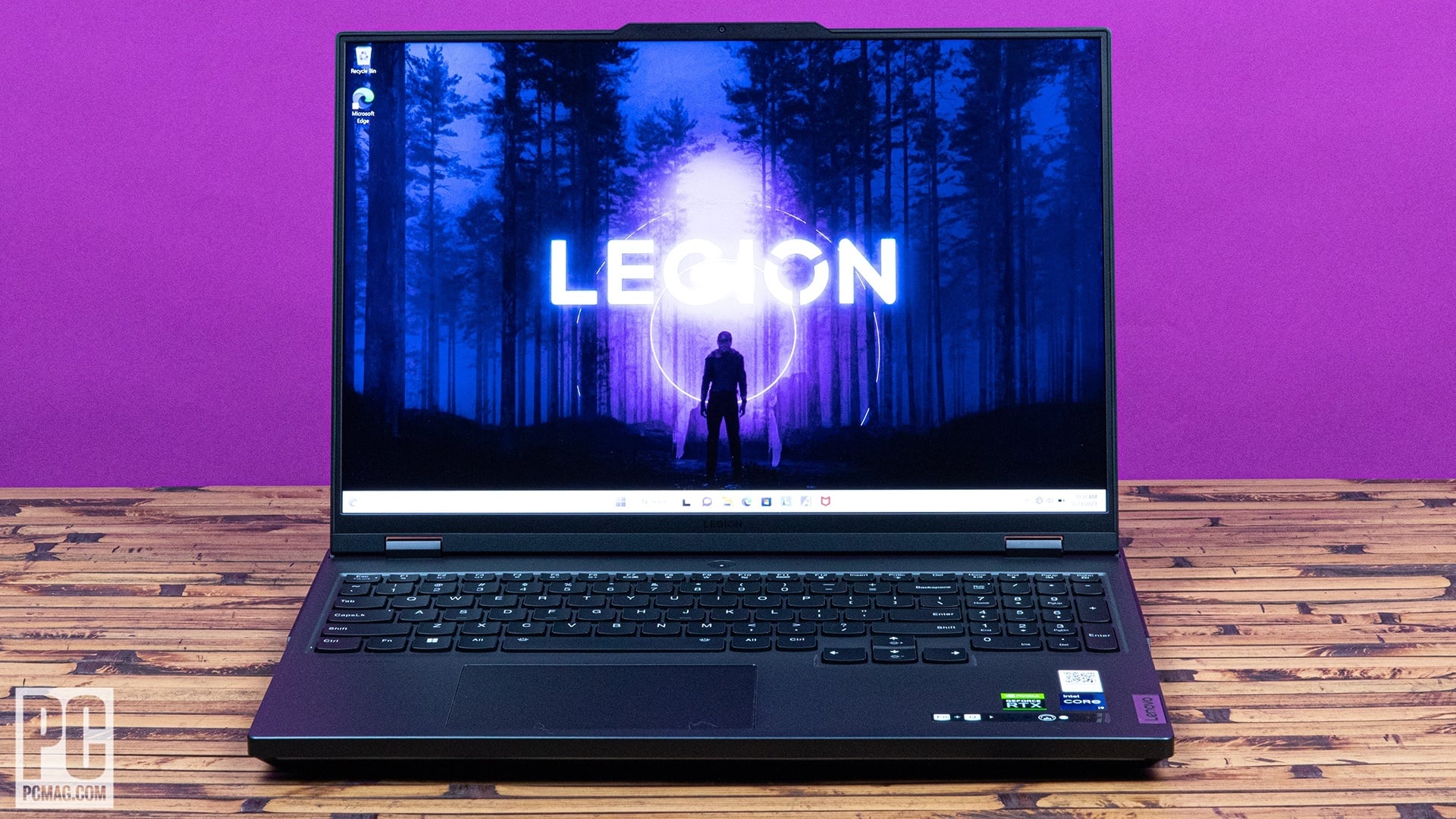
The panel reaches a peak of 500 nits of brightness, which is sufficient to combat glare in well-lit rooms. However, there is a minor caveat for creative professionals: while the screen covers 100% of the sRGB gamut, it doesn't reach the full DCI-P3 coverage required for high-end HDR color grading. For 99% of gamers, this is a non-issue, but it’s worth noting if you plan to use this for professional video work.
To keep the i9-13900HX from throttling, Lenovo employs its ColdFront 5.0 cooling system. This isn't just a marketing buzzword; it includes an expansive vapor chamber technology that covers both the CPU and GPU. During a two-hour session of Cyberpunk 2077, the GPU temperatures remained stable in the mid-70s Celsius.
The Lenovo Legion 7i Gen 8 fan noise and thermal management are surprisingly well-tuned. In "Balanced" mode, the fans are audible but provide a low-frequency hum that is easily masked by headphones. In "Performance" mode, the fans ramp up to 51 dBA, which is loud but necessary to maintain those 175W power targets.
Battery Life and Charging: Rapid Recovery
Let’s be honest: nobody buys a 16-inch gaming laptop for its battery life. Despite the massive 99.9Whr battery—the largest allowed on an airplane—the high power draw of the components limits the Lenovo Legion 7i Gen 8 battery life for productivity to about 5 or 6 hours of light web browsing. If you try to game on the battery, expect to see the "low battery" warning in under 90 minutes.
However, Lenovo compensates for this with their 330W Rapid Charge Pro technology. We found that we could restore the battery from nearly empty to 80 percent in approximately 30 minutes. This "rapid recovery" capability changes the way you use the laptop; you don't need to leave it plugged in all night, just a quick charge during a lunch break is enough to get you through an afternoon of meetings.
When conducting a Legion 7i Gen 8 vs Asus ROG Strix Scar 18 price comparison, the Lenovo consistently comes out ahead on value. While the Scar 18 offers a larger screen, the Legion 7i provides nearly identical gaming performance for hundreds of dollars less, while the charging tech remains equally competitive.
The Trade-offs
| Pros | Cons |
|---|---|
| Elite RTX 4080 Performance | Heavy travel weight (3.6kg total) |
| ColdFront 5.0 Thermal Efficiency | Mediocre speaker bass response |
| 330W Rapid Charge Pro | 100% sRGB limit (not for DCI-P3 pros) |
| Professional Stealth Design | Plastic keyboard deck (vs full metal) |
Final Verdict: Is It Worth the Investment?
The Lenovo Legion 7i Gen 8 succeeds because it doesn't try to be something it’s not. It isn't trying to be the thinnest laptop in the world, and it isn't trying to win design awards with excessive RGB strips. Instead, it focuses on being the best 16-inch gaming laptops for value 2026 by delivering the highest possible frame rates per dollar spent.
For most users, the RTX 4080 configuration is the definitive choice. Stepping up to the RTX 4090 offers diminishing returns for the significant price hike, while the RTX 4070 model, which has been cited to start at approximately $1,799, serves as an excellent entry point for those who want the Legion's premium build without the $2,500+ price tag.
If you are looking for a best gaming laptops under 3000 with RTX 4080 that can handle both professional workloads and elite-level gaming, the Legion 7i is our top recommendation. It is a no-nonsense, high-performance tool that proves you don't need to spend $5,000 to get a flagship experience.
FAQ
Is the Lenovo Legion 7i worth buying?
Yes, particularly the RTX 4080 configuration. It offers a price-to-performance ratio that is difficult to beat in the current market, delivering flagship-level gaming results and a professional build quality that justifies its cost for both gamers and creators.
What is the difference between Legion 7 and Legion 7i?
The "i" in the name stands for Intel. The Legion 7i features Intel Core processors (like the i9-13900HX), while the standard Legion 7 (often referred to as the Legion 7 Gen 8 AMD) utilizes AMD Ryzen 7000 series processors. Generally, the Intel versions offer slightly better peak performance and Thunderbolt 4 support.
How long does the battery last on the Lenovo Legion 7i?
Under typical productivity workloads like web browsing and document editing at 50% brightness, you can expect between 5 to 6 hours. For gaming, the battery will likely last less than 1.5 hours. However, the 330W charger can restore 80% of the capacity in just 30 minutes.
Does the Lenovo Legion 7i have overheating issues?
No. Thanks to the ColdFront 5.0 cooling system and the integrated vapor chamber, the Legion 7i manages its thermals very effectively. While the fans can become loud in Performance mode, the internal components maintain stable temperatures well below the thermal throttling threshold.
Can you upgrade the RAM and SSD in a Lenovo Legion 7i?
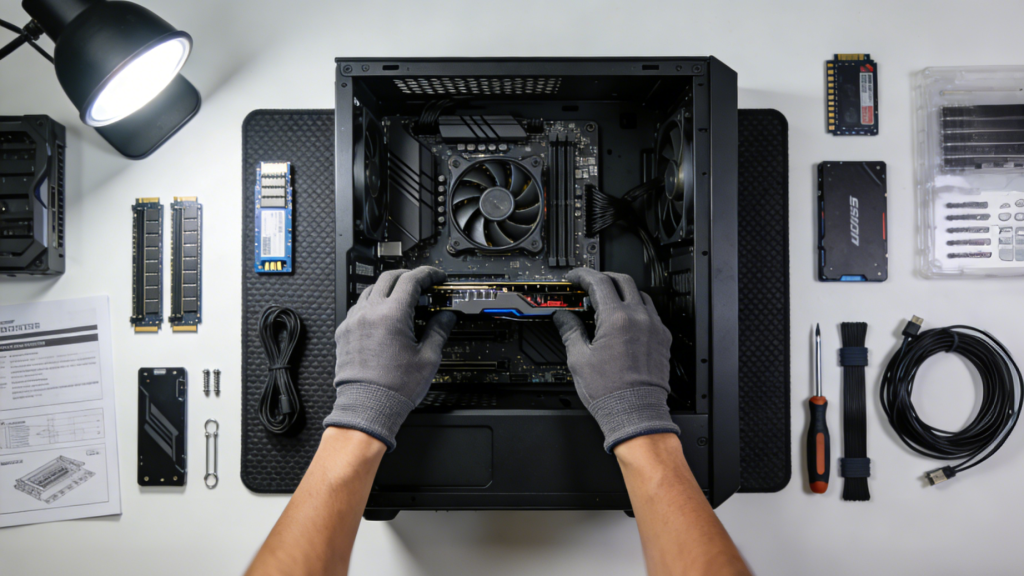
Yes. The Legion 7i is very user-friendly for upgrades. It features two SO-DIMM slots for DDR5 RAM and two M.2 2280 PCIe Gen 4 slots for SSD storage. Accessing these slots requires removing the bottom panel, which is held in place by standard Phillips head screws.