Quick Facts
- The Core Four: The essential foundation for your watch consists of Google Gemini, Google Keep, Strava, and SleepisolBio.
- Primary Utility: These applications cover the critical pillars of modern wearables: AI assistance, productivity, independent fitness tracking, and advanced sleep management.
- System Requirement: Optimized for Wear OS 6, though fully compatible with devices running Wear OS 5 or later.
- Hardware Synergy: Best performance is seen on the Exynos W1000 and equivalent 3nm processors found in the latest flagship devices.
- Market Trend: Wear OS is projected to reach a 27% market share outside of China by the end of 2024, reflecting its growing dominance in the wearable tech ecosystem.
- User Behavior: More than 92% of smartwatch users rely on their devices to monitor and improve their health and fitness.
- Direct Answer: The four essential Wear OS apps for any new smartwatch setup in 2026 are Google Gemini for AI assistance, Google Keep for wrist-based productivity, Strava for fitness tracking, and SleepisolBio for advanced health monitoring.
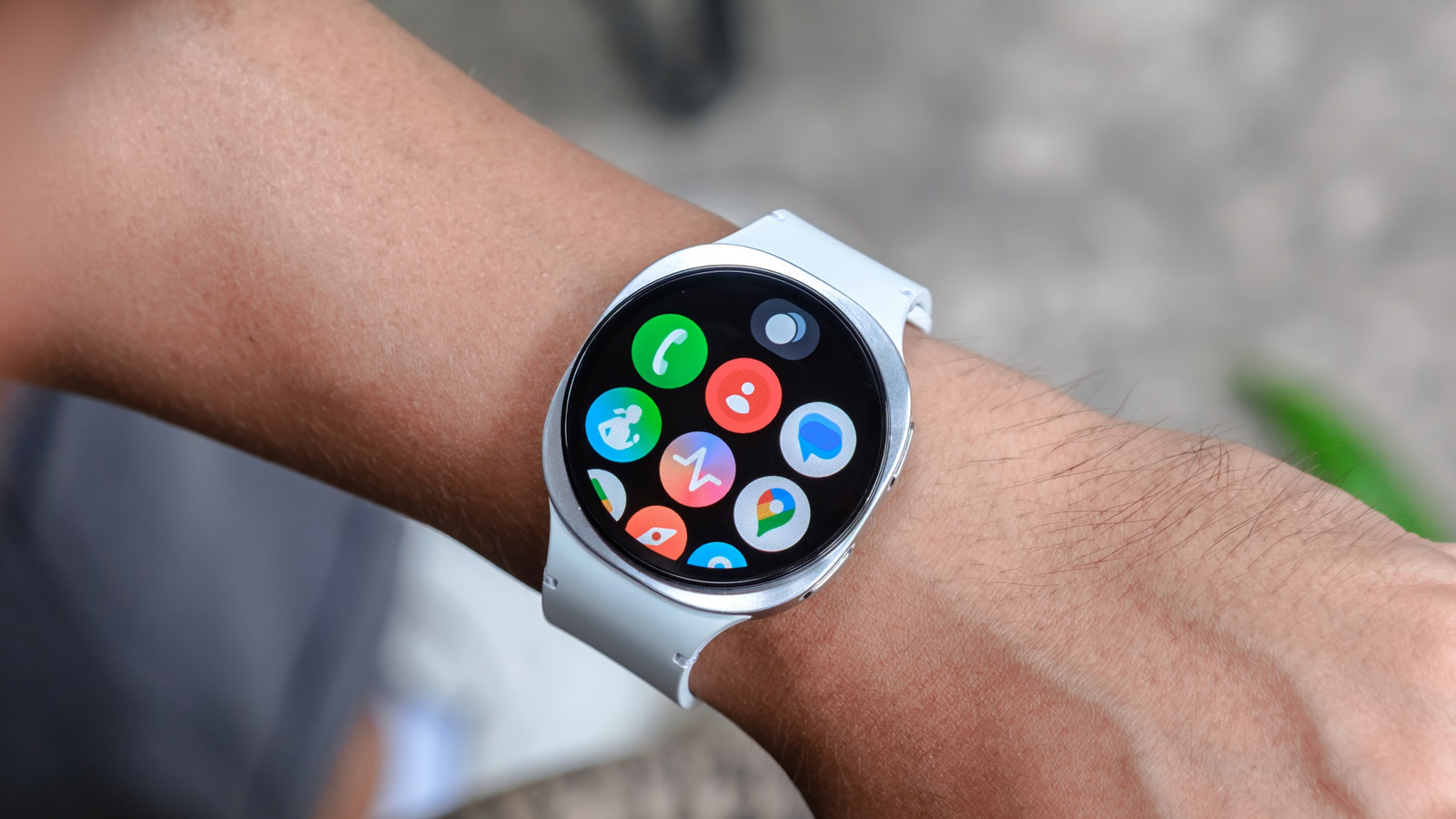
Essential Wear OS apps are the foundation of a great smartwatch experience. In 2026, these four core applications turn your wearable into a high-performance companion that works for you, rather than just being another screen to manage. By focusing on this curated top apps for Android Wear OS setup, you can maximize your device's potential from day one, whether you are wearing the latest Samsung Galaxy Watch 8 or the Pixel Watch 4.
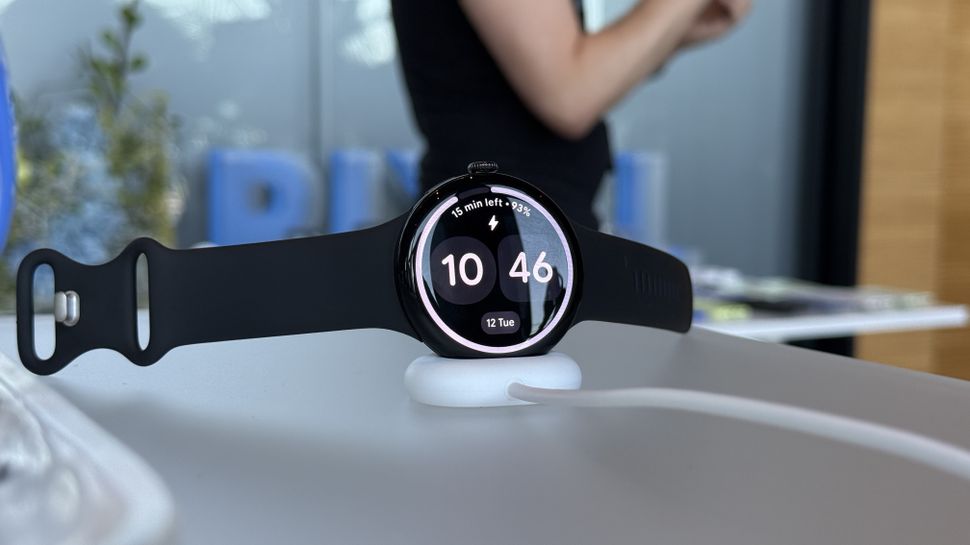
Unboxing a new smartwatch is a ritual. You peel back the plastic, strap the cold metal and glass to your wrist, and wait for that familiar boot animation. But once the initial setup is complete, many users hit a wall. The Google Play Store is vast, and your watch's storage and battery life are precious. In my years of testing mobile devices, I have found that the difference between a gadget that collects dust and a tool that changes your life is the initial software loadout.
As we move through 2026, the wearable tech ecosystem has matured. We are no longer just looking for "watch versions" of phone apps; we want standalone utility. With the rollout of Wear OS 6, navigation is smoother, and the hardware—boasting displays that hit 3,000 nits of peak brightness—is finally powerful enough to handle complex tasks. Here are the first four apps you should download to turn that new hardware into a productivity and health powerhouse.
Google Gemini: The Ultimate AI Companion
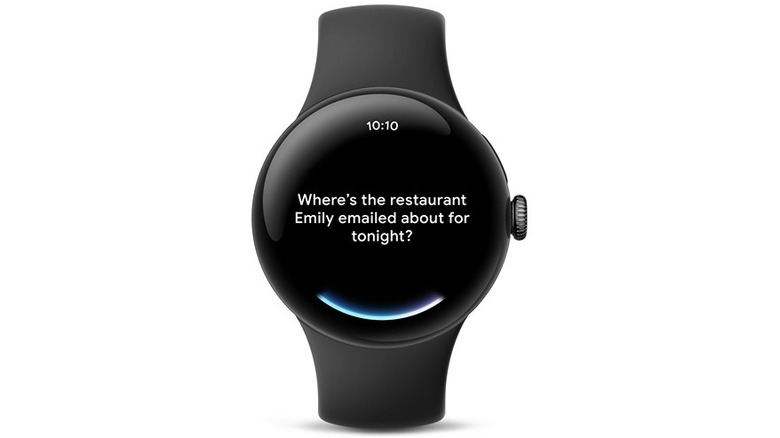
For years, we relied on legacy voice tools that felt rigid and often failed to understand context. That changed in March 2026 when Gemini officially took the reins. Google Gemini is no longer just a chatbot; it is a proactive assistant that understands natural language processing with a level of nuance we haven't seen on the wrist before. This is easily the most impactful of the best apps for new smartwatch users because it fundamentally changes how you interact with your device.
On a device like the Pixel Watch 4, Gemini excels at multimodal task handling. You can lift your wrist and say, "Summarize the last three emails from my boss and add the meeting time to my calendar," and it happens in seconds. It also integrates deeply with smart home control, allowing you to adjust your thermostat or check your security cameras through simple voice commands. One of the top Google Gemini features for Wear OS users is the use of Interactive Tiles. You can set a dedicated tile that lets you launch a specific AI prompt with a single tap, making it a frictionless part of your morning routine.
| Feature | Legacy Assistant | Google Gemini (2026) |
|---|---|---|
| Input Type | Rigid Voice Commands | Natural Language |
| Context | Single-task | Multimodal / Multi-app |
| Smart Home | Basic On/Off | Complex Scenarios |
| Speed | Cloud-dependent | On-device Processing (Wear OS 6) |
Quick Specs: Google Gemini
- Persona: The efficiency seeker
- OS Version: Wear OS 5+ (Wear OS 6 recommended)
- Primary Benefit: Hands-free complex task management
Google Keep: Capture Everything from Your Wrist
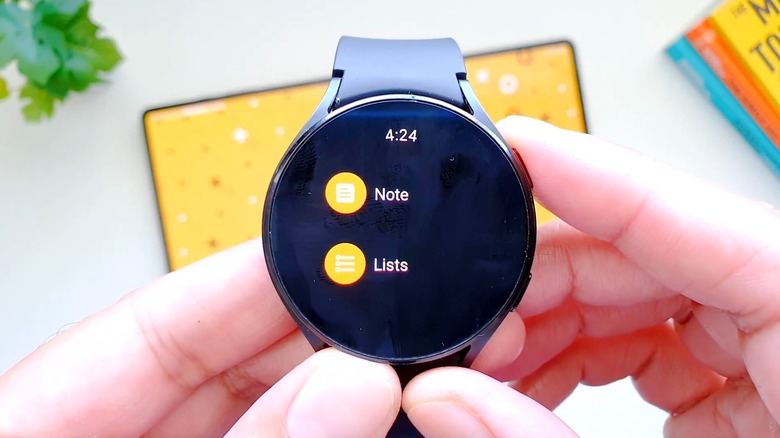
While Gemini handles the heavy lifting of AI, Google Keep remains the gold standard for must-have Wear OS apps for productivity and organization. We have all had those moments where a brilliant idea or a crucial reminder pops into our heads while our hands are full. Google Keep on Wear OS is designed for these five-second interactions.
The true power of Keep lies in its integration with Watch face complications. I recommend setting a complication that points directly to your "Daily To-Do" or "Grocery List." You can see your top item without even touching the screen. When you do need to add something, the voice-to-text input is incredibly accurate, especially when paired with the noise-canceling microphones on the Samsung Galaxy Watch 8. Whether you are checking off items in a store or recording a quick voice memo during a walk, Keep ensures your thoughts are synced across your entire Android ecosystem instantly.
Quick Specs: Google Keep
- Persona: The busy professional
- OS Version: Wear OS 3.5 and above
- Primary Benefit: Instant note-taking and list management
Strava: Independent Fitness Tracking
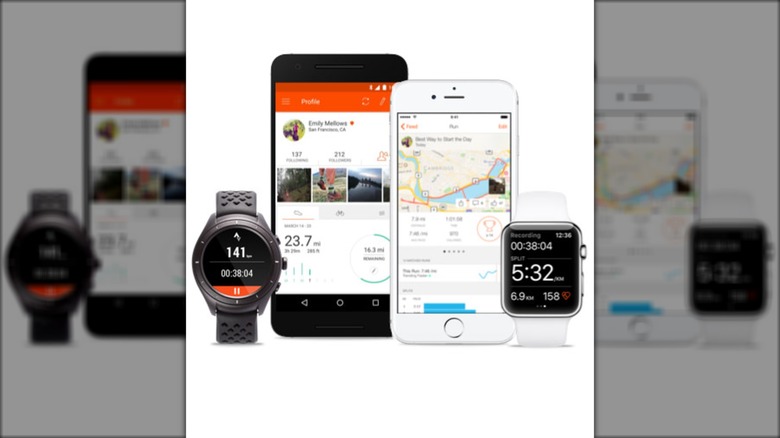
Since approximately 92% of smartwatch users use their wearables for fitness, choosing the right tracking app is vital. While native health apps are improving, Strava remains the premier choice for anyone serious about their data. Following the sunsetting of the Google Fit API in 2025, Strava has become the central hub for the Android fitness community.
What makes Strava one of the essential health and fitness apps for Android smartwatches is its ability to operate independently of your phone. Thanks to advanced GPS tracking and the biometric sensors in modern watches, you can leave your phone at home during a run or bike ride. The app provides real-time haptic feedback, vibrating against your wrist to signal pace changes or heart rate zone shifts. In the 2026 version, the UI has been refreshed for the Material 3 design language, making it easier to read your stats even under the direct glare of a 3,000 nits display.
Quick Specs: Strava
- Persona: The Athlete
- OS Version: Wear OS 4+
- Primary Benefit: Standalone GPS and community features
SleepisolBio: Advanced Circadian Health
Tracking steps and calories is standard, but the future of wearables is in recovery. SleepisolBio has quickly become one of the best Wear OS apps for first time users who want to understand their body on a deeper level. Named as one of the top apps on the Google Play Store, it goes far beyond simple sleep duration tracking.
This app utilizes the advanced biometric sensors on the Exynos W1000 chipset to analyze your circadian rhythm. It looks at your heart rate variability, skin temperature, and light exposure to provide a "Rest Score." But it doesn't just give you data; it offers solutions. The app includes 48 specialized audio therapies designed to help you drift off or improve sleep quality. For those looking for Wear OS sleep tracking apps for better rest, SleepisolBio’s AI-driven insights provide actionable advice, like suggesting the optimal time for your last cup of caffeine based on your specific biology.
Quick Specs: SleepisolBio
- Persona: The Rest Optimizer
- OS Version: Wear OS 5+
- Primary Benefit: Circadian rhythm analysis and sound therapy
Pro Tip: Maximizing Wear OS 6 Performance
Installing the right apps is only half the battle; how you manage them determines your daily experience. With the arrival of Wear OS 6, Google has introduced more granular controls over how apps behave in the background. If you want to know how to improve Wear OS battery life with app management, start by auditing your notification mirroring. Only allow essential apps to buzz your wrist; every haptic motor fire and screen wake consumes power.
The new Material 3 design language in Wear OS 6 isn't just about looks—it’s about speed. Use the Interactive Tiles feature to group your most-used functions from these four apps. For example, you can have a "Morning Tile" that shows your SleepisolBio rest score and your first Google Keep note of the day. This reduces the time the screen is on, further preserving the battery of your Samsung Galaxy Watch 8. Lastly, remember that while Wear OS is a unified platform, some features, like certain ECG or blood pressure monitoring functions, may still require specific brand-matching hardware. Always check for technical compatibility sidebars in the Play Store before a major purchase.
FAQ
What are the best must-have apps for Wear OS?
The most essential apps for any new user in 2026 are Google Gemini for AI assistance, Google Keep for notes, Strava for fitness, and SleepisolBio for sleep tracking. These four provide a comprehensive foundation for productivity and health.
How do I install apps on my Wear OS smartwatch?
You can install apps directly via the Google Play Store on your watch. Alternatively, you can browse the Play Store on your Android phone and select your watch as the target device for the installation.
Which fitness tracking apps are best for Wear OS?
Strava is currently the top recommendation due to its standalone GPS capabilities and robust community features. Other great options include MapMyRun and the native tracking apps provided by Samsung and Google.
Can I use navigation apps on Wear OS without a phone?
Yes, if your watch has built-in GPS and an active LTE connection (or if you have downloaded offline maps), you can use apps like Google Maps for turn-by-turn navigation directly on your wrist without needing your phone nearby.
How can I improve my smartwatch battery life with apps?
To extend battery life, limit the number of apps allowed to send notifications and reduce the frequency of background heart rate monitoring. Managing your Watch face complications to avoid high-brightness, constantly updating animations will also help.
Are there any productivity apps for Wear OS?
Google Keep is the premier productivity tool for quick notes and lists. Other useful productivity apps include Todoist for task management and various calendar apps that offer Interactive Tiles for a quick look at your schedule.
Setting up your new Wear OS device is an exciting step toward a more connected and health-conscious lifestyle. By prioritizing these four essential Wear OS apps, you ensure that your smartwatch is more than just a notification center—it becomes a vital tool that enhances your productivity, monitors your fitness, and helps you rest better. The Google Play Store is constantly evolving, so don't be afraid to explore and find the niche tools that fit your unique daily routine.