Quick Facts
- Best Use Case: Use the console as a dedicated streaming hub and 3D Blu-ray player for a secondary room.
- Technical Potential: Users on firmware 9.0 or lower can install a Linux distribution for basic desktop tasks.
- Hardware Value: The internal 2.5-inch SATA hard drive can be repurposed as a portable external drive for PC backups.
- Gaming Longevity: Even with the PS5 available, 49 million monthly active accounts remained on the PlayStation 4 as of April 2024.
- Sustainability: Repurposing hardware helps combat the trend where 83% of gamers hold onto old consoles they no longer use.
- Trade-In Value: Functional units can fetch up to $150 at major retailers, providing a solid path toward a PS5 upgrade.
Your PS4 doesn't have to be a relic of the past. Whether you want to repurpose ps4 as a dedicated media center or transform it into a Linux-powered desktop, there are several creative ways to use an old ps4. From hardware salvaging to homebrew projects, let's explore how to breathe new life into your legacy hardware. An old PS4 can be repurposed as a dedicated media center for streaming apps like Netflix and Spotify, or transformed into a basic Linux PC. Even if broken, you can reuse the PS4 hard drive as external storage for your computer.
The Ultimate Media Hub: Streaming and 3D Blu-ray
If you have moved your primary gaming setup to a PS5 or a high-end PC, your old console still possesses significant utility as a media powerhouse. The hardware was built to handle high-definition video with ease, and its 802.11ac Wi-Fi ensures a stable connection for high-bitrate streaming. In early 2025, watching movies and shows became the most popular weekly activity for PlayStation 4 users, accounting for approximately 33% of their total time spent on the platform. This makes it an ideal candidate for a guest room or a dedicated home theater setup.
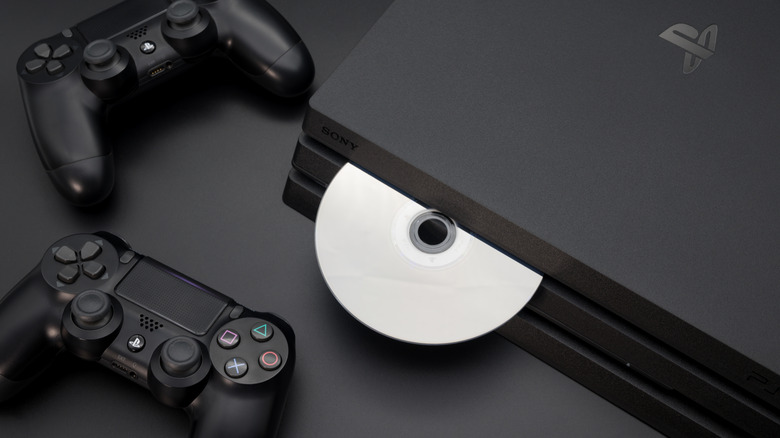
One often overlooked feature is the optical drive. While many modern devices have ditched physical media entirely, the PS4 remains a robust player for your physical digital library. It supports standard DVDs and Blu-rays, and importantly, it offers 3D Blu-ray support—a feature that is increasingly rare in modern standalone players and even some newer consoles. Setting up the console as a dedicated player for a bedroom TV is one of the most practical uses for old ps4 units today.
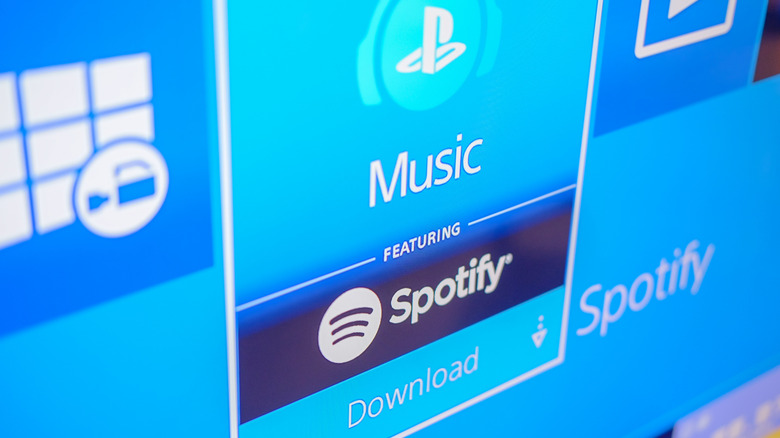
Beyond movies, the console excels as a music station. By using the Spotify app, you can turn your living room into a concert hall. The PS4 supports Spotify Connect, allowing you to use your smartphone as a remote to control the music while the console handles the heavy lifting of the audio output. If you have a high-quality soundbar or home theater receiver connected to your TV, the PS4 provides a seamless way to enjoy your music without needing to keep your phone tethered to a cable.
For those with a vast collection of personal media files, the PS4 can act as a client for a local media server. By installing the Plex app, you can stream movies and TV shows stored on your computer directly to your TV. If you prefer an offline approach, the console's Media Player application allows for playback of MP4, MKV, and AVI files directly from a USB drive, provided it is formatted to exFAT or FAT32. This makes using ps4 as a blu ray player for bedroom tv a versatile choice for both physical and digital media fans.
PS5 Extension: The Remote Play Station
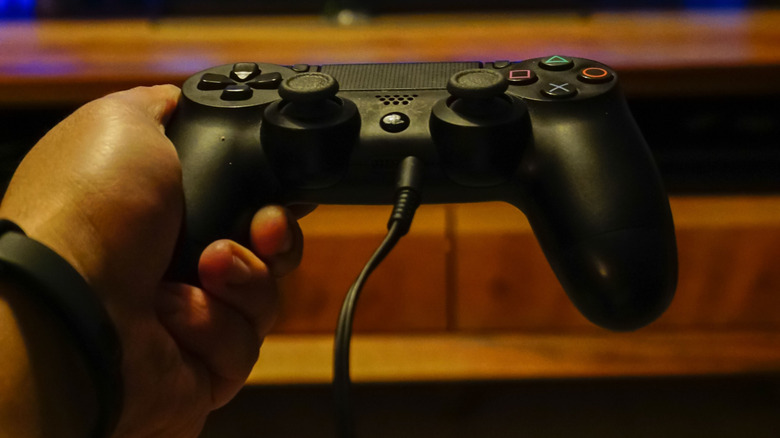
Just because you have upgraded to the latest generation doesn't mean your old console's gaming days are over. One of the most effective ways to repurpose ps4 hardware is to use it as a Remote Play client. If your PS5 is located in the living room but you want to squeeze in a session of your favorite RPG before bed, you can stream the gameplay directly to the PS4 in your bedroom.
This setup works remarkably well over a wired Ethernet connection, though a strong 5GHz Wi-Fi signal can also suffice. Because the console natively supports the DualShock 4, the controls feel natural and responsive. It effectively turns your old console into a "portal" to your new one, extending the reach of your high-end gaming library without the need to physically move your PS5. This is one of the most clever creative ways to use an old ps4 because it bridges the gap between console generations, ensuring your legacy hardware remains part of your daily gaming routine.
Hardware Salvage: Reusing the Internal Storage
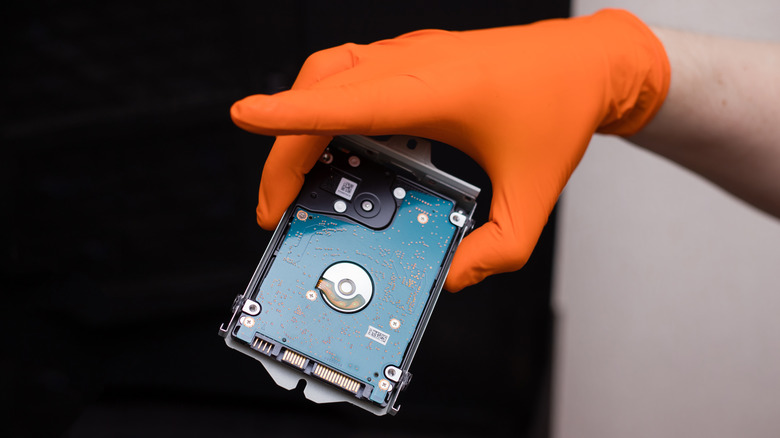
Sometimes the console itself may fail—perhaps the HDMI port is damaged beyond repair or the APU has given up. Even in these cases, the internal components have value. Inside every PS4 is a standard 2.5-inch SATA interface hard drive. Whether you have the original 500GB model or a 1TB Pro version, that drive is essentially a standard laptop hard drive that can be easily repurposed.
To begin repurposing ps4 hard drive for pc storage, you simply need a small Phillips head screwdriver and a cheap external enclosure. Once you slide the drive out of the console's side or top tray, you can pop it into a USB 3.0 enclosure. This transforms your old console’s storage into a portable backup drive for your laptop or a way to store extra photos and documents.
Steps to Salvage the Drive:
- Locate the HDD bay (side of Slim/Pro models, top-left on original models).
- Remove the single mounting screw (look for the PlayStation symbols on the screw head).
- Pull the drive tray out and unscrew the four screws holding the drive in the bracket.
- Place the drive into a 2.5-inch SATA external enclosure.
- Connect it to your PC and format it to exFAT for maximum compatibility.
This process is a great way to practice E-waste reduction. Instead of throwing the entire unit away, you are saving a functional component that would otherwise cost $40 to $60 at retail. Reusing ps4 hard drive components is a win for both your wallet and the environment.
Technical Frontier: Linux and Homebrew Apps
For the tech-savvy crowd, the PS4 is more than just a gaming machine; it is an x86 architecture computer. This means it shares the same basic DNA as most desktop PCs. If your console is running an older firmware version, specifically version 9.0 or lower, you can enter the world of the Homebrew community.
Prerequisite Checklist for Linux Installation
- Firmware Version: Must be 9.00 or lower (check in Settings > System > System Information).
- Storage: A high-speed USB 3.0 drive (at least 16GB) to host the Linux image.
- Input: A USB keyboard and mouse for navigation.
- Exploit: Access to a web-based host for the firmware exploit.
By using a firmware exploit, you can boot a specialized version of Linux (often referred to as the Marcan image). This essentially turns the console into a basic desktop environment. Once Linux is running, you can use the PS4 for web browsing, light word processing, or even running retro gaming emulators. While it won't replace a high-end workstation, installing linux on ps4 for desktop use is a fascinating project for hobbyists who want to push their hardware to its limits.
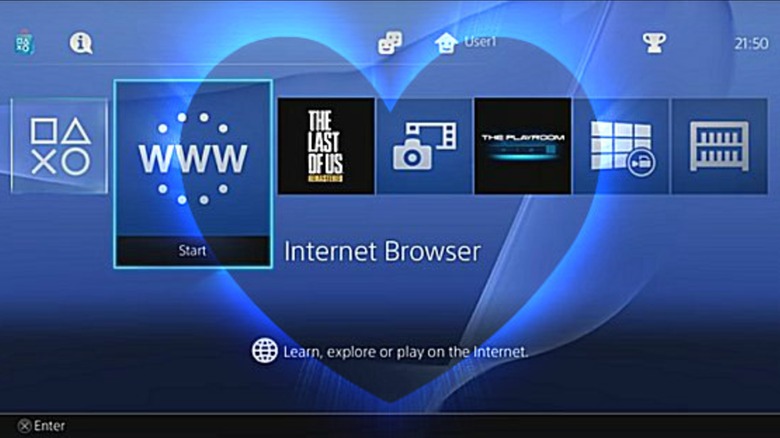
The x86 architecture allows the console to run many applications that are traditionally reserved for PCs. Some users have even successfully run the Steam client under Linux to play low-spec indie games that were never officially released on the PlayStation Store. It's a deep rabbit hole, but for those wondering how to turn ps4 into a media center with even more power, Linux is the ultimate answer.
Comparing the Hardware Potential
To understand why the PS4 is so good for repurposing, look at how its specs hold up against modern budget computing hardware:
| Component | PS4 / PS4 Slim | Modern Budget PC ($200) | Repurposing Value |
|---|---|---|---|
| CPU | 8-core AMD Jaguar | Intel Celeron or Pentium | High for multi-threaded tasks |
| GPU | 1.84 TFLOPS AMD GCN | Integrated Graphics | Excellent for 1080p video |
| RAM | 8GB GDDR5 | 4GB - 8GB DDR4 | Higher bandwidth for video |
| Storage | 2.5-inch SATA HDD | 128GB - 256GB SSD | Easily upgradeable / reusable |
| Drive | Blu-ray / DVD | None (Usually) | Rare for modern hardware |
The Exit Strategy: Trade-in, Donate, or Recycle
If you have decided that you don't need a secondary media hub or a Linux project, don't let the console sit in a closet. Research shows that millions of devices sit idle, contributing to environmental waste. According to industry data, 83% of gamers admit to holding onto old video game consoles they have no plans to use.
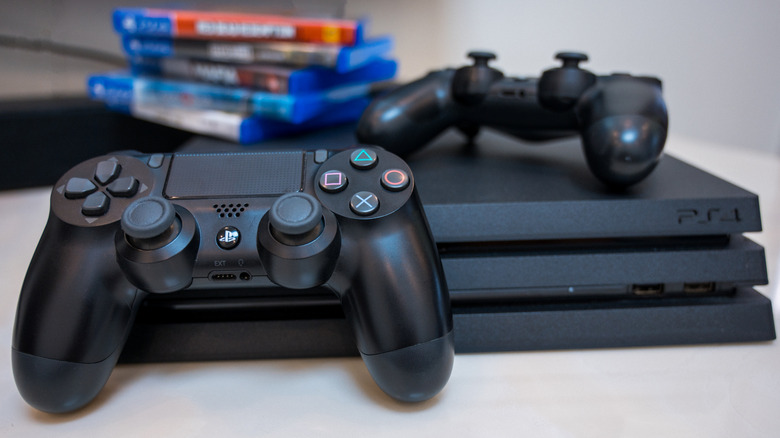
The financial ps4 trade in value for ps5 upgrade is still surprisingly strong. Depending on the model and the retailer, you can often get between $80 and $150 in credit. This can significantly offset the cost of a new PS5 or a few new AAA titles. If the money isn't a priority, consider donating the unit to a local children's hospital or a community center. These organizations often have a high demand for entertainment systems to help patients or youth stay engaged.
Before you let the console go, however, you must ensure your privacy is protected. Performing a full initialization will wipe all your personal data, login credentials, and saved games, making the console safe for its next owner.
FAQ
What can I do with my old PS4?
You can repurpose it as a dedicated media streaming hub, a Blu-ray player, a Remote Play station for your PS5, or even a basic Linux PC. If it is broken, you can salvage the internal hard drive to use as external storage for your computer.
Can I use a PS4 as a dedicated media center?
Yes, the PS4 is an excellent media center. It supports popular apps like Netflix, Disney+, and YouTube. It also functions as a Plex client and can play physical Blu-ray discs or media files from a USB drive using the Media Player app.
Is it possible to install Linux on a PS4?
Yes, but it requires specific conditions. Your console must be running firmware 9.00 or lower to use the necessary exploits. Once exploited, you can boot a Linux distribution to use the PS4 as a basic desktop for web browsing and light productivity.
Can I use a PS4 internal hard drive as an external drive?
Absolutely. The PS4 uses a standard 2.5-inch SATA hard drive. You can remove it and place it into an inexpensive external USB enclosure to use it as a portable backup drive for a PC or Mac.
How do I wipe my PS4 data before selling or donating it?
Go to Settings > Initialization > Initialize PS4. Choose the Full option. This process can take several hours but ensures that all your personal information is securely erased from the hard drive.
Is a PS4 still worth keeping after buying a PS5?
Yes, it is still worth keeping for several reasons. It can serve as a Remote Play station in another room, a dedicated Blu-ray player, or a way to keep your digital library accessible on a second TV without having to move your PS5.