Quick Facts
- Primary Cause: Your Amazon Echo device has an unread notification or an incoming message, most often related to Amazon shopping notifications and shipping status updates.
- Fastest Solution: Use the voice command Alexa, read my notifications or Alexa, what are my messages to clear the alert.
- Permanent Solution: Adjust the Alexa app configuration by navigating to Settings > Notifications > Amazon Shopping to toggle off specific delivery tracking alerts.
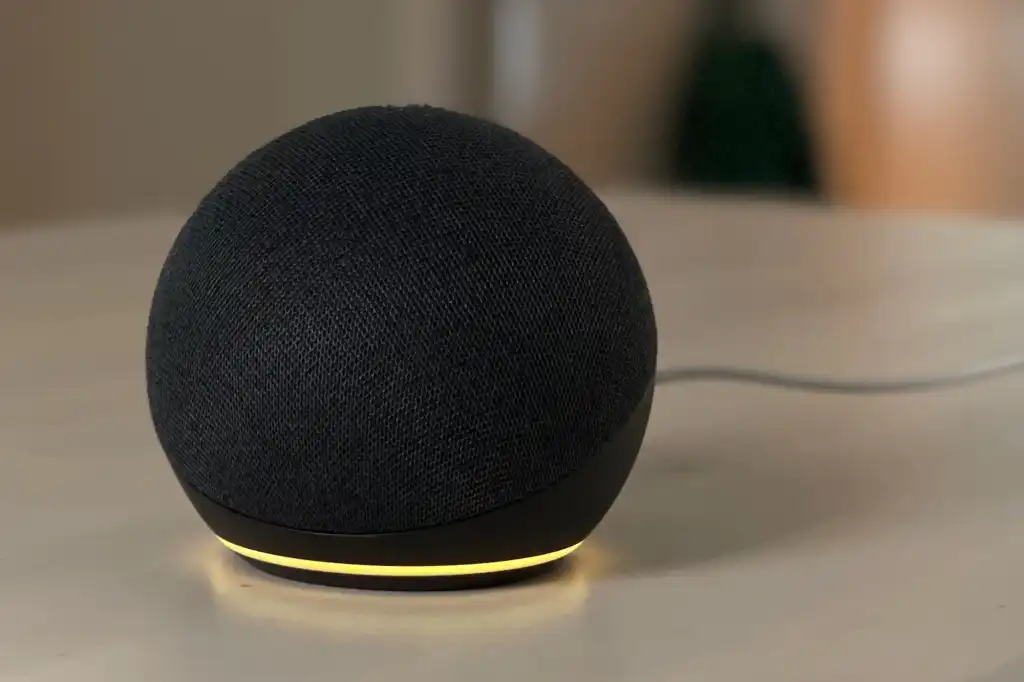
- Visual Identification: A pulsing yellow ring indicates a message or delivery update, whereas a solid ring or a spinning orange light means something else entirely.
- Hardware Variation: While most Echo speakers use the light ring, the alexa yellow bar on echo show appears at the bottom of the screen to serve the same purpose.
- Market Context: As of 2024, approximately 68.9 million U.S. households owned an Amazon Echo device, with the total number of users projected to reach 69.9 million by 2025.
Does your Amazon Echo have a pulsing alexa yellow ring? Don't worry—it's not an error. This LED status indicator simply means you have a pending message or delivery tracking alert. While it can be annoying when the alexa yellow ring won't go away, the fix is usually a single voice command. In this guide, we will show you how to stop yellow light on alexa permanently and explain the difference between yellow and orange status lights.
The Fastest Way to Stop the Yellow Ring (Voice Commands)
If you ignore it, the alexa yellow ring will continue to pulse indefinitely, acting as a visual nudge that there is information waiting for you. For most users, this is tied directly to the massive ecosystem Amazon has built. Currently, Amazon Alexa dominates the smart speaker market with an 84% share among users, significantly ahead of Google Assistant at 40% and Siri at 21%. With that many people using the device, shopping-related alerts are the most frequent reason for that yellow glow.
To clear the yellow light immediately, you have a few verbal options. You can simply say, "Alexa, what are my notifications?" The voice assistant will then list your recent updates, typically telling you that a package has been delivered or is out for delivery. Once she finishes speaking, the light will turn off. If you are in a rush and don't care about the details, you can say, "Alexa, clear my notifications" or "Alexa, delete all my notifications." This effectively wipes the slate clean without the need for a long explanation.
Sometimes the light is pulsing because of a direct message from another Alexa user in your contact list. In this specific scenario, you should say, "Alexa, play my messages." This is a useful feature for busy households, but it is also the primary reason for alexa flashing yellow light for messages that seems to come out of nowhere. Listening to the recording or having Alexa read the text-to-speech message is the only way to satisfy the requirement for the light to disappear.
Why Your Alexa Yellow Ring Won’t Turn Off (The Mute Conflict)
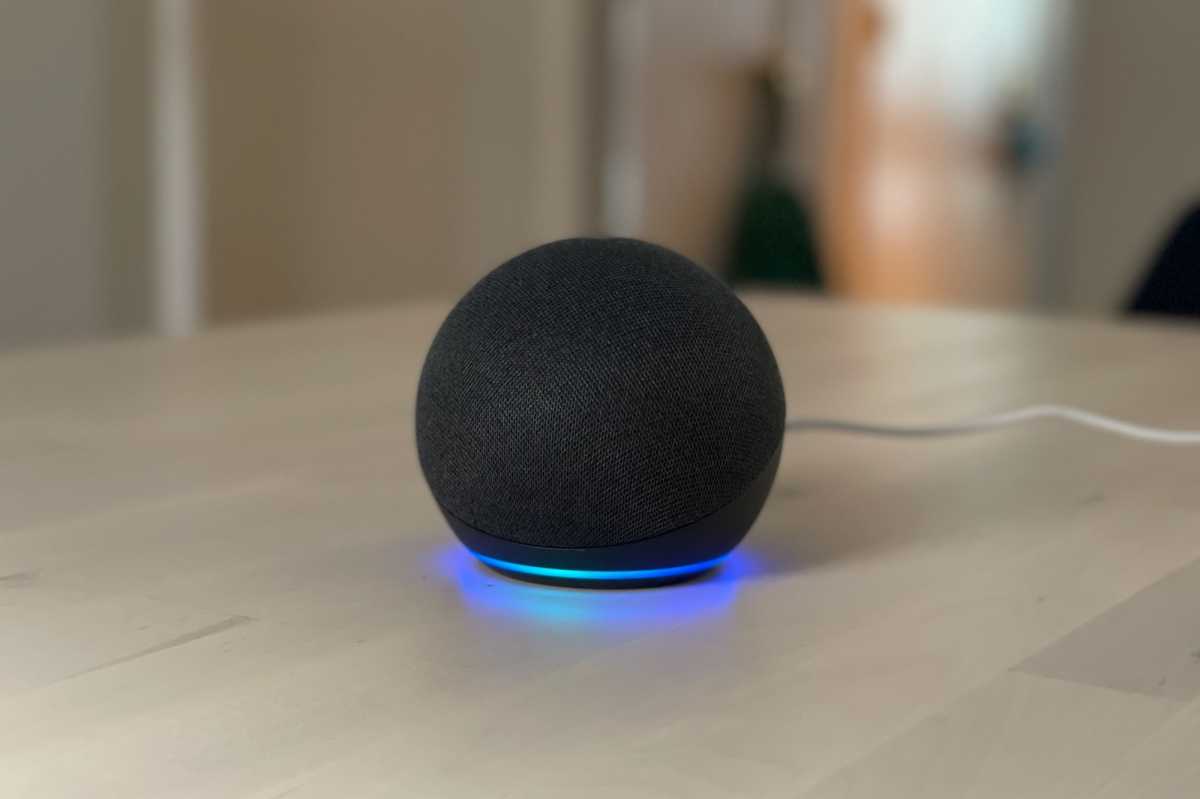
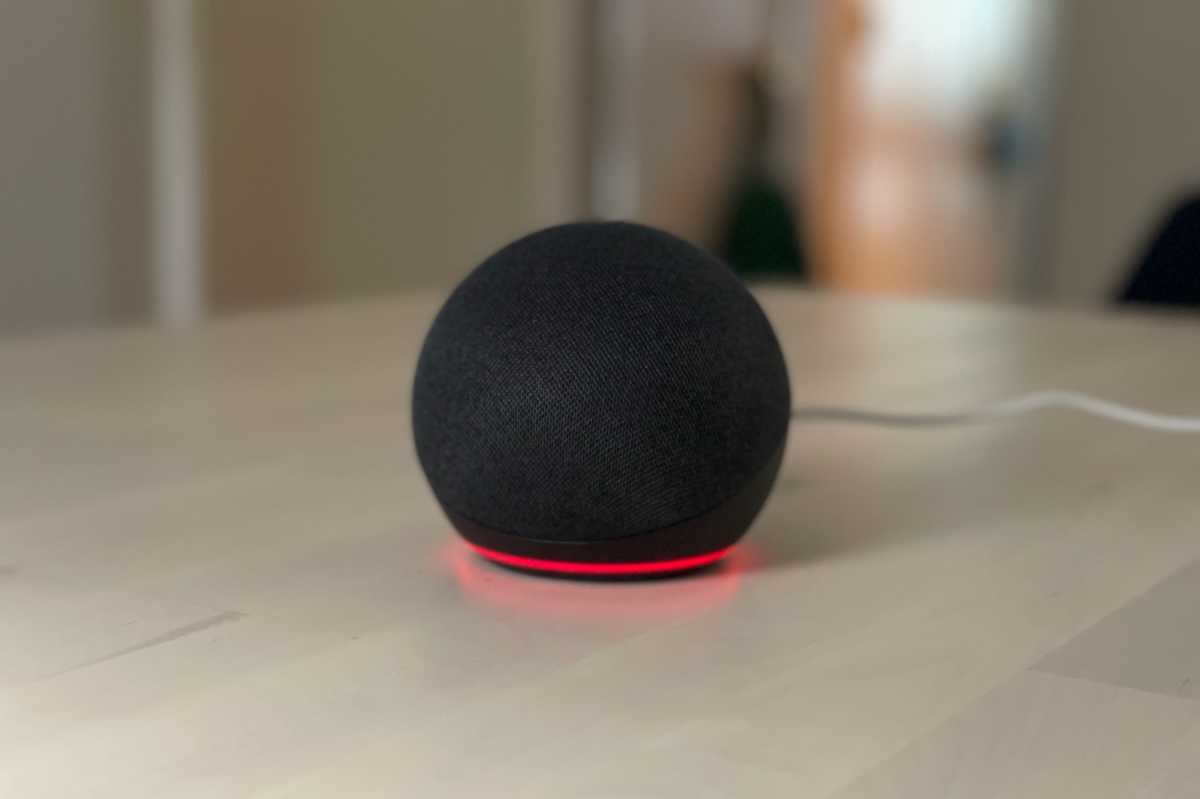
It can be incredibly frustrating when you give a clear command and the alexa yellow ring won't turn off. Usually, this isn't a software bug but a hardware state. If you see a solid red light along with the yellow pulse, or if the device doesn't respond to your voice at all, the microphone has likely been muted.
When the mute button on top of your Amazon Echo device is pressed, the light ring glows red, and the device stops "listening" for its wake word. This creates a stalemate: Alexa has a notification (yellow), but she cannot hear you tell her to clear it (red). To fix this, simply press the microphone button again. The red light will vanish, and you can then proceed with the voice commands mentioned above to stop yellow light on alexa.
Another reason the alexa yellow ring won't go away is if there are multiple notifications stacked up. If you have received three packages in one day, Alexa might require you to acknowledge each one depending on your settings. If the light persists after one command, try asking "Alexa, do I have more notifications?" to ensure the queue is entirely empty. If you are truly stuck, a quick power cycle—unplugging the device for 30 seconds and plugging it back in—can refresh the LED status indicator, though it won't actually delete the notifications from your Amazon account.
How to Permanently Disable Yellow Light Notifications
While the pulsing ring is designed to be helpful, many of my readers find it intrusive, especially if their Echo is located in a bedroom or a home theater where a glowing light is distracting. If you want to know how to turn off alexa yellow ring for good, you need to dive into the Alexa app configuration on your smartphone.
- Open the Alexa app on your iOS or Android device.
- Tap on the More tab at the bottom right of the screen.
- Select Settings from the list.
- Tap on Notifications.
- Select Amazon Shopping.
- Look for the section labeled "Delivery Notifications."
- Toggle off the switches for "Out for Delivery" and "Delivered."
By disabling these, you prevent the LED ring from flashing for those categories in the future. You can still track your packages via the Amazon app or website, but your Amazon Echo device will remain dark and silent when your latest order arrives. This is the most effective method for users who find that the alexa yellow ring won't turn off in a way that suits their lifestyle. You can also toggle off "Give Shipment Updates" if you want to be extra thorough.
Alexa Yellow Bar on Echo Show vs. Echo Dot
If you have transitioned from an Echo Dot to an Echo Show, you might be looking for a ring that doesn't exist. On smart displays like the Echo Show 5, 8, or 10, there is no circular light at the base or top. Instead, you will see a thin alexa yellow bar on echo show at the bottom of the screen.
The logic remains the same: the yellow bar indicates unread notifications. On a smart display, however, you have more interaction options. Instead of using voice, you can swipe down from the top of the screen and tap on the Notifications icon (which usually looks like a bell). This allows you to visually read through your messages and clear them with a tap of your finger.
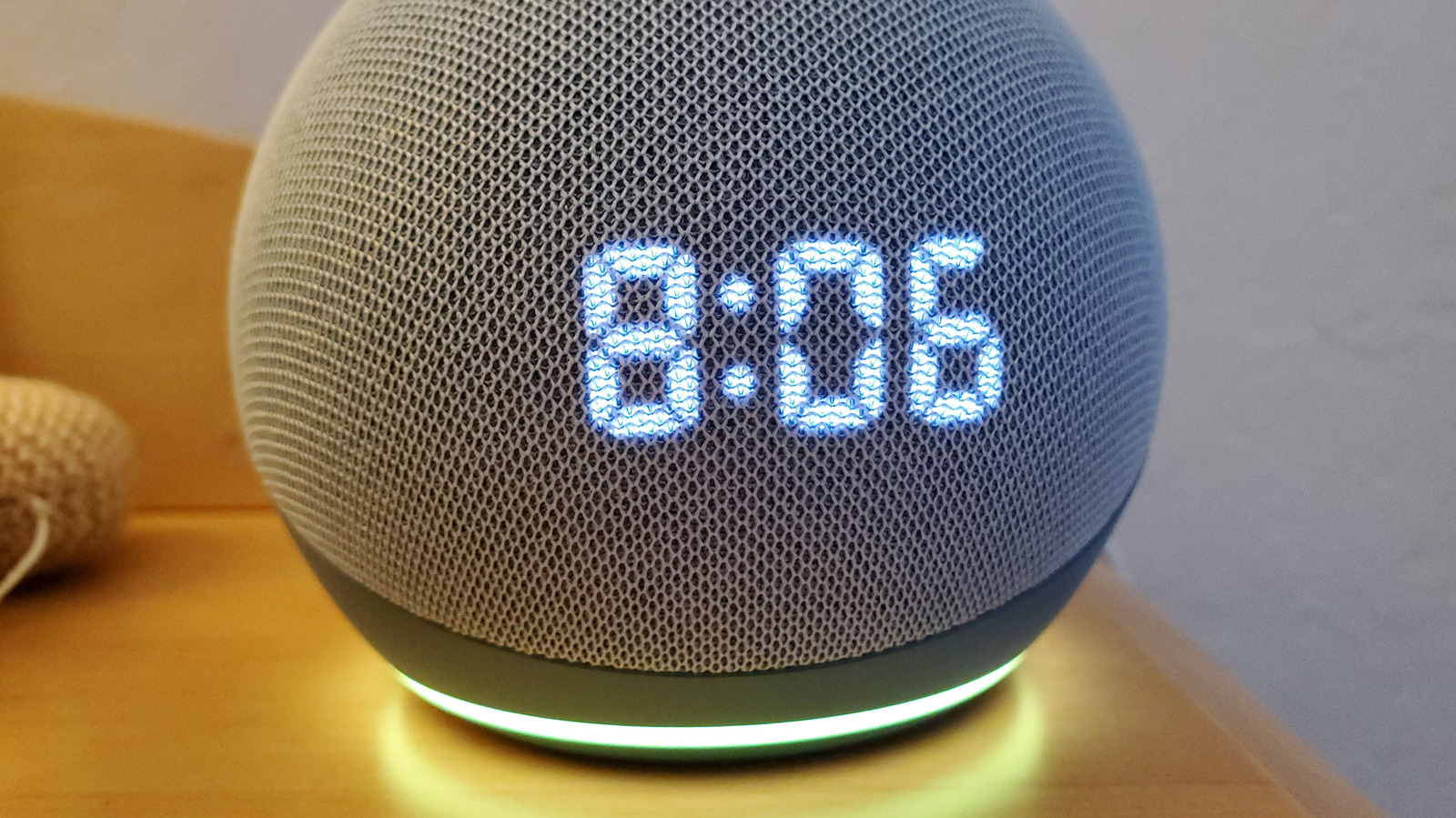
Hardware variations like the yellow ring on alexa dot are purely aesthetic. Whether it is a bar, a ring, or a small dot on the clock face of some models, the visual notification cues are standardized across the entire Amazon Echo lineup to ensure a seamless smart home experience. If the bar or ring feels too bright at night, remember that you can also enable "Do Not Disturb" mode via voice or the app, which will temporarily suppress all light rings.
Yellow vs. Orange: Visual Identification Guide
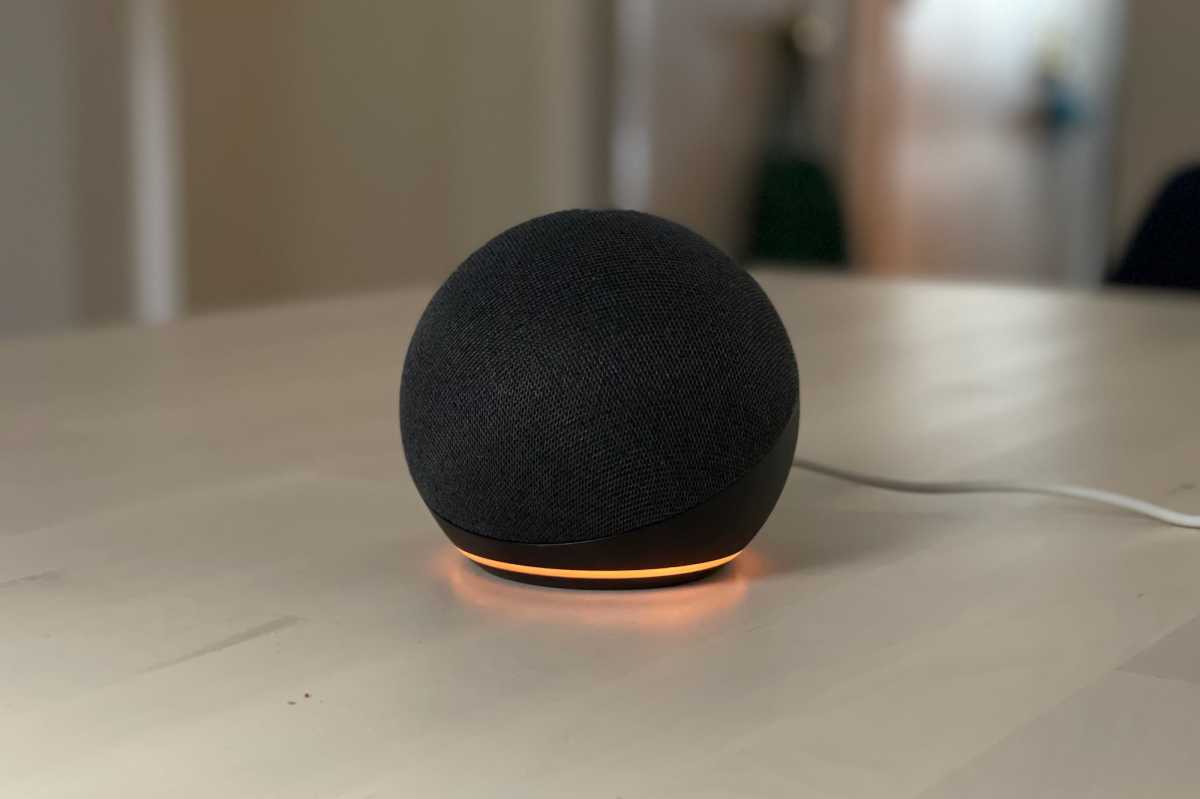
It is very common for users to confuse a pulsing yellow light with other colors, particularly orange. However, in the world of smart speaker troubleshooting, these two colors mean very different things. A pulsing yellow ring is for information; a spinning orange ring is for communication between the device and your network.
| Light Color | Movement | Meaning | Solution |
|---|---|---|---|
| Yellow | Pulsing / Breathing | Pending notifications or messages. | Ask: "Alexa, what are my notifications?" |
| Orange | Spinning Clockwise | Device is in setup mode or connecting to Wi-Fi. | Complete setup in the Alexa app. |
| Red | Solid Ring | Microphone is muted; Alexa isn't listening. | Press the Mic button to unmute. |
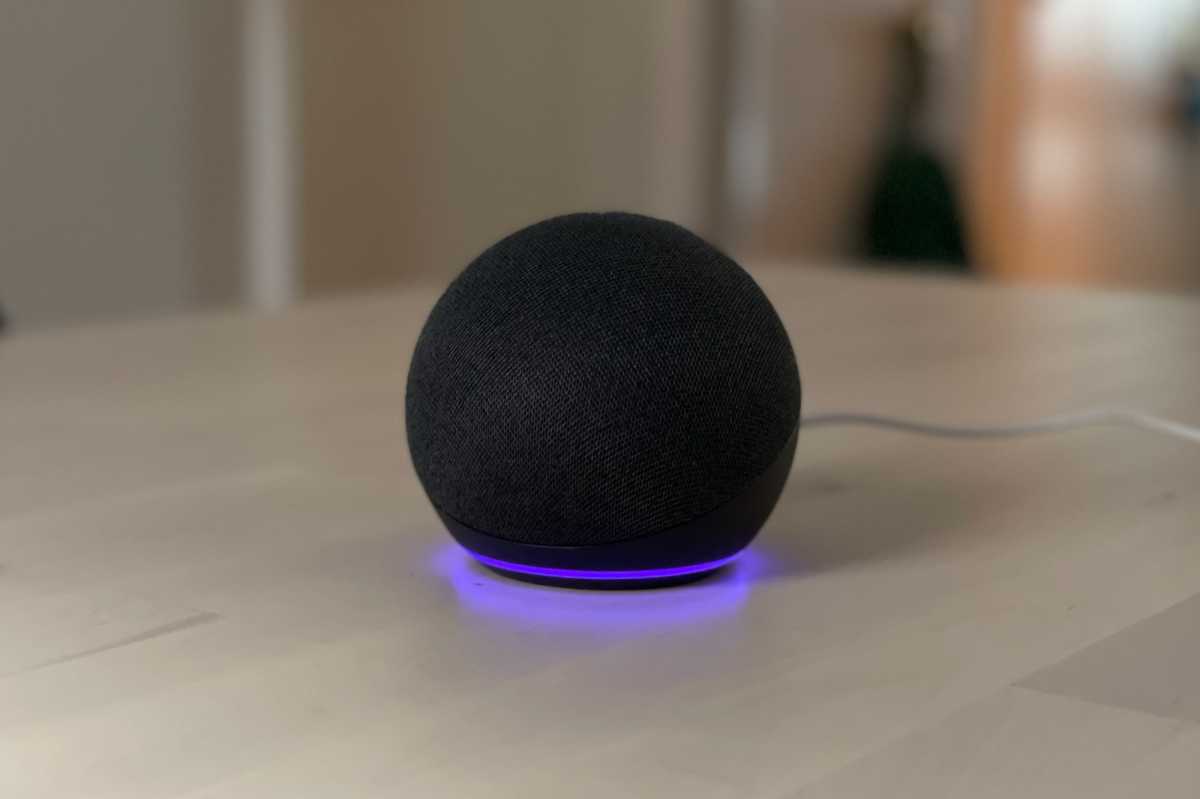
| Blue/Cyan | Spinning / Pulsing | Alexa is processing a request or "thinking." | Wait for the device to respond. |
If you are wondering how to fix orange light on alexa, the answer usually involves re-entering your Wi-Fi credentials. Orange indicates that the device is ready to be configured. If you see this light and your Alexa isn't new, it likely means the device lost its connection to your router. Unlike the alexa yellow ring, the orange light will stay there until the internet connection is restored or the setup process is finalized.
Managing Privacy and Smart Home Experiences
As a smart home editor, I often advocate for "less is more" when it comes to visual distractions. While shipping status updates are a core part of the Amazon experience, they can sometimes reveal surprises you’d rather keep secret. If you have "Item Titles" enabled in your notification settings, Alexa might announce exactly what is in the box when you ask about the yellow ring.
If it’s the holiday season and you’ve ordered a gift for someone in your household, this is a major privacy concern. To fix this, go back into your Alexa app configuration, navigate to the Amazon Shopping notifications, and toggle off the option that says "Let Alexa say or show titles for items you've ordered." This way, you still get the alert that a package has arrived, but you don't risk spoiling the surprise. Clearing alexa notifications to stop yellow light becomes a lot less stressful when you know she won't accidentally blurt out your shopping list.
Monitoring these interactive light ring behaviors helps maintain a seamless smart home environment. Whether you are using an Echo Pop, a classic Dot, or a high-end Studio, understanding these visual cues is part of mastering home automation. Using the app to tailor these alerts ensures your voice assistant remains a helpful tool rather than a source of constant, glowing interruptions.
FAQ
How do I get rid of the yellow ring on my Alexa?
The quickest way to remove the yellow ring is to say, "Alexa, read my notifications." Once the assistant has finished reading your alerts, the light will turn off. You can also say "Alexa, clear all my notifications" to skip the reading process entirely.
What does a yellow ring on Alexa mean?
A yellow ring indicates that you have a pending notification or message. Most commonly, this is an Amazon shipping update—letting you know a package is out for delivery or has been delivered. It can also mean you have an unread message from one of your Alexa contacts.
Why does my Alexa have a yellow ring and won't respond?
If your Alexa is showing a yellow ring but isn't responding to your voice, check for a solid red light as well. This means the microphone is muted. You must press the microphone button on top of the device to unmute it before you can give a command to clear the notifications.
Why is my Alexa stuck on yellow?
If the light won't go away after you've checked your notifications, you may have multiple alerts in the queue. Ask Alexa if you have any more messages. If it still persists, try unplugging the device for 30 seconds to reset the LED status indicator.
Why is my Alexa circling orange?
A circling orange light means your device is in setup mode or is attempting to connect to your Wi-Fi network. This is different from the pulsing yellow light used for notifications. If your device is already set up and turns orange, you may need to troubleshoot your internet connection or restart your router.