Quick Facts
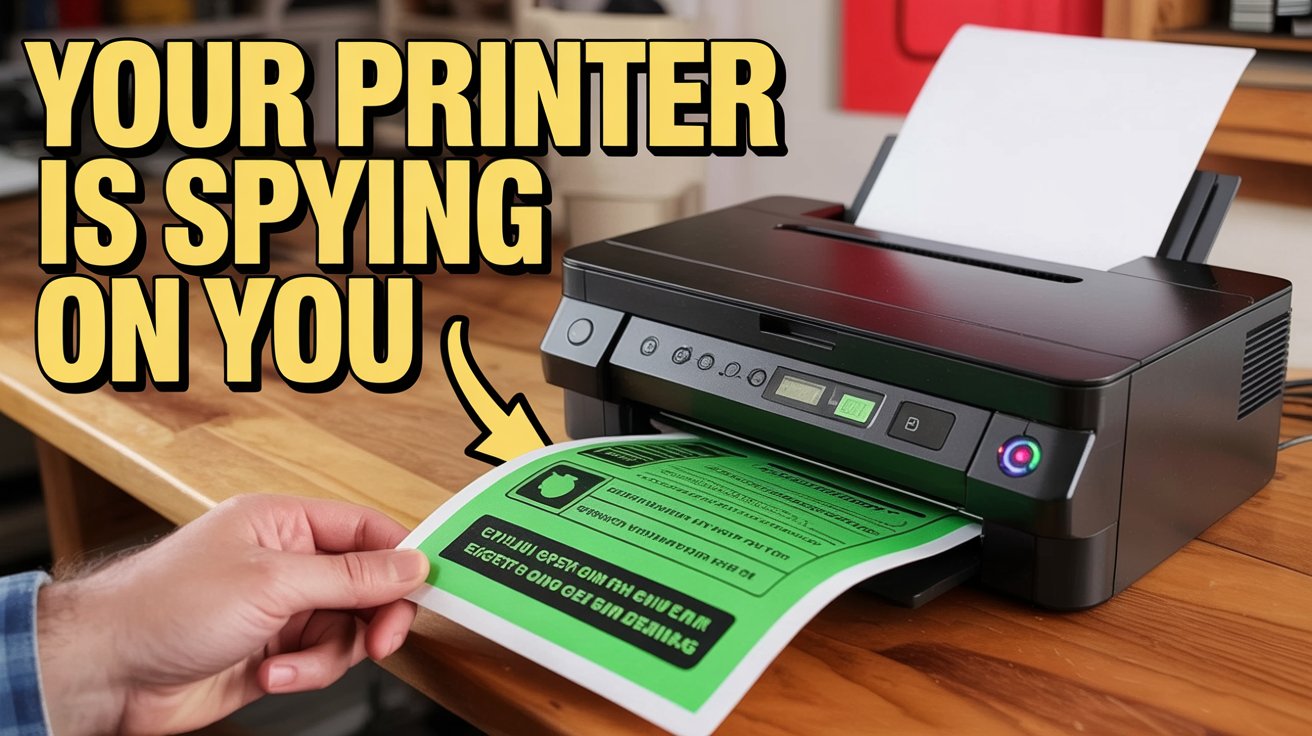
- The Risk: Microscopic yellow dots known as machine identification codes encode printer serial numbers and precise timestamps on every page.
- Primary Solution: Switching to monochromatic laser printers is the most effective hardware-based bypass, as they typically lack color-based steganography.
- The Hardware Trap: Enterprise-grade multi-function printers often store digital copies of every document on internal hard drives, creating a digital trail.
- Detection Method: You can reveal hidden tracking patterns by examining a printed page under a blue LED light or using high-resolution scanning.
- Software Tools: Specialized programs developed by researchers at TU Dresden can identify and neutralize forensic patterns before you hit print.
- Professional Standard: Maintaining a resolution of 300 DPI ensures the document looks professional without triggering the forensic scrutiny associated with low-quality outputs.
Modern color printers leave microscopic traces on every page. To achieve true anonymous printing, you must understand how to bypass printer tracking dots and machine identification codes used by forensic investigators to link physical documents to specific devices and users.
The Forensic Reality: Why Your Printer is a Spy
Most users assume that once a document leaves the digital realm and hits the paper, the metadata is gone. This is a dangerous misconception. In 2017, the high-profile case of NSA whistleblower Reality Winner demonstrated how the FBI could trace a leaked document back to a single office printer. Forensic investigators analyzed the document and found microscopic yellow dots that revealed exactly which printer was used and the precise minute the document was produced.
These markings are officially known as machine identification codes (MIC). They are the result of a decades-old agreement between major hardware manufacturers and government agencies, originally designed to combat currency counterfeiting. However, this technology has evolved into a powerful tool for document surveillance. These dots use a technique called steganography, where information is hidden in plain sight.

The scale of this tracking is more widespread than many realize. In 2018, researchers at the TU Dresden analyzed 106 printer models from 18 manufacturers and identified four distinct types of MIC encoding schemes used for forensic tracking. These patterns are not just a single watermark; they are relentless. Forensic tracking dots typically measure approximately 0.1 millimeters in diameter and are repeated up to 150 times across a single A4 page. This redundancy ensures that even if only a scrap of the paper is recovered, the serial number remains legible to those with the right equipment.
Way 1: Use Monochromatic Laser Printers for Anonymous Printing
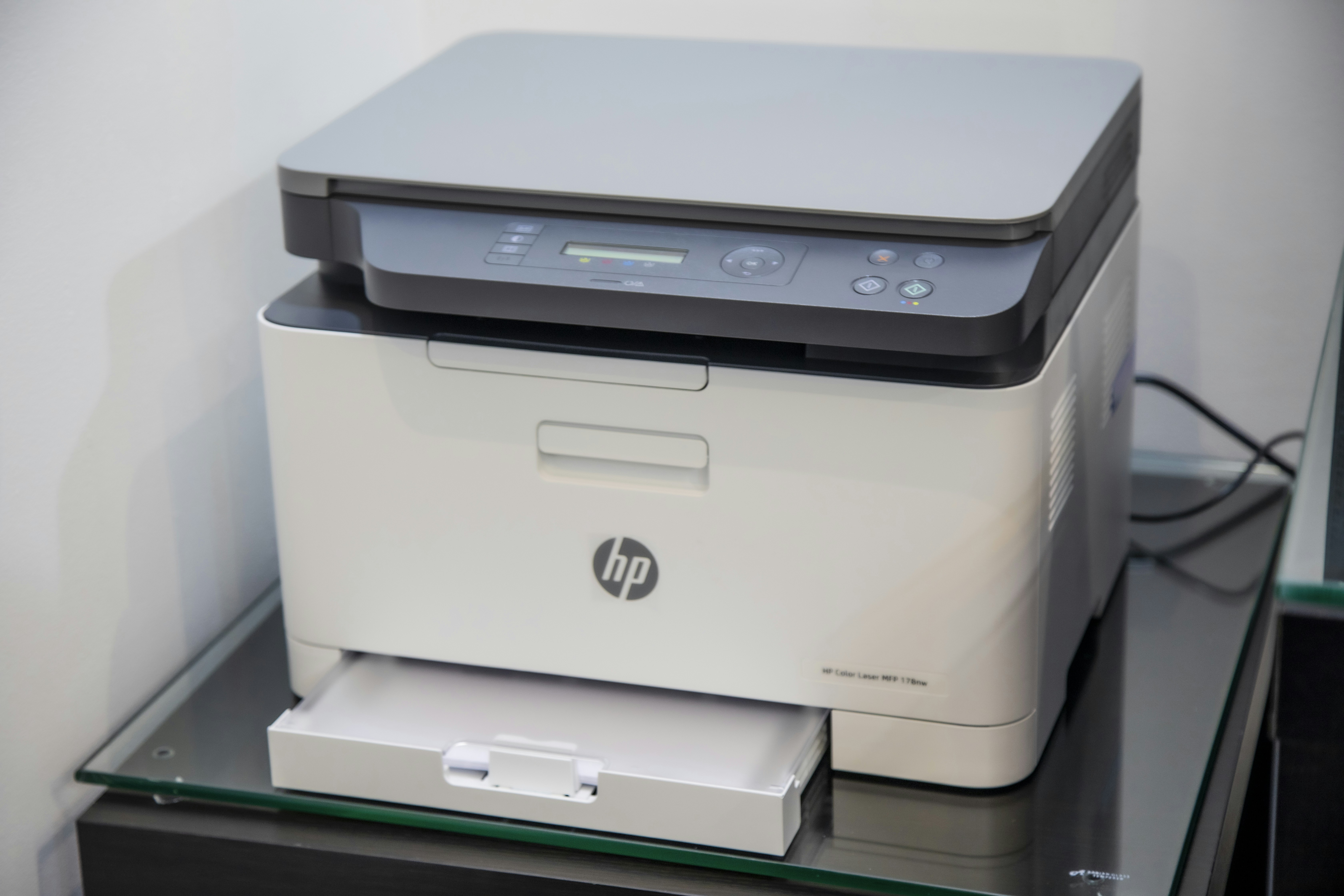
The most straightforward way to bypass printer tracking is to change the hardware you use. Research from the Electronic Frontier Foundation (EFF) indicates that monochrome laser printers and standard inkjet printers generally do not employ yellow-dot steganography. Because machine identification codes traditionally rely on the yellow toner channel to remain invisible to the naked eye, black-and-white devices often lack the hardware or firmware necessary to implement these specific forensic watermarking protocols.
When choosing a home printer without machine identification codes, look for dedicated monochromatic units. These are not just safer from a privacy perspective; they are often more cost-effective for high-volume text printing. However, do not assume a color printer set to grayscale mode is safe. Even if you choose to print in black and white, the printer firmware may still activate the yellow toner to lay down a tracking grid.
Using black and white laser printers for anonymous printing also provides a professional edge. Forensic document examiners look for anomalies. A document printed on standard 80-90 GSM copy paper using a standard monochrome laser looks unremarkable. It blends into the millions of pages produced in corporate environments every day, providing a form of "security through obscurity."
Expert Tip: Always disable the "Combine colors to create black" setting in your printer driver if you are using a color printer for a sensitive document. However, for maximum security, a dedicated monochrome-only device is the only hardware-level guarantee.
Way 2: Rotate to Second-Hand and Air-Gapped Hardware
Even if a printer doesn't use yellow dots, modern office equipment can betray you in other ways. Large multi-function printers (MFPs) are essentially computers with built-in scanners and printers. They often contain internal hard drives that store a cached image of every document processed. If an investigator seizes that printer, they can recover everything you have ever printed.
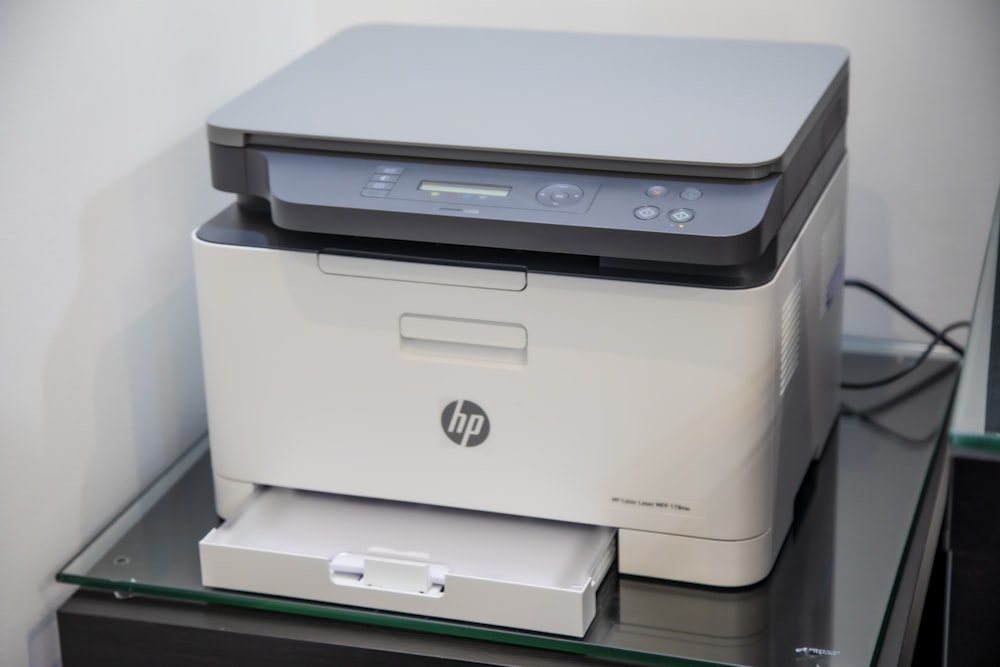
To mitigate this, you should look into the benefits of buying second hand printers for privacy. Purchasing a used printer with cash from a private seller breaks the digital chain of custody. If the printer's serial number is eventually traced, the trail leads back to the original owner or a retail store that has no record of your identity.
Furthermore, your operational security is just as important as the hardware. You should always use an air-gapped setup. This means the printer is never connected to your local Wi-Fi or the internet. Modern printers frequently "phone home" to report toner levels, usage statistics, and firmware status. By keeping the printer non-networked and connecting only via a local USB cable, you prevent digital activity logging that could be used for forensic traceability later.
| Printer Type | Tracking Risk | Data Storage | Recommendation |
|---|---|---|---|
| Color Laser | High (Yellow Dots) | High (HDD/Flash) | Avoid for sensitive work |
| Monochrome Laser | Low | Medium | Good for professional text |
| Inkjet | Very Low | Low | Best for absolute anonymity |
| Used MFP | Variable | High (Risk) | Sanitize or replace HDD |
Way 3: Deploy Anonymization Software and Specialized Prep
If you are forced to use a color printer, or if you want an extra layer of defense, you can turn to software solutions. There are tools available that help you understand how to print sensitive documents without leaving forensic traces by identifying the exact patterns your printer uses.
Researchers at institutions like TU Dresden have developed anonymization software for removing machine identification codes. These tools work by analyzing the print file and either stripping out the steganographic data or adding "noise" to the page—essentially printing a pattern that masks or confuses the microscopic patterns used for serial number encoding. While this isn't a 100% guarantee against a determined state-level actor, it significantly raises the difficulty for standard forensic investigations.
Before you distribute a document, you can also perform a manual verification. Using a blue LED light (or a blue filter over a standard flashlight) will cause the microscopic yellow dots to appear as black specks, making them visible to the human eye. Alternatively, scanning the document at 600 DPI or higher and then using image editing software to invert the blue channel will reveal the tracking grid.

Finally, don't overlook low-cost inkjet printers. Many budget inkjets lack the mechanical precision required to print 0.1mm dots consistently across a page. Because they use a different ink delivery system than the electrostatic process of laser printers, they are far less likely to participate in information security tracking programs.
Professional Polish: Avoiding Visual Suspicion
While anonymity is the goal, your document must still look authentic to avoid drawing unwanted attention. If you print a document that looks low-quality, it can be a red flag to forensic document examiners.
Aim for a resolution of 300 DPI. This is the "Goldilocks" zone—high enough to look like a professional business document, but low enough to avoid the extreme detail that can sometimes be used to identify specific mechanical quirks of a printer's drum or belt. If you are printing certificates or formal notices, using 200-300 GSM paper can add a sense of legitimacy, but be aware that unusual paper types can sometimes be traced back to specific specialty retailers.
Maintaining a balance between technical bypass printer tracking methods and common-sense operational security is the only way to ensure your documents remain anonymous.
FAQ
Can a printed document be traced back to the sender?
Yes, most modern color laser printers embed microscopic yellow dots that encode the device's serial number and the time of printing. Additionally, forensic examiners can sometimes identify a printer by analyzing unique mechanical patterns, such as "banding" or microscopic scratches on the fuser drum.
How can I print a document without revealing my identity?
The most effective method is using a monochromatic (black and white) laser printer or a budget inkjet printer, as these rarely use machine identification codes. For maximum security, use a second-hand printer purchased with cash and keep it in an air-gapped, offline environment.
How do I remove metadata from a document before printing?
Before hitting print, ensure you have used a metadata scrubber on the digital file. In Word or PDF editors, use the "Inspect Document" or "Sanitize" functions to remove author names, edit history, and hidden comments. Once printed, the digital metadata is gone, but the forensic tracking dots must be handled via hardware or software masking.
Are there printers that do not store usage history?
Basic, older printers and low-cost inkjet models generally lack the internal storage or hard drives required to maintain a document history. In contrast, modern enterprise MFPs (Multi-Function Printers) often store digital copies of every page. If using an MFP, check the settings for "image overwrite" or "data sanitization" features.
Can law enforcement trace a printed page?
Yes, law enforcement agencies have access to databases that decode the yellow tracking dots used by major manufacturers. They can also use chemical analysis of the toner and paper, or match the unique "signature" of a printer's mechanical components to a device found in a suspect's home or office.
Conclusion
True anonymous printing requires a multi-layered approach that addresses both the physical and digital trails. By moving away from high-end color laser hardware and towards monochromatic or inkjet alternatives, you eliminate the most common form of forensic tracking. Combining this with second-hand hardware, air-gapped connections, and anonymization software for removing machine identification codes creates a robust defense for whistleblowers and privacy-conscious professionals.
Remember that information security doesn't end when the page is printed. Always be mindful of the digital copies stored on internal printer drives and the chain of custody for your hardware. With the right tools and a bit of Ryan-style technical discipline, you can ensure your physical documents remain as private as your digital ones.