Quick Facts
- Latency Benchmark: Wired connections typically maintain <1ms local latency, while wireless usually sits between 15-40ms.
- Speed Ceiling: Cat5e is capped at 1Gbps, whereas Cat6 and Cat6a support up to 10Gbps.
- Stability Factor: Ethernet offers full-duplex communication, allowing simultaneous data transmission and reception without collisions.
- The Bottleneck: Wi-Fi is frequently the primary bottleneck in homes with internet plans of 800Mbps or faster.
- Future-Proofing: Modern Wi-Fi 7 mesh systems perform significantly better when using ethernet backhaul for wifi 7 mesh systems.
- Distance Matters: Cat6a maintains 10Gbps speeds up to 328 feet, while standard Cat6 drops off after 165 feet.
Ethernet provides superior stability compared to Wi-Fi by eliminating signal interference and physical obstacles that often disrupt wireless connections. Wired connections offer full-duplex communication and consistent bandwidth, which significantly reduces jitter and packet loss. This makes Ethernet the preferred choice for bandwidth-intensive activities like 4K streaming and competitive gaming where reliable throughput is critical.
The Latency War: Why Wired Still Wins for Stability
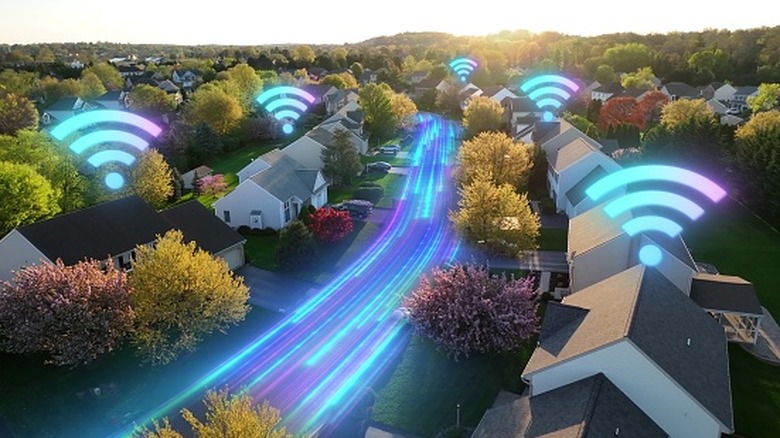
In the world of PC hardware, we often obsess over raw speed, but for a smooth online experience, stability is the real king. While wireless standards like Wi-Fi 6E and Wi-Fi 7 boast impressive theoretical speeds, they are still subject to the laws of physics. Radio waves are vulnerable to signal interference from microwaves, walls, and even your neighbor's router. This creates jitter and packet loss, the invisible enemies that cause "lag spikes" during a match or buffering icons during a movie.
When we look at the numbers, the difference is stark. Industry performance benchmarks indicate that wired Ethernet connections typically maintain a local network latency of under 1 millisecond, whereas Wi-Fi 6 connections often range between 15 and 40 milliseconds due to environmental interference and distance from the router. This is the core of the Ethernet vs Wi-Fi debate. For a professional or a competitive gamer, that difference is the gap between a responsive system and a frustrating one.
Reducing latency with wired Ethernet involves understanding the "Performance Chain." Your network is only as fast as its weakest link. This chain starts at your router's LAN port, travels through the cable, potentially hits a network switch, and ends at your device's Network Interface Card (NIC). If you are using a 10-year-old laptop with a slow NIC or a cheap, unshielded cable, you won't see the benefits. Furthermore, a 2023 research study found that in households with internet plans of 800Mbps or faster, Wi-Fi performance acts as the primary bottleneck in the majority of cases, preventing devices from utilizing the full bandwidth provided by the ISP.

Cat6 vs Cat6a: Choosing the Right Cable for Your Home
If you've decided to pull cables through your walls, you need to choose the right category. The most common question I get is about Cat6 vs Cat6a for home internet. Think of these categories like lanes on a highway. The frequency, measured in MHz, determines how much data can pass through without interference. Cat6 operates at 250MHz, while Cat6a doubles that to 500MHz.
While both can support 10Gbps speeds, distance is the deciding factor. Standard Cat6 can only maintain 10Gbps over roughly 165 feet. In a large home where cables might wind through several rooms, you could easily exceed that. Cat6a, on the other hand, is designed to handle 10Gbps over the full 328-foot length. It also features better Shielded Twisted Pair (STP) construction, which is vital for reducing Alien Crosstalk (AXT) when you have multiple cables bundled together in a tight conduit.
| Feature | Cat6 | Cat6a |
|---|---|---|
| Max Data Rate | 10Gbps | 10Gbps |
| Max Bandwidth | 250 MHz | 500 MHz |
| Max Distance (10Gbps) | 165 feet | 328 feet |
| Ideal Use Case | Standard homes, short runs | Future-proofing, large homes |
When choosing the best ethernet cable for 1gbps home network, even a standard Cat5e will technically work. However, if you are looking at the difference between 1gbps and 10gbps ethernet home setup for the next decade, Cat6a is the smarter investment. It provides the bandwidth consistency needed for the multi-gigabit internet plans that are becoming standard.

Future-Proofing: Wi-Fi 7 Backhaul and Power over Ethernet (PoE)
Even if you love the convenience of wireless, a wired foundation makes your Wi-Fi better. Modern mesh systems are incredibly powerful, but they often use a portion of their wireless bandwidth just to "talk" to the other nodes. By implementing ethernet backhaul for wifi 7 mesh systems, you free up all that wireless capacity for your phones and tablets. This allows the latest features, like multi-link operation, to run at peak efficiency because the heavy lifting is done by a physical copper path.
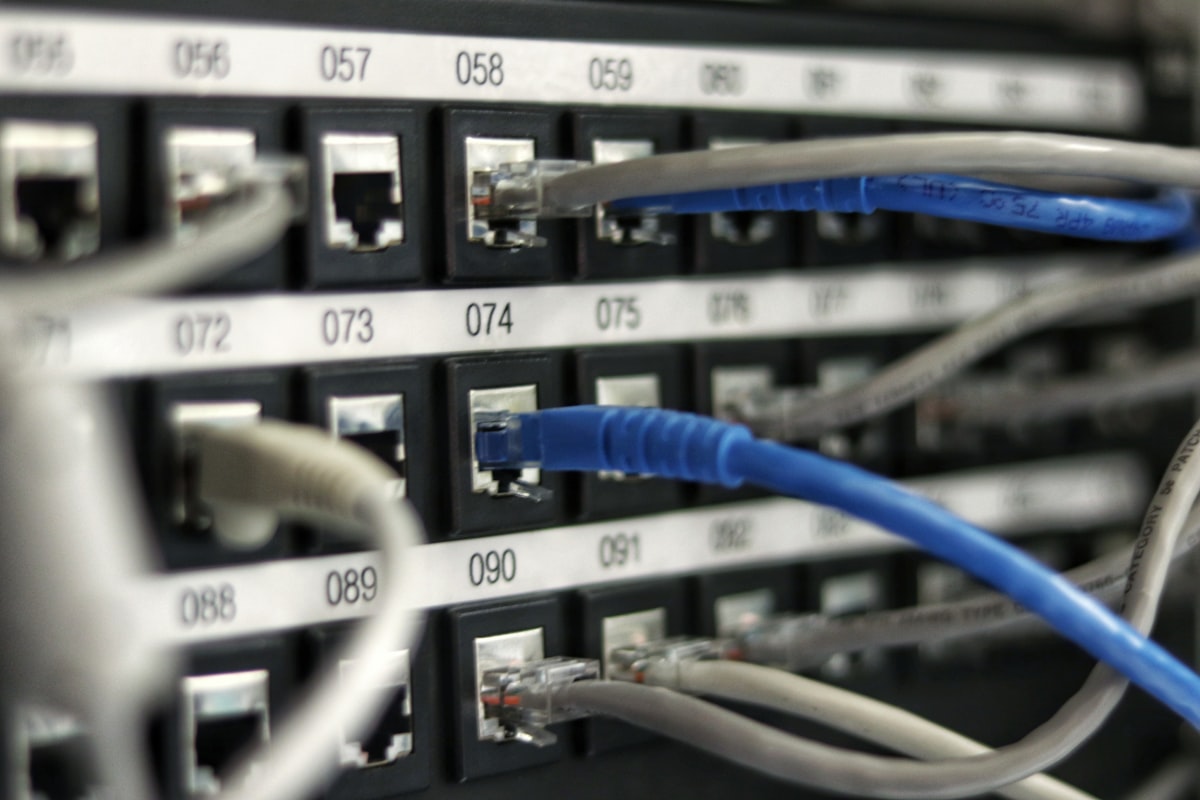
We also see an increase in Power over Ethernet (PoE) usage in the home. Using an RJ45 Connector to deliver both data and power is no longer just for offices. High-end access points, security cameras, and even some smart home hubs use PoE to eliminate the need for bulky power bricks near the device. When planning your layout, considering the impact of network switches on ethernet speed is key. A high-quality managed or unmanaged switch with Multi-Gigabit Ports ensures that your internal data transfers—like moving a 40GB file to a server—don't get bogged down.
Practical Implementation: How to Wire Your House
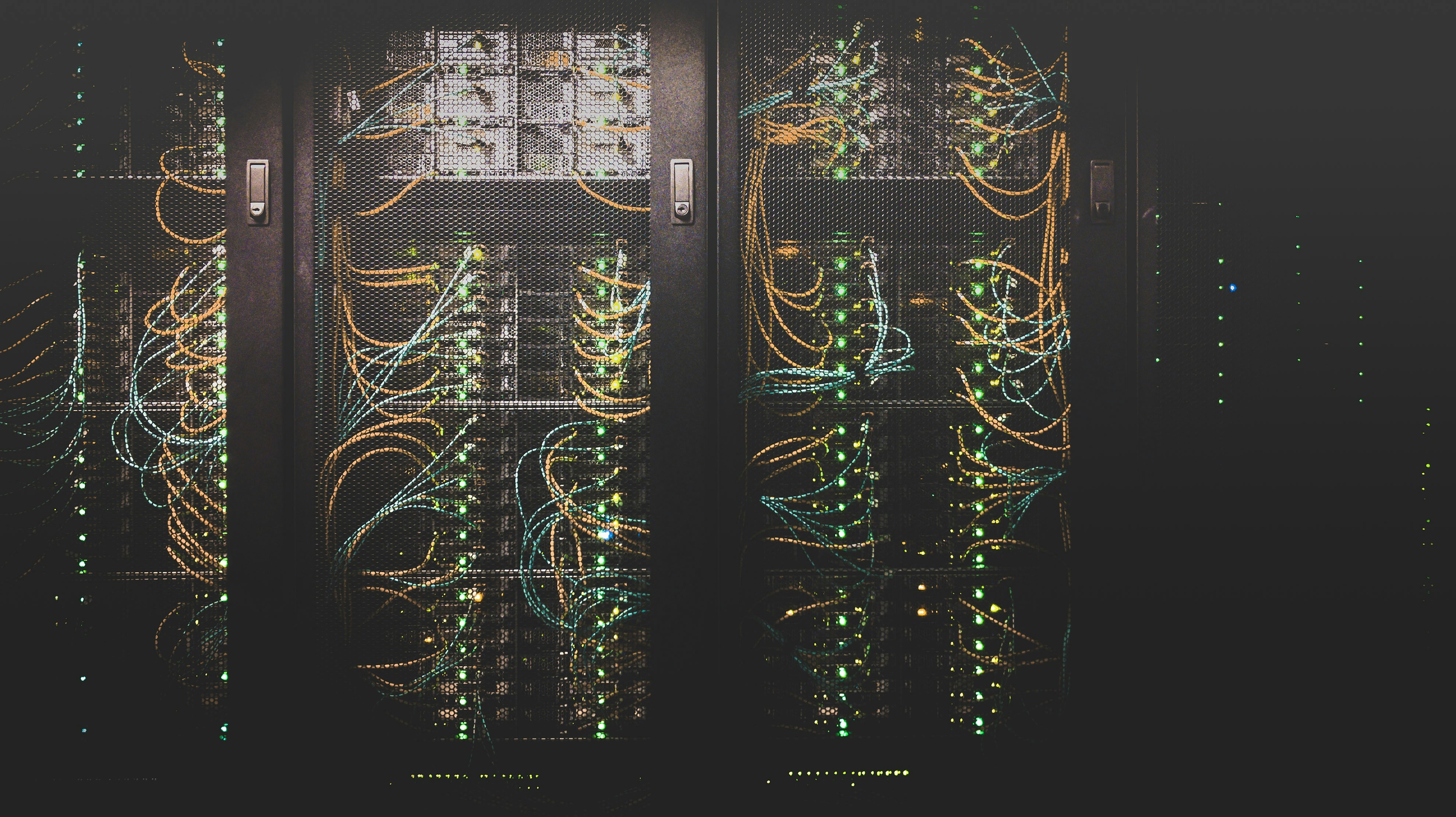
If you are wondering how to wire a house for ethernet for beginners, start with a "What to Wire" checklist. You don't need a jack in every corner, but you should identify optimal devices for wired home networks. Anything that stays in one place and consumes high bandwidth should be plugged in.
The "Must-Wire" Checklist:
- Desktop PCs and Workstations: Critical for large file uploads and consistent ping rate.
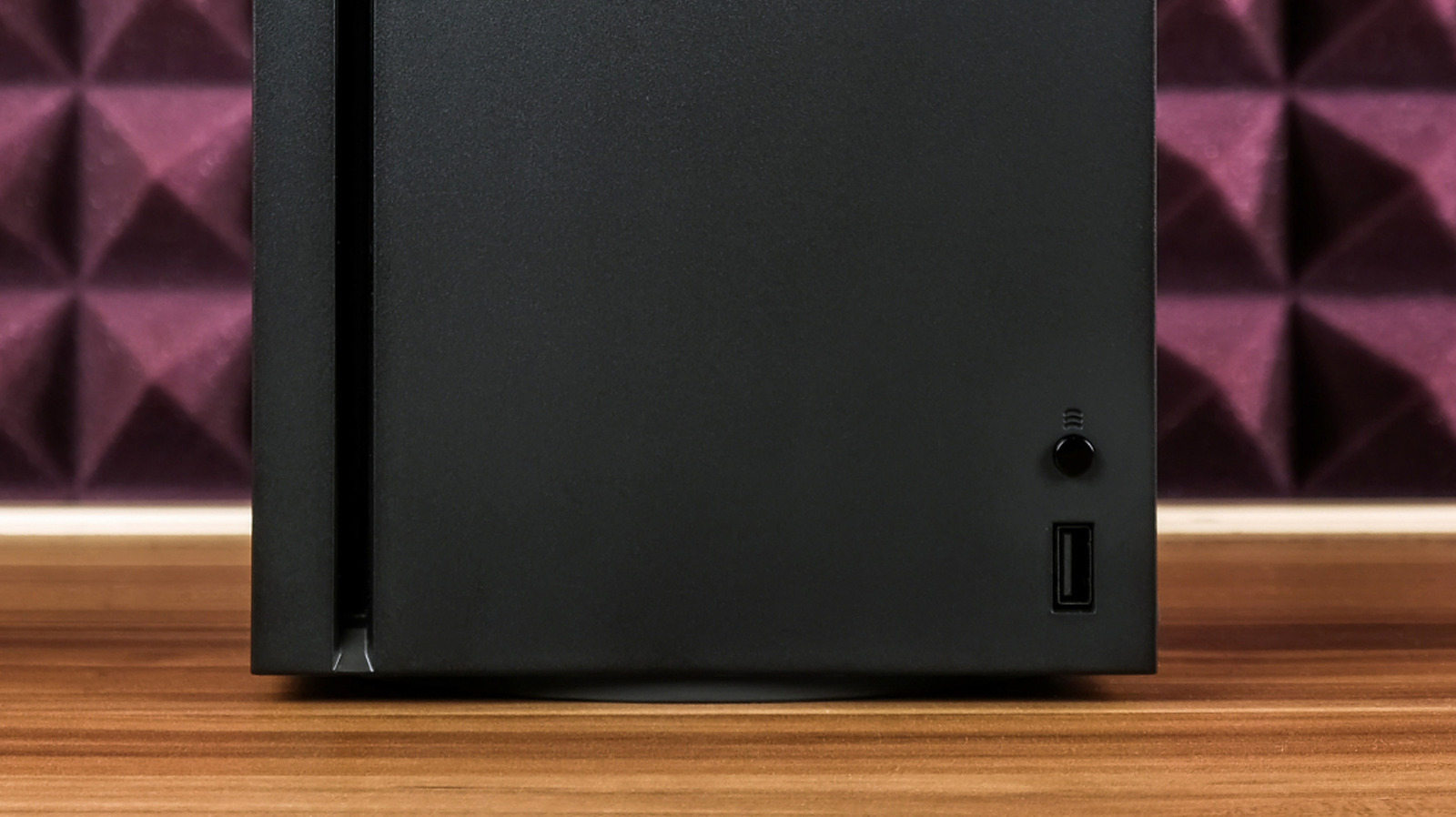
- Gaming Consoles: To avoid the lag spikes inherent in wireless gaming.
- Network Attached Storage (NAS): For fast backups and media serving.
- Smart TVs and Streaming Boxes: Essential for ethernet vs wifi for 4k streaming stability.
- Mesh Router Nodes: To create a rock-solid wireless backbone.
Real-world performance tests show the impact clearly. While a 1,000Mbps gigabit connection can deliver upwards of 831 Mbps over a wired Ethernet cable, the same connection may only reach approximately 420 Mbps when accessed via a Wi-Fi signal. If you are troubleshooting slow ethernet speeds on PC after wiring, check your Network Interface Card (NIC) settings and ensure you haven't made sharp 90-degree bends in your cables, which can damage the internal copper pairs.
FAQ
Is Ethernet faster than Wi-Fi?
Yes, in almost all practical scenarios. While theoretical Wi-Fi speeds are high, real-world tests show that a gigabit connection often delivers 831Mbps over Ethernet compared to just 420Mbps over Wi-Fi. Ethernet also provides full-duplex communication, meaning it can send and receive data at the same time without the "waiting" inherent in wireless half-duplex signals.
Which is better for gaming Ethernet or Wi-Fi?
Ethernet is significantly better for gaming because it eliminates signal interference and minimizes packet loss. Wireless signals can be disrupted by other electronics or walls, leading to sudden lag spikes. A wired connection ensures that your ping rate remains stable, which is more important for competitive gaming than the raw download speed.
Does Ethernet provide lower latency than Wi-Fi?
Absolutely. Wired Ethernet typically maintains a local network latency of under 1ms. In contrast, Wi-Fi 6 connections often fluctuate between 15ms and 40ms. This lower latency results in a more responsive experience for everything from video calls to online gaming.
Is it worth running Ethernet cables through a house?
Yes, especially if you have an internet plan of 800Mbps or higher. Wi-Fi often becomes the primary bottleneck in high-speed homes. Running Cat6 or Cat6a cables future-proofs your home for 10Gbps speeds and provides the necessary backbone for high-performance Wi-Fi mesh systems.
Why is my Ethernet slower than Wi-Fi?
This usually happens due to a bottleneck in the Performance Chain. You might be using an old Cat5 cable (capped at 100Mbps) instead of Cat5e or Cat6. Other causes include a damaged cable, a faulty network switch, or an outdated Network Interface Card (NIC) on your computer that doesn't support gigabit speeds.