Quick Facts
- Primary Goal: Achieving maximum dialogue clarity and a cohesive soundstage through physical geometry.
- Viewing Distance: Maintain a distance of 1.5x your screen size for optimal visual and auditory integration.
- Front Speaker Angle: Position front left and right channels at an angle of 22–30 degrees relative to the listener.
- Center Channel: Position the driver between 30–50 inches high to align perfectly with ear level.
- Surround Height: Elevate surround speakers 1–2 feet above ear level to enhance the sense of spatial audio.
- Subwoofer Gap: Leave a 6–12 inch buffer between the subwoofer and walls to prevent muddy, boomy bass.
Optimal home theater speaker placement begins with the center channel, which should be positioned directly in front of the TV at ear level for dialogue clarity. The front left and right speakers should form an equilateral triangle with the main seating area, angled slightly inward toward the listener to create a cohesive soundstage and improve audio imaging.
The secret to a world-class cinema experience isn't just about how much you spend on high-end drivers or a massive OLED screen. As an editor who has tested everything from budget bookshelves to six-figure floorstanders, I can tell you that home theater speaker placement is the ultimate free upgrade. You can have the most expensive magnets in the world, but if they are firing into the back of a sofa or creating nasty acoustic reflections against a glass window, you are leaving performance on the table.
Optimizing home audio positioning is about working with the physics of your room rather than fighting against it. When we talk about immersive sound, we are really talking about timing and direction. We want the sound waves to hit your ears at the precise moment the director intended, creating a sweet spot where the speakers disappear and only the movie remains. Whether you are setting up a dedicated media room or a multi-purpose living area, following these professional guidelines will transform your listening experience from "good enough" to "truly cinematic."
The Anchor: Center Channel and Front Soundstage
The center channel is the most hard-working component of your entire surround sound system setup. It handles roughly 70% of the audio track, including almost all the dialogue. If this speaker is misplaced, you will find yourself constantly reaching for the remote to turn the volume up during talking scenes and down during explosions. To maximize dialogue intelligibility, center channel placement for dialogue clarity is paramount. It must be centered perfectly with the screen.
Industry experts recommend placing the center channel speaker at ear level, which typically ranges from 30 to 50 inches above the floor for a seated audience. If your TV is mounted high and the speaker must sit below it, tilt the speaker upward so the tweeters aim directly at your ears. This ensures the sound seems to emanate from the actors' mouths rather than their feet.
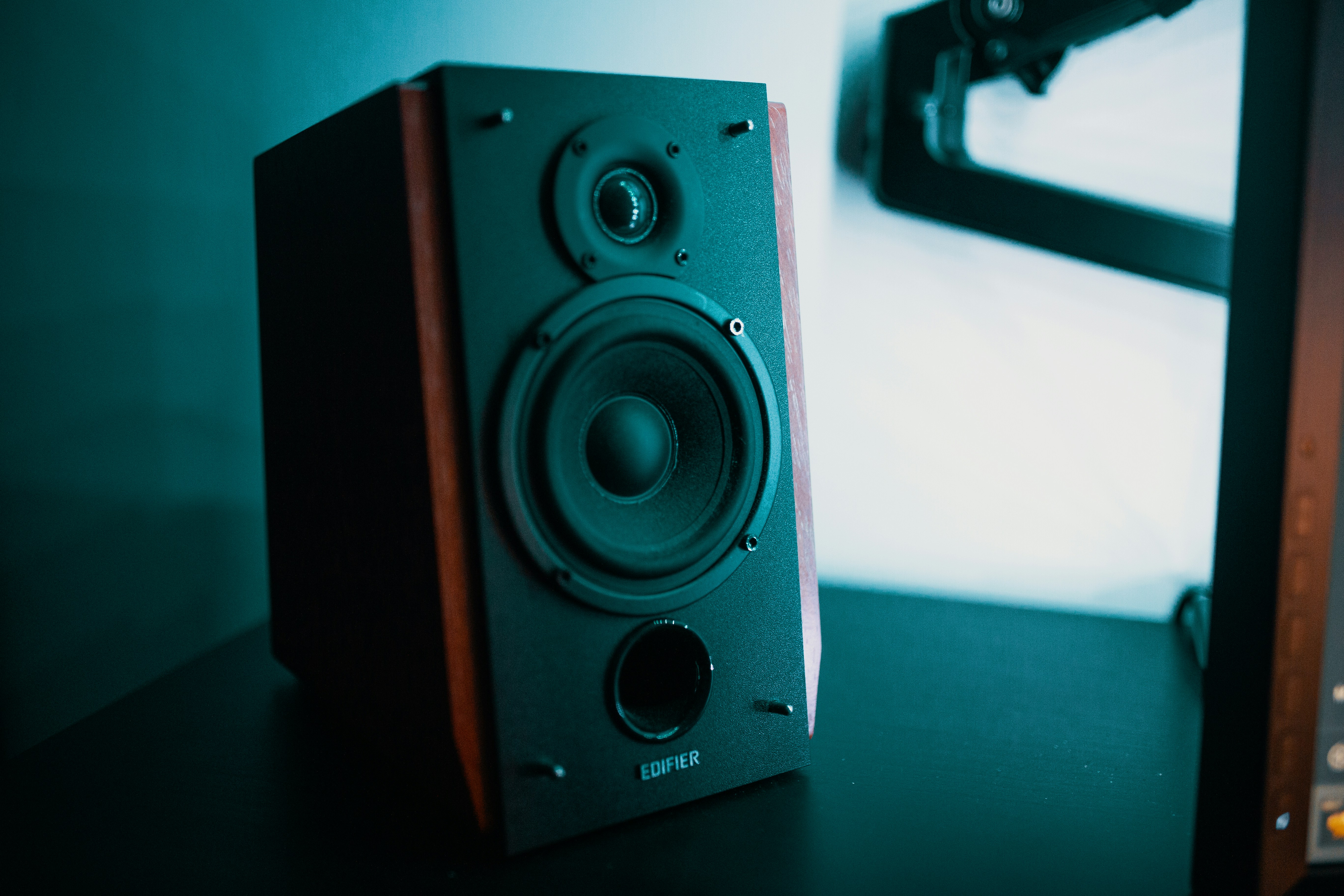
For your front left and right speakers, the goal is to create a wide, believable soundstage. Use the equilateral triangle rule: the distance between the two speakers should be roughly equal to the distance from each speaker to your seat. To sharpen the audio imaging, try angling front speakers for better soundstage by "toeing" them in toward the listener.
The 1.5x Rule: For the best synergy between your eyes and ears, your primary seating position should be approximately 1.5 times the diagonal width of your screen away from the display.
According to industry standards from Dolby and THX, you should position front left and right speakers at an angle between 22 and 30 degrees relative to the primary listening position. This specific range prevents the "hole in the middle" effect and ensures that off-screen sound effects transition smoothly across the front of the room. Additionally, I always recommend using dedicated speaker stands rather than placing speakers inside a bookshelf or cabinet. This helps avoid cabinet interference and unwanted vibrations that can muddy the mid-range frequencies.
Creating Immersion: Surround and Dolby Atmos Layouts
Once your front stage is locked in, it is time to focus on the "surround" in your surround sound system setup. This is where many home users make mistakes by placing speakers too far back or too low. If you are following a 5.1 surround sound speaker placement guide, your side speakers should actually be to the sides of your seating area, not behind you.
Guidelines from Dolby and THX suggest placing side surround speakers at an angle of 90 to 110 degrees from the center of the listening area. This positioning allows the speakers to handle ambient effects—like rain falling or a car driving past—without distracting you from the action on screen.
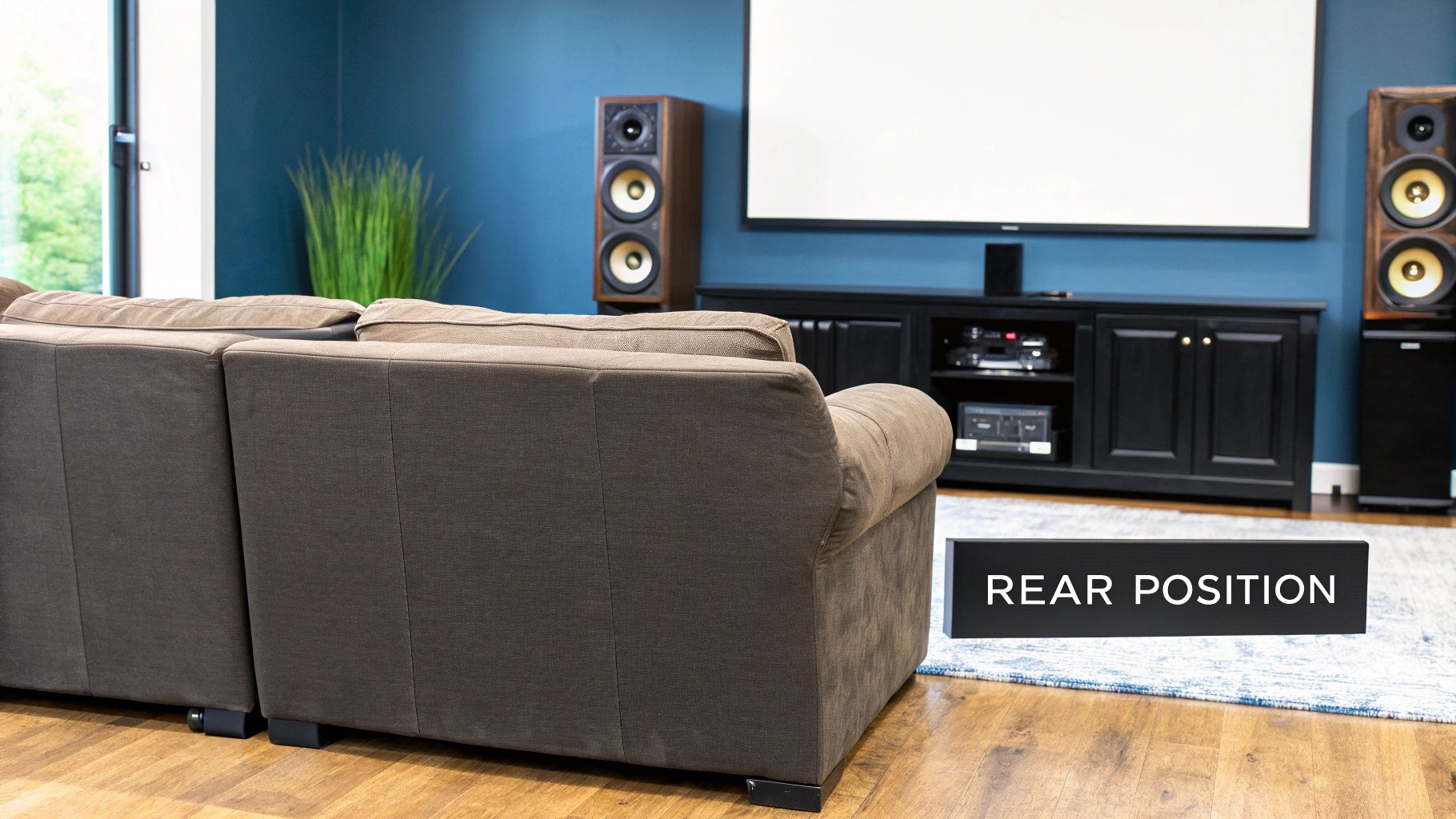
When it comes to height, surround speakers should be placed one to two feet above ear level. This elevation helps provide immersive spatial audio by preventing the sound from being blocked by the back of your chair or the person sitting next to you. It also helps create a more diffused sound field, making it harder for your ears to "point" at the speaker box, which keeps you immersed in the movie's atmosphere.
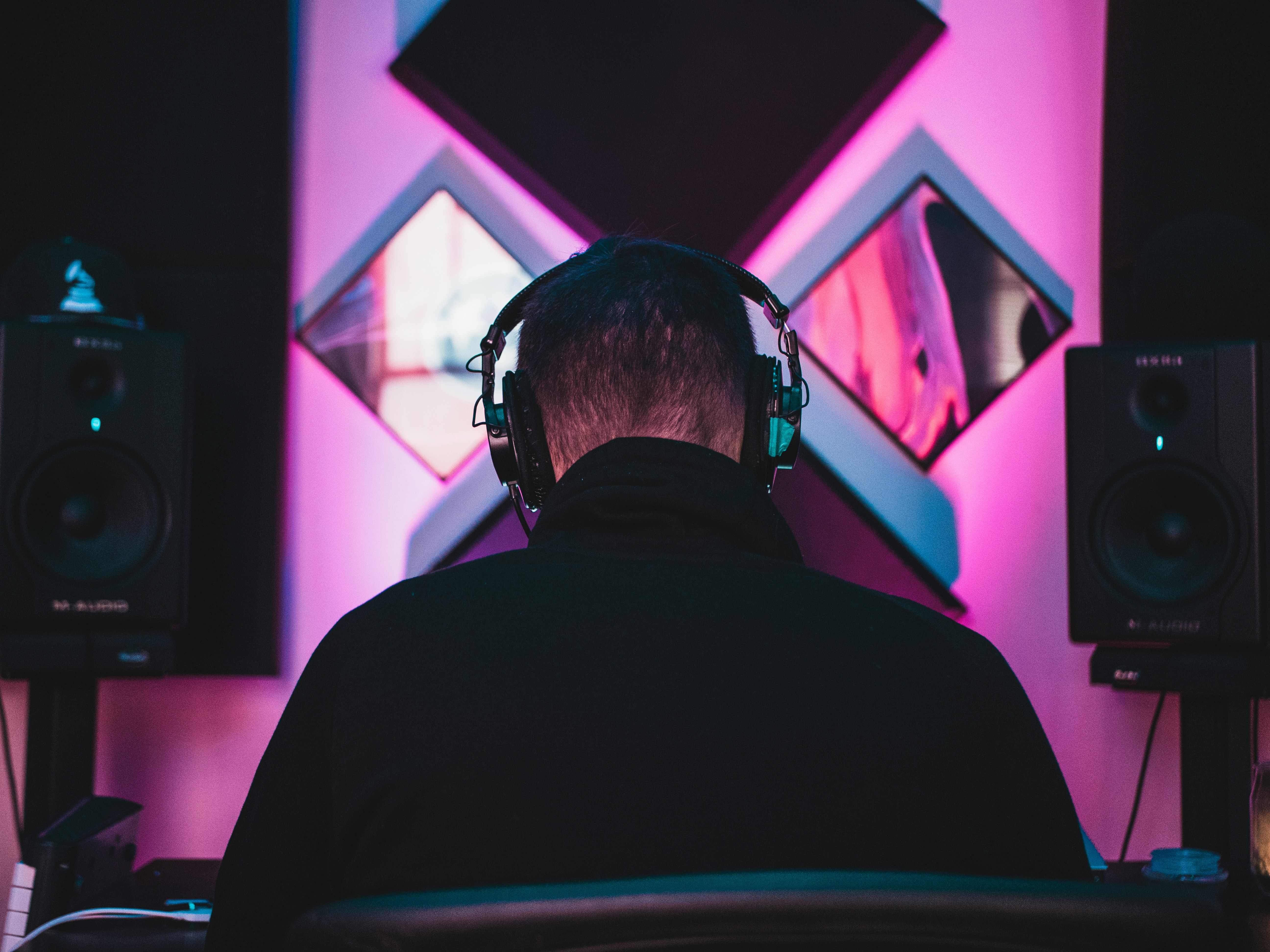
For those looking to step up to Dolby Atmos, verticality is the new frontier. Dolby Atmos ceiling speaker layout tips suggest positioning overhead drivers slightly in front of the seating area. If you are using up-firing drivers that bounce sound off the ceiling, ensure your ceiling is flat and reflective (no acoustic tiles or popcorn textures) and keep the speakers away from high shelves that might block the upward sound path. This creates a true "bubble" of sound where objects can move realistically in three-dimensional space.
Taming the Bass: Subwoofer Positioning and Room Acoustics
Low-frequency energy is a different beast entirely. Unlike the directional high frequencies from your tweeters, bass is omnidirectional. However, your room dimensions play a massive role in how that bass feels. Many people instinctively shove their subwoofer into a corner to hide it, but this often results in boomy, unbalanced audio caused by standing waves. These are spots in the room where bass notes either disappear or become overwhelmingly loud.
The best place for subwoofer in home theater setups is rarely the most convenient one. To find the sweet spot, I recommend the "subwoofer crawl." Place the subwoofer in your actual listening chair, play a bass-heavy track, and crawl around the room on the floor. Where the bass sounds the tightest and most defined is where you should actually place the subwoofer.
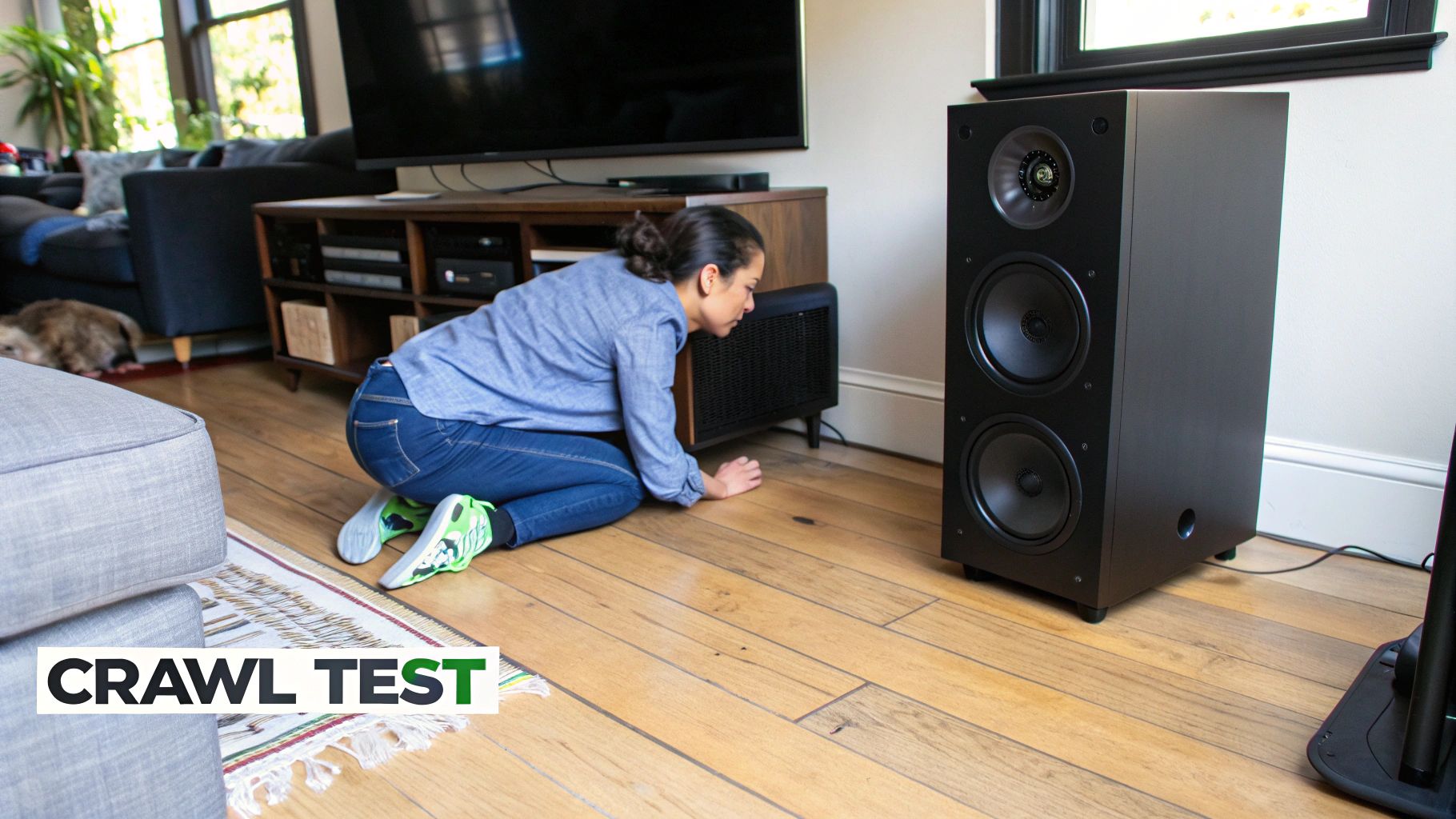
Once you find that spot, ensure you leave a 6-12 inch gap from the wall. This prevents the rear-firing ports from being smothered and allows the air to move freely. Beyond placement, you must manage acoustic reflections. Large windows, hardwood floors, and bare walls act like mirrors for sound. Adding a thick rug between the speakers and the listener, or hanging heavy curtains, can dramatically improve the clarity of your system by absorbing stray sound waves.
Finally, pay attention to the crossover frequency on your AV receiver. Most home systems perform best when the crossover is set to 80Hz. This tells the receiver to send all deep bass to the subwoofer, freeing up your main speakers to focus on the mid-range and high frequencies they were designed to handle.
Technical Fine-Tuning: AV Receiver Calibration
After you have manually positioned every driver, the final step in home theater speaker placement involves the brain of your system: the AV receiver. Modern receivers come equipped with sophisticated AV receiver calibration software, such as Audyssey, Dirac, or Bose's ADAPTiQ. These systems use a calibrated microphone to measure the distance between each speaker and your seat.
They don't just measure distance; they look at how your room’s unique acoustics affect the sound. The software will automatically adjust the volume levels and timing for each channel so that the sound from a rear speaker reaches your ear at the exact same microsecond as the sound from the front speakers. This digital correction is the "polish" that makes a DIY setup feel like a professional installation.

When wiring your system, ensure you are using high-quality HDMI cables for signal integrity, especially for 4K or 8K video and high-resolution spatial audio formats. Keep your speaker wires as organized as possible; while wire management doesn't necessarily change the sound, it prevents interference and makes future troubleshooting much easier. Always double-check the ideal distance between speakers and seating area in your receiver's manual, as some high-end systems require very specific minimum distances to allow the sound waves to fully develop.
By taking the time to measure your angles and test your subwoofer's interaction with the room, you are doing more for your audio quality than any expensive cable or power conditioner ever could. Real cinema sound isn't bought—it's engineered.
FAQ
Where should I place my home theater speakers?
Your front left and right speakers should form an equilateral triangle with your seat, angled 22-30 degrees toward you. The center channel must be directly under or over the screen at ear level. Surround speakers should be placed to the sides, slightly behind the listening position at 90-110 degrees.
What is the best height for surround sound speakers?
The best height for surround speakers is approximately one to two feet above ear level when seated. This elevation ensures the sound is not blocked by furniture or other listeners and helps create a more atmospheric, diffused soundstage that mimics a real cinema environment.
Where is the best place to put a subwoofer?
While every room is different, the best place for a subwoofer is usually along the front wall, offset from the center. Avoid placing it deep into a corner unless you want boosted, boomy bass. Use the subwoofer crawl technique to find the specific spot in your room where the bass sounds most balanced.
How far should speakers be from the wall?
Most speakers benefit from being at least 6 to 12 inches away from the wall. Placing a speaker too close to a wall can cause a buildup of bass frequencies and create muddy sound reflections. If your speakers are rear-ported, giving them "breathing room" is essential for maintaining clarity.
Where should the center channel speaker be placed?
The center channel should be placed directly in the horizontal center of your television. Vertically, it should be as close to ear level as possible—typically between 30 and 50 inches from the floor. If it must be lower or higher, angle the speaker toward your ears to maintain dialogue clarity.