Quick Facts
- Market Growth: The global smart speaker market is valued at approximately $17.59 billion in 2024 and is expected to double by 2032.
- Adoption Rates: Roughly 101 million Americans, representing 35% of the population aged 12 and older, now own a smart speaker.
- Household Integration: About 72 million U.S. households use these devices as a central command center for automation.
- Next-Gen Standards: Matter and Thread protocols have become the industry requirement for cross-brand device compatibility.
- Top Hardware: Modern options like the Amazon Echo Dot Max offer built-in radios for direct device connection without extra hardware.
- Advanced AI: New subscription tiers like Alexa+ ($20/month) provide context-aware interactions for more natural home management.
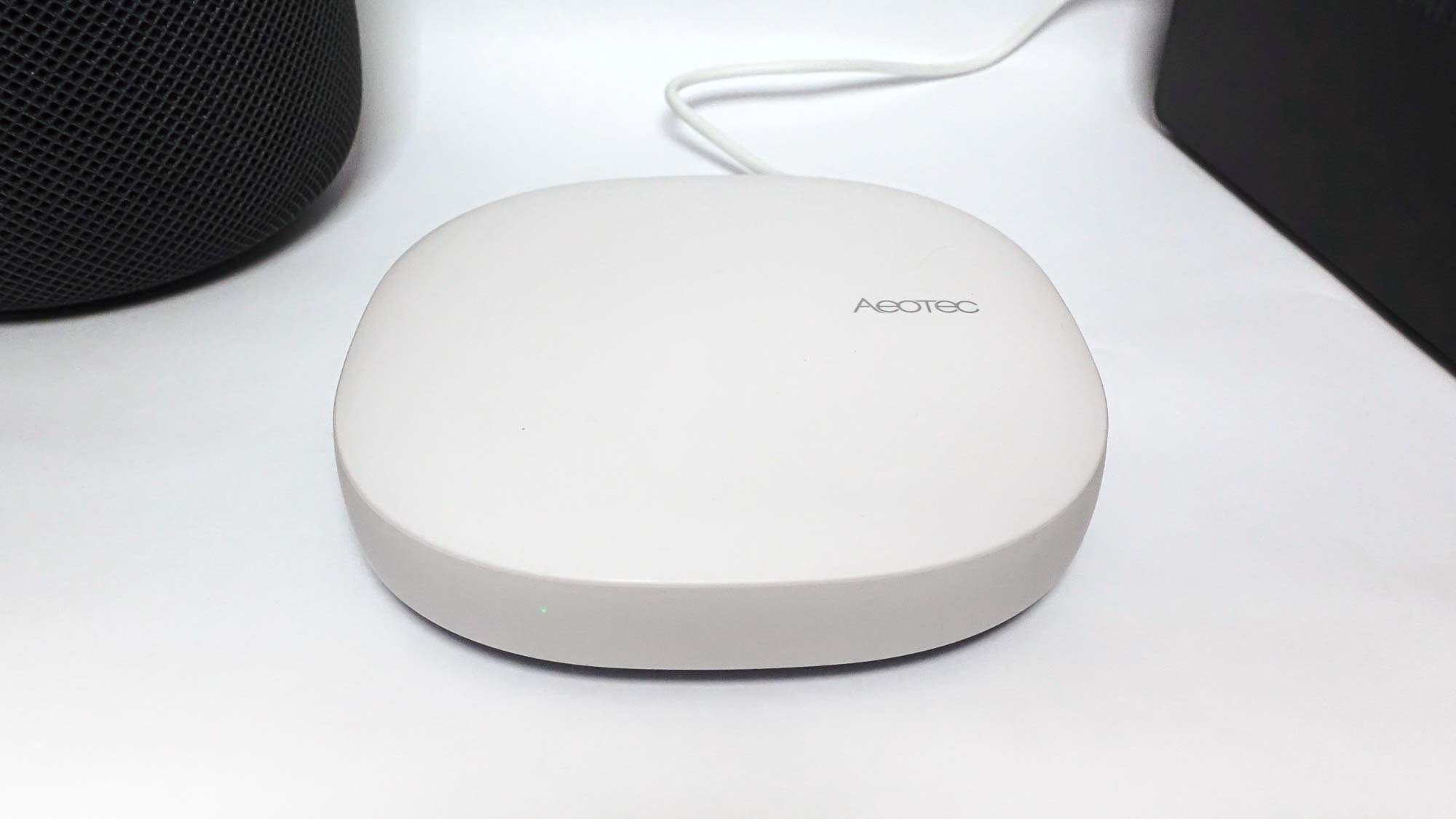
- Dual Utility: Many newer speakers serve as Wi-fi mesh nodes to extend internet coverage while managing smart devices.
To set up a smart speaker hub, use the companion app like Alexa, Google Home, or Apple Home to bridge devices via Matter, Zigbee, or Thread standards, creating a unified dashboard for centralizing smart home control. By pairing compatible lights, plugs, and thermostats, you can manage your entire living space through a single interface for seamless device synchronization.
Understanding the Air Traffic Controller: Speaker vs. Hub
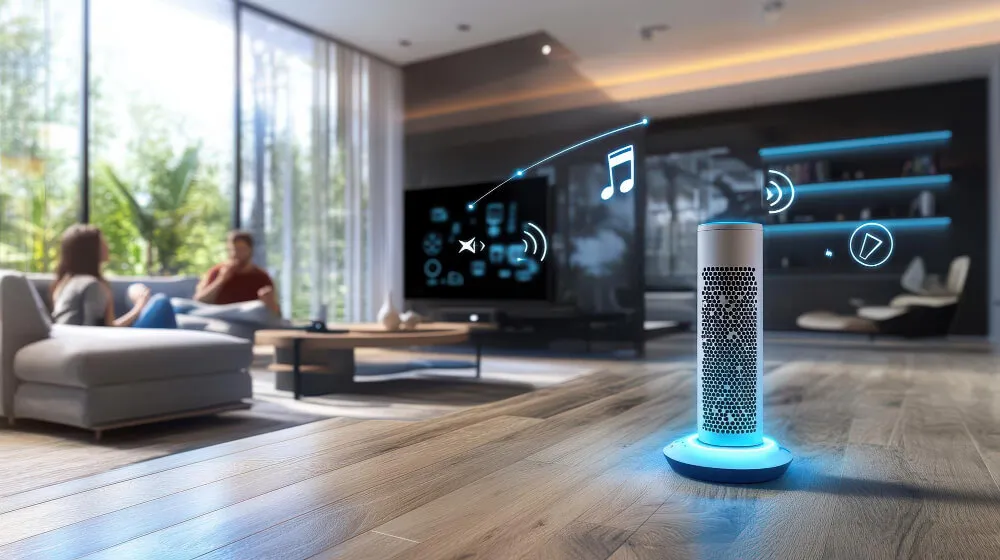
In the early days of the connected home, a smart speaker was little more than a voice-activated jukebox. Today, the role has shifted. Think of a modern smart speaker hub as an air traffic controller. While a basic speaker simply relays your voice commands to the cloud, a true hub manages a complex sub-network of devices using specialized radio frequencies.
The shift toward local processing is a game changer for 2025. Older systems relied entirely on the cloud, leading to annoying "thinking" delays. Modern hubs process many commands locally, which means your lights turn on instantly even if your internet connection is flickering. This local approach also enhances privacy, as fewer snippets of data leave your home network.
When shopping for the best smart speaker for home automation control, the technical standards under the hood matter most. You should look for devices that support the Matter standard. This is the universal language that allows a Google-made sensor to talk to an Apple-made speaker or an Amazon-made plug. Combined with Zigbee and Thread, these protocols ensure your home automation bridge remains stable and future-proof.
Choosing Your Ecosystem: Alexa vs. Google vs. Apple
Selecting an IoT ecosystem is the most critical decision in your automation journey. Each of the "Big Three" has moved toward a model focused on ambient intelligence, where the home anticipates your needs rather than just waiting for commands.
| Feature | Amazon Alexa | Google Home | Apple HomeKit |
|---|---|---|---|
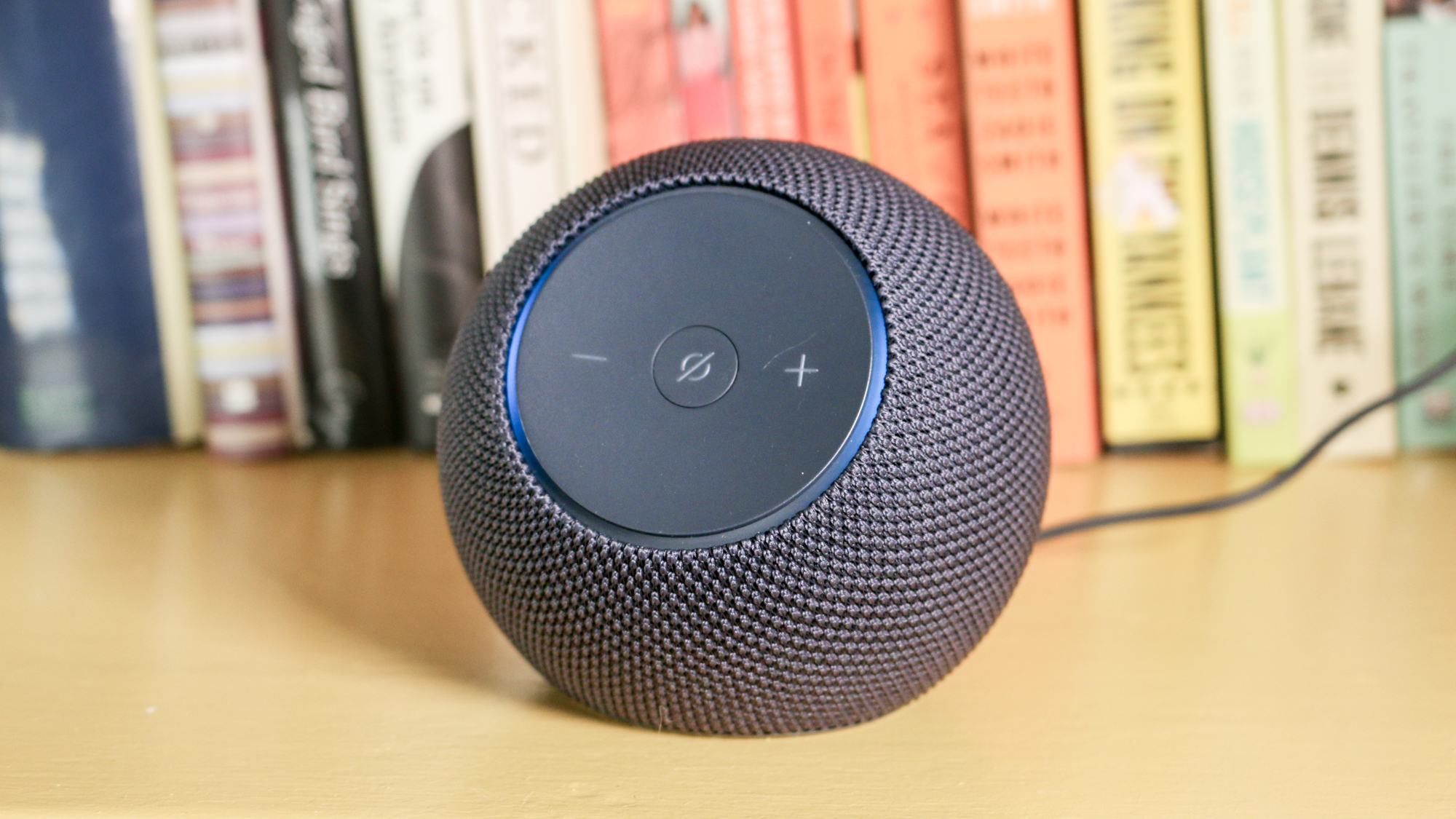
| Primary Hub | Echo Dot Max | Nest Hub Max | HomePod |
| Protocol Support | Matter, Zigbee, Sidewalk | Matter, Thread | Matter, Thread |
| AI Experience | Alexa+ (Generative AI) | Gemini Integration | Enhanced Siri |
| Best For | Maximum device compatibility | Search and screen visuals | Privacy and speed |
Amazon remains a powerhouse for those looking for a voice assistant integration guide that covers the widest range of third-party hardware. If you want to centralize smart home with Alexa, you gain access to the massive "Works with Alexa" catalog. Meanwhile, Apple has doubled down on Thread technology in the HomePod to ensure near-instant response times. Google focuses on visual management, using its smart displays to provide a comprehensive smart home dashboard for those who prefer touching a screen over speaking.
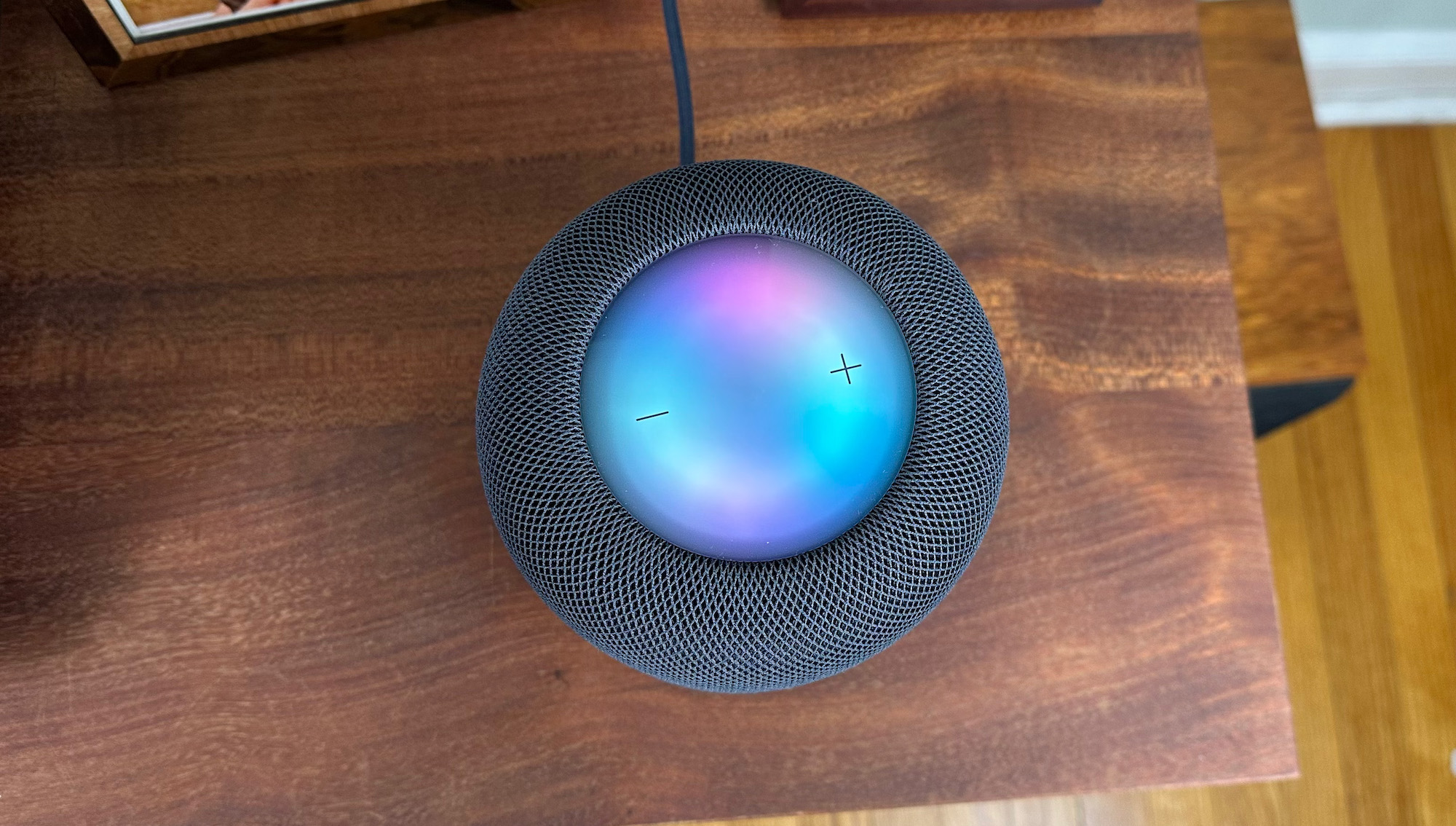
Setting Up Your Smart Speaker Hub: A Step-by-Step Guide
The setup process has become significantly more streamlined thanks to Matter discovery features. You no longer need to enter long serial numbers or jump through complex pairing hoops.
- Power and Placement: Position your smart speaker hub in a central location, ideally away from walls or large metal objects that could interfere with Zigbee and Thread signals.
- App Configuration: Open the companion app (Alexa, Google Home, or Home) and ensure your smartphone's Bluetooth is active. The app should automatically detect the new hub.
- Bridge Your Devices: To start connecting smart plugs to echo dot hub or other devices, select "Add Device" in the menu. If the device is Matter-certified, simply scan the QR code on the product.
- Organize by Room: Assign every device to a specific room. This is essential for centralizing smart home control, as it allows you to say "Turn off the kitchen" rather than naming every individual bulb.
- Verify Synchronization: Test a few manual toggles in the app to ensure device synchronization is working without latency.
Pro Tip: If a device fails to pair, check if it requires a specific firmware update. Matter-compatible devices often need a one-time update through the manufacturer's original app before they can be added to your central hub.
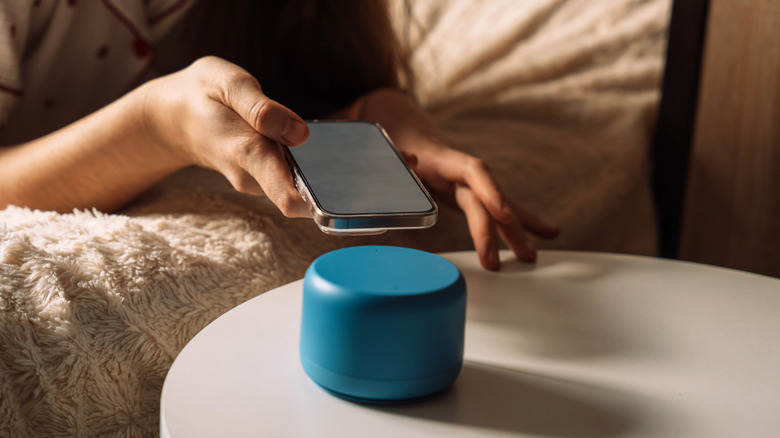
From Basic Commands to Pro Routines
Once your hardware is linked, the real magic happens through smart home automation routines. If you are still only using your speaker to "turn on the lights," you are missing out on 90% of its potential. Pro-level users move toward workflow automation that triggers based on time, location, or sensor data.
Creating smart speaker routines for morning and night is the best place to start. A "Good Morning" routine can slowly brighten the bedroom lights over twenty minutes, start the coffee maker via a smart plug, and announce your first calendar appointment. Conversely, a night routine can lock the front door, set the thermostat to 68 degrees, and ensure all appliances are turned off.
Unlocking advanced smart speaker skills and actions often involves multi-conditional logic. For example, you can set a rule that says: If the motion sensor in the hallway detects movement AND it is between 11 PM and 6 AM, then turn the bathroom lights on to 10% brightness. This type of ambient intelligence makes the home feel truly "smart" because it responds to your presence without a single word being spoken.
Room-by-Room Automation Strategies
To get the most out of your smart speaker hub, you should tailor your strategy to the specific needs of each room.
- The Kitchen: Focus on hands-free utility. Use your hub for multi-timer management and recipe conversion. Smart refrigerators and ovens can now sync with your hub to alert you when the preheat is finished or the water filter needs replacing.
- The Bedroom: Prioritize sleep hygiene. Integration with smart beds or specialized sunrise lighting can help regulate your circadian rhythm.
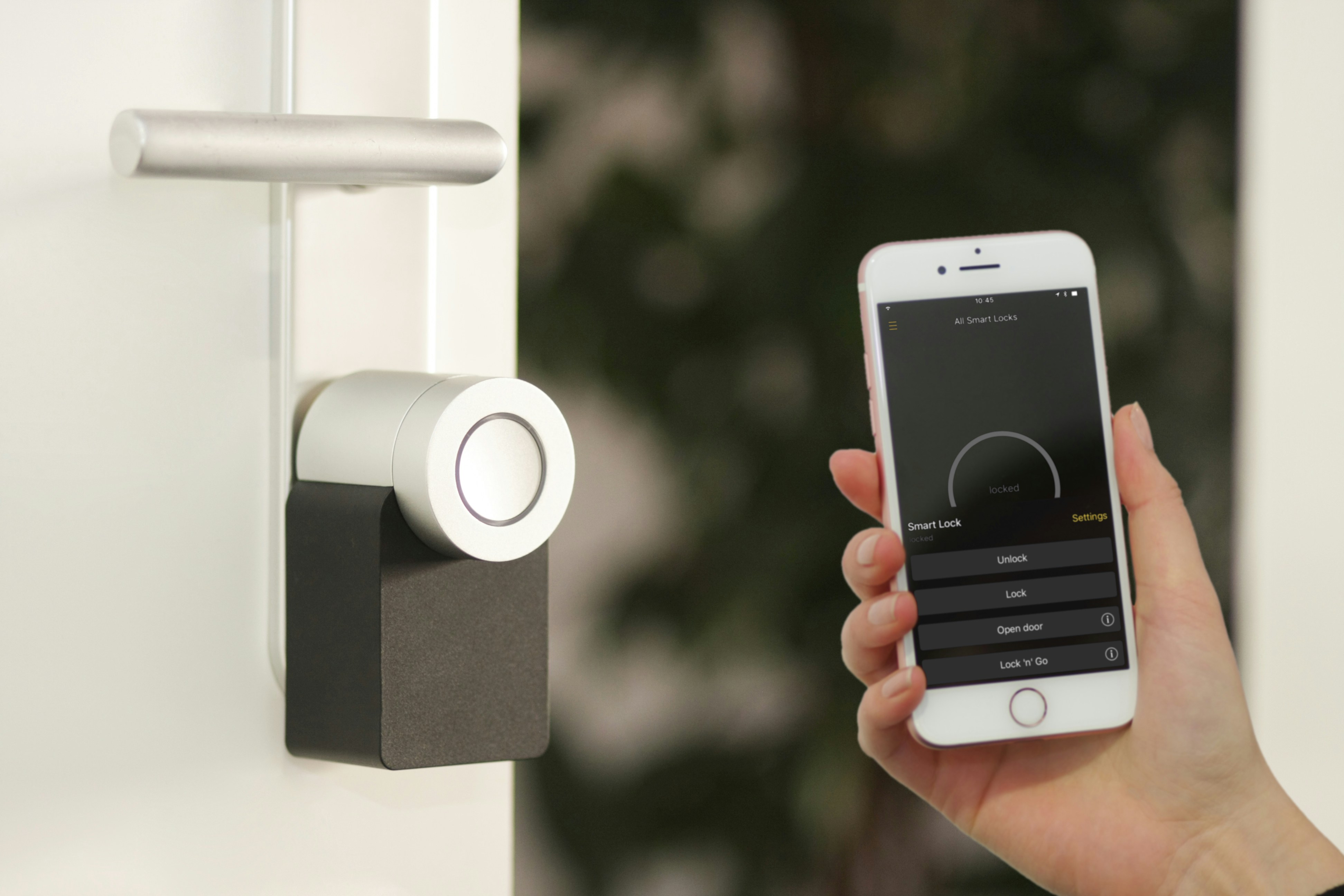
- Home Security: This is where the smart speaker home security integration guide becomes vital. Connect your hub to PIR motion sensors and smart cameras. You can set your speaker to play a "barking dog" sound if the outdoor camera detects a stranger while you are away, or have it announce "Front door open" whenever the contact sensor is triggered.
- The Living Room: Use the hub for multi-room audio and environmental monitoring. Many modern speakers have temperature sensors built-in, allowing them to automatically trigger a smart fan or AC unit if the room gets too warm.
FAQ
What is a smart speaker hub and how does it work?
A smart speaker hub is a device that combines a voice assistant with hardware radios like Zigbee, Thread, or Matter. It works by acting as a central translator, receiving your commands via voice or app and sending instructions to various smart devices throughout your home.
Do I need a separate hub if I already have a smart speaker?
It depends on the model. Basic speakers often require a separate bridge for certain brands of lights or locks. However, newer models like the Echo Dot Max or Nest Hub Max have these bridges built-in, eliminating the need for extra hardware.
What is the difference between a smart speaker and a smart home hub?
A standard smart speaker primarily uses Wi-Fi to communicate with the cloud. A smart home hub includes additional radios to control low-power devices directly, providing faster response times and the ability to function locally without a constant internet connection.
Can a smart speaker hub control all brands of smart devices?
While no hub supports every single device ever made, the introduction of the Matter standard has made it possible for a single hub to control the vast majority of modern smart brands. Always look for the Matter logo on the packaging to ensure compatibility.
How many devices can a single smart speaker hub manage?
Most modern hubs can comfortably manage between 50 and 100 devices. If your home exceeds this, or if you have a very large property, you may need to add additional speakers to extend the mesh network and ensure every sensor remains in range.