Quick Facts
- 5-Year Savings: Up to $450 compared to basic cloud tiers; as much as $6,000 for multi-camera high-resolution systems.
- Privacy Guard: 100% data sovereignty with no third-party server access or unauthorized data sharing.
- Hardware Choice: MicroSD cards for single-camera convenience or NVR systems for comprehensive 24/7 whole-home recording.
- Top 2026 Picks: Reolink Argus 4 Pro for battery-powered flexibility and eufy Indoor Cam E30 for dedicated privacy shutters.
- Network Reliability: Local storage functions during internet outages, ensuring continuous security coverage without bandwidth strain.
- Data Control: Your footage stays on your property, protected by the 4th Amendment rather than terms of service agreements.
Switching to local camera storage is the most effective way to reclaim your data sovereignty and eliminate recurring monthly fees. In 2026, with cloud breaches rising, choosing no subscription security camera storage ensures your footage stays on your property and remains accessible only to you. This approach utilizes physical hardware like microSD cards, Network Video Recorders (NVRs), or Network Attached Storage (NAS) devices to manage and store video data within your private network.
The Financial Case: Saving 75% Over 5 Years
As an editor who has tested hundreds of smart home devices, I have seen a frustrating trend: feature gating. Many big-name brands now lock basic AI person detection and high-resolution playback behind a paywall. When you calculate the long-term cost, that affordable $60 camera suddenly looks very expensive. Local camera storage offers a cost-effective alternative to cloud subscriptions by keeping video footage on physical hardware like microSD cards, NVRs, or NAS devices.
The financial logic is simple. While cloud services lure you in with low entry prices, the cumulative cost over several years is staggering. For a typical four-camera home system, the five-year total cost of ownership for a four-camera system is estimated between $200 and $1,200 when using local hardware. In contrast, cloud-based services for that same period can range from $600 to an eye-watering $7,200 depending on the resolution and retention period.
By choosing best security cameras with no monthly fee 2026, you shift your investment from a recurring liability to a permanent asset. Brands like Reolink have mastered this by offering on-device AI detection without subscription, meaning the camera itself identifies people, vehicles, and pets without needing to send that data to a server for processing.
| Feature | Cloud Basic (1 Camera) | Cloud Pro (4 Cameras) | Local SD/NVR (4 Cameras) |
|---|---|---|---|
| Monthly Fee | $3 - $5 | $10 - $15 | $0 |
| 5-Year Cost | $180 - $300 | $600 - $900 | $200 - $450 (Hardware only) |
| AI Detection | Often Paywalled | Included in Sub | On-device (Free) |
| Internet Usage | High (Continuous) | Very High | Zero for Recording |
| Data Ownership | Shared | Shared | 100% Private |
Beyond the subscription fee, we must talk about bandwidth. A single 4MP security camera recording at 15 frames per second can consume between 2 and 4 Mbps of sustained upload bandwidth. This can potentially generate up to 10 terabytes of data transfer per month for cloud-based storage solutions. If your internet service provider imposes a data cap, cloud cameras could lead to additional overage charges that many homeowners forget to factor into their budget.
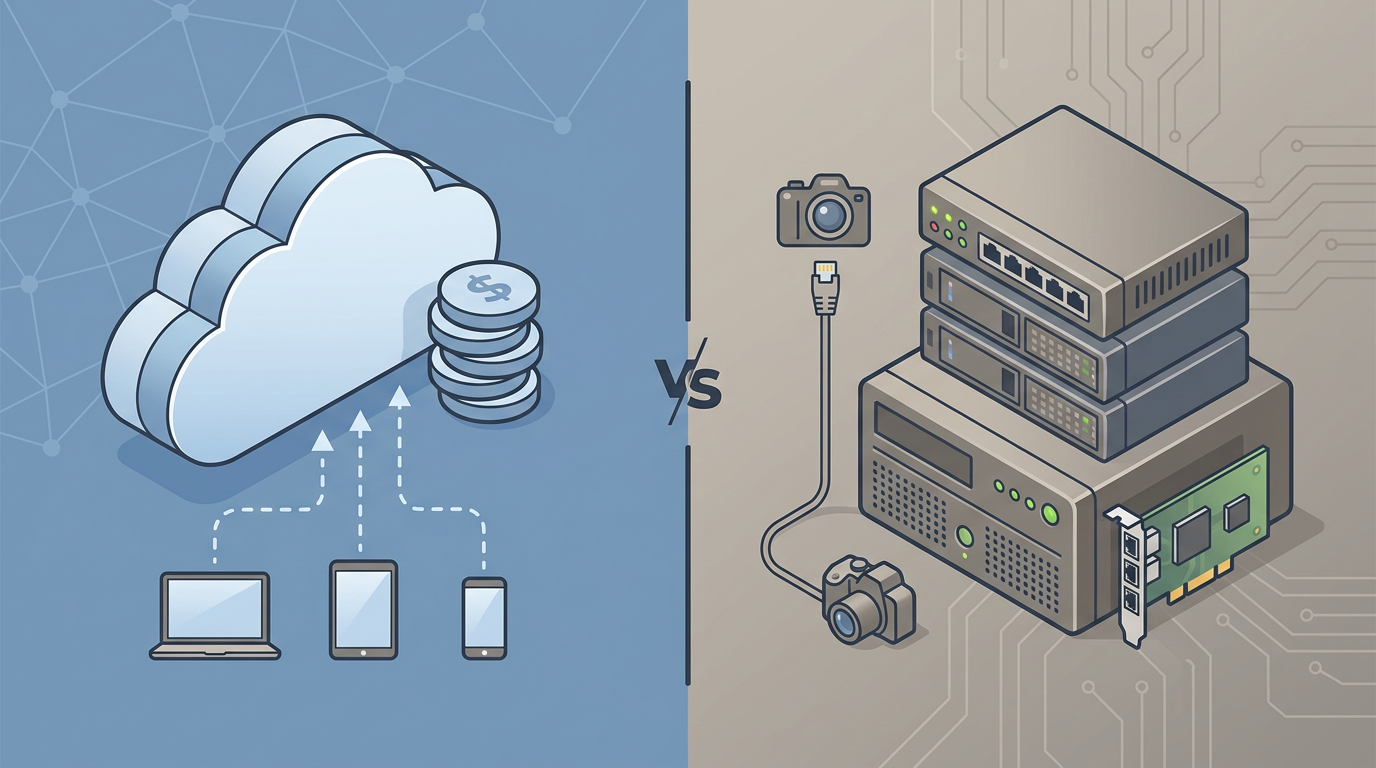
Privacy First: Why Your Footage Belongs at Home
Privacy in the smart home space is no longer just a theoretical concern; it is a matter of legal and digital safety. We have recently seen significant shifts in how data is handled by major corporations, such as the 2025 Ring-Axon partnership, which raised questions about how law enforcement might access cloud-stored video. When your footage lives on a third-party server, you are subject to their privacy policies and their interpretation of emergency data requests.
Storing security footage locally protects privacy by preventing unauthorized remote access and warrantless data sharing by cloud providers. When using local camera storage, video data is processed and stored within your private network, often utilizing end-to-end encryption and network isolation. This ensures that your local video footage privacy is maintained because the data never leaves your physical premises. Under the 4th Amendment, physical hardware stored in your home generally enjoys higher legal protection against search and seizure compared to data held by a third-party provider.
The risks of the cloud are quantifiable. Reports indicate that 45% of all data breaches occur in cloud environments, and approximately 80% of organizations experienced at least one cloud security incident in 2025. By learning how to set up local video storage for privacy, you effectively remove your home from these statistics.
Privacy Sidebar: The Power of Network Isolation For those truly concerned about privacy, Jessica recommends a technique called Network Isolation. By putting your local cameras on a separate VLAN (Virtual Local Area Network) and blocking their internet access at the router level, you ensure that even the camera manufacturer cannot "phone home" or access your stream. You still get local recording and, with a VPN, secure remote access.
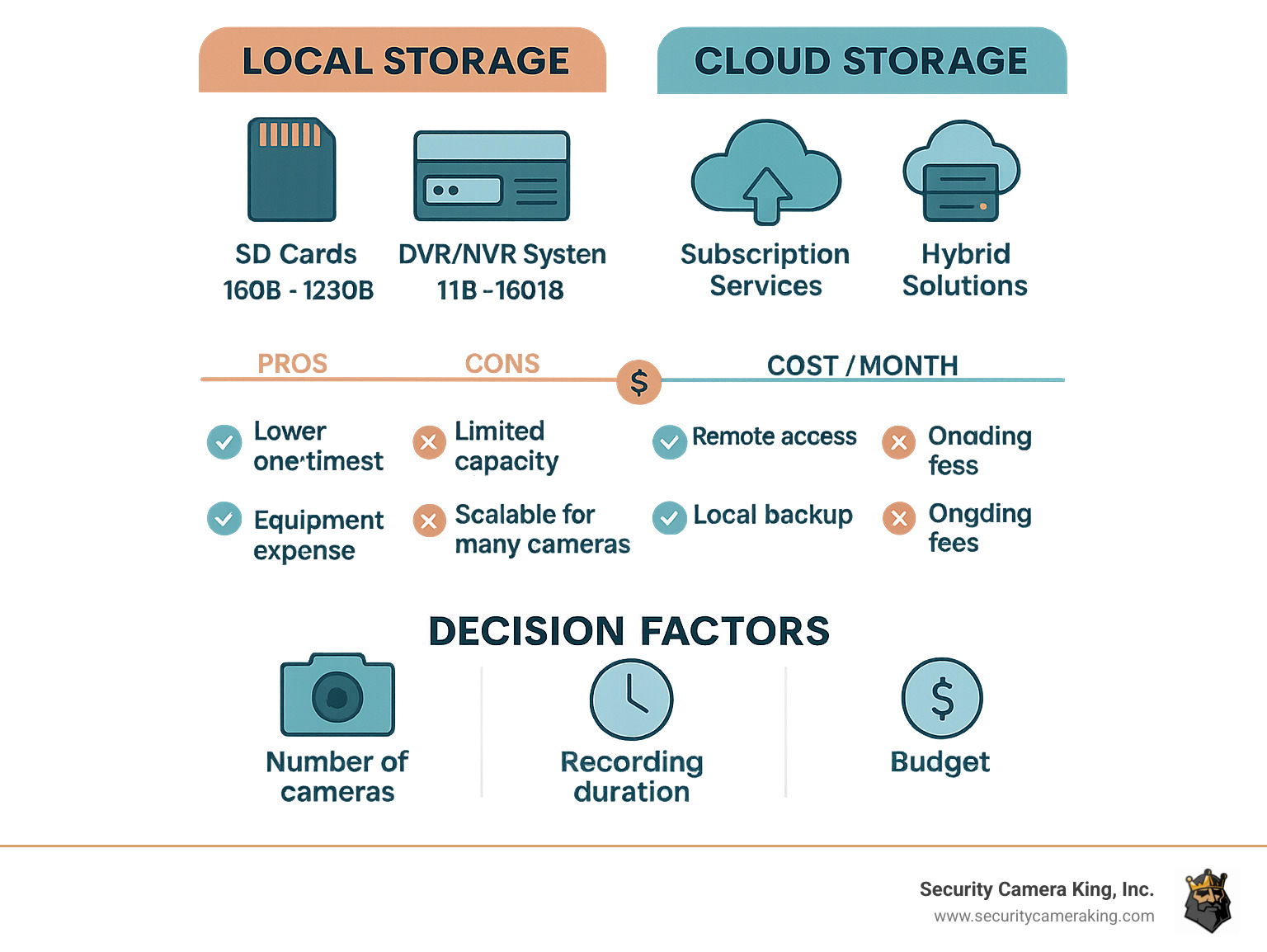
Choosing Your Hardware: SD Card vs NVR vs NAS
Selecting the right hardware is the most critical step in building a subscription-free ecosystem. Choosing between a microSD card and a Network Video Recorder (NVR) depends on your specific surveillance needs. Each serves a different user persona, and understanding these differences will prevent you from overspending or underspecifying your system.
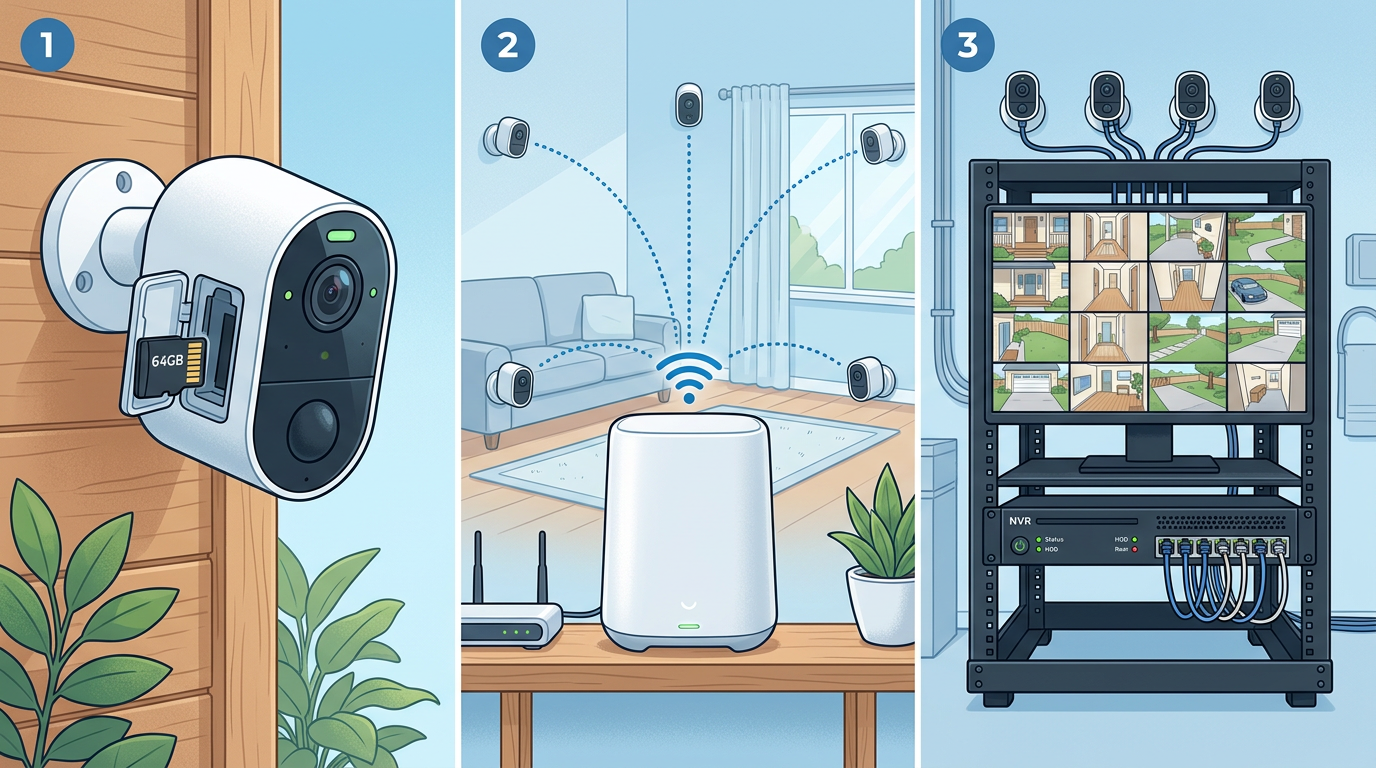
The Minimalist: MicroSD Cards
MicroSD cards are ideal for single-camera setups and continuous loop recording on edge devices. This is the easiest entry point for benefits of local camera storage vs cloud. Many of the best outdoor battery cameras with local SD card storage, such as the Reolink Argus series, use this method.
However, you must be careful with the media you choose. Traditional SD cards used in cameras or phones are not designed for the constant stress of video writing. When choosing high endurance SD cards for security cameras, look for cards specifically labeled for high endurance or "Max Endurance." These are built to handle the thousands of write cycles required for 24/7 security monitoring without failing after a few months.
The Professional: Network Video Recorder (NVR)
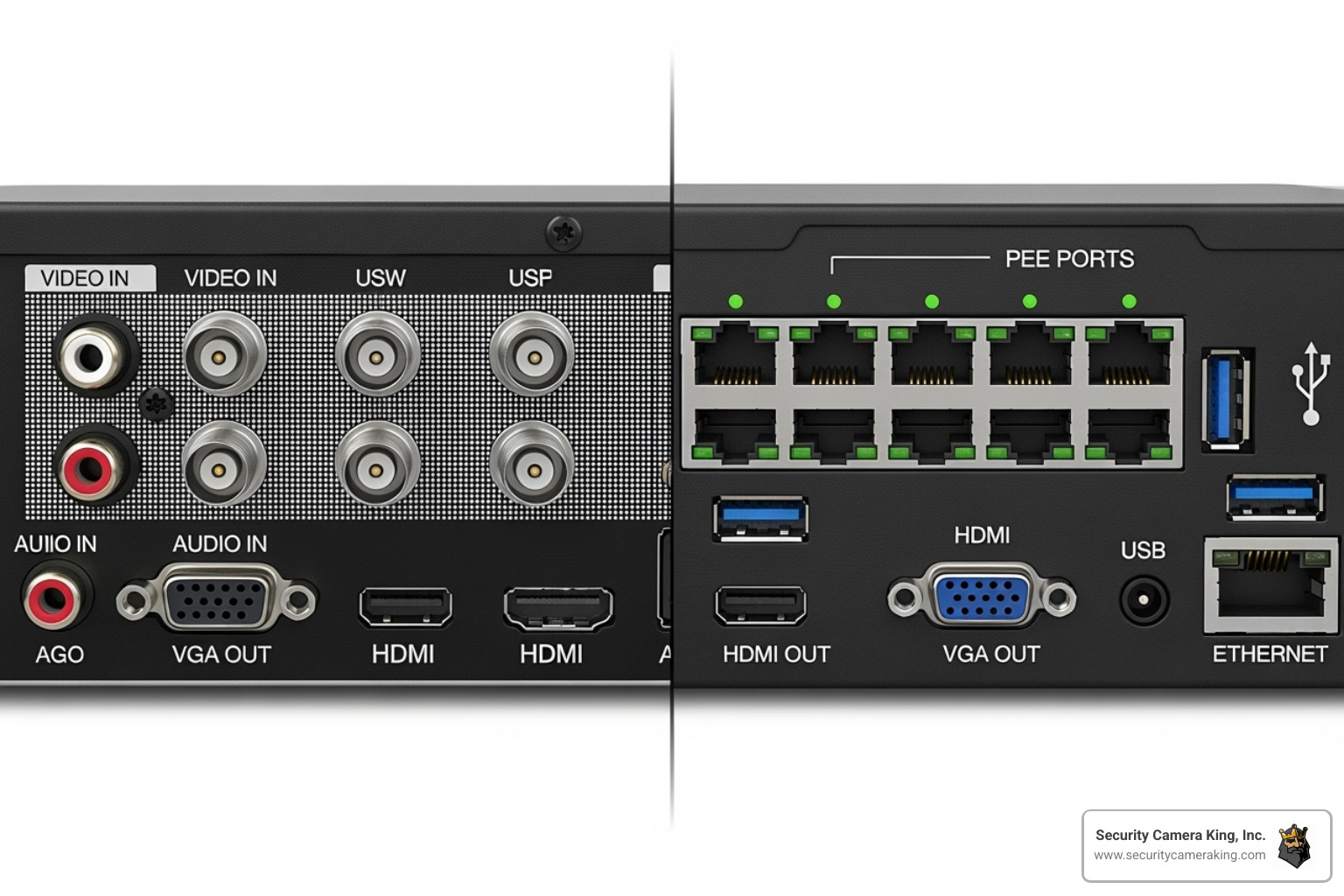
For multi-camera systems requiring terabytes of storage and 24/7 high-resolution recording, an NVR with surveillance-grade HDDs is more reliable. An NVR acts as the "brain" of your system, centralizing all video feeds into one physical box hidden in your home. This setup is perfect for Power over Ethernet (PoE) cameras.
Modern NVRs are significantly more advanced than the grainy DVRs of the past. They support H.265 Video Compression, which allows you to store more footage in less space without losing quality. They also often support the ONVIF Standard, which is a protocol that allows cameras from different brands to communicate with a single NVR, giving you the freedom to mix and match hardware.
The Expert: Network Attached Storage (NAS)
If you already have a home server or a NAS from brands like Synology or QNAP, you can often use it for your security storage. This provides the ultimate flexibility, as you can allocate as many Terabytes (TB) of Storage as you need and leverage professional-grade redundancy.
Comparison Checklist: Which fits you?
- MicroSD Card: Best for 1-2 cameras; simple setup; cheap entry cost; limited storage capacity; risk of theft if the camera is stolen.
- NVR: Best for 4+ cameras; 24/7 recording; high reliability; supports surveillance-grade HDD; centralized management.
- NAS: Best for smart home enthusiasts; highest flexibility; requires more technical configuration; easy to scale storage.
Remote Access Without the Cloud: Is it Possible?
A common misconception is that if you don't pay for the cloud, you can't see your cameras when you're away from home. This is simply not true. You can easily learn how to access local security camera footage remotely without cloud services by using a few modern techniques.
Most local-first brands, like eufy and Reolink, use a technology called P2P (Peer-to-Peer) encryption. When you open the app on your phone while at the grocery store, the app creates a secure, direct tunnel to your NVR or SD card at home. The video isn't stored on their servers; they just act as the "switchboard" to connect your phone to your home.
For the security-conscious, using a home VPN (like WireGuard or Tailscale) is the gold standard. By connecting to your home network via a VPN, you can access your local security camera footage as if you were sitting on your couch. This bypasses the manufacturer’s servers entirely, ensuring that only you have the digital keys to your home’s visual data. This setup ensures that your end-to-end encryption is managed by you, not a third party.
FAQ
What are the benefits of local camera storage vs cloud storage?
The primary benefits include significant cost savings by eliminating monthly fees, superior privacy through data sovereignty, and the ability to record 24/7 without consuming massive amounts of internet bandwidth. Local storage also ensures your cameras keep recording even if your internet connection goes down.
Does local camera storage require a monthly subscription?
No, that is the main advantage. Once you purchase the hardware, such as an SD card or an NVR, you own the storage. There are no recurring fees to save, view, or manage your footage.
How much storage do I need for 24/7 security camera recording?
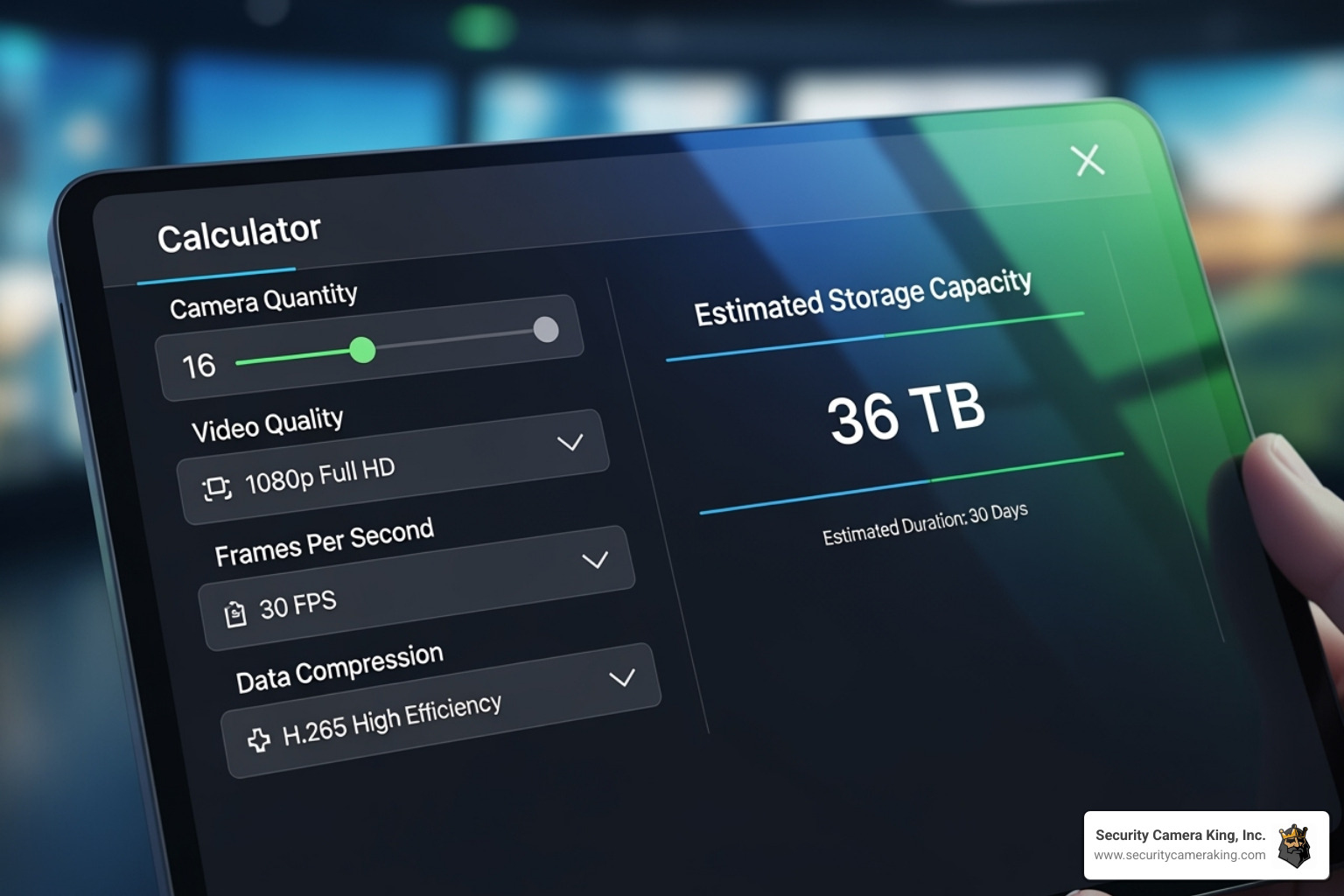
This depends on the resolution and the number of cameras. For a 4K camera using H.265 Video Compression, you typically need about 60GB to 100GB per day for continuous recording. A 2TB surveillance-grade HDD can usually hold about 1-2 weeks of 24/7 footage for a four-camera setup.
Can I access local camera storage from my phone?
Yes. Most modern local storage systems provide a mobile app that allows for remote viewing. They use secure P2P connections to stream the video directly from your home hardware to your phone without storing the clips in the cloud.
Is local camera storage more secure than cloud storage?
In many ways, yes. Local storage reduces the risk of large-scale data breaches that target cloud providers. Since your data remains on a physical device in your home, it is not accessible to hackers scanning cloud databases. However, you should take steps for physical security, such as hiding your NVR or using high-quality passwords for your Local Area Network (LAN).
Taking control of your home security doesn't have to be a recurring financial burden. By investing in the right hardware today, you are not just saving money—you are ensuring that your private moments remain exactly that: private. Whether you start with a single camera using a high endurance SD card or go all-in with a PoE NVR system, the move to local camera storage is the smartest upgrade you can make for your home in 2026.